# Analytics
Source: https://docs.replicas.dev/admin/analytics
See how much work Replicas is shipping for your organization.
The analytics dashboard turns your organization's activity into insights: how much you're using Replicas, where that work comes from, and how much agent work is shipping. Admins always have access, and members reach it once a role grants them [Analytics](/admin/team#access).
[Analytics on Replicas](https://www.youtube-nocookie.com/embed/8cgDdcqC5ag)
Find [Analytics](https://app.replicas.dev/analytics) in the main sidebar, just below [Automations](/features/automations). It appears only for admins and members granted [Analytics](/admin/team#access).
The page has three sections: **Lifetime**, which never changes, and **Usage Breakdown** and **Seat drilldown**, which each carry their own range control.
## Lifetime
Four headline totals for the whole life of your organization: workspaces created, compute minutes, PRs opened, and merge rate. Nothing here responds to the time controls, so it stays a fixed reference point.
## Usage Breakdown
Organization-wide charts for the range picked in this section's header. Usage runs full width on top, with Pull requests and Workspaces created side by side beneath it.
### Usage
A time series of compute minutes **broken down by workspace source**, with a **By Tokens** view for inference token usage over time. Use the toggle in the card header to switch between **By Minutes** and **By Tokens**. Every minutes figure on the page carries its hour equivalent in brackets, and displayed compute-minute values are rounded up to the nearest whole minute before the hour equivalent is calculated. Compute minutes are metered agent runtime (grants and bonus credits are excluded, so this tracks usage only); plan limits and charges live in [Billing](/admin/billing). Usage is populated from newly recorded debit events going forward; minutes billed before this tracking began are not backfilled and will not appear.
### Pull requests
A time series of pull requests **created**, **merged**, and **closed** so you can track how much agent work is landing. Merge and close rates use the PRs **opened within the selected range** as the cohort, so they reflect the outcome of that cohort and never exceed 100%.
### Workspaces created
A total for the selected range plus a horizontal bar breakdown of where those workspaces came from ([dashboard](/features/workspaces/overview), [API](/features/api), [automations](/features/automations), [Slack](/features/slack), [Linear](/features/linear), [GitHub](/features/github), [GitLab](/features/gitlab)), ranked most to least, colored by source. Each bar shows its source count at the right edge.
### Inference activity
Agent runtime for the selected range, ranked by **harness**, **model**, and **credential**. Use **By Tokens**, **By Workspaces**, **By Minutes**, or **By Turns** to change all three rankings. Model rows keep the harness that ran them, while credential rows combine the harness, credential method, and scope (`user` or `org`), so admins can see whether personal or shared organization credentials account for the most agent work. Missing models and credential scopes remain visible as `unknown`, while missing credential methods appear as `unattributed`.
Inference activity records chat turns from Claude Code, Codex, Cursor, Muse Code, Opencode, and Pi going forward. Earlier turns, including turns from before a harness began reporting, are not backfilled, and its agent-time total is separate from metered [compute minutes](#usage).
The **Usage By Automation & Environment** card ranks automation and environment names independently. Use **By Tokens**, **By Workspaces**, **By Minutes**, or **By Turns** to change both rankings for the selected range. Unattributed turns appear as **Direct** or **Unknown**.
Below the runtime rankings, **Skill calls** and **MCP calls** show which skills and MCP servers were invoked most often in the selected range. A skill counts once per turn when the agent invokes it or reads its `SKILL.md`; listing or searching skill folders does not count. These counts use the same forward-only activity pipeline and are not backfilled.
## Seat drilldown
Per-seat figures for the range picked in **this** section's header, which is separate from the one on [Usage Breakdown](#usage-breakdown) so you can compare a seat's month against the organization's year.
### Leaderboard
A per-seat ranking for the selected range: each row shows the seat's rank, identity, compute **minutes**, **PRs opened**, **merge rate** (share of the PRs opened from that seat in-range that merged), and top **source** (the workspace source used most, colored to match the other cards). A seat associated with a user shows that user's avatar, name, and email. An email-only seat shows its email as the name, no subtitle, and a placeholder avatar.
Seats are ranked by compute minutes, highest first. Every seat is listed, so seats with no usage in the range appear at the bottom with `0` minutes, `0` PRs, and `N/A` for merge rate and source. Select any row to expand its workspace-source breakdown and [Activity](#activity) heatmap. Both arrive with the row itself, so expanding one costs no extra request. PRs are credited to the seat that **opened** them, so a seat's merge rate can never exceed its own opened PRs.
### Activity
A GitHub-style heatmap of that seat's **daily compute minutes**, one square per day, shaded relative to its busiest day on screen. Hover a square for that day's minutes.
The leftmost square is the first day of the selected range, and the grid reads forward from there. One grid holds a year of squares, so a longer range adds year buttons underneath that page through it; the total above the grid follows whichever year you pick. Days past the end of the range sit empty.
## Time controls
Each of **Usage Breakdown** and **Seat drilldown** has its own range control in its header, and they move independently; only the [Lifetime](#lifetime) totals ignore both. **Group by** sits with the Usage Breakdown range because it buckets that section's time series. Either range takes a preset shortcut (**30 days** by default, **7 days**, **60 days**, **1 year**, or **All time**) or a **custom date range** picked as two days on the calendar (future dates are disabled). **Group by** buckets by day, week, or month.
# Audit Log
Source: https://docs.replicas.dev/admin/audit-log
Track configuration changes across your organization.
The audit log records every configuration change made to your organization, so you can answer "who changed this, and when?" without digging through logs.
Open it from [Organization → Audit Log](https://app.replicas.dev/dashboard/audit-logs) in the settings sidebar. Available to [admins](/admin/team#roles) only.
## What's tracked
| Category | Where it's configured |
| - | - |
| Automations | [/features/automations](/features/automations) |
| Environments (variables, files, skills, MCPs, warm hooks) | [/features/environments](/features/environments) |
| Connectors: [GitHub](/features/github), [GitLab](/features/gitlab), [Sentry](/features/sentry), [Linear](/features/linear), [Slack](/features/slack), [Doppler](/features/doppler), [Infisical](/features/infisical), Anthropic, OpenAI, Claude, Codex, Cursor, Muse, OpenCode Go, OpenRouter, Bedrock | [/admin/credentials](/admin/credentials) |
| Members and roles | [/admin/team](/admin/team) |
| Organization settings, API keys | [/admin/credentials](/admin/credentials) |
Secret values (API keys, tokens, env variable values, file contents) are redacted before the diff is stored.
## Reading an event
Each row shows when, who, what action, and which resource. Click a row to expand the full before / after JSON diff.
The actor is a user, an API key, or `system`. OAuth callbacks log as `system` because the connect step happens after the redirect, outside any signed-in session.
## Filters
The filter bar supports search by resource label or actor email, plus dropdowns for resource type, action, and actor. Reset clears all filters.
## Retention
Events are append-only and retained indefinitely. There is no UI to delete entries.
# Billing
Source: https://docs.replicas.dev/admin/billing
Plans, included usage, overage, and how you're charged.
Each plan includes usage equal to its monthly price, billed at the included rate. Usage beyond that is billed at the overage rate, which is 1.5× the included rate. Every workspace counts, whether it was started from the app, Slack, Linear, GitHub, GitLab, the [API](/features/api), or [automations](/features/automations).
## Plans
| Plan | Monthly price | Included usage |
| - | - | - |
| **Developer** | \$50 | \$50 |
| **Team** | \$200+, in \$100 steps | Your monthly price |
| **Enterprise** | Custom | Custom |
Team also includes a [static egress IP](/features/static-egress-ip) and a shared Slack support channel. Seats don't affect your bill. See [pricing](https://replicas.dev/pricing) for Enterprise options.
## Rates
Workspaces use credit only while awake. Sleeping and archived workspaces use none.
| Size | Compute | Included rate | Overage rate |
| - | - | - | - |
| `small` | 2 vCPU, 8 GB memory | \$0.004 / minute | \$0.006 / minute |
| `large` | 4 vCPU, 16 GB memory | \$0.008 / minute | \$0.012 / minute |
| `ultra` | 8 vCPU, 32 GB memory | \$0.016 / minute | \$0.024 / minute |
* Choose `size` when creating an API workspace or `workspace_size` on an automation. Other workspaces use your organization's default size, which admins can change under [Organization Settings → Preferences](/admin/defaults#other-defaults).
* Each session, including a workspace waking again, has a one-minute minimum.
* [Mobile testing](/features/mobile-testing) devices and [GPU sandboxes](/features/gpu-sandboxes) are billed at cost and count toward included usage.
* Traffic through a [dedicated static IP](/features/static-egress-ip#dedicated-ip) is billed at \$0.15 / GB and counts toward included usage.
## When you pay
* Your monthly price is charged at the start of each billing period.
* Overage is checked daily and charged once at least **\$50** is unpaid. Anything left is added to your renewal invoice.
* If an overage payment fails, creating new workspaces and waking sleeping ones are blocked until it's paid. Running workspaces aren't affected.
The [Billing page](https://app.replicas.dev/dashboard/billing) shows included usage, overage, and your renewal date.
## Changing plans
* **Upgrades** apply immediately. You pay the difference for the current month, and your included usage goes up right away.
* **Downgrades** apply at your next renewal. Nothing is refunded.
## Usage alerts
Admins can get an email or a Slack message when usage passes 50%, 80%, 100%, 150% or 200% of included credit, or a fixed dollar amount. Set them up under Usage alerts in [Billing](https://app.replicas.dev/dashboard/billing). Each threshold sends once per period. Slack alerts need the [Slack integration](/features/slack).
## Usage limit
On Developer and Team, admins can also set a usage limit in the same place. Once usage for the period reaches it, new workspaces can't start or wake, running workspaces go to sleep within about a minute, and alert recipients get a message. Nothing is deleted. Work picks back up at the next period, or as soon as an admin raises or removes the limit.
Admins can also cap mobile simulators and GPU sandboxes on their own. Once one reaches its limit, it stops within about a minute and can't start again until the next period or until the limit is raised. Workspaces keep running.
## Free trial
* **\$100 of usage, no credit card required, no time limit.**
* When the usage runs out, new workspaces are blocked and running ones are suspended. Workspace state is preserved, and workspaces can be resumed after you subscribe.
* Trial usage is not charged after subscribing.
Questions? Email [founders@replicas.dev](mailto:founders@replicas.dev).
# Credentials
Source: https://docs.replicas.dev/admin/credentials
Configure coding agents and integrations.
Credentials control which coding agents and integrations are available to your workspaces.
## Coding Agents
Configure coding agents in [Organization → Coding Agents](https://app.replicas.dev/dashboard/agents).
Every model Replicas supports for Claude, Codex, and Cursor is available in workspace, automation, and default-setting pickers, including models added later; expand **Models** under a harness to hide individual models for the whole organization, leaving at least one visible. Organization admins can also add further Cursor model IDs when an organization Cursor API key is connected. **OpenRouter models** under Opencode or Pi remain a fully configurable selection.
**Models** under **Inference providers → OpenCode Go** lets organization admins add or remove models from the [four-model default selection](/features/coding-agents/opencode#models), shared by both harnesses.
Organization admins can also choose which coding agents can handle delegated tasks. Each selected agent must have credentials available in the workspace.
| Agent | Authentication |
| - | - |
| **Claude Code** | Claude OAuth, Anthropic API key, Anthropic-compatible endpoint, Microsoft Foundry, AWS Bedrock, or Ollama |
| **Codex** | OpenAI OAuth, OpenAI API key, OpenAI-compatible endpoint, Microsoft Foundry, or Ollama |
| **Muse Code** | Muse OAuth subscription, Muse API key |
| **Opencode** | OpenCode Go, Aster, OpenRouter, OpenAI-compatible endpoint, or Ollama |
| **Pi** | OpenCode Go, Aster, OpenRouter, OpenAI-compatible endpoint, or Ollama |
| **Cursor** | Cursor API key |
At least one coding agent must be configured before creating workspaces.
See the [Claude Code](/features/coding-agents/claude-code), [Codex](/features/coding-agents/codex), [Cursor](/features/coding-agents/cursor), [Muse Code](/features/coding-agents/muse-code), [Opencode](/features/coding-agents/opencode), and [Pi](/features/coding-agents/pi) guides for agent-specific setup and usage.
### Anthropic API Key Alternative
[Create an Anthropic API key](https://console.anthropic.com/settings/keys) (starts with `sk-ant-`) if you do not want to connect Claude OAuth.
### Ollama
Open **Inference providers → Ollama** at the bottom of organization or personal Coding Agents settings. Add your [Ollama API key](https://ollama.com/settings/keys) and base URL (defaults to `https://ollama.com`). The credential is shared across these harnesses within the same [scope](#scopes).
For your own Ollama server, use an HTTPS endpoint reachable from the workspace; `localhost` on your computer is not reachable from a cloud workspace. Enter `ollama` as the key if your server does not require authentication.
Under **Ollama → Models**, choose suggested models or add model IDs, then save. Use **Use all models** to show the full endpoint catalog. The selection applies to that personal or organization connection. Before creating a workspace, choose **Inference** below the home page prompt, then choose one of that provider’s models in the model picker. The inference selector appears only when an alternative to native inference is connected for the selected agent. Choose a model per chat; coding agents need tool support and at least 64k context. Replicas reads capabilities and context from `/api/show` and defaults to `gpt-oss:20b` when that metadata confirms compatibility; otherwise choose a model explicitly. For custom servers, configure sufficient context in Ollama itself. Pi requires model details with context and tool support. Access to listed cloud models depends on your Ollama plan. In Claude Code and Codex workspaces, open the composer’s model menu and choose **Inference provider → Ollama**. Switch back to **Native** to restore your previous model. This applies to every chat using that agent in the workspace; stop running chats and clear their queues before switching. Connecting Ollama alone keeps native credentials preferred, including organization credentials when your Ollama key is personal. The provider chosen during creation is retained when the workspace wakes. Use the [fallback chain](#fallback-chains) to configure defaults for other workspaces.
Claude Code uses Ollama's [Anthropic-compatible endpoint](https://docs.ollama.com/api/anthropic-compatibility); Codex uses [Responses](https://docs.ollama.com/api/openai-compatibility), and the other harnesses use Chat Completions. Provider compatibility limits still apply: Codex web search is disabled with Ollama, and hosted Claude WebSearch and advanced tool controls are not fully supported.
### Anthropic-Compatible Alternative
Open **Claude → Anthropic Compatible** in Coding Agents and add the HTTPS base URL and API key of a gateway that serves the [Messages API](https://docs.anthropic.com/en/api/messages), such as an LLM router. Claude Code sends requests to `/v1/messages` with the key as a bearer token. Choose the model per chat; the gateway must serve it.
### OpenAI API Key Alternative
[Create an OpenAI API key](https://platform.openai.com/api-keys) if you do not want to connect OpenAI OAuth for Codex.
### OpenAI-Compatible Alternative
Open **Inference providers → OpenAI Compatible** in Coding Agents and add an HTTPS endpoint with an API key or exact `Authorization` header. The credential is shared by Codex, Opencode, and Pi. All three call the endpoint's [Responses API](https://platform.openai.com/docs/api-reference/responses). Models come from `/models` unless you set a separate models endpoint; choose one per chat. This is separate from direct OpenAI API key authentication.
### OpenRouter API Key
Use one OpenRouter API key (starts with `sk-or-`) for Opencode and Pi. The shared credential appears under each agent's **OpenRouter API Key** method. Create one from the [OpenRouter keys page](https://openrouter.ai/keys).
### OpenCode Go
Open **Inference providers → OpenCode Go** under Coding Agents and paste an API key from [OpenCode Zen](https://opencode.ai/zen). Configure it at the organization level for shared access or at the personal level for one user.
### Aster API Key
Use one Aster API key (starts with `sk_aster_`) for Opencode and Pi. Create one in the [Aster console](https://asterlab.ai/inference/console) and paste it under either agent. Within a [scope](#scopes), Opencode and Pi prefer OpenCode Go, then Aster, then OpenRouter.
### Opencode
Use Opencode with an OpenCode Go, Aster, or OpenRouter API key. See the [Opencode agent guide](/features/coding-agents/opencode) for setup details, models, and usage.
### Pi
Use Pi when you want its SDK-backed tool and skill harness with OpenCode Go, Aster, or OpenRouter models. See the [Pi agent guide](/features/coding-agents/pi) for setup details and usage.
### Cursor API Key
Use a Cursor API key to run Cursor agents. Cursor proxies many models (Composer, Claude, GPT, Gemini, Grok, and more); admins pick which appear in the picker. When an organization Cursor API key is connected, Replicas loads that key's available model catalog for the picker. See the [Cursor agent guide](/features/coding-agents/cursor) for setup details and usage.
### Microsoft Foundry Alternative
Use [Microsoft Foundry](https://learn.microsoft.com/en-us/azure/foundry/) to run Claude Code or Codex against Azure-hosted deployments:
* **Claude Code** requires a Foundry API key and resource name, plus optional Sonnet, Haiku, and Opus deployment names.
* **Codex** requires an Azure OpenAI API key, a base URL (for example `https://your-resource.openai.azure.com/openai/v1`), and a model deployment name.
### Bedrock Alternative
If you prefer AWS Bedrock for Claude, provide your AWS credentials instead of Claude OAuth. Bedrock credentials require:
* [Access Key ID](https://docs.aws.amazon.com/IAM/latest/UserGuide/id_credentials_access-keys.html)
* Secret Access Key
* Region
## Scopes
Credentials can be set at two levels:
| Scope | Description |
| - | - |
| **Organization** | Shared by all members, used as default |
| **User** | Personal credentials, takes priority over org |
Scope is checked before authentication method. If you have *any* personal credential for an agent, Replicas uses it, even when the organization has one the agent would otherwise prefer. A personal Anthropic API key beats an organization Claude account. Method order only decides between credentials in the same scope.
Only organization admins can add, replace, or remove organization-level credentials. Organization members are trusted users who can access shared coding-agent credential values. Replicas injects these credentials into workspaces, where members can retrieve them through their coding agent or [terminal](/features/workspaces/overview#terminal-and-docker).
Set personal credentials under **Personal**: coding agent keys in [Coding Agents](https://app.replicas.dev/dashboard/account/agents) and provider connections in [Connections](https://app.replicas.dev/dashboard/account/connections).
[`replicas claude-auth`](/features/cli#connect-a-coding-agent-account), `replicas codex-auth`, and `replicas muse-auth` save at the user level unless an admin passes `--org`. During onboarding, an admin's first connection also becomes the organization default. Each command prints the scope for confirmation before saving.
## How Credentials Are Used
When a workspace is created, Replicas identifies the user and uses their credentials if available, falling back to organization credentials. Every agent resolves credentials the same way, so [scope precedence](#scopes) and method order behave identically for all of them.
### Coding Agent Auth Fallback
[Scope](#scopes) is decided before auth method: **every credential you own is tried first, and the organization's are used only if you have none.** Method order breaks ties within a single scope.
The default order per agent:
* **Claude**: OAuth, then [Anthropic API key](#anthropic-api-key-alternative), then [Anthropic-compatible endpoint](#anthropic-compatible-alternative), then [Microsoft Foundry](#microsoft-foundry-alternative), then [AWS Bedrock](#bedrock-alternative), then [Ollama](#ollama).
* **Codex**: OAuth, then [OpenAI API key](#openai-api-key-alternative), then [OpenAI-compatible credentials](#openai-compatible-alternative), then [Microsoft Foundry](#microsoft-foundry-alternative), then [Ollama](#ollama).
* **Muse Code**: Muse OAuth subscription → Muse API key.
So if the organization has a Claude account and you have your own Anthropic API key, your key wins and your work bills you rather than the organization.
When a workspace reports that its credential was rejected, Replicas force-rotates that credential first if it is OAuth, and moves on only if the provider rejects the refresh. Only the rejected credential is skipped: the same method in the other scope stays available, and a personal token failing never rotates the organization's shared one.
OAuth token refreshes are serialized per credential, so concurrent workspaces crossing the expiry threshold together no longer invalidate each other's tokens.
Refreshing [Claude](/features/coding-agents/claude-code) OAuth retries through provider rate limits and server errors rather than counting them as a rejection, so a temporary Anthropic outage does not prompt a reconnect or move the chat along its [fallback chain](#fallback-chains). Only a refresh the provider actually rejects, such as `invalid_grant` on a revoked or superseded token, marks the credential as needing reconnection.
Workspaces also re-resolve credentials when waking from hibernation, so a workspace that was sleeping while the OAuth token rotated upstream picks up the latest credentials on wake instead of failing the first message. A workspace that resolves to a non-OAuth credential has any account login file from a previous owner removed, so a reused sandbox never authenticates as someone else.
### Fallback Chains
Each harness has a fallback chain: the order its credentials are tried, with optional **fork** steps to other harnesses in between. Edit chains on the **Fallbacks** tab of **Coding Agents**, in [Personal](https://app.replicas.dev/dashboard/account/agents?tab=fallbacks) or, for admins, [Organization](https://app.replicas.dev/dashboard/agents?tab=fallbacks). In the [iOS app](/features/mobile-app), open your profile menu and tap **Fallbacks**. **Personal** lists only the credentials you can use, yours or the organization's. **Organization** lists every credential type, since members' own credentials follow that chain too. An organization with committed Bedrock spend can put AWS Bedrock first; a member who prefers their own API key can rank it above the shared account; a team that would rather switch tools than pay per token can put **Codex** right after the Claude subscription, ahead of the API key. When the organization has a ChatGPT login connected and hasn't customized its Claude Code chain, the default chain ends with a **Codex** step.
The first step is always a credential: it is where a chat starts, and fork steps can only follow it. Credential steps switch the running chat to another credential of the same harness. Harness steps [fork the chat](/features/workspaces/chat-forking) to that harness with its sanitized transcript and resend the interrupted request; the fork shows as the same chat, with a marker at the switch, and messages sent to the original chat go to it. They are skipped when the harness has no credentials in the workspace or is already in the chat's fork ancestry. Harness steps fire only after a usage limit or an empty credit balance, for Claude Code, Codex, Muse Code, and OpenCode, the harnesses that report them. A login the provider rejects never forks on its own: the chat moves on to the credential steps after it, skipping forks, and if none works the turn stops, names the login, and links to where to reconnect it. When a Claude Code turn reaches that login by falling back from a usage limit, the forks after it still apply.
A new chain applies to every workspace created after the change. A running workspace keeps the credential it already resolved until it wakes from hibernation or moves along its chain.
Each harness step has a model menu. A chosen model is the one the fork runs on, and the step is skipped if that model is no longer available. With **Default model**, Replicas uses your saved default model if the target supports it, then the organization's default, then the target's built-in default or an available model; OpenRouter picker visibility does not restrict these defaults. Targets whose catalogs cannot be loaded are skipped.
Ollama and OpenAI-compatible endpoints serve their own models, so on Claude and Codex chains those credential steps also show a model menu once the credential is connected. When a chat switches to one, it moves to the chosen model for the retried message and later ones. Without a choice, the chat keeps its current model, which the endpoint may not serve.
A member's chain replaces the organization's for that harness only, so changing Claude personally leaves the organization's Codex chain in place. Scope still comes first: your credentials are tried before the organization's no matter how the chain is arranged. Remove a credential from the chain and Replicas never falls back to it; a chain holding only its first credential means no fallback at all. A chain always keeps at least one credential, and a workspace can still start on a removed credential when nothing in the chain is configured.
Organization admins can turn off **Automatic fallback** at the top of the **Fallbacks** tab under [Organization → Coding Agents](https://app.replicas.dev/dashboard/agents?tab=fallbacks). Replicas still uses the first configured credential in chain order and can refresh that same OAuth credential, but it stops the turn instead of walking the chain when authentication or quota fails. The setting applies to every member and workspace in the organization.
### Quota Exhaustion Fallback
When Claude, Codex, Muse, or OpenCode reports a usage limit or an empty credit balance, the workspace walks that harness's [fallback chain](#fallback-chains) from the exhausted credential on. A credential step moves the same chat to that credential and retries the message; a harness step continues the same chat on the other harness. Nothing is recreated on a credential switch: same workspace, same chat.
You are told twice: a note in the chat where it happened, and a **Fell back** marker beside that agent in the workspace **Info** panel showing which credential is live now. Both name the account, such as a member's personal Claude account or the organization's ChatGPT account, with the login email for organization credentials. If the chain runs out, the turn stops, names the account that hit the limit, and says that nothing further is configured; a Slack thread or Linear issue that started the turn gets the same message. If the next credential is configured but cannot be used, the error says so instead. In either case, open **Coding Agents**: the **Fallbacks** tab to adjust the chain, or the **Agents** tab to add or reconnect a credential.
Only the exhausted credential is skipped, because the same method in the other scope is a separate account and stays eligible. Exhausted OAuth is never force-rotated, since refreshing it would return the same empty account. The routine credential refresh skips it too, so the workspace stays on the fallback until it next wakes or you switch credentials manually.
### Multiple Accounts
Connect up to 10 Claude or ChatGPT subscriptions per scope by running `replicas claude-auth` or `replicas codex-auth` again and signing in with a different account. Signing in with an account that is already connected refreshes it instead. OpenCode Go takes up to 10 keys per scope under **Inference providers → OpenCode Go**. Drag accounts in **Coding Agents** to reorder them.
Workspaces start on the first account. When one hits its usage limit, the chat moves to the next account before the next step of its [fallback chain](#fallback-chains). Replicas remembers the limit for an hour, so other workspaces try that account only after every other credential. A model the plan only offers with usage credits, like Fable on Pro, also moves the chat to the next account, but the account stays available for other workspaces and models. With **Automatic fallback** off, only the first account is used. An OpenCode chat only moves between OpenCode Go keys, since other providers name their models differently.
### Usage Limits
The **Usage** tab of **Coding Agents**, in [Personal](https://app.replicas.dev/dashboard/account/agents?tab=usage) or, for admins, [Organization](https://app.replicas.dev/dashboard/agents?tab=usage), shows how much of each connected Claude and ChatGPT subscription's 5-hour and weekly limits is used and when each resets. Muse Code and OpenCode Go do not report usage, and API key, Bedrock, and Foundry connections have no plan limits. Replicas reads each account every 5 minutes, and **Refresh** reads it again once the last reading is over 2 minutes old, since providers rate-limit frequent reads. Each account shows when its reading was taken. If a read fails, it keeps the last reading from the past hour.
Read the same limits with `replicas credentials usage`, the [API](/api-reference/agent-credentials/get-subscription-usage), or the `get_subscription_usage` [MCP tool](/features/mcp).
An account marked **Reconnect required** has a login the provider rejected, so workspaces cannot use it either. Run the auth command again and sign in with the same account to replace it.
### Authentication Retry Behavior
If Claude, Codex, or Cursor returns an authentication error mid-conversation (for example, an access token that expired between messages, a ChatGPT session that ended on Codex, or a revoked Cursor API key), the workspace pauses the chat instead of surfacing the raw error. An amber re-authentication pill appears above the composer and the textarea and Send button stay disabled while credentials are refreshed and your message is replayed automatically.
If every retry fails, Codex and Cursor chats show a "Couldn't authenticate" message for the selected agent. Claude chats name the login that failed, give guidance for its method (reconnecting a Claude account, checking an Anthropic API key's validity, credits, and model access, or checking Bedrock credentials, region, IAM permissions, and model access), and link to the settings page where it can be reconnected. A broken Claude login never forks the chat to another harness. Check your credentials in [Personal → Coding Agents](https://app.replicas.dev/dashboard/account/agents), or [Organization → Coding Agents](https://app.replicas.dev/dashboard/agents) if you are an admin, and try again.
### From Linear
When you assign an issue to Replicas, it uses your connected Linear account to find your Replicas account. Connect it under [Personal → Connections](https://app.replicas.dev/dashboard/account/connections). Email matching remains a fallback. Your personal agent credentials and preferences are used if configured.
### From Slack
When you mention Replicas in Slack, it uses your connected Slack account to find your Replicas account. Connect it under [Personal → Connections](https://app.replicas.dev/dashboard/account/connections). Email matching remains a fallback.
### From GitHub
Your personal GitHub account is automatically connected when an admin connects GitHub at the organization level. When you mention `@tryreplicas` on a PR, Replicas identifies you by your GitHub login and uses your personal credentials.
If your saved GitHub credential is unavailable when you create a dashboard workspace, Replicas prompts you to reconnect and links directly to GitHub under [Personal → Connections](https://app.replicas.dev/dashboard/account/connections#integration-github). You can also use Connections to reconnect or switch your GitHub or GitLab account manually.
### From GitLab
When you mention `@tryreplicas` on a merge request or issue, Replicas identifies you by your GitLab username and uses your personal credentials. Connect your personal GitLab account from [Personal → Connections](https://app.replicas.dev/dashboard/account/connections) to attribute merge requests to you. See [GitLab integration](/features/gitlab).
# Data Retention
Source: https://docs.replicas.dev/admin/data-retention
How Replicas retains workspace data and how admins can turn retention off.
Replicas retains workspace data so teams can review completed work, resume context, and inspect workspace history after a workspace sleeps.
The primary retention control is **Save chat and Canvas history**. When enabled, Replicas stores workspace chat transcripts and Canvas files after sleep, so they remain available while a workspace is sleeping or archived. When disabled, chat and Canvas history is available only while the workspace is awake.
Repository files are stored separately and are not controlled by this setting. Sleeping or archiving preserves the workspace branch and repository changes; wake a sleeping workspace or explicitly restore an archived workspace to load its existing chat and files.
Disabling workspace data retention is available during the free trial and on Team and Enterprise plans.
To turn retention off:
1. Go to [Organization → Settings → Preferences](https://app.replicas.dev/dashboard/settings?tab=defaults)
2. Find **Workspace History**, then **Save chat and Canvas history**
3. Toggle the switch off
# Defaults
Source: https://docs.replicas.dev/admin/defaults
Org-wide defaults for agents, models, and workspaces.
Admins configure organization-wide defaults under [Organization → Settings → Preferences](https://app.replicas.dev/dashboard/settings?tab=defaults). These apply to every member unless overridden in their [personal preferences](https://app.replicas.dev/dashboard/account/preferences), an integration default, or a [security policy](/admin/security).
## Default Coding Agent
The coding agent (Claude Code, Codex, Cursor, Muse Code, Opencode, or Pi) used when a workspace is created without an explicit choice, including the [API](/features/api) and [Slack](/features/slack), [Linear](/features/linear), [GitHub](/features/github), and [GitLab](/features/gitlab) triggers.
Until you choose one, the default is the first agent you [connected](/admin/credentials). Connecting more agents later doesn't change it.
A default only applies while its agent is connected. If the configured default has no credentials for the user or the organization, Replicas falls back to the earliest connected agent instead. This applies everywhere defaults are used, including the app composer, Slack, Linear, GitHub, GitLab, and automations. You can still choose a different agent explicitly.
## Default Model
The model the default agent uses, applied to Slack/Linear/GitHub/GitLab triggers, [automations](/features/automations), and newly started workspaces.
* **Provider-specific.** Each agent exposes its own models, so the picker lists models for the selected default agent. Changing the agent resets the model.
* **Shared inference credentials.** Opencode and Pi can use the same OpenCode Go, Aster, or OpenRouter API key.
* **Agent default.** Leaving the model unset lets the agent pick its own default.
* **Resolution.** Agent defaults resolve user preference → Slack or Linear integration default → org default → agent default, and model values are always validated against the resolved agent.
## Thinking and modes
Defaults can also set the thinking level, Claude/Codex goal mode, and Claude/Codex fast mode. Leave a field unset to inherit the next level in the resolution chain.
Inherited fields show the value that will be used with **(default)** or **(org default)** after it. The label is informational: the setting remains inherited and follows future changes to that default.
On the app landing page, configured personal or organization model and thinking defaults take precedence. When either field has no configured default, the app remembers the most recent selection for each coding agent in that browser.
## Other defaults
* **Workspace Size**: the [size](/admin/billing) for new workspaces. New organizations start on `large`. API requests and automations that set their own size keep it. Changing it rebuilds warm pools at the new size. A request for a smaller size can start on a warm workspace of this size and is still billed at the size it requested.
* **Pull Request Cleanup**: two independent toggles for whether workspaces are archived when their linked PR is closed without merging, and when it is merged. Both default to off; saved preferences are preserved. Archived workspaces keep their conversation history and can be explicitly restored; closing a PR never deletes them (archived workspaces may still be removed later by the retention policy).
* **CI Failure Response**: whether Replicas investigates failed GitHub Actions, external CI checks, GitLab pipelines, and GitHub human PR reviews on linked PRs or MRs.
* **Workspace History**: persist workspace chat and Canvas history after a workspace sleeps. See [Data Retention](/admin/data-retention).
* **Default Environment**: the [environment](/features/environments) Slack and Linear intake uses unless a resolved user has a personal default. Every organization has one, and Scout runs in it. The app landing page also preselects it until you pick another environment.
* **Workspace Visibility**: let members use the app [Owner filter](/admin/team) to see workspaces that aren't their own.
# Security policies
Source: https://docs.replicas.dev/admin/security
Require user identity and code-host attribution, block agent merges, and manage static egress.
Organization admins open [Organization → Settings → Security](https://app.replicas.dev/dashboard/settings?tab=security) to review and change organization-wide safeguards.
| Policy | What it requires |
| - | - |
| **Require Replicas account** | Slack and Linear users must belong to the Replicas organization before they can start work. GitHub and GitLab commenters must also connect their code-host account. When it is off, anyone who can push to the repository can mention Replicas. |
| **Require code host connected** | Dashboard, Slack, and Linear users must connect a personal GitHub or GitLab account. |
| **Require PR user attribution** | Commits, pushes, and pull or merge requests use the triggering user's code-host identity. This also enables and locks the two requirements above. |
| **Block agent PR/MR merges** | Agents cannot merge pull or merge requests or push directly to protected default branches. |
See [PR attribution](/features/github#pr-attribution) and [PR merge blocking](/features/github#pr-merge-blocking) for identity resolution, automation behavior, and blocked commands.
The same tab manages the organization's [static egress IP](/features/static-egress-ip).
# Team
Source: https://docs.replicas.dev/admin/team
Invite members and manage roles.
Organizations can have multiple members with different roles. Invite teammates to collaborate on workspaces and share credentials.
During [setup](/quickstart), owners of the connected GitHub account and active members of a matching GitHub organization can join as Replicas members without an invitation. Replicas verifies the joining user's personal GitHub identity. Repository access or a pending GitHub invitation alone does not grant membership.
## Inviting Members
1. Go to [Organization → Members](https://app.replicas.dev/dashboard/members)
2. Enter an email address
3. Pick a role (**Admin** or **Member**, see the [Roles](#roles) table below)
4. Click **Invite**
The invitee receives an email with a link to join. Invites expire after 7 days.
New users go straight to signup with their invited email prefilled, then enter your organization after confirming their email. Their personal organization stays available without requiring separate onboarding.
If the email belongs to an existing Replicas user, they're added immediately without needing to accept.
## Removing Members
Organization admins can remove other members from [Organization → Members](https://app.replicas.dev/dashboard/members). Removed members immediately lose access to the organization and its workspaces. If they have no other organizations, Replicas prompts them to request a new invite or sign out.
## Roles
| Role | Permissions |
| - | - |
| **Admin** | Full access: manage members, credentials, billing, and settings |
| **Member** | Whatever **All members** and their assigned custom roles grant (see [Access](#access)) |
The user who creates an organization is automatically an admin.
## Access
Admins configure everything members can do from **Roles & access** on [Organization → Members](https://app.replicas.dev/dashboard/members). **All members** applies to every member; custom roles add to it. A member receives a permission when All members or any of their roles grants it, and admins always have full access.
Each row grants a level per resource type:
| Resource | Read | Write |
| - | - | - |
| **Environments** | Inspect an environment and start workspaces on it | Change or delete it and its configuration |
| **Automations** | See shared automations and their runs | Edit, run, and delete them |
| **Analytics** | Open the organization Analytics page | N/A |
Pick a level for **all** resources of a type, or leave it lower and raise specific environments or automations above it. Write includes Read. Creating a shared automation needs Write on **all** automations; raising a single automation to Write only covers that one. New organizations start with All members holding Write on environments and automations; Analytics stays admin-only until granted.
Expand a role to edit it. Create roles below the list and assign them from each member's **Access roles** menu. To delete a role, first unassign it from every member. Admins cannot receive custom roles.
Only admins see the **Organization** section in the settings sidebar and global search, and only admins can open its pages. A member who follows a link to one lands on their personal settings instead. Members can manage their personal coding agents, connections, API keys, and preferences under **Personal**.
## Workspace Sharing
Workspace owners can share workspaces with specific team members. Shared workspaces appear in the recipient's "Shared" sidebar view for easy access. Sharing controls sidebar visibility only. All organization members can access any workspace in the organization.
The app **Owner** filter includes other members when an admin enables **Workspace Visibility** from [Organization → Settings → Preferences](https://app.replicas.dev/dashboard/settings?tab=defaults). Pick specific teammates or **All** to browse their workspaces. Pick **No owner** for workspaces started by an integration whose trigger could not be matched to a member. Use "Shared" for workspaces specifically shared with you.
When a member is removed from the organization, their workspace shares are automatically cleaned up.
# Delete organization credential
Source: https://docs.replicas.dev/api-reference/agent-credentials/delete-organization-credential
/openapi.json delete /v1/{provider}/credentials
# Delete personal credential
Source: https://docs.replicas.dev/api-reference/agent-credentials/delete-personal-credential
/openapi.json delete /v1/{provider}/user/credentials
# Get organization credential
Source: https://docs.replicas.dev/api-reference/agent-credentials/get-organization-credential
/openapi.json get /v1/{provider}/credentials
Organization credentials apply to every member. Changing them requires an admin's personal API key.
# Get personal credential
Source: https://docs.replicas.dev/api-reference/agent-credentials/get-personal-credential
/openapi.json get /v1/{provider}/user/credentials
Personal credentials take priority over organization ones and need a personal API key.
# Get subscription usage
Source: https://docs.replicas.dev/api-reference/agent-credentials/get-subscription-usage
/openapi.json get /v1/agents/subscription-usage
Reads live from Anthropic and OpenAI how much of each connected Claude and ChatGPT subscription's 5-hour and weekly limits is used. Muse Code and OpenCode Go do not report usage. Without `scope`, returns your personal subscriptions followed by the organization's, each in the order workspaces use them.
# List credentials for an agent
Source: https://docs.replicas.dev/api-reference/agent-credentials/list-credentials-for-an-agent
/openapi.json get /v1/agents/{agent}/credentials
Lists the credential methods connected for a coding agent and which one workspaces use.
# List models
Source: https://docs.replicas.dev/api-reference/agent-credentials/list-models
/openapi.json get /v1/agents/{agent}/models
Uses the workspace selection or harness credential priority. Before workspace creation, pass method and scope to preview a connected inference provider. Returns provider editability and an optional default model; null requires explicit selection.
# Set organization credential
Source: https://docs.replicas.dev/api-reference/agent-credentials/set-organization-credential
/openapi.json post /v1/{provider}/credentials
Organization credentials apply to every member. Changing them requires an admin's personal API key. The key is checked with the provider where possible. A new `opencode-go` key is added after the existing ones, up to 10, and deleting removes them all.
# Set personal credential
Source: https://docs.replicas.dev/api-reference/agent-credentials/set-personal-credential
/openapi.json post /v1/{provider}/user/credentials
Personal credentials take priority over organization ones and need a personal API key. The key is checked with the provider where possible. A new `opencode-go` key is added after the existing ones, up to 10, and deleting removes them all.
# Create automation
Source: https://docs.replicas.dev/api-reference/automations/create-automation
/openapi.json post /v1/automations
See [Automations](/features/automations) for triggers and lifecycle policies.
# Delete automation
Source: https://docs.replicas.dev/api-reference/automations/delete-automation
/openapi.json delete /v1/automations/{id}
Also deletes its run history.
# Get automation
Source: https://docs.replicas.dev/api-reference/automations/get-automation
/openapi.json get /v1/automations/{id}
# List all executions
Source: https://docs.replicas.dev/api-reference/automations/list-all-executions
/openapi.json get /v1/automations/executions
Lists runs across every automation you can read, newest first.
# List automation executions
Source: https://docs.replicas.dev/api-reference/automations/list-automation-executions
/openapi.json get /v1/automations/{id}/executions
# List automations
Source: https://docs.replicas.dev/api-reference/automations/list-automations
/openapi.json get /v1/automations
# Retry automation execution
Source: https://docs.replicas.dev/api-reference/automations/retry-automation-execution
/openapi.json post /v1/automations/{id}/executions/{execution_id}/retry
Replays a failed run's trigger in a new workspace with the automation's current settings.
# Trigger automation
Source: https://docs.replicas.dev/api-reference/automations/trigger-automation
/openapi.json post /v1/automations/{id}/trigger
Runs the automation now in a new workspace. For a `pull_request.command` trigger, pass `pr` to choose the pull request.
# Update automation
Source: https://docs.replicas.dev/api-reference/automations/update-automation
/openapi.json patch /v1/automations/{id}
Updates only the fields you send. `triggers` replaces all triggers.
# List Canvas files
Source: https://docs.replicas.dev/api-reference/canvas/list-canvas-files
/openapi.json get /v1/replica/{id}/canvas
Lists plans, reports, and other files the agent put in the [Canvas](/features/workspaces/canvas).
# Read Canvas file
Source: https://docs.replicas.dev/api-reference/canvas/read-canvas-file
/openapi.json get /v1/replica/{id}/canvas/{filename}
# Write Canvas file
Source: https://docs.replicas.dev/api-reference/canvas/write-canvas-file
/openapi.json put /v1/replica/{id}/canvas/{filename}
Replaces a text file. Pass `expected_revision` from Read Canvas file to avoid overwriting newer changes. The replica must be active.
# Answer agent question
Source: https://docs.replicas.dev/api-reference/chats/answer-agent-question
/openapi.json post /v1/replica/{id}/chats/{chat_id}/tool-input
Answers a question or approval the agent is waiting on. Find pending requests in [Read history](/api-reference/replica/read-history): a tool call with `inputRequest.status` of `pending` carries the `request_id` and its option IDs.
# Clear chat goal
Source: https://docs.replicas.dev/api-reference/chats/clear-chat-goal
/openapi.json post /v1/replica/{id}/chats/{chat_id}/goal/clear
# Create chat
Source: https://docs.replicas.dev/api-reference/chats/create-chat
/openapi.json post /v1/replica/{id}/chats
# Delete chat
Source: https://docs.replicas.dev/api-reference/chats/delete-chat
/openapi.json delete /v1/replica/{id}/chats/{chat_id}
# Fork chat
Source: https://docs.replicas.dev/api-reference/chats/fork-chat
/openapi.json post /v1/replica/{id}/chats/{chat_id}/fork
Starts a new chat that continues from this chat's history, optionally on another coding agent and with a first message. The replica must be active.
# Interrupt chat
Source: https://docs.replicas.dev/api-reference/chats/interrupt-chat
/openapi.json post /v1/replica/{id}/chats/{chat_id}/interrupt
Stops the chat's current agent turn. Queued messages are discarded and returned in `removed_message_ids`.
# List chats
Source: https://docs.replicas.dev/api-reference/chats/list-chats
/openapi.json get /v1/replica/{id}/chats
Sleeping and archived replicas return their retained chats without waking.
# List slash commands
Source: https://docs.replicas.dev/api-reference/chats/list-slash-commands
/openapi.json get /v1/replica/{id}/chats/{chat_id}/slash-commands
Lists Replicas and agent slash commands available in the chat.
# Rename chat
Source: https://docs.replicas.dev/api-reference/chats/rename-chat
/openapi.json patch /v1/replica/{id}/chats/{chat_id}
The replica must be active.
# Restore chat
Source: https://docs.replicas.dev/api-reference/chats/restore-chat
/openapi.json post /v1/replica/{id}/chats/{chat_id}/restore
Restores a deleted chat. The replica must be active.
# Update chat goal
Source: https://docs.replicas.dev/api-reference/chats/update-chat-goal
/openapi.json patch /v1/replica/{id}/chats/{chat_id}/goal
Sets the objective of a Codex chat, or pauses and resumes it. Other agents return `goal: null`; give them a goal by sending a message with `goal_mode: true`. The replica must be active.
# Close terminal session
Source: https://docs.replicas.dev/api-reference/commands-and-terminals/close-terminal-session
/openapi.json delete /v1/replica/{id}/terminal/sessions/{session_id}
# Create terminal session
Source: https://docs.replicas.dev/api-reference/commands-and-terminals/create-terminal-session
/openapi.json post /v1/replica/{id}/terminal/sessions
Opens an interactive shell. Read output from Stream terminal output and write with Send terminal input. A replica can have 8 sessions. The replica must be active.
# Get SSH access
Source: https://docs.replicas.dev/api-reference/commands-and-terminals/get-ssh-access
/openapi.json post /v1/replica/{id}/ssh-token
Returns a short-lived token and proxy command for SSH. The [CLI](/features/cli) runs this for you. The replica must be active.
# List terminal sessions
Source: https://docs.replicas.dev/api-reference/commands-and-terminals/list-terminal-sessions
/openapi.json get /v1/replica/{id}/terminal/sessions
# Resize terminal
Source: https://docs.replicas.dev/api-reference/commands-and-terminals/resize-terminal
/openapi.json post /v1/replica/{id}/terminal/sessions/{session_id}/resize
# Run command
Source: https://docs.replicas.dev/api-reference/commands-and-terminals/run-command
/openapi.json post /v1/replica/{id}/exec
Runs a shell command and returns its output and exit code. Commands that outlast `timeout_seconds` are stopped and return `timed_out: true`. Use a terminal session for interactive or long-running work. The replica must be active.
# Send terminal input
Source: https://docs.replicas.dev/api-reference/commands-and-terminals/send-terminal-input
/openapi.json post /v1/replica/{id}/terminal/sessions/{session_id}/input
Writes keystrokes. Number writes with an increasing `sequence` and keep `generation` fixed for the session.
# Stream terminal output
Source: https://docs.replicas.dev/api-reference/commands-and-terminals/stream-terminal-output
/openapi.json get /v1/replica/{id}/terminal/sessions/{session_id}/stream
Server-sent events whose `data` is a JSON string of terminal output. The first event replays recent output.
# Create environment file
Source: https://docs.replicas.dev/api-reference/environment-files/create-environment-file
/openapi.json post /v1/environments/{environment_id}/files
Content is limited to 64 KB. `path` must be under the home directory.
# Delete environment file
Source: https://docs.replicas.dev/api-reference/environment-files/delete-environment-file
/openapi.json delete /v1/environments/{environment_id}/files/{id}
# List environment files
Source: https://docs.replicas.dev/api-reference/environment-files/list-environment-files
/openapi.json get /v1/environments/{environment_id}/files
Files are written to their `path` when a workspace starts.
# Update environment file
Source: https://docs.replicas.dev/api-reference/environment-files/update-environment-file
/openapi.json patch /v1/environments/{environment_id}/files/{id}
# Create environment MCP
Source: https://docs.replicas.dev/api-reference/environment-mcps/create-environment-mcp
/openapi.json post /v1/environments/{environment_id}/mcps
`name` must match `^[A-Za-z0-9][A-Za-z0-9_-]{0,63}$` and cannot start with `relay-`, `replicas-`, or `subagents`. `stdio` takes `{ command, args, env }`; `http` and `sse` take `{ url, headers }`, or `auth` for [workspace identity](/features/workspaces/workspace-identity).
# Delete environment MCP
Source: https://docs.replicas.dev/api-reference/environment-mcps/delete-environment-mcp
/openapi.json delete /v1/environments/{environment_id}/mcps/{id}
# List environment MCPs
Source: https://docs.replicas.dev/api-reference/environment-mcps/list-environment-mcps
/openapi.json get /v1/environments/{environment_id}/mcps
# Update environment MCP
Source: https://docs.replicas.dev/api-reference/environment-mcps/update-environment-mcp
/openapi.json patch /v1/environments/{environment_id}/mcps/{id}
Updates only the fields you send. Changing `transport` requires a matching `config`.
# Add skill registry
Source: https://docs.replicas.dev/api-reference/environment-skills/add-skill-registry
/openapi.json post /v1/environments/{environment_id}/skills-registries
Adds a GitHub repository as a skill registry. Its skills install into new workspaces.
# Disable environment skill
Source: https://docs.replicas.dev/api-reference/environment-skills/disable-environment-skill
/openapi.json delete /v1/environments/{environment_id}/skills/{id}
# Enable environment skill
Source: https://docs.replicas.dev/api-reference/environment-skills/enable-environment-skill
/openapi.json post /v1/environments/{environment_id}/skills
Enables a skill found with [Search skill catalog](/api-reference/environment-skills/search-skill-catalog). Returns `409` if it is already enabled.
# List environment skills
Source: https://docs.replicas.dev/api-reference/environment-skills/list-environment-skills
/openapi.json get /v1/environments/{environment_id}/skills
Lists [skills.sh](https://skills.sh) skills installed into workspaces.
# List repository skills
Source: https://docs.replicas.dev/api-reference/environment-skills/list-repository-skills
/openapi.json get /v1/environments/{environment_id}/repo-skills
Lists skills, agents, commands, and rules committed to the environment's repositories, read from the default branch. Returns an empty list when no repository is bound.
# List skill registries
Source: https://docs.replicas.dev/api-reference/environment-skills/list-skill-registries
/openapi.json get /v1/environments/{environment_id}/skills-registries
Lists GitHub repositories used as skill registries, with the skills found in each.
# Remove skill registry
Source: https://docs.replicas.dev/api-reference/environment-skills/remove-skill-registry
/openapi.json delete /v1/environments/{environment_id}/skills-registries/{skills_registry_id}
# Search skill catalog
Source: https://docs.replicas.dev/api-reference/environment-skills/search-skill-catalog
/openapi.json get /v1/environment-skills/search
Searches [skills.sh](https://skills.sh).
# Create environment variable
Source: https://docs.replicas.dev/api-reference/environment-variables/create-environment-variable
/openapi.json post /v1/environments/{environment_id}/variables
Keys must start with a letter or underscore and contain only letters, digits, and underscores, and are unique per environment. Values are encrypted at rest. A fork can override any inherited key that is not `locked`.
# Create environment variables
Source: https://docs.replicas.dev/api-reference/environment-variables/create-environment-variables
/openapi.json post /v1/environments/{environment_id}/variables/bulk
Creates up to 200 variables at once, all or none. Counts as one change for the warm pool, so it rebuilds at most once.
# Delete environment variable
Source: https://docs.replicas.dev/api-reference/environment-variables/delete-environment-variable
/openapi.json delete /v1/environments/{environment_id}/variables/{id}
# List environment variables
Source: https://docs.replicas.dev/api-reference/environment-variables/list-environment-variables
/openapi.json get /v1/environments/{environment_id}/variables
Returns variables with plaintext values.
# Update environment variable
Source: https://docs.replicas.dev/api-reference/environment-variables/update-environment-variable
/openapi.json patch /v1/environments/{environment_id}/variables/{id}
Updates only the fields you send.
# Create environment
Source: https://docs.replicas.dev/api-reference/environments/create-environment
/openapi.json post /v1/environments
Creates an organization (`scope: "org"`) or personal (`scope: "user"`) environment. Set `source_environment_id` to create a live fork, as in Fork environment. Pass `repository_ids` to choose the repositories to clone.
# Delete environment
Source: https://docs.replicas.dev/api-reference/environments/delete-environment
/openapi.json delete /v1/environments/{id}
Also uninstalls its plugins. Forks of it, including other people's personal forks, are detached first. Returns `409` while automations use it.
# Detach fork
Source: https://docs.replicas.dev/api-reference/environments/detach-fork
/openapi.json post /v1/environments/{id}/detach
Copies everything the fork inherits from its parents into the fork itself, then removes the link. Connected plugin accounts and MCP OAuth sign-ins can't be shared and are listed in `not_copied`.
# Exclude inherited item
Source: https://docs.replicas.dev/api-reference/environments/exclude-inherited-item
/openapi.json post /v1/environments/{environment_id}/exclusions
Hides an inherited item from this environment and its forks. `DELETE` on an inherited variable, file, MCP, skill, or registry through this environment does the same. Locked variables can't be excluded (`409`).
# Fork environment
Source: https://docs.replicas.dev/api-reference/environments/fork-environment
/openapi.json post /v1/environments/{id}/fork
Creates a live fork that inherits everything from this environment and stores only its own overrides and exclusions. Team environments fork into shared (`scope: "org"`, needs Read on the parent and counts toward your environment limit) or personal (`scope: "user"`, needs Read) forks; your own personal environments fork only into personal ones. Other people's personal environments can't be forked. Forks nest at most 3 levels. A shared fork starts with its parent's access grants, and members also need Read on every ancestor to see it.
# Get effective environment
Source: https://docs.replicas.dev/api-reference/environments/get-effective-environment
/openapi.json get /v1/environments/{environment_id}/effective
Returns the environment's configuration folded over its chain (the root, then each ancestor, then the environment itself) with provenance for every variable, file, MCP, skill, skill registry, plugin, and secret-sync connection. System prompts are listed in the order they're combined. Values from environments you can't read are blanked and flagged `masked`.
# Get environment
Source: https://docs.replicas.dev/api-reference/environments/get-environment
/openapi.json get /v1/environments/{id}
# Get hook run log
Source: https://docs.replicas.dev/api-reference/environments/get-hook-run-log
/openapi.json get /v1/environments/{environment_id}/hook-runs/{run_id}
A hook run with its output. Follow a running hook by polling with `offset` set to the previous `output_length`.
# List environments
Source: https://docs.replicas.dev/api-reference/environments/list-environments
/openapi.json get /v1/environments
Lists environments you can use.
# List hook runs
Source: https://docs.replicas.dev/api-reference/environments/list-hook-runs
/openapi.json get /v1/environments/{environment_id}/hook-runs
Recent warm hook runs (one per warm pool build attempt) and start hook runs (one per workspace start), newest first. The last 20 of each kind are kept.
# Reset to inherited
Source: https://docs.replicas.dev/api-reference/environments/reset-to-inherited
/openapi.json post /v1/environments/{environment_id}/reset-inherited
Removes this environment's override and exclusion for a key so the inherited value applies again. With `kind: "repository"`, `"memory"`, or `"default_skills"`, a fork clears its own repository binding, memory settings, or default skills.
# Restore an earlier setup
Source: https://docs.replicas.dev/api-reference/environments/restore-an-earlier-setup
/openapi.json post /v1/environments/{environment_id}/restore
Puts the environment back to the setup a build made live: its warm hook, repositories, variables, files, and skills, and the image built from them. New workspaces get it right away. If that image was already cleaned up, the restored settings are rebuilt (`rebuilding: true`). Builds keep their setup while they are among the last 10 that stored one (`restorable`).
# Update environment
Source: https://docs.replicas.dev/api-reference/environments/update-environment
/openapi.json patch /v1/environments/{id}
Updates only the fields you send. Set `repository_ids` to `[]` to remove all repositories. `personal_preferences` can only be set on personal environments and is appended after the inherited system prompt.
# Get start hook
Source: https://docs.replicas.dev/api-reference/hooks/get-start-hook
/openapi.json get /v1/environments/{environment_id}/start-hooks
Returns the environment's start hook. Start hooks run when a workspace starts, before repository hooks.
# Get warm hook
Source: https://docs.replicas.dev/api-reference/hooks/get-warm-hook
/openapi.json get /v1/environments/{environment_id}/warm-hooks
Returns the environment's warm hook, warm pool status, and up to 20 recent snapshots.
# Save and test warm hook
Source: https://docs.replicas.dev/api-reference/hooks/save-and-test-warm-hook
/openapi.json post /v1/environments/{environment_id}/warm-hooks/save-test
Runs the script in a new sandbox and activates it only if it passes. Takes 30–90 seconds.
# Save start hook
Source: https://docs.replicas.dev/api-reference/hooks/save-start-hook
/openapi.json post /v1/environments/{environment_id}/start-hooks/save
Saves and activates the start hook. Empty content removes it. Does not rebuild the warm pool.
# Save warm hook
Source: https://docs.replicas.dev/api-reference/hooks/save-warm-hook
/openapi.json post /v1/environments/{environment_id}/warm-hooks/save
Saves and activates the warm hook without testing it. Empty content removes it.
# Test start hook
Source: https://docs.replicas.dev/api-reference/hooks/test-start-hook
/openapi.json post /v1/environments/{environment_id}/start-hooks/test
Runs the script in a new sandbox without saving it. Takes 30–90 seconds.
# Test start hook (streaming)
Source: https://docs.replicas.dev/api-reference/hooks/test-start-hook-streaming
/openapi.json post /v1/environments/{environment_id}/start-hooks/test/stream
Same as [Test start hook](/api-reference/hooks/test-start-hook), streamed as server-sent events: `progress`, `output`, `complete`, and `error`.
# Test warm hook
Source: https://docs.replicas.dev/api-reference/hooks/test-warm-hook
/openapi.json post /v1/environments/{environment_id}/warm-hooks/test
Runs the script in a new sandbox without saving it. Takes 30–90 seconds.
# Create learning
Source: https://docs.replicas.dev/api-reference/learnings/create-learning
/openapi.json post /v1/learned-skills
Adds a learning. Every new workspace loads it.
# Delete learning
Source: https://docs.replicas.dev/api-reference/learnings/delete-learning
/openapi.json delete /v1/learned-skills/{id}
# List learnings
Source: https://docs.replicas.dev/api-reference/learnings/list-learnings
/openapi.json get /v1/learned-skills
# Update learning
Source: https://docs.replicas.dev/api-reference/learnings/update-learning
/openapi.json put /v1/learned-skills/{id}
# Get a media download URL
Source: https://docs.replicas.dev/api-reference/media/get-a-media-download-url
/openapi.json get /v1/media/{id}/url
Returns a short-lived URL that downloads the file.
# Get a media preview URL
Source: https://docs.replicas.dev/api-reference/media/get-a-media-preview-url
/openapi.json get /v1/media/{id}/preview-url
Returns a short-lived URL that renders the file inline. Sandbox HTML previews.
# Get media metadata
Source: https://docs.replicas.dev/api-reference/media/get-media-metadata
/openapi.json get /v1/media/{id}/metadata
# Clear queue
Source: https://docs.replicas.dev/api-reference/message-queue/clear-queue
/openapi.json delete /v1/replica/{id}/chats/{chat_id}/queue
# Edit queued message
Source: https://docs.replicas.dev/api-reference/message-queue/edit-queued-message
/openapi.json patch /v1/replica/{id}/chats/{chat_id}/queue/{message_id}
# Get queue
Source: https://docs.replicas.dev/api-reference/message-queue/get-queue
/openapi.json get /v1/replica/{id}/chats/{chat_id}/queue
Lists messages waiting for the agent to finish its turn.
# Remove queued message
Source: https://docs.replicas.dev/api-reference/message-queue/remove-queued-message
/openapi.json delete /v1/replica/{id}/chats/{chat_id}/queue/{message_id}
# Reorder queued message
Source: https://docs.replicas.dev/api-reference/message-queue/reorder-queued-message
/openapi.json patch /v1/replica/{id}/chats/{chat_id}/queue/reorder
# Send queued message now
Source: https://docs.replicas.dev/api-reference/message-queue/send-queued-message-now
/openapi.json post /v1/replica/{id}/chats/{chat_id}/queue/{message_id}/send-now
Sends the queued message right away instead of waiting for the turn to finish. Running commands keep going in the background.
# Steer with queued message
Source: https://docs.replicas.dev/api-reference/message-queue/steer-with-queued-message
/openapi.json post /v1/replica/{id}/chats/{chat_id}/queue/{message_id}/steer
Adds the queued message to the agent's current turn without stopping it.
# Get current identity
Source: https://docs.replicas.dev/api-reference/organization/get-current-identity
/openapi.json get /v1/whoami
Shows the organization and identity the request acts as, and whether it has admin rights.
# List members
Source: https://docs.replicas.dev/api-reference/organization/list-members
/openapi.json get /v1/organization/members
Lists members with their user IDs, for sharing workspaces and filtering by owner.
# Connect plugin
Source: https://docs.replicas.dev/api-reference/plugins/connect-plugin
/openapi.json post /v1/environments/{environment_id}/plugins/{plugin_id}/connect
Connects a plugin that uses credentials, such as an API key. Credentials are verified with the provider. For OAuth plugins, use Start plugin OAuth. Requires write access to the environment.
# Disconnect plugin
Source: https://docs.replicas.dev/api-reference/plugins/disconnect-plugin
/openapi.json delete /v1/environments/{environment_id}/plugins/{plugin_id}
Removes the plugin's connections from the environment and revokes their authorization.
# List plugins
Source: https://docs.replicas.dev/api-reference/plugins/list-plugins
/openapi.json get /v1/environments/{environment_id}/plugins/connections
Lists every [plugin](/features/plugins) and which are connected for the environment.
# Start plugin OAuth
Source: https://docs.replicas.dev/api-reference/plugins/start-plugin-oauth
/openapi.json post /v1/environments/{environment_id}/plugins/{plugin_id}/oauth/start
Returns an `authorization_url` for a person to open. The connection is saved when they approve. The authorization is tied to a person, so this needs a personal API key or the app. Requires write access to the environment.
# Create preview
Source: https://docs.replicas.dev/api-reference/previews/create-preview
/openapi.json post /v1/replica/{id}/previews
Creates a public URL for a port. Set `authenticated` to require Replicas sign-in. Port 3737 is reserved for the Replicas engine. The replica must be active.
# Delete preview
Source: https://docs.replicas.dev/api-reference/previews/delete-preview
/openapi.json delete /v1/replica/{id}/previews/{port}
# List previews
Source: https://docs.replicas.dev/api-reference/previews/list-previews
/openapi.json get /v1/replica/{id}/previews
# Get pull requests
Source: https://docs.replicas.dev/api-reference/pull-requests/get-pull-requests
/openapi.json post /v1/replica/{id}/pull-requests/details
Returns state, checks, reviews, and mergeability for up to 20 pull requests the replica opened. Get URLs from Get replica.
# Merge pull request
Source: https://docs.replicas.dev/api-reference/pull-requests/merge-pull-request
/openapi.json post /v1/replica/{id}/pull-requests/merge
Merges a GitHub pull request when it is open and mergeable, or adds it to the merge queue when its base branch requires one. With `bypass_rules`, merges a blocked pull request with your GitHub account when it can bypass the branch's rules. Returns `403` when the organization's security policy blocks agent merges.
# Update pull request
Source: https://docs.replicas.dev/api-reference/pull-requests/update-pull-request
/openapi.json post /v1/replica/{id}/pull-requests/update
Closes, approves, converts to draft, or marks ready a GitHub pull request the replica opened. Approving uses your GitHub account, so it needs a personal API key with GitHub connected.
# Archive replica
Source: https://docs.replicas.dev/api-reference/replica/archive-replica
/openapi.json post /v1/replica/{id}/archive
Archives a replica. Sending a message or waking with `restore=true` restores it.
# Create replica
Source: https://docs.replicas.dev/api-reference/replica/create-replica
/openapi.json post /v1/replica
Creates a replica from an environment and sends the first message. Returns immediately with `status: "preparing"`; use `GET /v1/replica/{id}/wait` to wait for it. An organization can have 100 API and automation replicas active or preparing at once.
# Delete replica
Source: https://docs.replicas.dev/api-reference/replica/delete-replica
/openapi.json delete /v1/replica/{id}
Permanently deletes the replica and its sandbox.
# Get hook logs
Source: https://docs.replicas.dev/api-reference/replica/get-hook-logs
/openapi.json get /v1/replica/{id}/hooks
Returns warm hook and start hook logs.
# Get replica
Source: https://docs.replicas.dev/api-reference/replica/get-replica
/openapi.json get /v1/replica/{id}
Returns the replica with its chats, repositories, and pull requests. Sleeping and archived replicas return their retained chats without waking. Use `include` for environment details and diffs.
# List organization conversations
Source: https://docs.replicas.dev/api-reference/replica/list-organization-conversations
/openapi.json get /v1/organization/conversations
Exports retained conversations from every replica without waking them. Requires an organization API key. Deleted chats and conversations outside your [data retention](/admin/data-retention) window are omitted.
# List replica media
Source: https://docs.replicas.dev/api-reference/replica/list-replica-media
/openapi.json get /v1/replica/{id}/media
Lists media the replica uploaded, newest first. Fetch a file with [Get a media download URL](/api-reference/media/get-a-media-download-url).
# List replicas
Source: https://docs.replicas.dev/api-reference/replica/list-replicas
/openapi.json get /v1/replica
Lists replicas, newest first. With `status=archived`, sorted by most recent activity.
# Read history
Source: https://docs.replicas.dev/api-reference/replica/read-history
/openapi.json get /v1/replica/{id}/history
Reads history from the newest event. Omit `limit` for everything. To page back, pass the previous `before_cursor` until it is `null`. Sleeping and archived replicas return retained history without waking. Returns `409` when a suspended replica has no retained history.
# Rename replica
Source: https://docs.replicas.dev/api-reference/replica/rename-replica
/openapi.json patch /v1/replica/{id}
# Send message
Source: https://docs.replicas.dev/api-reference/replica/send-message
/openapi.json post /v1/replica/{id}/messages
Sends a message to a chat. Sleeping replicas wake and archived replicas restore first. Messages sent while the agent is working are queued.
# Sleep replica
Source: https://docs.replicas.dev/api-reference/replica/sleep-replica
/openapi.json post /v1/replica/{id}/sleep
Pauses compute. The replica keeps its files and wakes on the next message.
# Stream events
Source: https://docs.replicas.dev/api-reference/replica/stream-events
/openapi.json get /v1/replica/{id}/events
Streams replica events as server-sent events (`data: `). Each event has `id`, `ts`, `type`, `payload`, and on current engines a `seq`; see `EngineEvent` for types. The stream opens with an `engine.stream.opened` event, and each SSE `id:` line is `:`: reconnect with that value in `Last-Event-ID` to receive only the events you missed. A ping is sent every 15 seconds. The replica must be active, so send a message or wake it first.
# Wait for replica
Source: https://docs.replicas.dev/api-reference/replica/wait-for-replica
/openapi.json get /v1/replica/{id}/wait
Waits until the replica finishes starting and its agents finish their work, including background tasks they will wake up for, then returns its chats and activity. Without `chat_id`, background tasks count as work. Returns `done: false` after `timeout_seconds` (max 50) if work is still running, or as soon as the agent waits for input; call it again to keep waiting. Use [Stream events](/api-reference/replica/stream-events) for live updates.
# Wake replica
Source: https://docs.replicas.dev/api-reference/replica/wake-replica
/openapi.json post /v1/replica/{id}/wake
Starts waking a sleeping replica and returns `202` immediately. Set `restore=true` to also restore an archived replica. Replicas in `error` are retried. Sending a message wakes or restores a replica too.
# Add repository
Source: https://docs.replicas.dev/api-reference/repositories/add-repository
/openapi.json post /v1/repositories
Connects a repository. GitHub repositories must come from List connectable GitHub repositories. Requires an organization admin's personal API key.
# List connectable GitHub repositories
Source: https://docs.replicas.dev/api-reference/repositories/list-connectable-github-repositories
/openapi.json get /v1/github/repositories
Lists repositories the organization's GitHub App installations can reach, with the IDs Add repository needs.
# List repositories
Source: https://docs.replicas.dev/api-reference/repositories/list-repositories
/openapi.json get /v1/replica/repositories
# List repository branches
Source: https://docs.replicas.dev/api-reference/repositories/list-repository-branches
/openapi.json get /v1/repositories/{id}/branches
Returns up to 100 branches. Use `q` to search by prefix.
# Remove repository
Source: https://docs.replicas.dev/api-reference/repositories/remove-repository
/openapi.json delete /v1/repositories/{id}
Disconnects a repository. Returns `409` while an environment or active workspace uses it. Requires an organization admin's personal API key.
# Update repository
Source: https://docs.replicas.dev/api-reference/repositories/update-repository
/openapi.json patch /v1/repositories/{id}
Changes the default branch. Requires an organization admin's personal API key.
# List shares
Source: https://docs.replicas.dev/api-reference/sharing/list-shares
/openapi.json get /v1/replica/{id}/shares
# Share replica
Source: https://docs.replicas.dev/api-reference/sharing/share-replica
/openapi.json post /v1/replica/{id}/share
Adds the replica to a member's **Shared** view. Only the owner can share a member's replica; anyone with access can share an organization-owned one.
# Unshare replica
Source: https://docs.replicas.dev/api-reference/sharing/unshare-replica
/openapi.json delete /v1/replica/{id}/share/{user_id}
# Attach Slack thread
Source: https://docs.replicas.dev/api-reference/slack/attach-slack-thread
/openapi.json post /v1/slack/threads/attach
Routes replies in a Slack thread to a workspace.
# Enable or disable warm pool
Source: https://docs.replicas.dev/api-reference/warm-pools/enable-or-disable-warm-pool
/openapi.json put /v1/environments/{environment_id}/warm-pools
# List warm pool workspaces
Source: https://docs.replicas.dev/api-reference/warm-pools/list-warm-pool-workspaces
/openapi.json get /v1/warm-pools/{config_id}/workspaces
Lists the 10 most recent pre-built workspaces and their status. Use it to debug a pool that is not producing ready workspaces.
# Refresh warm pool
Source: https://docs.replicas.dev/api-reference/warm-pools/refresh-warm-pool
/openapi.json post /v1/environments/{environment_id}/warm-pools/refresh
Rebuilds the warm pool from the latest code and hooks. Limited to once every two minutes.
# Restore warm pool snapshot
Source: https://docs.replicas.dev/api-reference/warm-pools/restore-warm-pool-snapshot
/openapi.json post /v1/environments/{environment_id}/warm-pool-snapshots/{snapshot_id}/restore
Rebuilds the warm pool from an earlier snapshot without rerunning the warm hook. The current pool serves until the new one is ready.
# Start queued warm pool build
Source: https://docs.replicas.dev/api-reference/warm-pools/start-queued-warm-pool-build
/openapi.json post /v1/environments/{environment_id}/warm-pools/build-now
Edits queue a warm pool build that starts after 45 seconds without further edits, at most 3 minutes after the first. This starts the queued build right away, or retries the current build if it failed.
# Stream warm pool workspace updates
Source: https://docs.replicas.dev/api-reference/warm-pools/stream-warm-pool-workspace-updates
/openapi.json get /v1/warm-pool-workspaces/{workspace_id}/stream
Streams warm hook output and status changes as server-sent events: `output`, `status`, `complete`, and `error`. Output is only available while the workspace is `warming`. Closes when the workspace finishes.
# Get workspace identity configuration
Source: https://docs.replicas.dev/api-reference/workspace-identity/get-workspace-identity-configuration
/openapi.json get /v1/environments/{environment_id}/workload-identity
Returns the issuer, discovery, and JWKS URLs for [workspace identity](/features/workspaces/workspace-identity) tokens. Tokens are minted inside workspaces, not through the API.
# Get workspace identity discovery document
Source: https://docs.replicas.dev/api-reference/workspace-identity/get-workspace-identity-discovery-document
/openapi.json get /.well-known/openid-configuration
OIDC discovery document for [workspace identity](/features/workspaces/workspace-identity) tokens. No authentication.
# Get workspace identity signing keys
Source: https://docs.replicas.dev/api-reference/workspace-identity/get-workspace-identity-signing-keys
/openapi.json get /.well-known/jwks.json
Public keys for verifying workspace identity tokens, including staged rotation keys. No authentication.
# Changelog
Source: https://docs.replicas.dev/changelog
Weekly product updates and announcements
**Week of October 24, 2026**
Motherships for everyone · Replicas in Slack, without the @ · Appshots · Chat tabs
Motherships are open to everyone, Replicas can speak up in Slack without being tagged, and it can grab any window on your screen for the agent.
### Motherships for everyone
Motherships are now available in every organization. Talk to one agent and it hands the work to as many ships as it needs, each its own workspace, then reports back in the same chat. A Mothership is a long-lived workspace for one area of your work, like billing or onboarding:
* Ships open pull requests, and the Mothership follows each one through CI and review, then tells you when it's **ready to merge**.
* The **Ships** pane shows every ship and pull request, grouped by what needs you next.
* Give a Mothership its own Slack channel, or ask `@Replicas send this to App Support` to hand it a thread.
* Send it matching [Linear](/features/linear) tickets by team, cycle, label, or assignee.
Click **+** next to **Motherships** in the sidebar to start one. [See how Motherships work →](/features/workspaces/motherships)
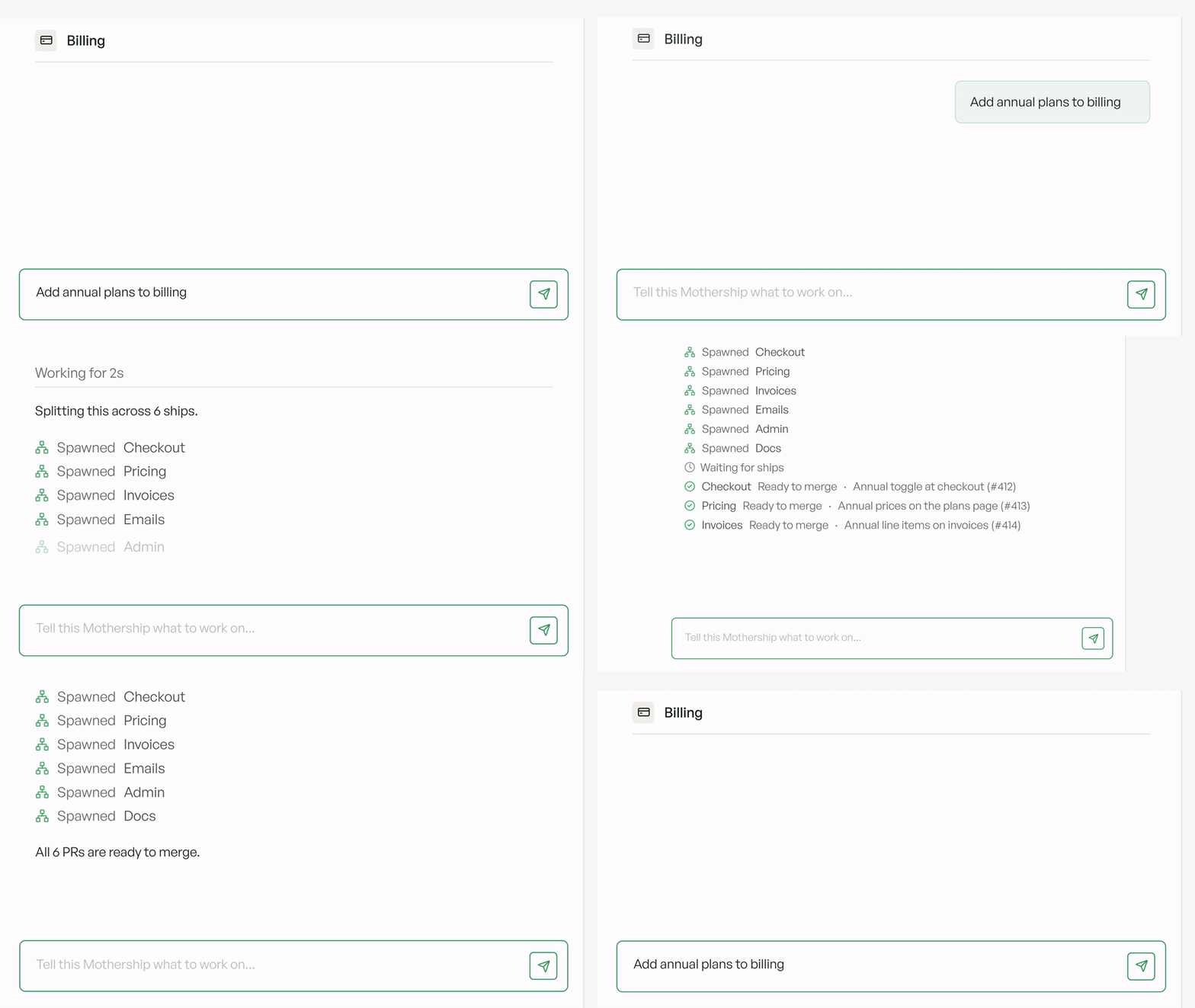
### Replicas in Slack, without the @
Replicas now keeps an eye on the Slack channels it's in, for every organization:
* **Faster answers.** A Replicas agent is already watching the channel, so it picks up a question right away instead of starting from scratch.
* **No @mention needed.** When you're clearly talking to Replicas, like a follow-up in its thread or a message that says "Replicas", it just replies.
* **Tell it how to act.** Say `@Replicas only reply here when I tag you` or `@Replicas treat this as a customer channel`, and it adjusts.
Channels shared with another company stay quiet until someone tags Replicas. [See how Replicas works in Slack →](/features/slack#proactivity)
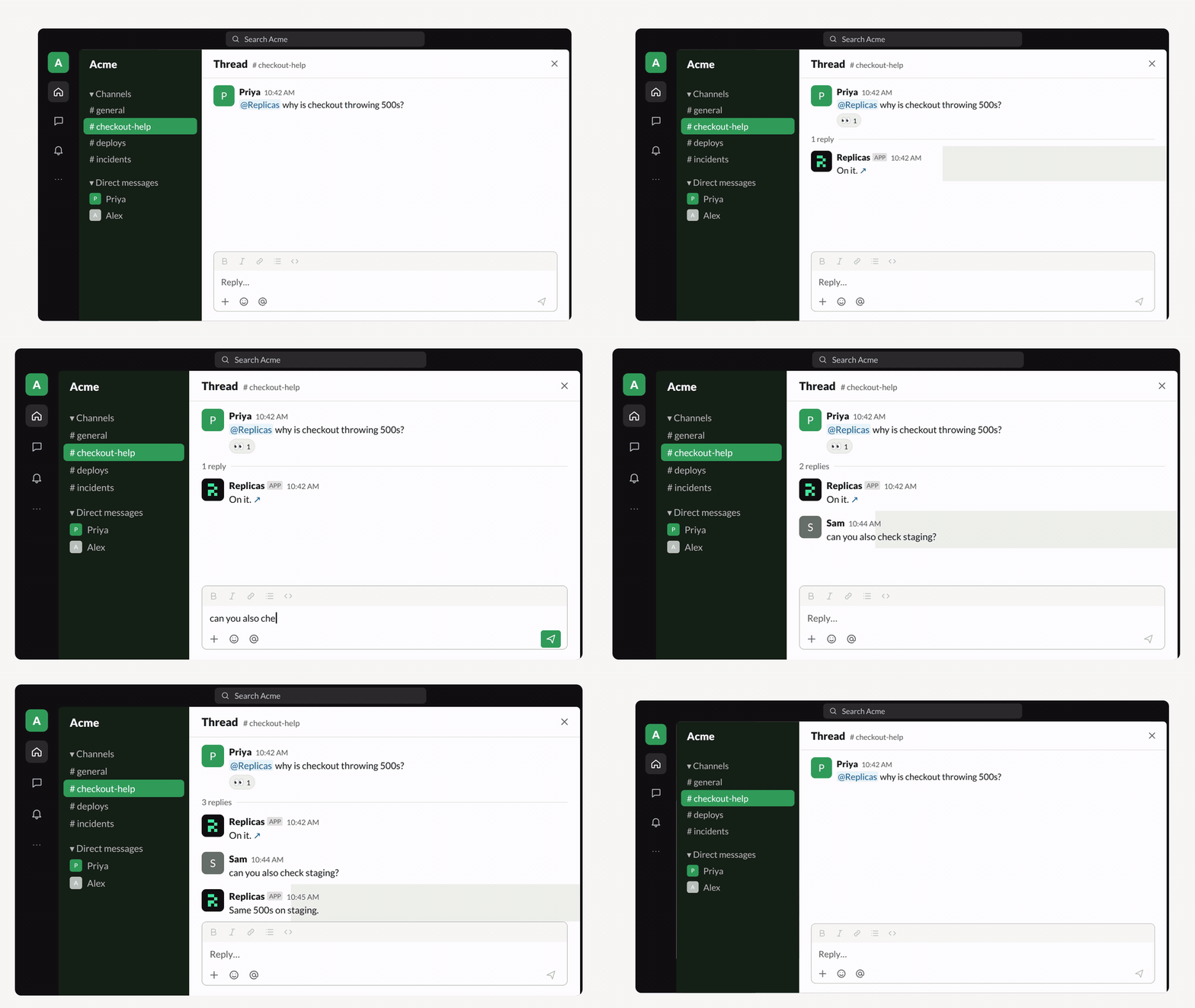
**Appshots.** Press both `⌘` keys on a Mac to attach the window you're in. You get a screenshot plus its text, including text scrolled out of view, so the agent reads errors and logs exactly. Or pick **+ → Attach** to grab the window behind Replicas. Messages also take up to 20 images now. [Appshots →](/features/desktop-app#appshots-on-macos)
**Chat tabs.** A workspace's chats now sit as tabs beside its name. Each tab shows whether that chat is working, waiting on you, in goal mode, or forked. Double-click a tab to rename it, hover to close it, and bring deleted chats back from **+**. [Chats →](/features/workspaces/overview#chats-and-collaboration)

**Switch harness in the same chat.** Move a chat from Claude Code to Codex, or back, from the model picker. The whole conversation carries over, and side chats, Slack threads, and queued messages follow it. Available in new workspaces. [Switch harness →](/features/workspaces/chat-forking#switch-harness-in-the-same-chat)
**Workspace alerts.** Mute a noisy workspace or mark one **High** priority from its sidebar menu. High alerts stay on screen and play a **Needs you** sound. Pick your alert sound from the new Glass and Wood sets. [Alert sounds →](/features/desktop-app#alert-sounds-and-priority)
**Plus 53 more improvements, 13 behavior changes, and 59 fixes.** [Read the full update →](/changelog#week-of-october-24-2026)
### More to try
* **Annotations**: every **Add to chat** selection gets a numbered marker you can hover, edit, or remove, and the agent's "Annotation 1" references jump back to the text. Press `Cmd`/`Ctrl` + `L` to add a selection. [Annotations →](/features/workspaces/overview#changes-and-files)
* **Search your chats**: `Cmd`/`Ctrl` + `K` now finds what was said in your chats and jumps to the message. It also ranks the right workspace first, handling typos, PR numbers, links, and branch names. Messages from this week on are searchable.
* **Merge from Slack**: once checks pass and a GitHub pull request is approved, a **Merge** button appears next to **View PR** and merges it as you. [Merge from Slack →](/features/slack#merge-from-slack)
* **MCPs, set up like connectors**: environment MCPs show logos and status, suggest popular servers, and sign in to Linear, Notion, Atlassian, and Sentry with OAuth instead of tokens. Servers that use Client ID Metadata Documents connect too. [MCPs →](/features/environments#mcps)
* **Anthropic-compatible endpoints**: run Claude Code through a gateway like OpenRouter or LiteLLM, from Coding Agents or with `replicas credentials set anthropic-compatible`, in new workspaces. [Anthropic-compatible endpoints →](/admin/credentials#anthropic-compatible-alternative)
* **Type anywhere in a chat**: start typing and the keys go straight to the message box.
* **Undo archive**: the archive toast now has **Undo**, including for bulk archives.
* **Find in Canvas**: search Markdown, Mermaid, HTML, tables, and plans, with `Cmd`/`Ctrl` + `F` in the desktop app.
* **Android builds**: agents can build Android apps on Gradle sandboxes when mobile testing is on. [Mobile testing →](/features/mobile-testing)
* **Linear follows your work**: workspaces started from Slack or the dashboard attach to the Linear issue they're working on, move it to In Progress, and get Linear replies, in new workspaces.
* **More from OpenCode Go**: connect up to 10 keys, with automatic fallback when one hits its limit. Admins can also turn on OpenCode Zen's free models, in new workspaces.
* **Faster long chats**: typing, menus, and live updates are much faster in long chats, and long runs fold older steps into one **Earlier** row.
**Smaller improvements**
* Added **GPU sandboxes** and **Mobile testing** switches to each environment's settings.
* Added **Accept** and **Dismiss** buttons for learning suggestions shared in Slack.
* Added a **Support** button in the sidebar to message the Replicas team.
* Added Apple Music to the Mac app's music controls, and any media player on Linux.
* Added org-wide installs for Slack Enterprise Grid. [Slack setup →](/features/slack#setup)
* Added an optional tax ID at checkout that prints on your invoices.
* Added a collapsible pull request stack panel in Review.
* Added the Glen plugin for shared agent memory. [Plugins →](/features/plugins)
* Added `replicas automation edit --keep-triggers` to add triggers without replacing existing ones.
* Added an **N more models available** row to the model picker for admins.
* Added `?organization=` to dashboard links, so shared links open in the right organization.
* Improved **Open pull requests in Graphite**: it now applies to pull request links across the web and mobile apps. [Graphite links →](/features/github#graphite-pull-request-links)
* Improved the GitHub and GitLab integration pages: they list every repository the app can reach, grouped by owner.
* Improved notifications: toasts share one style, errors have a short title, and important workspace alerts stay until you dismiss them.
* Improved voice input: it works the same in browsers and every desktop app, including Linux, and keeps what you typed while recording.
* Improved **PR #N fixes** chats: they work in their own git worktree, so they never touch the main chat's checkout, in new workspaces.
* Improved follow-ups from the CLI, API, or another workspace: they steer a busy agent's turn, in new workspaces.
* Improved Claude login errors: an expired or revoked login says how to reconnect, in new workspaces.
* Improved automatic workspace names after the first pull request.
* Improved inline visuals: tall ones show in full, up to 20,000 pixels.
* Improved agent replies in the web, desktop, and mobile apps: agents publish charts and diagrams as visuals.
* Improved help answers: agents link the exact Replicas page and tab.
* Improved agent setup: agents are only told about integrations you've connected, and running workspaces update when you connect one.
* Improved push and pull request errors: agents get the real reason instead of guessing, in new workspaces.
* Improved environment rebuilds: the previous snapshot keeps serving new workspaces, and first builds show a time estimate.
* Improved hook failures caused by a VPN or firewall: they name the cause and the fix.
* Improved the desktop app: it reopens at its last size and position and can snap to half the screen.
* Improved Linux: the AppImage now updates itself.
* Improved Canvas: switch items from the open item's header, and pull request links open in the Changes tab.
* Improved the workspace desktop with a Replicas top bar showing the date and time, in new workspaces.
* Improved new workspaces: about 2.5 GB more free disk, and `gh stack` preinstalled for stacked pull requests.
* Improved sending: a chat's first message appears the moment you press **Enter**.
* Improved the right pane: the terminal stays connected when you switch tabs.
* Improved fullscreen workspaces: the back button and **Add to my workspaces** sit in the workspace header.
* Improved settings: Preferences and Security pages share one layout, and failed saves show the real error.
* Improved the `/`, `@`, and prompt history menus: they open instantly.
* Improved scrollbars on Windows and Linux: thin and theme-colored.
* Improved browser tab and window titles for app pages.
* Improved the download page: one button for your platform, with the rest under **Other platforms**.
* Improved new personal organizations: they're named after you.
* Improved sign-up: a notice under the sign-in buttons replaces the terms checkbox.
**Behavior changes**
* Voice input now sends recordings to OpenAI for transcription on every platform, instead of using macOS or browser speech recognition. [Voice input →](/features/workspaces/overview#voice-input)
* Replicas in Slack now only takes requests from members of the Slack workspace that installed it. People outside it, like Slack Connect guests, get a short note.
* Untagged Slack messages that @mention someone else no longer go to Replicas unless they say "Replicas".
* The Slack `!fork` command is gone; use the **Fork task** message shortcut instead. [Fork a thread →](/features/slack#fork-a-thread)
* Automations that fail every run for 7 days (at least 3 in a row) now pause themselves, showing the last error and a **Resume** button. [Reliability →](/features/automations#reliability)
* Workspaces stuck in an error state are now archived after 7 days without activity, like sleeping workspaces.
* A workspace whose sandbox is gone now shows its saved chat and a link to start a new workspace, instead of **Try again**.
* Warm hooks that use `set -e` now stop at the first failing command, so a warm build that hid a failure will now fail.
* The Linux Debian package's command is now `replicas-desktop`, so it no longer hides the `replicas` CLI.
* On Windows and Linux, `Ctrl`-click on a sidebar workspace now selects it; middle-click opens a new tab. On Windows, switch workspaces with `Alt` + `↑`/`↓`.
* The `U` and `P` workspace list shortcuts are gone; mark read and pin from the row instead.
* Saving an OpenCode Go key through the API now adds it to your keys instead of replacing the existing one.
* Account deletion requests now complete automatically after 30 days when you're only in trial organizations where every other member has also asked to be deleted. Shared organizations wait for the last member's 30 days, and other requests are still handled by our team. You can cancel before then.
**Fixes**
* Fixed **Stop** and **Send now** not registering in Claude Code chats, and the partial reply getting lost, in new workspaces.
* Fixed forked chats, side chats, and harness switches being refused by Claude's safeguards, in new workspaces.
* Fixed chats getting stuck when a Claude login hits a limit or breaks, instead of following your fallback chain, in new workspaces.
* Fixed new workspaces from Home locking to the first credential instead of following the fallback chain.
* Fixed older workspaces falling back to credentials outside your fallback chain.
* Fixed long agent runs stopping at the sandbox's 24-hour limit; they now wake and carry on.
* Fixed new workspaces getting deleted environment variables and outdated environment files.
* Fixed "System limit for number of file watchers reached" in large monorepos.
* Fixed workspace setup failing when a repository's post-checkout hook errors.
* Fixed workspaces failing to wake when a start hook adds several git credential helpers.
* Fixed "engine temporarily unavailable" when a start hook joins a VPN.
* Fixed start hooks using `set -e` reporting exit code 1, and Chrome opening to first-run dialogs, in new workspaces.
* Fixed start and warm hooks failing on a missing `corepack`, in new workspaces.
* Fixed DNS lookups in workspaces sometimes stalling for several seconds.
* Fixed end-of-turn work taking minutes in workspaces with many git worktrees, in new workspaces.
* Fixed `replicas service` logs filling the disk, in new workspaces.
* Fixed idle workspaces sometimes staying awake while a tab or preview was open.
* Fixed Clerk sign-in and Next.js Server Actions in previews.
* Fixed Replicas using up an organization's hourly GitHub API limit.
* Fixed pull requests on repositories the workspace doesn't track not linking to it, and pull requests showing under the wrong workspace.
* Fixed closing a Linear issue archiving a workspace that was only attached to it.
* Fixed admins being unable to re-invite someone whose invite expired.
* Fixed captionless screenshots in Slack getting a slash command error.
* Fixed repeated error replies in Slack threads where Replicas wasn't mentioned.
* Fixed phone follow-ups restarting the agent session and delaying the reply.
* Fixed the chat jumping when you send while the agent writes, and when a reply finishes.
* Fixed "No internet connection" appearing and blocking sends when the connection was fine.
* Fixed text typed while offline being erased when the connection comes back.
* Fixed follow-ups flashing "queued", and API messages being steered twice.
* Fixed the send button and mobile composer saying **Queue** when your message would steer the turn.
* Fixed very long turns showing only part of their duration and changed files.
* Fixed a reload right after a turn showing an outdated copy of the chat.
* Fixed the live step row flickering between "Thinking" and "Running".
* Fixed shell commands showing as "Read files" steps, and code blocks ending in an empty line.
* Fixed "Syncing messages…" staying above the composer after a chat loaded.
* Fixed brief network drops showing "Workspace failed to wake".
* Fixed new workspaces briefly showing "No messages yet", the wrong model, or a vanished composer.
* Fixed the Changes and Files trees not updating live as the agent edits.
* Fixed the raw file editor dropping every keystroke after the first.
* Fixed Mermaid files opening as source in Canvas, and zoom controls covering diagrams.
* Fixed the live desktop stream dropping to low quality while hidden or on slower networks.
* Fixed Replicas leaving the Dock, and Electron apps slowing down, after an Appshot on Mac.
* Fixed desktop app port forwarding dropping every 15 seconds.
* Fixed walkthrough recording in the desktop app on Linux and macOS before 15.
* Fixed "Turn finished" notifications when a **PR #N fixes** chat finishes while the main chat works, in new workspaces.
* Fixed blank pages during sign-in and sign-out, and returning to the page you opened after signing in.
* Fixed theme switches fading every element and leaving code unreadable in light mode.
* Fixed toasts covering the composer and the setup scripts buttons.
* Fixed settings pages flashing old values, "not found", or "No access" while loading.
* Fixed the Keyboard Shortcuts dialog hiding some groups.
* Fixed off switches being invisible in dark mode.
* Fixed Review inbox rows jumping while re-sorting, and **Load more** adding rows to the wrong section.
* Fixed status dots disappearing in Windows high contrast mode.
* Fixed focus not returning to the composer when closing dialogs with `Escape`, and missing focus rings.
* Fixed Alt + `↑`/`↓` opening workspaces hidden in collapsed sidebar sections.
* Fixed **Try again** showing on failed setup for members who can't edit the environment.
* Fixed sleeping workspaces with no saved history on mobile; they show **Wake workspace**.
* Fixed mobile replies dropping down when they finish streaming.
* Fixed support and privacy contact links going to an inbox that bounced.
**Week of October 17, 2026**
Replicas Review for everyone · Visuals in chat · Edit sent messages · GPU sandboxes
Review and merge pull requests without leaving Replicas, get answers as charts and mockups, and fix a message after you've sent it.
### Replicas Review for everyone
Review is now on for everyone. Read, fix, and merge GitHub and GitLab pull requests next to an agent:
* **Start tour** to get walked through the diff.
* Highlight lines and ask for a change; the agent pushes the fix.
* Merge with your repo's rules, or **Bypass rules and merge** if you're allowed.
[Learn how Review works →](/features/review)
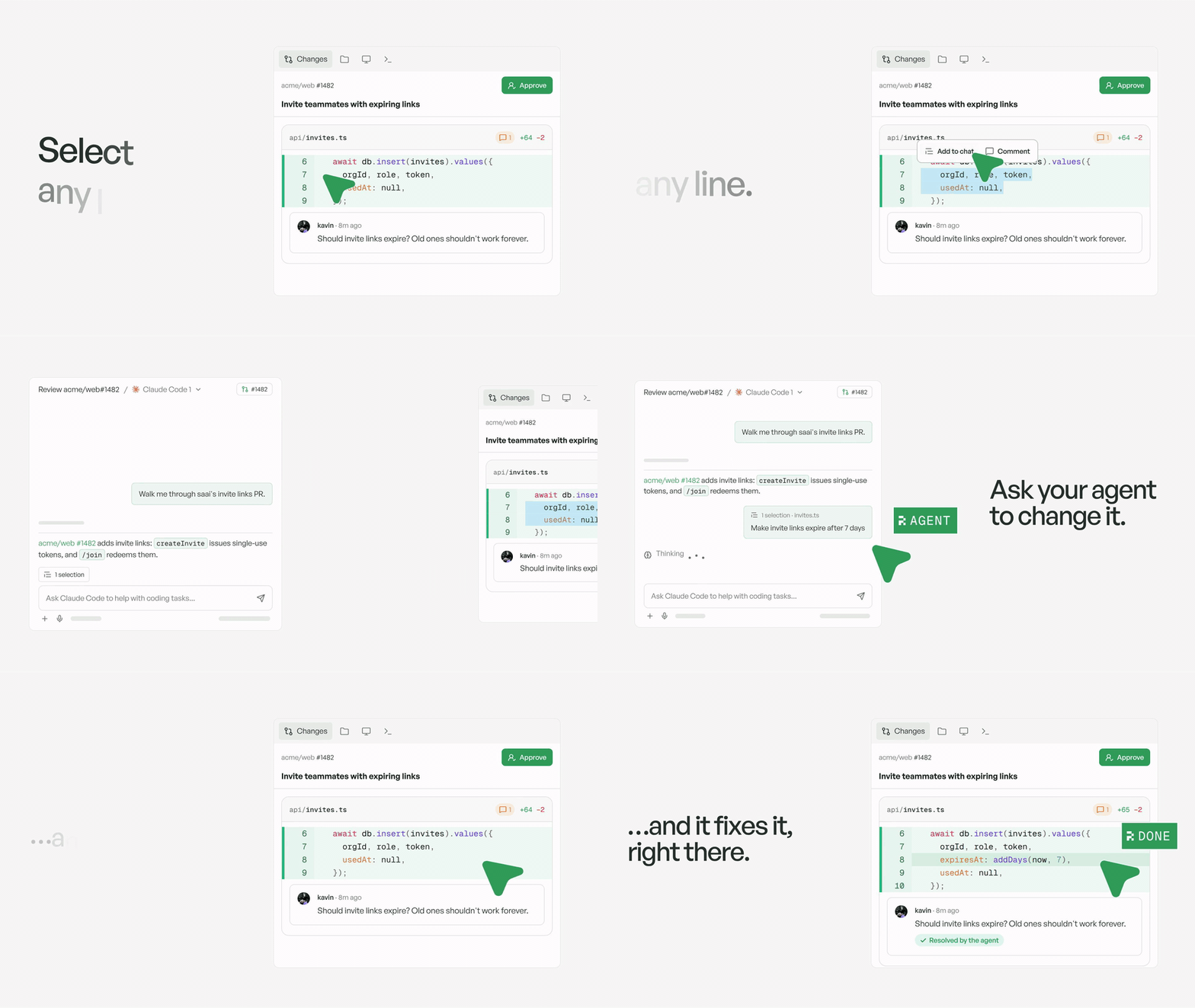
### Visuals in chat
When a chart, diagram, timeline, or mockup says it better than text, agents now show it right in their reply. Visuals match your light or dark theme, can be interactive, and open full screen, in the sidebar, or as a download. Ask for one ("chart signups by week", "sketch the new results page") on web, Mac, or iOS, in new workspaces.
[See how visuals work →](/features/workspaces/visuals)
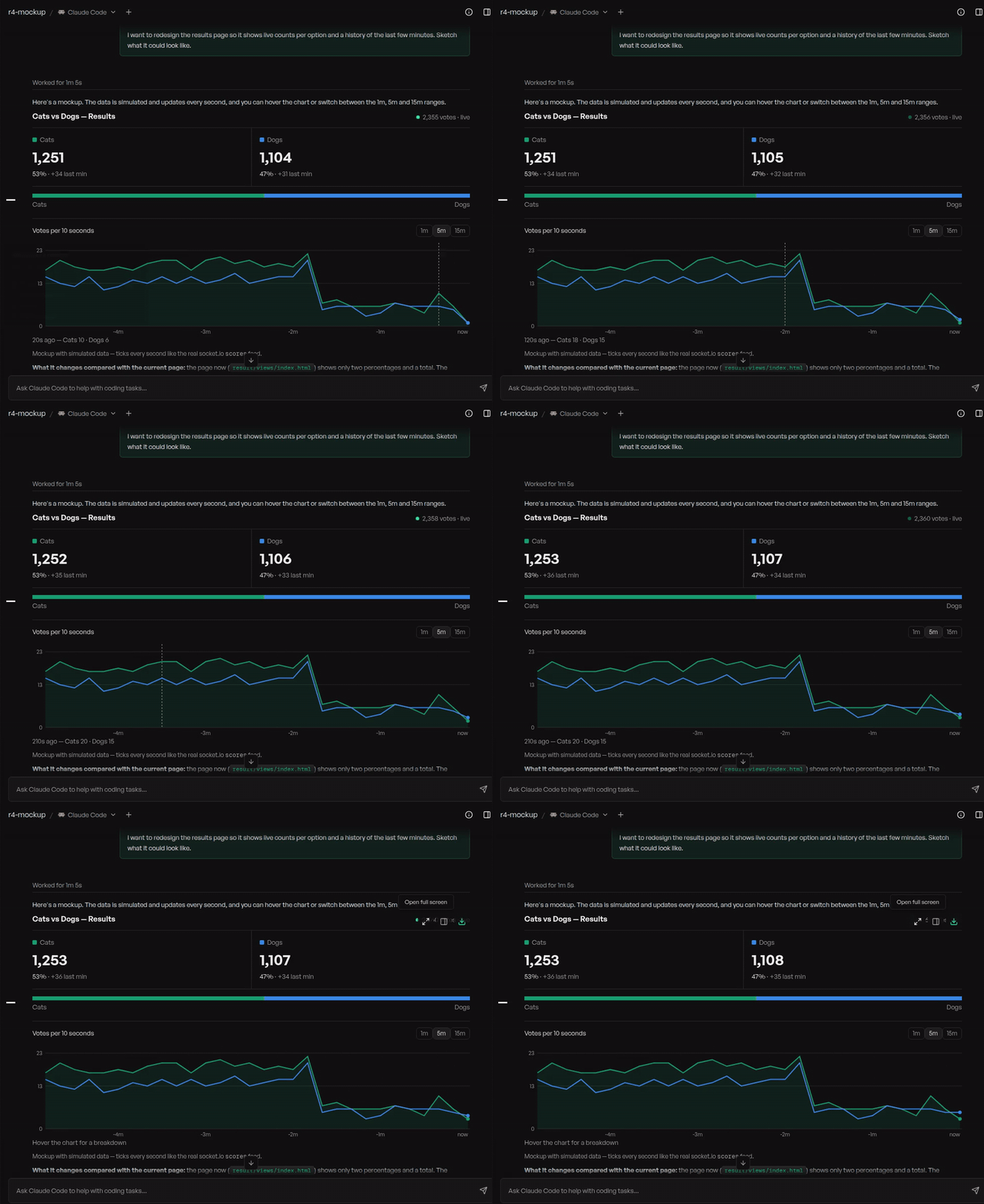
**Edit a sent message.** Hover a message you sent and click the pencil to change it. Sending replaces that message and everything after it, and the agent picks up from there in the same chat. Files and git changes aren't rolled back. Available on web and in the Mac app, in new workspaces. [Edit a message →](/features/workspaces/overview#edit-a-message)
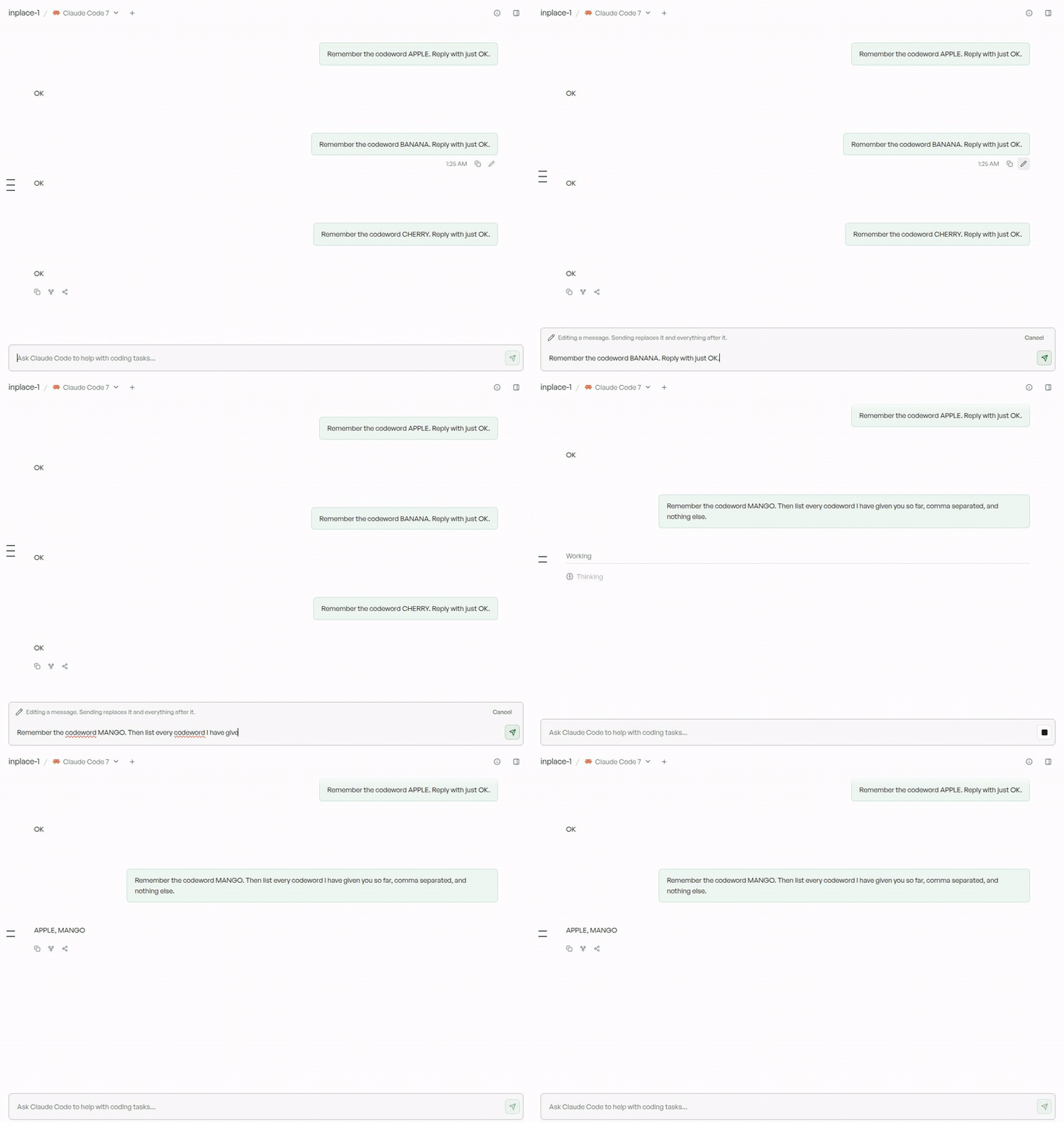
**GPU sandboxes.** Agents can now start a cloud GPU when a job needs one, like fine-tuning a model, serving it, or rendering. Pick anything from a T4 to up to 8 B200s with `replicas gpu`, billed at cost, in new workspaces. [GPU sandboxes →](/features/gpu-sandboxes)
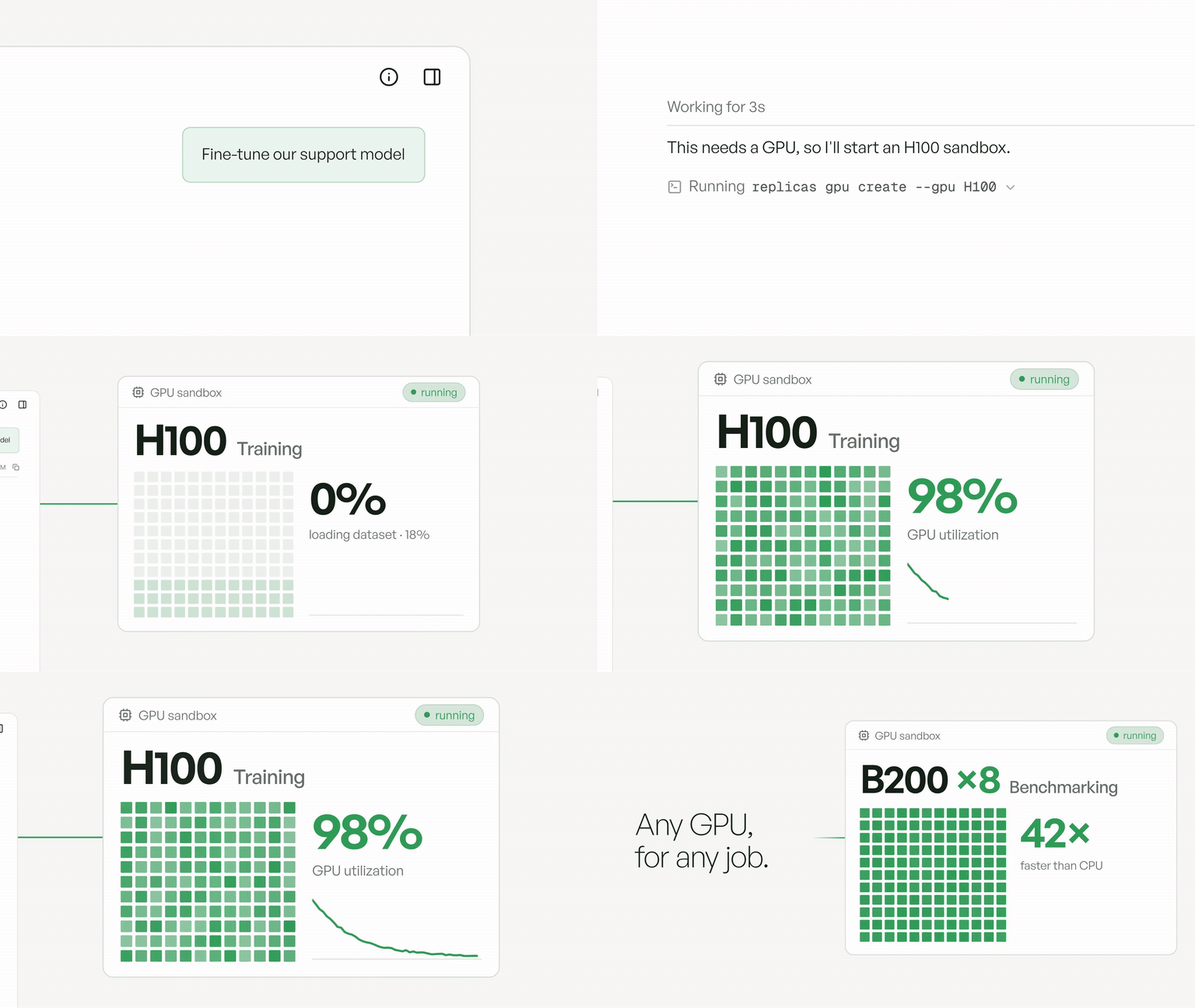
**Plus 57 more improvements, 16 behavior changes, and 46 fixes.** [Read the full update →](/changelog#week-of-october-17-2026)
### More to try
* **Agents ask for variables in a form**: when an agent needs a key, a form appears above the composer. Paste a whole `.env`, and save to one or more environments or to this workspace only. Values never go through chat, and agents started from Slack or Linear send you a link to the form. Agents ask this way in new workspaces. [When an agent needs a variable →](/features/environments#when-an-agent-needs-a-variable)
* **Read-only integrations**: connect Gmail, Google Drive, Outlook, Jira, Confluence, Figma, and 19 more as **Read only**, so agents can read but never change anything. Existing connections keep full access until you reconnect them. [Plugins →](/features/plugins#available-plugins)
* **Learnings for every team**: each night, Replicas saves instructions that keep coming up in your team's chats as learnings, for organizations with **Agent Memory** on. [Learned automatically →](/features/learnings#learned-automatically)
* **Several schedules per automation**, set up in a new Weekly, Monthly, Once, or Cron editor in any timezone, with a preview of the next runs. Personal automations can also move to the organization so teammates can edit them. [Schedule triggers →](/features/automations#schedule-triggers)
* **Mac menu bar**: see which workspaces need you, are working, or are ready, with a Dock badge count. Turn notifications say **Needs your input** or **Agent is stuck** when that's what happened. [macOS menu bar →](/features/desktop-app#macos-menu-bar)
* **Fallbacks stay in the same chat**: when Claude hits a usage limit and Codex takes over, the conversation continues in the same chat with a marker and keeps its name. The default Claude chain now ends with Codex when your organization has a ChatGPT login connected. [Automatic fallback →](/features/workspaces/chat-forking#automatic-fallback)
* **Faster, steadier chats**: chats open with their last 10 turns, reconnect on their own after sleep or a dropped connection, and recently viewed chats stay saved for 14 days so they open instantly, even offline. Streaming, typing, and long chats are smoother on web and iOS.
* **Environment updates**: pick an icon, edit the name inline, fork from any row, and keep variable values hidden until you reveal them. Skills share one list, each environment can turn Replicas Agent abilities on or off, and forks show what they inherit. [Default skills →](/features/environments#default-skills)
* **Mentions in the composer**: type `@` to point the agent at another workspace, or `#` to mention a Slack channel.
* **Auto-compact limit**: choose when Claude Code and Codex compact their context, from 100k to 500k tokens, in new workspaces. [Chat history →](/features/coding-agents/claude-code#chat-history)
* **Your own endpoint for OpenCode and Pi**: run them on an OpenAI-compatible endpoint, shared with Codex under inference providers, in new workspaces. [OpenAI-compatible endpoints →](/admin/credentials#openai-compatible-alternative)
* **More in the iOS app**: every pull request in a workspace with its checks, changed files, and diffs; fallback chains under your profile; and uploaded media in Canvas. [Mobile app →](/features/mobile-app#review-the-result)
* **Longer waits over MCP**: `wait_for_replica` follows a job for up to an hour with live progress, and `get_replica` shows what the agent is doing. [Follow long jobs →](/features/mcp#follow-long-jobs)
**Smaller improvements**
* Added a copy button for a file's full contents in the Changes view.
* Added CSV and TSV tables to Canvas, plus Word (`.docx`) previews in new workspaces.
* Added zip downloads for a Canvas folder, the media folder, or the whole Canvas.
* Added name, trigger, status, and **Created by you** filters to Recent Executions in Automations.
* Added **Commit email** and **Commit name** preferences for commits Replicas makes as you. [PR attribution →](/features/github#pr-attribution)
* Added `⌘⇧S` and a **Share** entry in `⌘K` to share a workspace.
* Added `⌘1`–`⌘9` in the Mac app to open the first nine sidebar workspaces.
* Added the environment's name to the workspace info popover.
* Added a desktop card in chat that shows the agent's screen, live while it works, and opens the Desktop tab.
* Added the full URL on hover for chat links whose text hides it.
* Added a code, tests, and generated-files breakdown to a pull request's line counts in Review.
* Added a link to open a pull request on GitHub or GitLab from the workspace header, or `⌘`-click it.
* Added forking when you switch to another agent in the model picker mid-chat.
* Added LaTeX math rendering in chat on the web.
* Added the task name to turns started when a background task finishes.
* Added **Download apps** to the account menu, with a QR code for the iPhone app.
* Added a HIPAA Business Associate Agreement to Enterprise plans.
* Improved workspace names: they're shorter, use attached screenshots, and update from the first pull request's title.
* Improved the sidebar: **In review** sits above **In progress**, and the Inbox orders workspaces by your last message.
* Improved chats: they reopen where you were reading, and switching workspaces from the keyboard, search, or links is as fast as a click.
* Improved typing speed in the prompt box.
* Improved chat loading: a small status appears only when loading is slow, with **Retry** if it fails.
* Improved activity summaries: they list the skills and learnings the agent used, and Replicas MCP calls read as plain steps.
* Improved **PR #N fixes** chats: they continue the main chat's own session, so they know what you told it and won't undo decisions recorded in the PR notes, in new workspaces. [CI failure response →](/features/github#ci-failure-response)
* Improved review bot fixes: the agent resolves a bot's thread once its fix is pushed.
* Improved Codex: turns wait and retry when the model is at capacity, in new workspaces. [Model at capacity →](/features/coding-agents/codex#model-at-capacity)
* Improved Claude usage limits: a turn can switch through every pooled account, and a spent account rests until its real reset time, in new workspaces.
* Improved models that need usage credits: the chat switches accounts and says why, instead of marking your account limit-reached, in new workspaces.
* Improved the **Usage** tab: each reading shows when it was fetched, and **Refresh** reads it again.
* Improved sign-in errors: Codex and Claude name the login that failed and link to where to reconnect it, and PR attribution errors say whether to reconnect GitHub or finish your organization's SSO sign-in.
* Improved workspace starts: opening the dashboard warms up a workspace, scheduled automations get one before they run, and new workspaces start from the environment's snapshot when no warm one is ready.
* Improved agent computer use: browser and desktop control is faster, and drag and drop works in Chrome, in new workspaces.
* Improved Review: the inbox is a table, and changed files show icons and colored line counts.
* Improved tooltips: they show keyboard shortcuts and close as soon as the pointer leaves.
* Improved onboarding: paste or import a `.env` when reviewing variables.
* Improved previews: signed-out visitors to login-only previews go through login and back.
* Improved Linear: an `[env:name]` tag picks the environment, as in Slack.
* Improved Slack replies: agents post rankings and comparisons as tables, in new workspaces.
* Improved busy Slack threads: they hit Slack's read limit less often.
* Improved workspace desktops with new light and dark wallpapers, in new workspaces.
* Improved agent replies: screenshots, GIFs, and recordings show right in the chat instead of pointing you to Canvas, in new workspaces.
* Improved personal fallback chains: they list only the agents and credentials you've connected.
* Improved empty lists: they include a button to create the first item.
* Improved the Archived list: it shows when each workspace was archived, and pinned workspaces no longer jump to the top.
**Behavior changes**
* Follow-up messages now steer the agent's running turn by default, including Slack thread replies and Linear prompts. To queue them instead, turn off **Steer with follow-up messages** in [Preferences](https://app.replicas.dev/dashboard/account/preferences). [How workspaces run →](/features/workspaces/overview#how-workspaces-run)
* Archived workspaces are now deleted 3 days after they're archived, or sooner once they've had no activity for 7 days. A workspace archived after a week asleep is deleted about 30 minutes later, so restore it soon. Restoring resets the clock. [Sleep and wake →](/features/workspaces/overview#sleep-and-wake)
* Environments no longer have a separate base environment: a fork inherits only from its own parents. Every organization now has a default environment, which admins change with **Make default**. [Environments →](/features/environments#environments)
* Your default coding agent is now the first one you connected, not Codex. API requests without `coding_agent` use your organization's default agent. [Default coding agent →](/admin/defaults#default-coding-agent)
* A broken Claude login now stops the chat with a link to reconnect it, instead of switching to Codex.
* Connecting Claude with an older CLI now asks you to update, so your login lasts a year. Run `replicas claude-auth` with the latest CLI.
* Creating a workspace before its environment's first setup finishes now waits: **Send** stays disabled until it's ready, and the API returns `409 environment_not_ready`.
* Automation API responses no longer include `cron_expression` and `cron_timezone`; read schedules from the automation's triggers.
* The Replica API now reports `hooks.environment_warm_hook` instead of `hooks.global_warm_hook`.
* Archiving from the sidebar is now `⇧⌘E` instead of `E`.
* **All workspaces** and **By environment** now list the newest workspaces first. The Inbox still sorts by status.
* Slack group DMs now work like channels: mention @Replicas to give it a task. [Direct messages →](/features/slack#direct-messages)
* New organizations now default to Large workspaces.
* Environments that need attention no longer send a Slack DM or add an Inbox row. The environment page still shows the cause and fix.
* Older turns that stopped or errored now start collapsed, like answered turns.
* In Slack threads that keep tagging another coding agent, Replicas now offers to help, at most once a week. React 👎 to stop the offers for your organization; existing installs need to reconnect Slack first. [Slack setup →](/features/slack#setup)
**Fixes**
* Fixed Claude chats showing "Working…" while only background tasks run, in new workspaces.
* Fixed the agent's answer getting buried when it keeps working afterward.
* Fixed Claude stopping silently when a turn it started on its own hits a usage limit, in new workspaces.
* Fixed chats falling back to Codex while other Claude accounts still had capacity, in new workspaces.
* Fixed Codex on Ollama, OpenRouter, and other OpenAI-compatible endpoints, in new workspaces.
* Fixed messages you stop before the agent reads them getting lost, in new workspaces.
* Fixed sent follow-ups staying "queued", and queued messages disappearing while a workspace wakes.
* Fixed the chat input staying locked after switching workspaces mid-send.
* Fixed the composer locking while a message with images sends.
* Fixed **Enter** doing nothing while a workspace's chats load.
* Fixed the main chat reloading when a **PR #N fixes** chat starts.
* Fixed laggy typing and a false "No internet connection" when several workspaces were busy.
* Fixed the chat jumping when you switch back to a workspace or chat.
* Fixed earlier messages not loading after jumping to the top with the keyboard.
* Fixed the chat history rail jumping to the wrong message.
* Fixed a crashed or hung engine leaving a workspace stuck; it now restarts on its own, in new workspaces.
* Fixed a workspace with a stopped engine showing no messages; it shows the saved chat and recovers.
* Fixed sleeping workspaces showing "No messages yet" when their history couldn't be read.
* Fixed a just-woken workspace going back to sleep with "engine temporarily unavailable".
* Fixed deleting the home folder wiping a workspace's chat history, in new workspaces.
* Fixed workspaces staying in **Needs you** after their pull request merges.
* Fixed pull requests closed before Replicas linked them showing as open.
* Fixed auto-archive archiving a workspace while a chat or background task is still running.
* Fixed **Merge** not being ready right after you approve.
* Fixed Linear issues delegated by a Replicas agent not starting a workspace.
* Fixed images and files attached to `/btw` not reaching the side chat.
* Fixed **Review** on a Canvas plan opening an empty diff.
* Fixed start hooks ending in `exit 0` failing, in new workspaces, and comment-only warm hooks breaking setup.
* Fixed environments with an empty repository failing to set up.
* Fixed repository access problems retrying as "Setting up" instead of showing the fix.
* Fixed environment changes stuck on "Applying", and a failing repository warm hook blocking new workspaces.
* Fixed environment settings overflowing on phone-width screens.
* Fixed the **Usage** tab marking every Claude account Unavailable.
* Fixed OAuth and GitHub App redirects in previews landing on an error page.
* Fixed a generic error when adding a GitLab project without the Maintainer role.
* Fixed Maestro tests on cloud iOS simulators.
* Fixed read-only automations failing to start with a private skill registry.
* Fixed Slack-triggered automations losing track of which thread a reply came from.
* Fixed browser sign-in getting stuck in the Mac app. Update to the latest version.
* Fixed the Desktop stream turning blocky after bursts of motion, in new workspaces.
* Fixed the desktop card jumping to an older turn when you scroll.
* Fixed links inside bold text not opening in the iOS app.
* Fixed the right pane opening full width after you drag it closed.
* Fixed the top loading bar sticking after links that open in place.
* Fixed the workspace name getting squeezed in narrow chat panes.
* Fixed outdated free-minutes and per-seat billing text.
**Week of October 10, 2026**
Redesigned environments · Usage-based plans · Faster switching · Prompt history
Environments that tell you what's wrong, simpler plans, and a faster app.
### Redesigned environments
We rebuilt environment pages so you can see exactly what a new workspace gets:
* A status line shows whether your changes are **Ready**, **Applying**, or **Needs attention**.
* When a warm hook fails, you see the likely cause and the log, then **Fix with agent**, **Try again**, or **Undo these changes**.
* Hook logs follow builds live, and **History** restores an earlier setup.
[See how environment status works →](/features/environments#status)
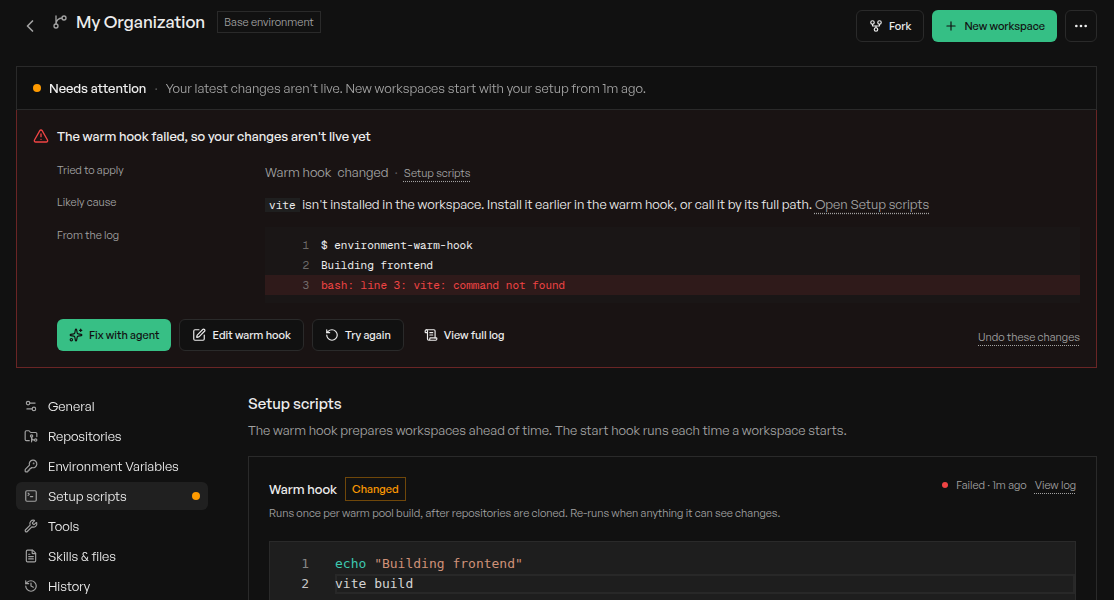
### Usage-based plans
Developer and Team plans now include usage equal to their monthly price, charged by the minute while workspaces are awake, and seats no longer affect your bill. Free trials get \$100 of usage with no time limit.
[See plans and rates →](/admin/billing)
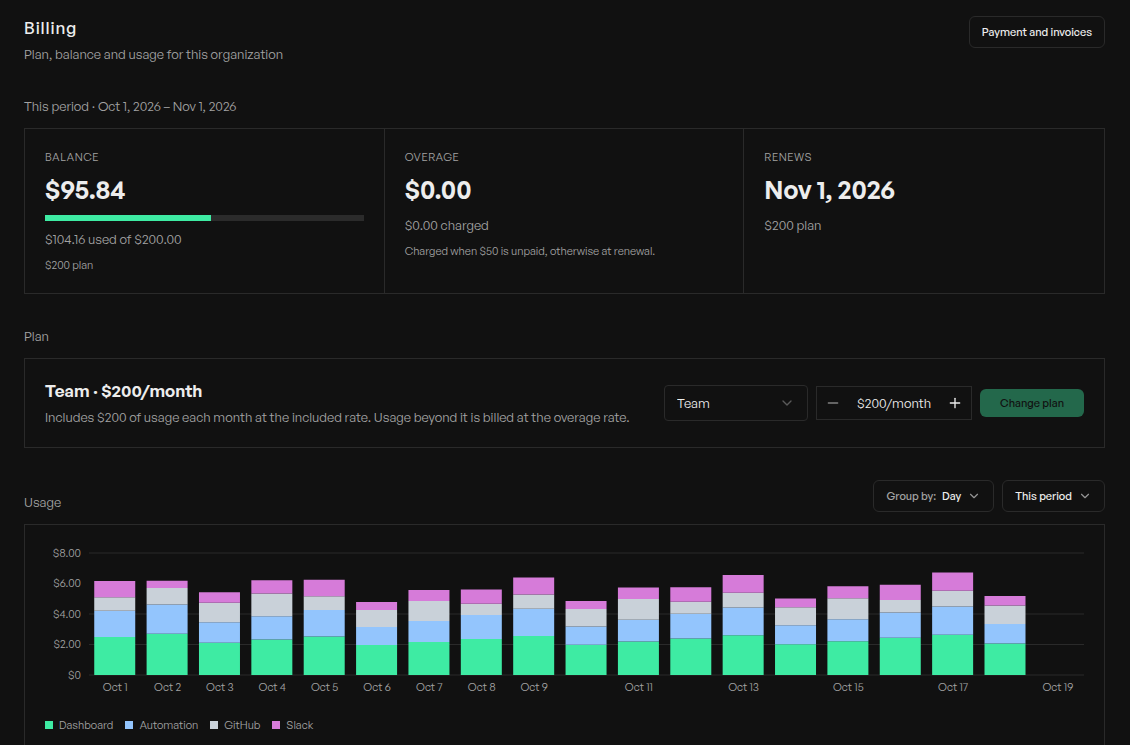
**Faster workspace switching.** Workspaces you just opened reopen instantly, and switching away while a reply streams no longer stalls.
**Prompt history.** Press `↑` in the message box to bring back a past prompt, or `Ctrl+R` to search them.
**Plus 34 more improvements, 15 behavior changes, and 30 fixes.** [Read the full update →](/changelog#week-of-october-10-2026)
### More to try
* **Billing controls**: the redesigned [Billing page](https://app.replicas.dev/dashboard/billing) shows your balance, plan, daily spend, and usage by source. Admins can get email or Slack alerts as usage climbs and set a usage limit that blocks workspace starts and wakes and puts running workspaces to sleep when it's reached. [Usage alerts →](/admin/billing#usage-alerts)
* **Environment forks**: a fork keeps inheriting its parent's changes. Items from parents are marked **From**, **Overrides**, or **Locked by**, and you can **Hide**, **Show again**, or **Reset** them in every section. [Forks →](/features/environments#forks)
* **One list of environments**: team and personal environments share one table with forks nested under their parent, and you add repositories inside each environment with **Add repository**. [Repositories →](/features/environments#repository-binding)
* **Base environment**: Global is now your organization's base environment, and you can rename, fork, and edit it like any other. Empty Global environments are hidden. [Environments →](/features/environments#environments)
* **Unused environments**: review environments nobody has used in 30 days, archive them, and restore them anytime. [Forks →](/features/environments#forks)
* **Multiple subscriptions for everyone**: connect up to 10 Claude or ChatGPT subscriptions, and a chat moves to the next one when it hits a usage limit. [Multiple accounts →](/admin/credentials#multiple-accounts)
* **Year-long Claude logins**: `replicas claude-auth` now connects Claude for a year instead of 30 days. **Coding Agents** shows when each login expires, and we email you a week before. When your current login runs out, run `replicas claude-auth` again with the latest CLI. [Claude Code setup →](/features/coding-agents/claude-code#setup)
* **Replicas MCP over OAuth**: add Replicas as a custom connector in Claude or another OAuth client and sign in, with no API key to paste. [MCP →](/features/mcp#connect)
* **Mobile testing in every workspace**, with no per-environment switch, and iPhone Duo with fold and unfold controls in the **Mobile** view. [Mobile testing →](/features/mobile-testing#what-it-enables)
* **Default workspace size**: admins choose Small, Large, or Ultra for new workspaces under **Organization Settings → Preferences**, and `replicas automation create --size` sets it per automation. [Defaults →](/admin/defaults#other-defaults)
* **Model shortcuts**: `⌥Tab` switches to the next model, `⌘⌥/` opens the model picker, and the model list is searchable. [Shortcuts →](/features/workspaces/overview#keyboard-shortcuts)
* **More speed**: workspaces you've never opened load in about half the time, long replies stream more smoothly, older messages load sooner, and changed files open instantly.
* **Neon**, **Kondo**, and **Sazabi** plugins. [Plugins →](/features/plugins#available-plugins)
* **Muse Wonder 1.0** in Muse Code. [Muse Code →](/features/coding-agents/muse-code#using-muse-code)
**Smaller improvements**
* Added **Share** to the latest reply's actions.
* Added images and files to side chats.
* Added subscription usage to the API, CLI (`replicas credentials usage`), and MCP.
* Added automation descriptions to the CLI with `replicas automation create --description`.
* Added a notice when a workspace restart interrupts a turn, in new workspaces.
* Improved uploads: files can be up to 100MB each, up from 25MB.
* Improved Canvas: source code files preview and edit as text.
* Improved the sidebar: the workspace you click highlights right away.
* Improved the Archived list: the most recently archived workspaces come first.
* Improved workspace links in chat and Canvas: they open inside the app.
* Improved the Mac app: notification clicks and links open instantly, and you aren't notified about the workspace on screen.
* Improved the Desktop tab: it stays connected when you switch browser tabs or workspaces.
* Improved workspace starts and wakes for teams with long session history and for workspaces without GitHub repositories.
* Improved the **Usage** tab: subscriptions that need reconnecting say so, with **Reconnect**.
* Improved PR status: it updates within seconds of changes on GitHub.
* Improved warm pools: several edits in a row trigger a single rebuild.
* Improved Claude Code fallback: sign-in failures move to the next credential or agent in your chain, in new workspaces.
* Improved memory use: idle chats release their memory and resume on your next message, in new workspaces.
* Improved agent recordings: motion shows up as short looping GIFs in PRs, in new workspaces.
* Improved agents' use of previews for OAuth redirects, app callbacks, and webhooks, in new workspaces.
**Behavior changes**
* Workspaces now sleep after 30 idle minutes instead of 60. Workspaces with their own timeout are unchanged. [Sleep and wake →](/features/workspaces/overview#sleep-and-wake)
* Replicas created through the API or MCP, and new automations, now delete their workspace when the agent finishes. Pass `"lifecycle_policy": "default"` to keep it for follow-ups or reading history. Existing automations keep their setting. [Create a replica →](/features/api#create-a-replica)
* Archived workspaces are now deleted after 7 days without activity instead of 30.
* `POST /v1/replica` now requires `environment_id`, and environments take `repository_ids` only. Repository sets are gone from the app, API, CLI, and MCP; add repositories to an environment instead, which members with Write can now do too.
* Environment variables can now be overridden by default. Lock any team variable that forks and personal environments shouldn't change. [Variables →](/features/environments#variables)
* A warm hook that fails is no longer retried automatically; fix it, then select **Try again**.
* Environment pages replace the warm pool switch and Snapshot History with the status line and **History**.
* Onboarding now creates one environment with all your repositories, and adding a repository no longer creates an environment.
* Running `replicas claude-auth` or `replicas codex-auth` with a different account now adds it instead of replacing the current one.
* `⌘⌥/` now opens the model picker instead of `⇧⌘M`.
* Personal automation runs now appear under **Automations & API** instead of **My workspaces**. [Personal automations →](/features/automations#personal-automations)
* The Developer plan can now invite teammates.
* Existing Replicas users now accept an invite before joining your organization.
* Trial organizations can now create API keys once onboarding is finished.
* Slack threads no longer show a live progress line; Slack's "is working" indicator and the final reply remain.
**Fixes**
* Fixed dev servers started with `replicas service` stopping when a workspace sleeps.
* Fixed the model picker showing older Claude models while a workspace starts or wakes.
* Fixed messages sent to a sleeping workspace sometimes never arriving.
* Fixed messages being refused right after switching to or waking a workspace.
* Fixed a chat stuck on **Stop** after you leave mid-reply and come back.
* Fixed busy chats showing only "thinking" while their messages load.
* Fixed a resent prompt disappearing when it repeats your previous message.
* Fixed long `/goal` prompts leaving a new workspace stuck.
* Fixed workspaces crashing on branches with very large diffs, in new workspaces.
* Fixed follow-ups waiting behind finished turns, and **Steer** and **Send now** failing, in new workspaces.
* Fixed **Stop** leaving Codex commands running, in new workspaces.
* Fixed Claude file writes looking stuck on "Thinking" after a reload, in new workspaces.
* Fixed Claude background subagents stopping when you send a new message, in new workspaces.
* Fixed long Claude sessions failing after a login refresh, and repeated messages after a retry, in new workspaces.
* Fixed Cursor agents missing your environment's MCP servers, in new workspaces.
* Fixed the first Codex message sometimes appearing twice.
* Fixed new chats in the iOS app getting stuck on "Creating chat…".
* Fixed workspaces with an open PR leaving **In progress** while the agent works.
* Fixed pinned workspaces leaving **Pinned** when they need you.
* Fixed PR status not updating for repositories outside the workspace, or in busy organizations.
* Fixed Slack follow-ups being dropped in busy Slack workspaces.
* Fixed new workspaces failing right after you add a repository to an environment.
* Fixed removing an environment's warm hook.
* Fixed enabling one skill marking skills with the same name as enabled.
* Fixed connecting a second account for API-key plugins like PostHog.
* Fixed OAuth sign-in for MCP servers that reject requests without a user agent.
* Fixed onboarding losing your place after connecting Claude or GitHub, and it now explains why a repository can't be added.
* Fixed large Canvas PDFs showing a blank page.
* Fixed the file drop overlay spilling outside the message box, and the environment picker not scrolling when creating a workspace.
* Fixed a `replica.error` webhook firing when a workspace is deleted during setup.
**Week of October 3, 2026**
New sidebar · Learnings · Agent reminders · Full API, MCP, and CLI
A new sidebar, agents that learn how your team works, and an API that does everything the app does.
### New sidebar
We overhauled the sidebar so it's clear where to jump in next:
* **Needs you** for workspaces where the agent asked you something or got stuck.
* **In progress**, **In review**, and **Done** follow your pull requests.
* New organization, account, and help menus.
### Learnings
Say "from now on…" and your agent suggests a **learning**. Save it once and every agent on your team follows it.
[See how learnings work →](/features/learnings)
**Agent reminders.** Ask an agent to "check back tomorrow" and it follows up in the same chat. [Reminders →](/features/automations#reminders-from-agents)
**The full API, MCP, and CLI.** API keys can now do everything the app does. [API →](/features/api)
**Plus 30 more improvements, 10 behavior changes, and 23 fixes.** [Read the full update →](/changelog#week-of-october-3-2026)
### More to try
* **More in the sidebar**: **Pin** or **Move to** to place a workspace yourself, quiet workspaces without an open or merged PR move to **Backlog** after 3 days, and `⌥⇧⌘↓` jumps to the next one that needs you. **Needs you** works in workspaces on a current engine.
* **Automation upgrades**: run once, stop after a set number of runs, or reuse an existing workspace, and each automation opens as a page you edit in place. [Automations →](/features/automations#workspace-and-run-limit)
* **API, MCP, and CLI details**: run commands in a replica, manage chats and their queue, wait for agents to finish, and manage repositories, plugins, and credentials. The MCP server groups it all into toolsets, and the CLI signs in with an API key and prints `--json`. [MCP →](/features/mcp#tools) · [CLI →](/features/cli#json-output)
* **Live progress in Slack**: while an agent works, the thread's status line shows what it's doing, like "Running `bun test`", without extra notifications, in new workspaces. [Slack →](/features/slack#thread-conversations)
* **OAuth for environment MCPs**: click **Connect** to sign in to Linear, Notion, Sentry, and other MCP servers instead of pasting tokens, in new workspaces. [MCPs →](/features/environments#mcps)
* **A redesigned message box**: it grows as you type, **+** adds files, and **Build**/**Plan**, **Fast**, and **Goal** share one mode menu. On Home, the repository and branch pickers sit right above it.
* **Walkthroughs**: record your screen with narration from the message box, and the agent watches it. [Walkthroughs →](/features/workspaces/canvas#location)
* **PR review requested** trigger for automations, for the GitHub reviewers you choose. [GitHub triggers →](/features/automations#github-triggers)
* **Subscription usage** in **Coding Agents → Usage**: each Claude and ChatGPT subscription's 5-hour and weekly limits. [Usage limits →](/admin/credentials#usage-limits)
* **Claude Haiku 5.5** in Claude Code, and Codex **[Ultrafast](/features/coding-agents/codex#ultrafast)** in the mode menu when your ChatGPT plan offers it, in new workspaces.
* **Ultra workspaces** with 8 vCPU and 32 GB for API and automation runs. [Sizes →](/admin/billing#rates)
* **Lightfield** and **Circleback** plugins. [Plugins →](/features/plugins#available-plugins)
**Smaller improvements**
* Added **Send now** to deliver a queued message right away in new workspaces, and **Stop** now keeps your queued messages.
* Added steering for running Cursor agents in new workspaces.
* Added multi-line diff comments: drag across the lines you want to comment on.
* Added a video player with scrubbing, playback speed, and fullscreen.
* Added the experimental **Subagent MCP** setting for every organization, so agents can delegate to any coding agent.
* Added workspace identity, including MCP **Authentication**, to free trials.
* Added **Routed destinations** to Static IP, so only the hosts you list use it. [Static IP →](/features/static-egress-ip#choose-destinations)
* Improved chat loading: chats and diffs open right away, workspaces you just left stay live, and long chats scroll and stream smoothly.
* Improved the Desktop tab: the screen appears almost instantly, holds its quality, recovers from dropouts, and works on restrictive networks in new workspaces.
* Improved the context ring: hover for usage, click to pin a breakdown.
* Improved chat steps for context compaction, Claude Code goals, and learnings an agent used.
* Improved new workspaces: your first message flows straight into the chat.
* Improved walkthroughs: recording continues while you move around the app, with thumbnails and upload progress.
* Improved session history to cover sessions from every coding agent.
* Improved how agents use connected integrations, and screenshots and recordings they share now appear inline and in Slack threads.
* Improved PR fix chats and the main chat so they coordinate on the same PR.
* Improved file links: skill files open from chat, and missing files say **File not found**.
* Replicas' own AI helpers, like workspace naming and command protection, now require zero data retention.
**Behavior changes**
* `POST /v1/replica` now returns right away with `status: "preparing"` for every caller; [wait for the replica](/api-reference/replica/wait-for-replica) or use webhooks. Send `X-Replicas-Api-Version: 2026-10-07` for `snake_case` responses; MCP tool results and CLI `--json` output already use them. [Versioning →](/features/api#versioning)
* Claude Code now stops background shell commands after 30 minutes, or up to 2 hours when it sets a longer timeout. Use `replicas service` for dev servers. [Background tasks →](/features/workspaces/overview#background-tasks)
* **Esc** now stops the agent, and shortcuts work while you type. Some keys moved: `⌥⌘↑`/`⌥⌘↓` switch workspaces, `⌥⌘[`/`⌥⌘]` switch chats, and `⇧⌘M` picks the model. Press `⌘/` for the full list.
* New workspaces start with one chat instead of one per coding agent.
* A shared workspace now shows up in the list of whoever wrote in it last.
* The workspace menu no longer offers syncing with your default branch or notes; select several workspaces from the list header.
* Agents in a workspace now have only their owner's environment access. [Environment access →](/features/environments#environment-access)
* Mobile testing devices now stop after 3 idle minutes and when their workspace sleeps. [Limits →](/features/mobile-testing#limits)
* Learning suggestions nobody reviews leave the Learnings page after 7 days.
* To let agents read Linear initiatives, reconnect Linear under **Integrations**.
**Fixes**
* Fixed Replicas GitHub checks getting stuck "in progress"; `/replicas run` now re-runs them.
* Fixed merging a PR reopening its Linear issue, and **Stop** in Linear not stopping the agent.
* Fixed automation workspaces with open PRs leaving **In review** early.
* Fixed read-only automations failing when optional GitHub App permissions are missing.
* Fixed workspace startup breaking when warm or start hooks switch Node versions.
* Fixed workspaces failing to wake after brief errors, and a false "failed to wake" when archiving.
* Fixed Claude chats stuck on "No conversation found with session ID".
* Fixed chats and Canvas failing to load in tabs left open for over an hour.
* Fixed links between Canvas documents doing nothing.
* Fixed trackpad scrolling getting stuck over agent messages.
* Fixed typing lag with a large diff open or in long chats.
* Fixed the chat jumping when you close a diff or older messages load.
* Fixed a stale step after stopping mid-tool, and **Thinking** folds hiding their reasoning.
* Fixed sidebar rows not updating when PRs merge or close, and drafts showing as ready.
* Fixed images in forwarded Slack messages not reaching the agent.
* Fixed Cursor chats blaming your API key for unrelated errors.
* Fixed agents mistaking who's messaging them on a shared Claude login.
* Fixed connected Claude accounts not showing their email and plan.
* Fixed the **Automations & API** filter hiding workspaces with no owner.
* Fixed PostHog connections with EU keys; rejected keys now say why.
* Fixed failed workspaces showing as running and counting toward limits.
* Fixed an empty toolbar strip in the Mac app's fullscreen.
* Fixed Analytics counting skills agents didn't use, and clipped owner avatars.
**Week of September 26, 2026**
Agent-led environment setup · Side chats · Redesigned workspace · Faster terminal
This week an agent can set up your environment, you can ask about a running chat without interrupting it, and workspaces got a calmer layout.
### Agent-led environment setup
Pick your repositories and an agent explores them, gets the app running, and proposes hooks, variables, a system prompt, and automations. Review each piece, edit anything, and save. It only asks for the secrets it actually needs.
Click **Set up with agent** on the **Environments** page, or on an existing organization environment with a repository to improve it. [Environments →](/features/environments)
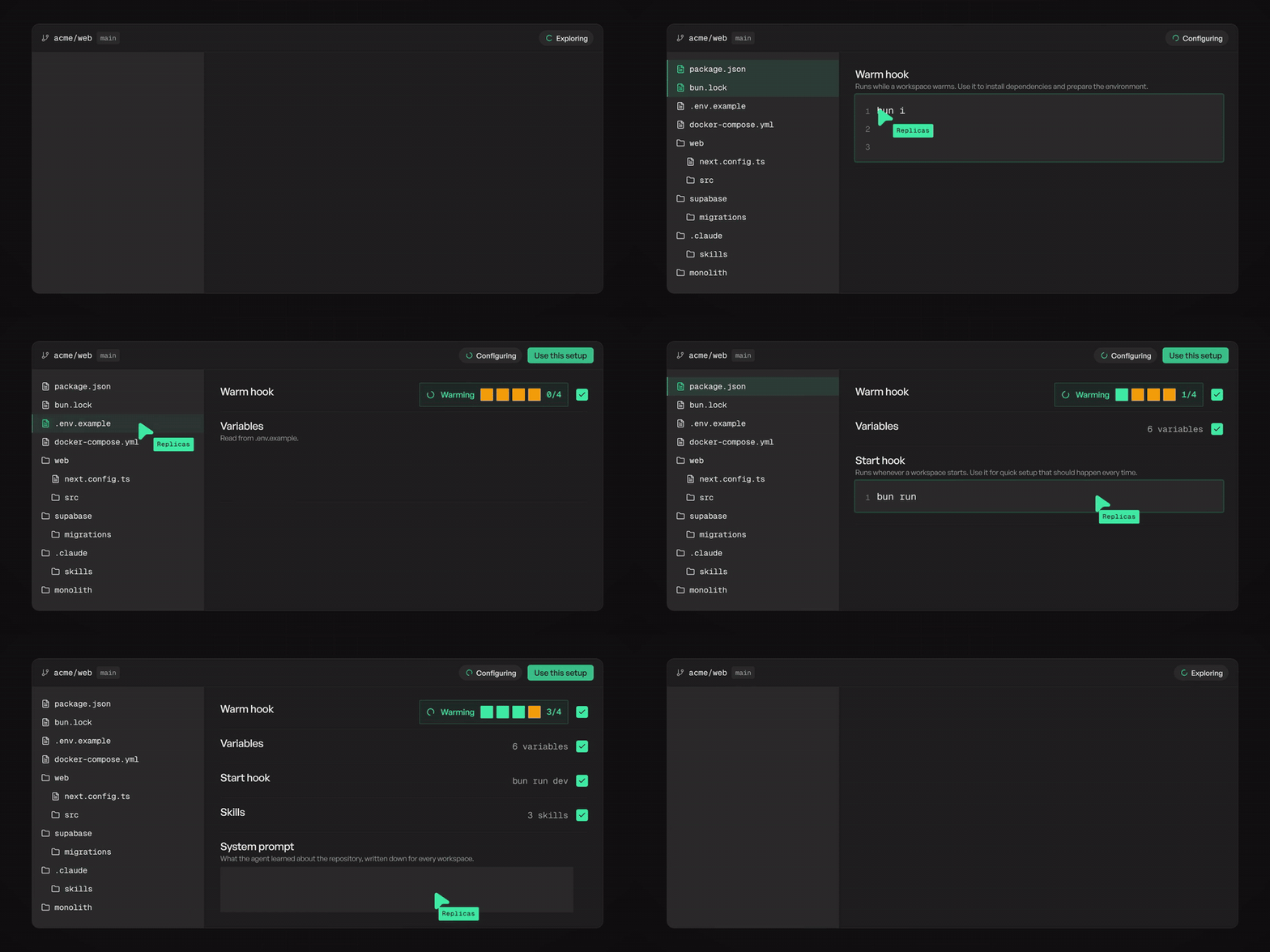
### Side chats
Type `/btw` or `/side` with a question and a **Side chat** opens in the sidebar. It knows what the main chat is doing, but nothing you say there reaches it, so the agent keeps working.
* Works on every harness, with the full set of composer controls, in workspaces on a current engine.
* Keep several per chat; restore closed ones from **Deleted side chats**.
* Select chat text for **Ask in side chat**, or **Add to chat** to quote it with a comment.
[How side chats work →](/features/workspaces/chat-forking#side-chats)
### Redesigned workspace
Less chrome, more room for the conversation:
* A **chat switcher** in the header replaces chat tabs.
* **One sidebar** for Changes, Files, Desktop, and Terminal; files, plans, and subagents open beside the chat.
* **Create PR** and your +/− counts live in the header.
* Each turn folds into one **Worked for** row with grouped steps, and Claude Code's edits appear as they're written.
[Workspace overview →](/features/workspaces/overview)
**Faster terminal.** Characters now appear as you type, and the terminal connects straight to your workspace when your network allows. [Terminal →](/features/workspaces/overview#terminal-and-docker)
**Plus 15 more improvements, 8 behavior changes, and 19 fixes.** [Read the full update →](/changelog#week-of-september-26-2026)
### More to try
* **Retry failed automation runs** from the run history or the API. [Reliability →](/features/automations#reliability)
* **Workspace identity** on every Team and Enterprise plan: agents reach AWS, Google Cloud, MCP servers, and your APIs with short-lived tokens, now with cached AWS credentials and an opt-in CloudTrail source identity. [Workspace identity →](/features/workspaces/workspace-identity)
* **Resource usage**: live CPU, memory, and disk in **Workspace info → Resources**. [Learn more →](/features/workspaces/overview#resource-usage)
* **Claude Sonnet 5.5** in Claude Code and Cursor, and **Grok 4.7** in Cursor, in new workspaces.
* **Per-step models** in **Coding Agents → Fallbacks**. [Fallback chains →](/admin/credentials#fallback-chains)
* **Fork this chat** opens right away, so you pick the harness and model before sending.
* **Shift+Tab** toggles plan mode, and Claude Code's plan approval has **View plan**.
* **Interact** and **Fullscreen** on the workspace **Desktop** tab.
* A native header in the Mac app, with back and forward (`Cmd+[` / `Cmd+]`).
**Smaller improvements**
* Improved workspace start and wake times.
* Improved attachments: file cards, and one full-screen viewer for images and videos.
* Improved how Linear, Slack, GitHub, and GitLab requests and compound shell commands read in chat.
* Improved review agent fixes: **Open** shows them in the side chat pane.
* Added dates to timestamps on older chat messages, and archiving for failed workspaces.
* Connecting your own Claude Code, Codex, or Muse account now completes onboarding.
**Behavior changes**
* Claude Code now defaults to Opus 5.5 and Codex to GPT-6.1 Sol (workspaces on older images stay on GPT-6 Sol). Pickers show only the latest models; re-enable others under **Organization → Coding Agents**. [Defaults →](/admin/defaults#default-model)
* We retired the **Memory** page. Agents now look back through summaries of your organization's past sessions instead of memory files; the new **Agent memory**, **Read memory**, and **Write memory** settings turn this off per organization, person, or environment.
* Relay, fx, and Kimi Code are retired. Relay defaults and automations now run on their base agent, and the automations API no longer accepts `relay` or `relay_base_provider`.
* Claude Code background tasks, workflows, and subagents no longer stop after one hour.
* Workspaces now install just the skills you select from a skills repository, falling back to the whole repository only when a skill name can't be matched. [Skills →](/features/environments#skills)
* The Developer plan is now for one person; teams need the Team plan. [Plans →](/admin/billing#plans)
* Each workspace has one terminal session, and the desktop app's **Tunnels** tab is gone; `replicas tunnel` still works. [CLI →](/features/cli)
* If you set up Google Cloud workspace identity from our earlier docs, update your subject mapping. [Google Cloud →](/features/workspaces/workspace-identity#google-cloud)
**Fixes**
* Fixed GitHub connections failing silently; broken ones now show **Reconnect required**.
* Fixed command protection blocking normal commits, branch syncs, and pushes.
* Fixed workspaces stuck on "Provisioning workspace…", unresponsive after sleep, or failing to start with large skill repositories.
* Fixed **Stop** while a workspace provisions or wakes, and failed workspaces offering a retry that couldn't succeed.
* Fixed finished workspaces showing as working, and Codex subagents showing as done too early.
* Fixed Claude Code automation runs not archiving, and @Replicas getting two answers in an automation's Slack thread.
* Fixed PRs from clones outside the workspace folder not linking, duplicate PRs hiding **Merge**, and PR actions greyed out during wake.
* Fixed GitLab merge request notes not saying when GitHub needs reconnecting.
* Fixed very large untracked files crashing the agent; diffs now show **File too large**.
* Fixed sent messages returning as drafts, "storage quota exceeded" errors, and steps scrolling out of view when opened.
* Fixed Linear screenshots not reaching the agent.
* Fixed Canvas HTML pages opening blank or tiny, and HTML previews not filling the pane.
* Fixed Codex token usage missing some requests in a turn.
* Fixed split view with preparing or archived workspaces, and pane widths resetting on reorder.
* Fixed **Configure** and **Open fullscreen** on sleeping workspaces, and a cut-off **Save** on queued prompts.
* Fixed expired trials being blocked from finishing setup.
* Fixed the Desktop stream staying black in Chrome on macOS.
* Fixed Slack and Linear connections in the desktop app, and passkeys for Google and Apple sign-in.
* Fixed iOS app crashes on unexpected errors; it now shows a recovery screen.
**Week of September 19, 2026**
Replicas for iOS · Goal mode for Claude Code · CI fixes in their own chat · Image viewer
Replicas comes to your iPhone, Claude Code works toward a goal, CI fixes get their own chat, and you can finally search a conversation.
### Replicas for iOS
Replicas is on the App Store: start agents, steer them mid-run, and open the finished PR from your phone. The app also picked up web's look, calmer **Working for / Worked for** transcripts, chat tabs, queued messages, and search, filter, and sort for the workspace list.
[Download on the App Store](https://apps.apple.com/us/app/replicas/id6795788812) · [iOS app docs →](/features/mobile-app)
### Goal mode for Claude Code
Turn on **Goal** or type `/goal ` and Claude Code keeps going until the condition holds. Steered messages now join the running turn instead of restarting it. [Goal mode →](/features/coding-agents/claude-code#goal-mode)
### CI fixes in their own chat
CI failures and review-bot comments no longer interrupt your conversation. They fork a **PR #N fixes** tab from your main chat, and the main chat shows a notice with an **Open** button while the fix runs. [Learn more →](/features/github#ci-failure-response)
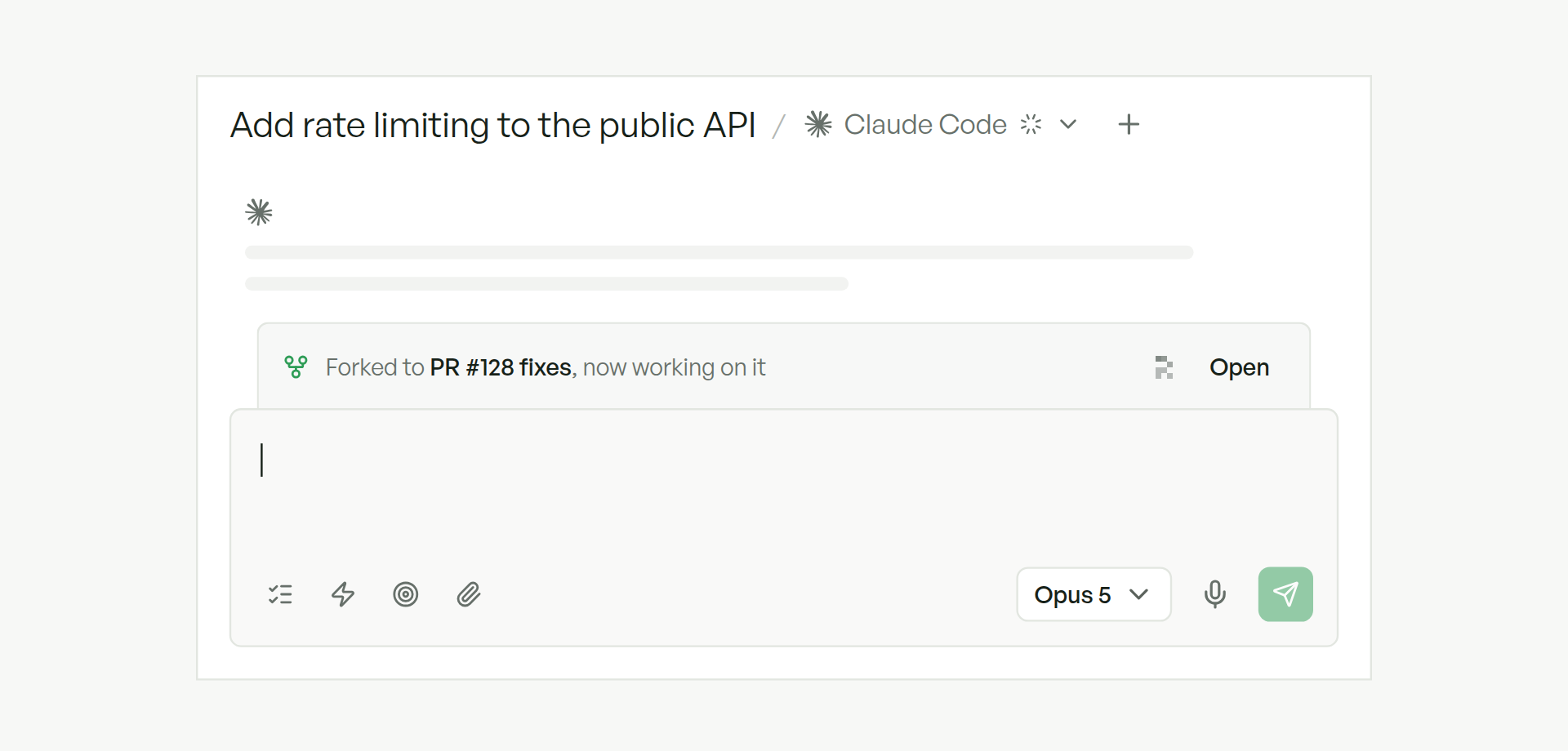
**Find in chat on desktop.** Press `Cmd/Ctrl+F` in the desktop app to search the whole conversation; Enter steps through matches. [Shortcuts →](/features/workspaces/overview#keyboard-shortcuts)
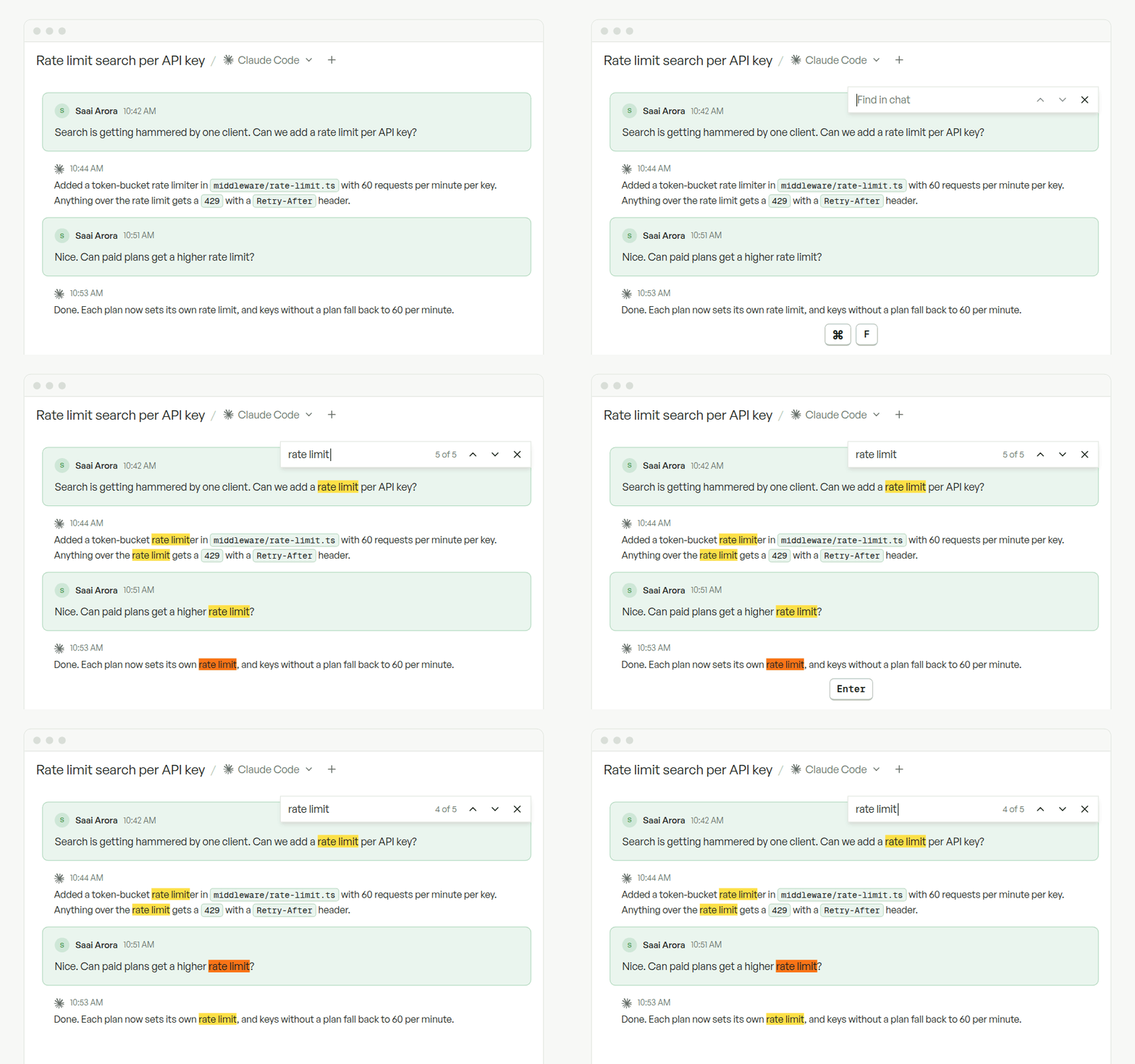
### More to try
* **Image viewer.** Zoom, pan, download, and step through a chat's images; right-click to copy or save in the desktop app.
* **Opus 5.5, GPT-6 Sol, and GPT-6 Luna** in new workspaces. Older models are hidden by default; re-enable them under **Organization → Coding Agents**. [Defaults →](/admin/defaults#default-model)
* **Multiple accounts per plugin** via **Configure → Connect another account**, plus a new **Mercury** plugin. [Plugins →](/features/plugins)
* **Rename chat tabs** by double-clicking, and **Shift-click** to select a range of workspaces.
* Usage-limit messages now name the account that ran out. [Quota fallback →](/admin/credentials#quota-exhaustion-fallback)
**Behavior changes**
* Gemini CLI and DeepSeek Harness are retired; their models remain available through Opencode and Pi.
* Agent-uploaded images always get a public, unguessable link. Manage it with `replicas media share`, `revoke`, or `delete`. [CLI →](/features/cli)
* Opencode's **OpenRouter models** selection now only controls picker visibility. [Opencode →](/features/coding-agents/opencode#openrouter-api-key)
* Removed the redundant workspace **Allow PR follow-ups** toggle and the automation capability chips.
* We published our [Data Processing Addendum](https://replicas.dev/dpa); everyone accepts the updated terms once.
**Fixes**
* Fixed slow upward scrolling snapping back while the agent streams.
* Fixed the composer losing focus when a new workspace becomes ready, and `/goal` or `/fast` clearing an existing prompt.
* Fixed **Attach folder** opening a file picker.
* Fixed the sidebar width resetting between Home, Automations, and workspaces.
* Fixed the working indicator turning off while Cursor, Kimi, fx, or subagents run.
* Fixed plans and Canvas files becoming unreadable, and chat tab names reverting, after a workspace slept.
* Fixed duplicate **Thought** sections in Claude chats and Codex chats losing context after sleep.
* Fixed the Billing seat count lagging after a Full/Flex switch.
* Fixed GitHub reconnect leaving repositories on an old App installation, and PRs from Git worktrees not linking to the workspace.
* Fixed the Datadog MCP template endpoint, and hardened the CLI sign-in redirect.
* Fixed an iOS crash when opening the chat switcher.
**Week of September 12, 2026**
Flex seats and new pricing · Voice input · Memory page
This week: cheaper seats with pay-as-you-go Flex seats, prompts you can dictate, and a page for browsing what your agents remember.
### Full and Flex seats, with lower prices
Seats just got cheaper. A **Full seat** is now **\$50** a month on Developer and **\$200** on Team, and new **Flex seats** pay only for the manual minutes they use. Switch any seat between the two in **Billing → Seat Manager**.
* Existing seats stay Full at your current price; new seats start as Flex.
* Developer Full seats include 150 manual hours a month, and Developer no longer caps repositories, environments, or automations.
* API and automation runtime is now billed per minute on both plans instead of from an included pool.
[See how billing works →](/admin/billing)
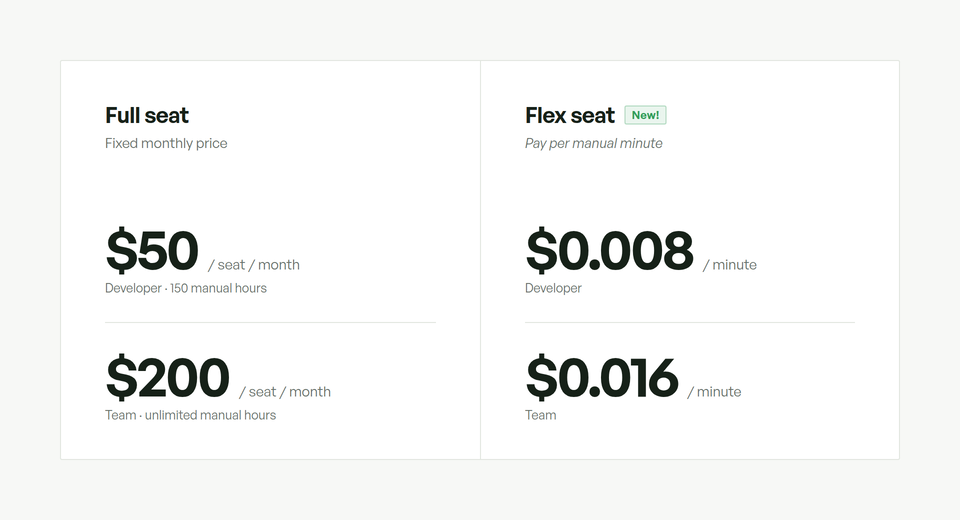
### Voice input
Talk to your agent instead of typing. Select the microphone in the composer or press `Cmd/Ctrl+Shift+Space`, watch the waveform follow your voice, then review the text and send. The macOS app uses Apple's on-device transcription; update to the latest version to get it. [Voice input →](/features/workspaces/overview#voice-input)
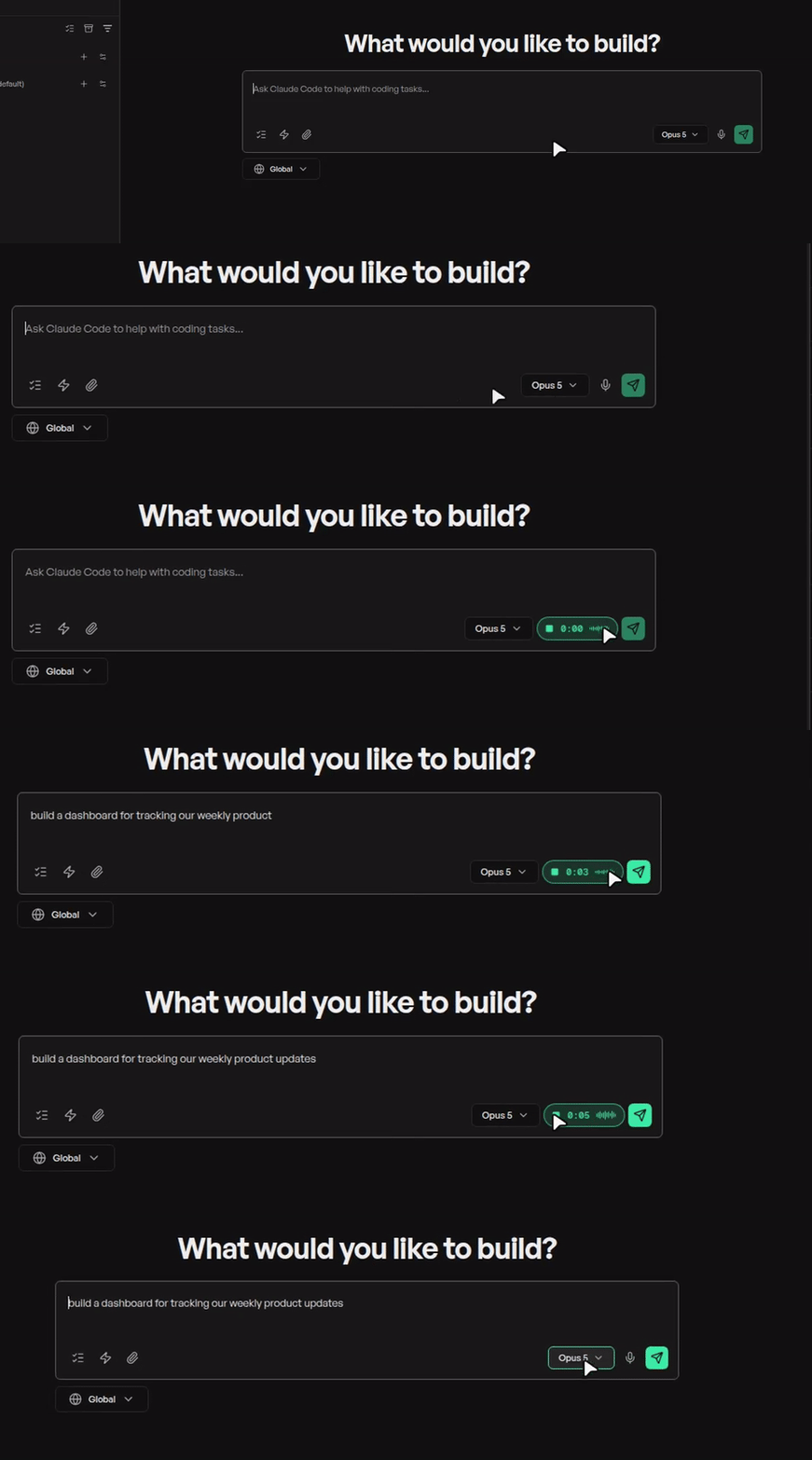
### Memory page
Long-term memory shipped last week; now you can read it. **Memory** in the sidebar groups what your agents have learned into topic cards under **Organization** and **Your memory** tabs. Agents also now say when they pick up something worth remembering; memory updates in the background after the chat. [How memory works →](/features/workspaces/memory)
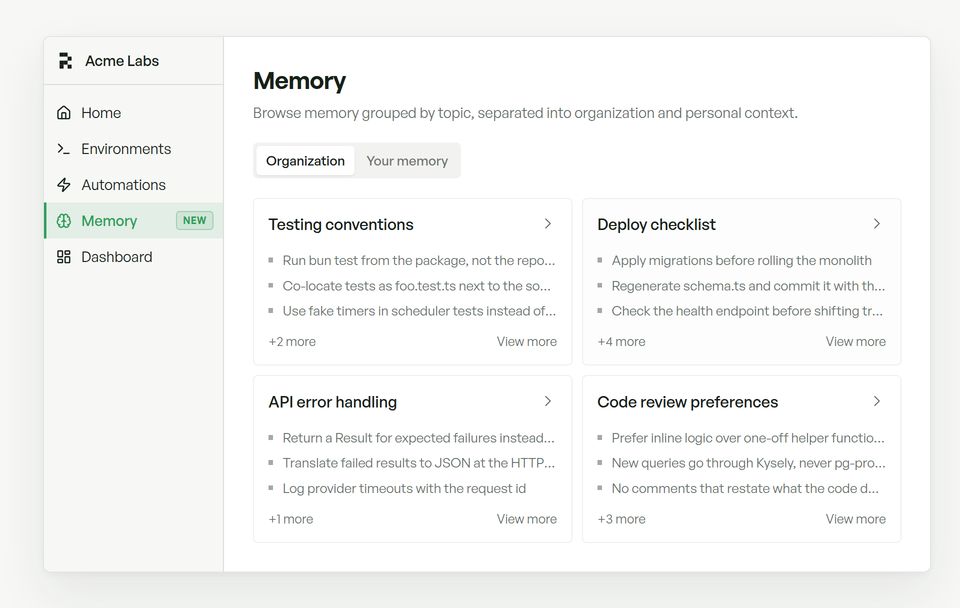
### More to try
* **Ollama as an inference provider.** Run Claude Code, Codex, Kimi Code, Opencode, and Pi on Ollama Cloud or your own Ollama server. Connect it once under **Coding Agents → Inference providers**. [Set up Ollama →](/admin/credentials#ollama)
* **Switch credentials in a running workspace.** Move a Codex or Claude Code workspace to another connected credential from **Workspace info → Coding Agents → Switch**, keeping the conversation. [Switch credentials →](/features/workspaces/overview#switch-credentials)
* **HTML previews in chat.** Uploaded HTML pages now render as live, sandboxed previews in the conversation, and Markdown files open **Formatted** by default. [Canvas →](/features/workspaces/canvas)
* **Smoother Desktop streaming.** The Desktop tab captures only what changes on screen and streams at native resolution, for lower latency and steadier motion. [Desktop tab →](/features/workspaces/overview#desktop-tab)
* **Greptile Knowledge Base plugin.** Let agents search Greptile's self-updating codebase docs. [Plugins →](/features/plugins)
* **Thermo-Nuclear Code Quality template.** An unusually strict maintainability review for every pull request, reported through its own GitHub check. [Templates →](/features/automations#templates)
* **Copy file paths from diffs.** Click a diff header's file name to copy its path.
* **Better subagent rows.** Subagent rows show provider and model and open on click, and Ultracode workflow subagents now appear in the **Subagents** tree. [Claude Code →](/features/coding-agents/claude-code)
**Smaller updates**
* Typing `/goal` or `/fast` now turns the mode on immediately.
* Added **Back to chat** when a Canvas artifact is open fullscreen.
* Desktop now stays available while a workspace sleeps or wakes.
* Long diff lines now wrap instead of scrolling horizontally.
* Improved loading of long Codex chat histories, and reopening an unchanged chat no longer refetches it.
* Improved wake time for workspaces that rebuilt certificates on every wake.
* Improved dashboard responsiveness during very large agent events.
* The macOS app's title bar now follows your Replicas theme. [Appearance →](/features/desktop-app#appearance)
* The download page now highlights the build for your operating system.
* Mobile composer mode labels now collapse to icons so Plan, Fast, and Goal fit together.
**Behavior changes**
* Personal plugin installations are gone; reinstall any you relied on in a [personal environment](/features/environments) or Global.
* Analytics moved to **Organization → Analytics** and now reports by seat, so people working from Slack, Linear, or GitHub without a login appear by email. [Analytics →](/admin/analytics)
* Graphite merge queues: add the `externally-merged` label so Replicas counts closed PRs as merged. It fires both the PR merged and PR closed triggers. [Graphite →](/features/github#graphite-pull-request-links)
* OpenCode Go settings moved to **Inference providers → OpenCode Go**.
* Slack replies now lead with a short answer instead of splitting into several messages.
* Workspaces link only pull requests confirmed for branches used in the workspace; mentioning a PR no longer links it.
* After a quota fallback, a workspace stays on the fallback credential until it wakes or you switch manually. [Quota exhaustion fallback →](/admin/credentials#quota-exhaustion-fallback)
* The trial banner now appears only after a trial ends.
* The API reference now lists only endpoints that accept API keys. [API →](/features/api)
**Chat & workspaces**
* Fixed the chat composer losing focus after sending.
* Fixed sends silently doing nothing in chats with a saved model.
* Fixed **Create PR** being unavailable while a workspace starts or has queued messages.
* Fixed reordering queued messages failing.
* Fixed new tasks starting on the wrong agent before defaults loaded.
* Fixed the sidebar account bar not opening the account menu.
* Fixed arrow-key navigation scrolling the skills menu out of view.
* Fixed tool call controls drifting out of alignment and a duplicated "(deferred)" label in the context usage popover.
* Fixed workspaces going back to sleep after a delayed sandbox event.
* Fixed chat history going stale when a workspace slept or archived.
* Fixed missing images in the What's New dialog.
* Fixed expired trials being unable to finish setup and reach Billing.
* Fixed API and automation usage totals on Billing, and the usage chart disappearing in periods with no usage.
**Agents & integrations**
* Fixed silent Codex failures after an idle restart.
* Fixed duplicate messages when steering an active Codex turn.
* Fixed Codex goals stopping after their first reply.
* Fixed Codex using the wrong context window on OpenAI-compatible gateways.
* Fixed automations reporting failure when a model fallback took over.
* Fixed personal automations losing access to personal environments.
* Fixed installing the same plugin in more than one environment.
* Fixed plugin listing failing in automation workspaces.
* Fixed the Slack welcome message posting again when you reconnect.
* Fixed **Connect** buttons staying disabled while credential status loaded.
* Fixed Linear sessions failing when the requester had no Replicas account; seats now follow the person who starts the session.
* Fixed broken images in pull request descriptions written by agents.
**Mobile**
* Fixed Markdown images not rendering in mobile chat.
* Fixed a crash when opening the chat switcher.
* Fixed long workspace titles clipping and misaligned header icons on iOS.
**Week of September 5, 2026**
Long-term memory · @ file mentions · What's New · app.replicas.dev
This week: agents that remember how you work, a faster way to point them at files, weekly updates right in the sidebar, and a new home for the app.
### Long-term memory
Replicas now remembers how you work. It learns from completed Claude Code and Codex chats and carries your preferences, team decisions, and lessons into future workspaces, whichever coding agent you use.
* **Personal memory** follows you; **organization memory** is shared with your team, with secrets and personal context filtered out.
* Memory updates in the background when a workspace sleeps and loads when the next one starts.
* Automations and API workspaces stay opt-in: turn on **Retain workspace memory** in an automation's advanced settings.
[See how memory works →](/features/workspaces/memory)
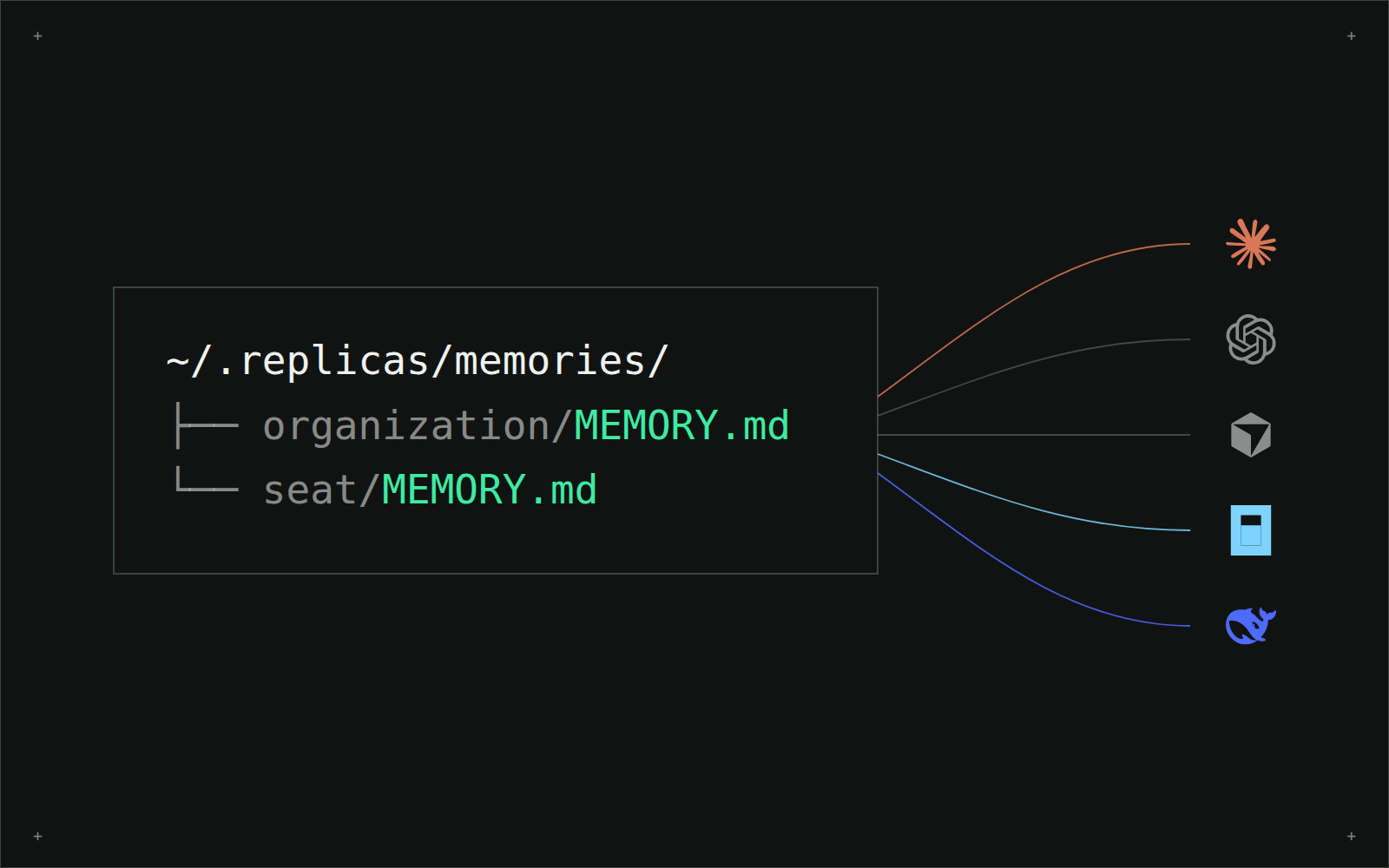
### @ file mentions
Type `@` in the chat composer to search your repository and drop a file straight into the prompt. Results are fuzzy-matched with recently changed files first, and each mention becomes a compact pill with a file-type icon while your agent still receives the full path. Mentions keep working while a workspace is still provisioning or asleep, using its cached file index.
[Chat commands →](/features/workspaces/overview#chat-commands)
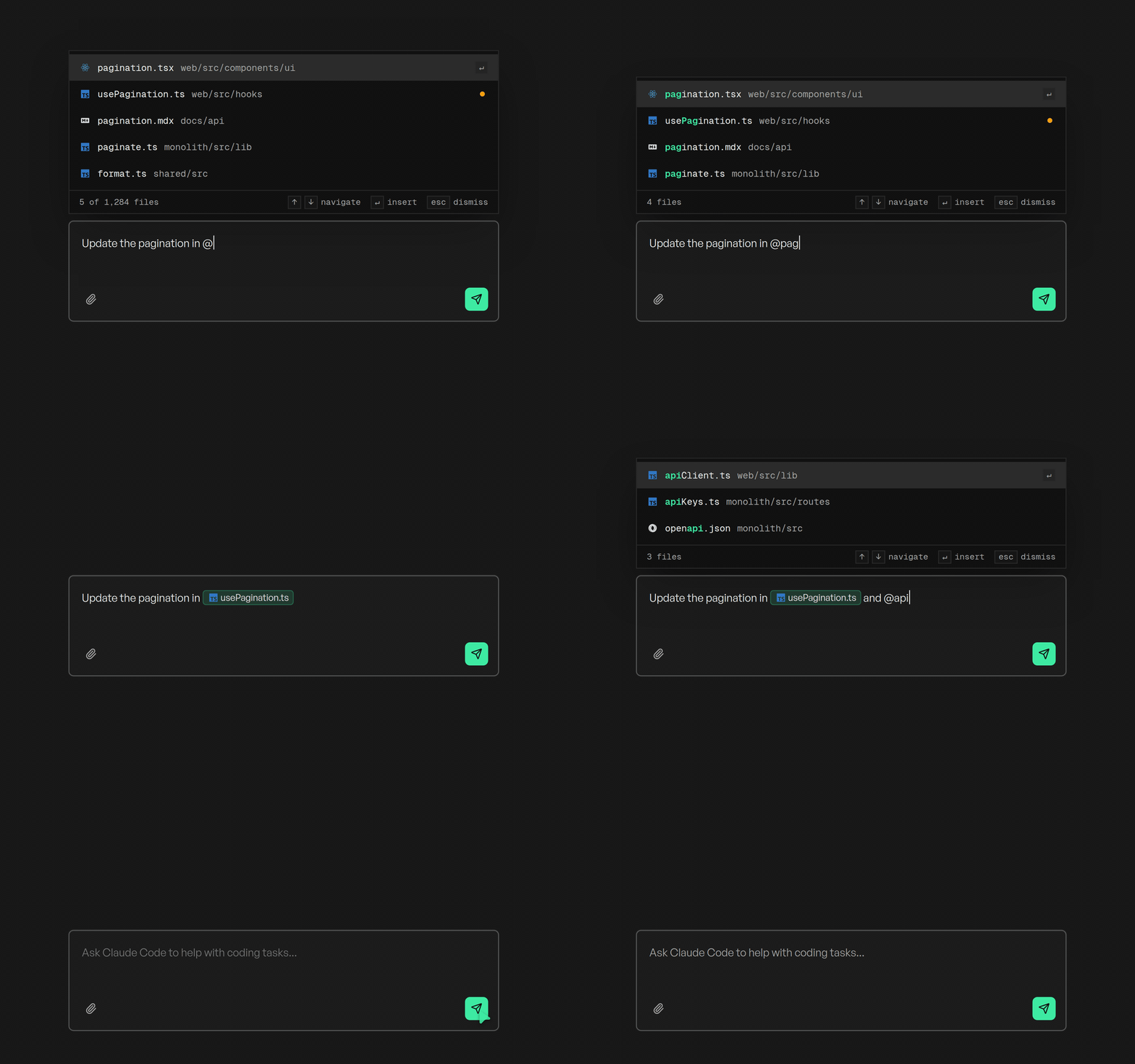
### What's New in the sidebar
You're looking at it. The **What's New** pill in the sidebar shows the week's highlights on hover and opens the full update on click. It opens once per weekly update for returning users and stays dismissed after you close it. The full archive lives at [docs.replicas.dev/changelog](/changelog).
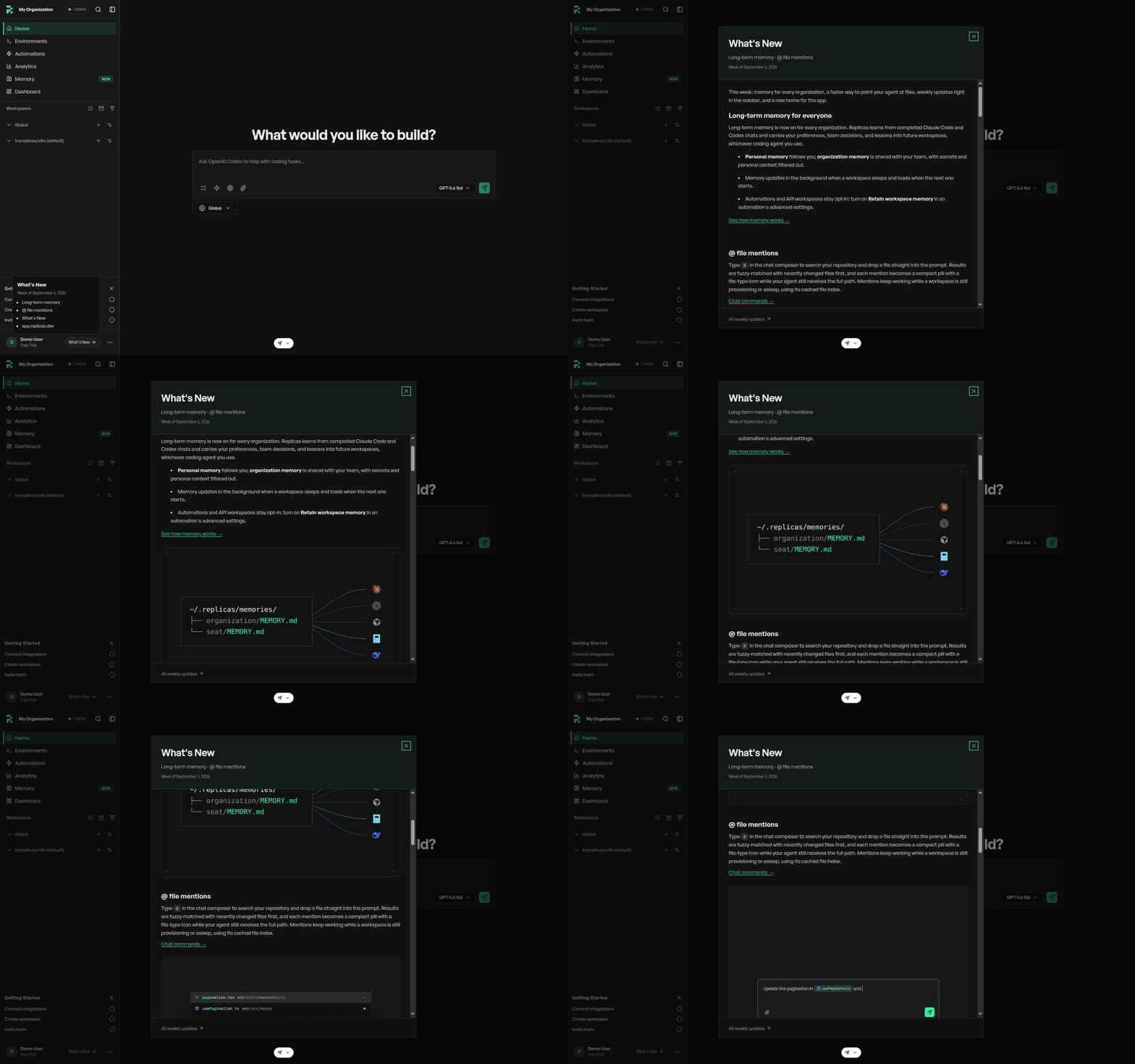
### The app moved to app.replicas.dev
The dashboard now lives at [app.replicas.dev](https://app.replicas.dev) with shorter URLs (`/home/automations` is now `/automations`), and replicas.dev stays the website. Old `/home` links redirect, so bookmarks keep working. **Sign in again on the new domain to continue.** If you override `REPLICAS_WEB_URL` for the CLI or `REPLICAS_APP_URL` for the desktop app, point them at the new domain.
### More to try
* **Sharper Desktop streaming.** The Desktop tab now streams over WebRTC by default for sharper text, smoother motion, and quicker input, with Balanced and Text quality profiles, fit or native views, and automatic WebSocket fallback. [Open the Desktop tab →](/features/workspaces/overview#desktop-tab)
* **Cross-org repository sets.** Combine repositories from different GitHub organizations or personal accounts in one environment. Checkout names must be unique, and a combined environment doesn't inherit variables or hooks from the environments it replaces. [Environments →](/features/environments)
* **Codex plans in their own tab.** Proposed plans open from a **View Plan** button with formatted Markdown, raw source, download, and selection comments, instead of rendering as a completed checklist. [Plan mode →](/features/workspaces/plan-mode)
* **Redesigned setup.** New organizations get a four-page setup: connect a coding agent, source control, repositories, and integrations. Setup finds your team's existing Replicas organization and lets verified GitHub members join it, and CLI agent sign-in finishes in the browser. [Quickstart →](/quickstart)
* **Relay base agent in agent defaults.** Choose the harness that runs Relay chats per person, per Slack or Linear integration, per organization, or per automation (`relay_base_provider` in the automations API). [Agent defaults →](/admin/defaults)
* **Slack setup channel.** Connecting Slack now creates a shared `#talk-to-replicas` channel and posts a short introduction. Existing connections need to reconnect once to grant the new channel scopes. [Slack →](/features/slack)
* **Hide built-in models.** Organization admins can now hide any built-in Claude, Codex, or Cursor model from pickers and automation settings. [Coding Agents →](/admin/credentials)
* **Codex model discovery.** Codex reads the model list from your OpenAI-compatible endpoint, with a **Check models** preview, and OpenAI API key is its own authentication option again. [Codex →](/features/coding-agents/codex)
* **Live tool activity.** Tool calls now stream into a **Working for…** fold that follows along and collapses into a summary when your agent replies.
* **Server-side Slack and Linear access.** New workspaces reach Slack and Linear through Replicas' gateway, so no provider tokens sit inside the workspace.
### Behavior changes
* Archived workspaces no longer wake for CI failures or grouped automation events; sending a message from chat, Slack, Linear, or a GitHub comment restores them. Through the API, wake with `POST /v1/workspaces/{id}/wake?restore=true`. [Sleep and wake →](/features/workspaces/overview#sleep-and-wake)
* Workspaces are no longer archived automatically when their pull request closes or merges. Saved preferences are unchanged; the toggles live in [Defaults](/admin/defaults).
* Claude background tasks now stop after one hour by default; raise the limit with an environment variable if you need longer runs. [Background tasks →](/features/workspaces/overview#background-tasks)
* Warm pool snapshots now rotate automatically for every organization; the manual **Refresh** button is gone.
* OpenRouter and OpenCode Go pickers now default to four current models each, with the full catalogs still selectable under **Coding Agents**. Organizations without a saved selection move from GLM 5.2 to GLM 5.3.
* Relay's MCP server for agents is now named `subagent_relay`; update prompts or permission rules that referenced `replicas-relay`.
* Sentry disconnects now happen by uninstalling Replicas in Sentry, and new Sentry automations default to the **New issue created** trigger. [Sentry →](/features/sentry)
* Setup now requires a coding agent, source control, and at least one repository before it completes.
### Smaller updates
* Added HEIC and HEIF photo support for chat attachments and profile photos, converted to JPEG automatically.
* Added an optional first message when forking a chat. [Chat forking →](/features/workspaces/chat-forking)
* Added Muse API key authentication for Muse Code. [Muse Code →](/features/coding-agents/muse-code)
* Added the **Granola** plugin. [Plugins →](/features/plugins)
* Added an interactive workspace picker to `replicas code`. [CLI →](/features/cli)
* Added `wait_for_workspace=true` to custom automation webhooks, returning the workspace ID and URL. [Automations →](/features/automations)
* Added a **Last used** badge to the sign-in page.
* Added a branded status page for preview URLs while a workspace is sleeping, preparing, or archived.
* Added the originating command and result details to Claude background task rows.
* Added Pi's inference provider to the workspace info panel.
* Added an **OpenCode Go models** setting shared by Opencode and Pi.
* Linear issues now show Replicas as the delegate when comment-triggered work starts.
* New tasks now use your resolved agent and model defaults, and chats keep their model across follow-ups.
* Automation runs now stay **Running** until the workspace accepts the message.
* Improved Slack replies: shorter and more natural, with task-specific acknowledgements and compact workspace links.
* Improved long chat loading, with older history loading as you scroll.
* Improved computer-use Chrome: it follows your dashboard theme and enables WebGL so bot-protected sites load.
* Improved agent media links, which now preview inline in chat.
* Updated Muse Code to 1.1.1 in new workspaces.
**Chat & workspaces**
* Fixed cleared queued messages reappearing in chat history.
* Fixed chat history lost on wake and skipped large image records.
* Fixed the composer locking after a stalled send.
* Fixed composer focus lost when attaching files.
* Fixed model selection not persisting between sessions.
* Fixed numbered lists in your own messages.
* Fixed elapsed time missing from completed turns.
* Fixed the right pane not reopening after resizing.
* Fixed the fullscreen workspace loading state.
* Fixed workspace startup checks timing out on slow starts.
* Fixed Muse Code sessions appearing stuck on tool approvals.
* Fixed OpenCode Go model routing in Pi for GPT 5.6 Luna, Grok 4.6, and MiniMax M2.7.
* Fixed Claude background tasks not finishing cleanly.
**Files & desktop**
* Fixed symbol hover popups jumping while results load.
* Fixed text selection under hover details.
* Fixed a duplicate diff header flashing during updates.
* Fixed trackpad overscroll during desktop takeover.
* Fixed desktop stream quality dropping after a single slow latency probe, and added **Open stream telemetry** for diagnostics.
* Fixed hidden desktop viewers falling back from WebRTC.
**Dashboard**
* Fixed organization switching reverting with a workspace open.
* Fixed sidebar toggles at tablet widths and added a navigation button on phones.
* Fixed existing organizations being sent back into setup.
* Fixed desktop notifications for workspaces hidden by sidebar filters.
* Fixed number formatting for token counts, minutes, and hours in Analytics.
* Support links now live in the account menu.
**Agents & integrations**
* Fixed GitHub setup reopening the installer for existing installations; **Manage repository access** is available separately.
* Fixed PR review follow-ups landing in the wrong workspace.
* Fixed Slack working status dropping during queued turns.
* Fixed Sentry installations stuck pending after OAuth.
* Fixed agents ignoring an explicit pull request base branch.
* Fixed duplicate Replicas footers on pull requests.
* Linear tasks now follow the requested scope and honor "don't open a PR".
* Slack threads now prefer a newer replacement workspace over an archived one.
**Week of August 29, 2026**
Fallbacks and forks · LSP navigation · Muse Code · Editable files
This week: switch agents without starting over, navigate your code, and edit files right in your workspace.
### Fallbacks and forks
Hit a usage limit? Keep going with another agent. **Fork from the + menu** to carry your conversation into a new chat, or set up automatic fallbacks in **Coding Agents → Fallbacks**.
You choose the next agent, model, and effort. [Try a chat fork →](/features/workspaces/chat-forking)
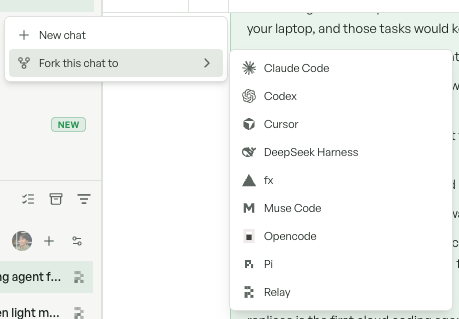
### Code navigation and editing
Less hunting through files, fewer trips to your editor:
* **Hover** for symbol details; **Cmd/Ctrl-click** for definitions.
* **Shift+Cmd/Ctrl-click** to find references.
* **Edit repository and Canvas files in place**, with your agent's changes merged into open drafts.
Changed files open at their diff hunks, so you can get straight to the review.
### More to try
* Added **[Muse Code](/features/coding-agents/muse-code)** with subscription sign-in and workspace chat.
* Added GPT-6 Astra, Claude Fable 5.1, and Gemini 3.8 Flash to supported agents and workspaces.
* Added **[custom roles](/admin/team#access)** and per-environment Read/Write permissions.
* Added **Supermemory and Vanta** integrations and organization MCP support in Pi.
* Added **local tunnels** to access workspace services with `replicas tunnel`.
* Added a **mobile model picker** before starting a task.
**Smaller updates**
* Added custom OpenAI-compatible endpoints for Codex.
* Added support for all available base agents in orchestrating chats.
* Workspace lists now sort by your last interaction.
* Added keyboard shortcuts to cycle agent, model, and effort.
* Desktop appearance now follows your dashboard theme.
* Added inference analytics for Cursor, Opencode, and Pi.
* Improved provider errors in Pi and Opencode with retry guidance.
* Improved PR detection during active agent turns.
**Chat & workspaces**
* Fixed lost child-chat transcripts across supported agents.
* Fixed missing assistant messages in collapsed chats.
* Fixed completed activity not folding into an expandable summary.
* Fixed message ordering during replies and reconnections.
* Fixed stuck working indicators after chats finish or stop.
* Fixed queued messages and attachments lost during workspace wake-up.
* Fixed older-message loading getting stuck on large agent events.
* Fixed chat scrolling snapping back during agent turns.
* Fixed shared workspace links opening in the wrong organization.
* Fixed non-image attachments in new task prompts.
* Fixed sleeping workspaces not waking when opened from Home.
* Fixed setup not updating after adding a repository.
* Fixed temporary sandbox timeout-update failures during workspace cleanup and suspension.
* Improved stability during long agent runs.
**Files & desktop**
* Fixed Markdown editing from All files.
* Fixed JSON opening in Canvas and changed files.
* Fixed saved Canvas JSON becoming unreadable after sleep.
* Fixed missing diff highlighting when editable diffs are unavailable.
* Fixed diff reviews resetting scroll position during agent work.
* Improved terminal stability during live updates.
* Improved tunnel setup with prompts to wake sleeping workspaces.
* Fixed error handling for refused tunnel connections.
**Agents & integrations**
* Fixed Fable 5.1 session startup failures.
* Fixed unsupported models appearing in older workspaces.
* Fixed inconsistent model defaults between mobile and web.
* Fixed automation settings showing incorrect inherited defaults.
* Fixed temporary Claude OAuth rate limits and server errors being reported as disconnected credentials.
* Fixed valid Claude credentials being deleted during workspace wake-up.
* Fixed sign-out retaining the previous account selection.
* Improved Cursor authentication errors to identify credentials needing replacement.
* Fixed Slack follow-ups switching agents after workspace sleep or archive.
* Fixed unwanted archive and deletion notices in old Slack threads.
* Fixed Linear `/plan` sessions receiving implementation instructions.
* Fixed Codex MCP approvals silently canceling tool calls.
**Week of August 22, 2026**
Home activity feed · Easier code review · More plugins · Agent security policies
Catch up on your team's work and get through reviews faster. This week brings a new Home activity feed and more ways to review alongside your agent.
### Home activity feed
**Recent activity on Home** shows each workspace's latest task, contributors, and PR status—including drafts.
* Browse by **Today, Yesterday, Last week, or Older**.
* Keep pinned workspaces in their own section.
* Scroll back through older work without stopping at the first hundred.
[Take a look at Recent activity →](/features/workspaces/overview#chats-and-collaboration)
### End-of-turn diff summaries
Completed turns now show **files changed, lines added and removed, and a Review action** to open the diff.
Select a range of lines for a single comment, or open Canvas and media beside chat in a resizable split view. More room to compare, less switching back and forth.
**More to try**
* Added **[plugins](/features/plugins)** for project management, design, and CRM, plus Context.dev for web research.
* Added **[agent security policy](/admin/team)** enforcement before tool use across supported agents, excluding fx.
* Added **[analytics](/admin/analytics)** breakdowns for minutes, tokens, workspaces, and turns by inference source, automation, and environment.
* Added **OpenCode Go support in Pi** and GLM 5.3 Flash in supported OpenRouter agents.
* **[Mobile on Developer](/features/mobile-app)** now includes app access through TestFlight.
**Smaller updates**
* Added native REST API access to Vercel token connections.
* Home now combines repositories and branches in one starting-point picker.
* Non-default starting branches now appear directly in the picker.
* Added Slack and Linear contributors to workspace avatars.
* Recent activity now omits user-message snippets.
* Added links from model pickers to default-model preferences.
* Fixed pasting copied images into mobile prompts.
* Fixed mobile losing the last selected chat and model.
* Fixed PR approval failing with an outdated workspace link.
**Chat & workspaces**
* Improved scrolling and older-message loading in long conversations.
* Fixed duplicate turns when retrying sends.
* Fixed missing message history after long agent turns.
* Fixed duplicate queued edits and incorrect sender attribution.
* Fixed wake-up messages missing the existing chat.
* Fixed unread results not refreshing after chats complete.
* Fixed notifications and live updates stopping after session refresh.
* Improved sidebar responsiveness during bursts of workspace updates.
* Fixed drafts becoming uneditable while preferences load.
* Fixed mid-prompt slash commands clearing drafts.
* Fixed chat scroll markers jumping to the wrong message.
* Fixed interactive audio and video controls.
* Fixed public media embeds in chat.
**Files & Home**
* Improved cached-file opening and large-diff rendering.
* Fixed collapsible diffs and inline comments in All Changes.
* Fixed diff file headers not staying pinned while scrolling.
* Fixed Home ignoring workspace visibility settings.
* Fixed activity sorting by waiting state instead of last interaction.
* Fixed pinned workspaces disappearing outside loaded history.
* Fixed incorrect ages for activity with missing dates.
* Fixed inconsistent owner filters and missing unowned workspaces.
* Fixed unreadable Mermaid phase backgrounds in dark mode.
**Agents & connections**
* Fixed workspace instructions being dropped in FX and Kimi.
* Fixed Codex ignoring instruction edits in existing threads.
* Fixed incomplete and out-of-order turns in paginated Codex history.
* Fixed OpenCode Go ignoring selected and newly available subscription models.
* Fixed saving personal model defaults under organization defaults.
* Fixed integration-created workspaces ignoring hidden model preferences.
* Fixed settings showing the wrong model for new workspaces.
* Fixed missing GitHub reconnection prompts during workspace creation.
* Fixed silent startup failures and missing creators in Linear assignment sessions.
**Week of August 15, 2026**
Environment plugins · Per-task branches · Kimi Code · fx
New coding agents, environment plugins, and faster Desktop connections.
### Kimi Code and fx
Choose [Kimi Code](/features/coding-agents/kimi-code) or [fx](/features/coding-agents/fx), with persistent chats, streamed tools, Plan Mode, and interruption. Both support Vercel AI Gateway models.
* Kimi Code supports images and queued-message steering.
* Added Ox Alpha through OpenRouter for Opencode and Pi.
### Environment plugins
Install [plugins for each environment](/features/environments#plugins), including Modal, E2B, Pangram, turbopuffer, and PlanetScale. Workspaces use the most specific installation.
Existing organization installs moved to Global. **Personal installs stop overriding environment plugins on August 31.**
**More updates**
* Added per-repository starting branches on Home.
* Added `/replicas run all` for [PR command automations](/features/automations#triggering-from-a-pull-request).
* Added credential-fallback controls for organization admins.
* Added member controls for [static egress](/features/static-egress-ip) and copying its allowlist IP.
* Added `replicas env warm-hooks` commands.
* Added voice dictation, media-library attachments, and full task composers on mobile.
* Added E2B sandbox access through `@replicas/sdk`.
* Added email password reset from the sign-in page.
* Personal Integrations is now **Connections**; organization Integrations lists GitHub, GitLab, Slack, Linear, and Sentry.
* Credential fallback now lives in Organization → Settings → Preferences.
* Replicas now uses `replicas.dev`; existing `tryreplicas.com` links redirect.
* Workspaces now live at `/home`; configuration stays at `/dashboard`. Old workspace links redirect.
* CLI commands now retain your selected organization until it changes or access ends.
* Improved Desktop sharpness, first connection, reconnection, and 60fps streaming.
* Improved workspace wake times, including static-egress workspaces.
* Improved cached chat loading and pagination for long conversations.
**Interface updates**
* Added full-size attachment viewing and 25–200% image zoom.
* Added a paginated view of accessible automation runs, with 20 recent executions per page.
* Added resolved values and source labels for inherited agent settings.
* Added individual PR checks on hover and merging from the checks popover.
* Added mobile drag-to-reorder for workspaces and environments.
* Improved Home selectors, subagent spacing, provider icons, and sidebar bulk actions.
* Improved environment editing, hook editors, snapshot restore, warm-pool controls, and repository management.
* Environments now separates **Organization** and **Your Environments**.
* Offline status now appears above the active goal bar.
* Chat submenus now open to the right on desktop.
* Mobile chat queue controls are temporarily unavailable while an iOS crash is investigated.
**Chat & agents**
* Fixed lost line breaks in user messages.
* Fixed Claude completion and sleep actions ignoring background tasks.
* Fixed stopping Claude chats leaving background tasks running.
* Fixed new tasks losing the agent and model selected on Home.
* Fixed Claude and Codex message ordering around reasoning blocks.
* Fixed submitted Home prompts remaining in the composer.
* Fixed fragmented fx replies and internal diagnostics appearing in chat.
* Fixed lost history, sender details, and tool activity in paginated Codex chats.
* Fixed active chats losing their initial history.
* Fixed shortcuts overriding text selection while typing.
* Fixed stuck Thinking states after queue edits, automated messages, wake-up, or Codex completion.
* Fixed interrupted Codex tasks stranding follow-up messages.
* Fixed missing final responses from Codex subagents.
* Improved Cursor reconnect feedback and Claude fallback errors.
* Chats now block sends while offline and explain how to reconnect.
**Files, accounts & integrations**
* Fixed PR merging from sleeping workspaces and with optional checks pending.
* Fixed missing approval and merge actions on open PRs.
* Fixed inaccurate GitLab additions and deletions.
* Fixed GitLab hooks incorrectly requiring a GitHub connection.
* Fixed Google and Apple sign-in disrupting the Mac app session.
* Fixed concurrent credential refreshes invalidating working Claude and Codex sessions.
* Fixed missing GitHub repositories after onboarding installation.
* Fixed duplicate organization names during work-email signup.
* Fixed multiline environment imports and saving pending variables together.
* Fixed stuck split-view overlays and unreadable light-mode onboarding controls.
* Fixed CLI management with user sessions; creation still requires an API key.
* Fixed multi-word workspace names in `replicas connect` and `replicas code`.
* Improved older CLI authentication errors with personal-credential instructions.
* Fixed memory retrieval using the wrong scope, extraction timeouts, and invalid summaries.
* Fixed failed memory downloads replacing existing workspace memory.
* Improved suspended-workspace recovery guidance.
* Fixed Global appearing as an environment creation source.
**Desktop & mobile**
* Fixed desktop startup after the route migration and restart after updates.
* Fixed mobile chats opening blank, flickering, or away from recent messages.
* Fixed composer padding and off-center loading indicators.
* Fixed mobile new-task keyboards showing the wrong return key.
**Week of August 8, 2026**
Static egress IP · Automatic credential fallback · Workspace splits · Linux desktop app
Keep working through credential limits, arrange more workspaces side by side, and connect new plugins.
### Automatic credential fallback
Claude and Codex can switch credentials and retry when one runs out of quota. Order your personal or organization credentials in **Coding Agents → Fallbacks**. Chat and the workspace Info panel show when a fallback happens.
### Workspace split groups
Split view now fits as many workspaces as your window allows. Drag a workspace onto a group to add a pane, reorder members, or drag one out to open it separately. Narrow panes hide their right panel to leave room for chat.
**Plugins & agents**
* Added a searchable [plugin marketplace](/features/plugins) for every organization.
* Added PlanetScale, Modal, turbopuffer, Pangram, and Sentry access.
* Added Attio, Calendly, ClickHouse, Cloudflare, Google, LinkedIn, PostHog, Stripe, and Vercel plugins.
* Google plugins now replace the retired Google Workspace connector.
* Added Grok 4.6 for Cursor, replacing Grok 4.5 in the default list.
* Added queued-message steering for Claude.
* Added [static egress IPs](/features/static-egress-ip) for selected organizations, with organization credentials and no direct-outbound fallback.
* Improved static-egress credential rotation, replay protection, and traffic limits. Protected workspaces require an accurate clock.
**Desktop & workspaces**
* Added Linux AppImage and Debian packages for x64 and arm64.
* Added [opening workspace links in the desktop app](/features/desktop-app#open-links-in-the-app).
* Added background-turn notifications on macOS.
* Improved Desktop startup, adaptive streaming, and input responsiveness on slow connections.
* Added GitHub PR approval, close, draft, and ready-for-review actions.
* Added individual checks and blocked-merge explanations to PR badges.
* Added stacked PR display; merge stacks in order on GitHub.
* Added Canvas and Changes previews for diagrams, PDFs, SVGs, icons, and common text files.
* Chat attachments now support files up to 25 MB.
* Trials now allow 50 concurrent manual workspaces; metered API and Automation workspaces have a separate limit of 100.
* Public Replica API access now requires an API key. CLI users must migrate from user-session authentication.
* The CLI now installs through npm, pnpm, yarn, or bun without an interactive dashboard or Bun requirement.
* Added View PR buttons to initial Slack PR announcements.
**Mobile & accounts**
* Added Apple sign-in on web and iOS.
* Added account deletion, cancellation, AI data-sharing controls, and consent prompts.
* Added workspace search, swipe-to-archive, drag-to-reorder, and edge-swipe navigation.
* Added task creation with environment, agent, and model selection.
* Improved iOS 26 Liquid Glass headers, composer, PR action, and scroll controls.
* Improved keyboard-following, text-size support, Reduce Motion, and latest-message navigation.
* Improved mobile setup handoff, loading states, and account settings.
* Mobile now focuses on chat; Files, Canvas, Media, Code, Desktop, review-request, and branch-sync shortcuts are unavailable.
**Fixes & improvements**
* Fixed empty memory files and duplicated memory summaries.
* Fixed static-egress DNS, startup retries, Docker networks, and older-workspace wake-up.
* Fixed configuration line breaks and certificate restoration after sleep.
* Fixed PlanetScale OAuth and incorrect marketplace logos.
* Fixed split rows entering rename mode or navigating on click.
* Fixed split groups not syncing across web and desktop.
* Fixed errors when switching between different provenance-pane states.
* Fixed background notifications appearing in the wrong sidebar view or before queued work finishes.
* Fixed missing GitLab workspace links for repositories cloned during tasks.
* Fixed CLI rendering of combined messages and GitLab comments.
* Fixed Pi maximum-thinking and blocked-command handling.
* Fixed iOS header safe areas, dark-mode styling, and the app icon.
* Fixed failed workspace startup, wake-up after connection loss, and recovery after memory-heavy builds.
* Fixed repeated onboarding redirects and premature mobile unlock checks.
* Fixed hidden Desktop viewers staying connected.
* Fixed successfully steered Codex messages leaving chats on Thinking.
* Fixed temporary workspace entries opening early or unexpectedly closing.
* Fixed stale permissions on existing marketplace connections.
* Fixed environment routing asking for a choice before checking defaults.
* Fixed tasks and automations failing in repository-free environments.
* Fixed nested Canvas folders and image previews in Changes.
* Fixed stale Claude context usage and valid co-authored Codex commits being blocked.
* Fixed missing chat loading, error, and retry states.
* Fixed failed queue steering and reordering silently changing messages.
* Fixed overlapping Info and provenance controls in narrow views.
* Improved large sidebar expansion, marketplace layout, and queued-message previews.
**Week of August 1, 2026**
Side-by-side workspaces · Conversation exports · Unified Canvas · Model preferences
Work across two workspaces, export conversations, and keep your dashboard in sync across devices.
### Side-by-side workspaces
Open or drag workspaces into resizable split views. Pane sizes and ordering persist across reloads, and paired workspaces stay grouped in the sidebar. Filter by teammate or **All** owners to find the work you need.
### Conversation exports
Organization admins can export retained conversations without waking sleeping or archived workspaces. The history API supports `limit` and `beforeEvent`; use `replicas read --before-event` to page through long chats from the CLI.
**More updates**
* Added cross-device sync for pins, notes, drafts, ordering, preferences, and unread replies.
* Added organization controls for visible Claude, Codex, Cursor, and OpenRouter models.
* Added Opus 4.8 alongside Opus 5 in Claude model selection.
* Added GitLab service-account credentials for stable automated MR authorship.
* Added inspect-and-copy details for failed automation executions.
* Added organization-only HTML sharing through Forge links, with sandboxed previews.
* Media now appears inside Canvas instead of a separate artifact tab.
* Improved Desktop streaming with 1080p60, audio, responsive input, and reconnects.
* Improved workspace switching, cached navigation, and bounded history prefetching.
* New organization names now use company or personal email names when available.
**Mobile & interface**
* Added pinned folders, unread indicators, and changed-file summaries in mobile chat.
* Added Markdown tables, clipboard image pasting, and automatic task names on mobile.
* Added source-labeled cards for integration, automation, CI, and review messages.
* Improved mobile streaming, cached resume, optimistic updates, and latest-message navigation.
* Improved mobile text sizing, bottom sheets, model pickers, effort controls, and thinking feedback.
* Mobile repository diff browsing and inline comments are hidden pending the review experience.
* Preparing mobile workspaces now open in chat and queue the first message.
* Improved dashboard typography, sidebar PR indicators, empty views, and compact chat controls.
* Improved Analytics loading, date labels, credential groups, rankings, and skill/MCP tables.
* Analytics usage cards now sort by descending usage.
* Added a Trust Center link for security certification details.
**Chat & workspace fixes**
* Fixed thinking states remaining active after completed Claude and OpenCode Go turns.
* Fixed missing completed Codex reasoning in chat history.
* Fixed split panes losing order or size and remaining open after archiving.
* Fixed unread indicators for running workspaces and repeated updates when opening replies.
* Fixed mobile replies requiring a chat reopen to appear.
* Fixed older-history loading freezing web chats or losing recent mobile messages.
* Fixed queued messages not entering conversations when their turns start.
* Fixed overlapping queue actions and failed-request recovery.
* Fixed shared messages showing the wrong sender.
* Fixed returning from a file review opening at the wrong chat position.
* Fixed workspace and chat status falling out of sync across devices.
* Fixed terminals connecting before the engine is ready; added retry feedback.
* Fixed Create PR being unavailable during planning, busy turns, or sleep.
* Fixed automation capability chips adding duplicate instructions.
* Fixed unclear or duplicate automation workspace names.
**Accounts, files & integrations**
* Fixed inline diff comments not receiving keyboard focus.
* Fixed unreadable plan quotes in light mode and standard LaTeX rendering.
* Fixed workspace variables overwriting customer-defined values.
* Fixed warm workspaces using stale skill registries.
* Fixed workspace wake-up starting before commands are available.
* Fixed concurrent GitHub and GitLab credential refreshes.
* Fixed multi-tab authentication signing users out.
* Fixed missing organization-policy reasons for blocked Codex commands.
* Fixed missing or incorrectly grouped commit co-author attribution.
* Fixed Slack task names ignoring full thread context.
* Fixed failed Slack setup preventing a fresh workspace in the same thread.
* Fixed missing or misattributed Cursor, Pi, and Codex skill analytics.
**Mobile fixes**
* Fixed drafts disappearing or being overwritten while typing and sending.
* Fixed photo and file pickers not opening from the composer.
* Fixed automatic sidebar updates moving rows or showing refresh spinners.
* Fixed long chats reopening away from recent messages or becoming unscrollable.
* Fixed chat positioning above the keyboard.
* Fixed missing Fast mode for supported Claude models.
* Fixed sign-out leaving the current screen stuck.
**Week of July 25, 2026**
14-day free trial · Automation merge checks · Slack task forks · Mobile TestFlight
Try the full Team experience, run required PR checks, and fork Slack tasks into separate workspaces.
### 14-day free trial
New organizations get the full Team feature set without a credit card. Trials include **15,000 automated minutes** and unlimited manual workspace minutes. The free Hobby plan is retired.
The dashboard shows days remaining, with reminders at seven and two days. When a trial ends, workspaces suspend rather than being deleted; subscribe to Developer or Team to resume.
### Automation merge checks
Automations can report required [GitHub checks](/features/automations#github-checks), blocking a merge until the run returns a result. Configure check names under **Advanced settings → GitHub Checks**, then report verdicts with `replicas automation check`.
* Added read-only repository access for review-only automations.
* Added CLI filtering and `--add-github-checks` for existing automations.
* Deterministic PR-open check results now carry forward to later commits.
* Inactive automation workspaces now archive for inspection, subject to 30-day retention.
**More updates**
* Added Slack **Fork task** and `!fork` to start a separate workspace with thread context.
* Added confirmed PR merging and source-thread links on desktop and mobile.
* Added workspace notes in action menus and hover previews.
* Added team iOS TestFlight builds and a signed macOS app for Apple Silicon and Intel.
* Added live iOS simulator and Android emulator views inside workspaces.
* Added Aster credentials for Opencode and Pi, with Kimi K3, GLM 5.2, and GPT-OSS 120B.
* Added Codex `/compact`.
* Added warm-pool snapshot history and restoration while rebuilds run.
* Added Enterprise DPA, SCIM, and custom security/privacy settings.
* Improved Analytics with harness/model/credential rankings, skill/MCP counts, member drilldowns, and narrow-screen support.
* Updated privacy disclosures for identified analytics, masked replay, and deletion requests.
* CLI login now asks for an active organization and preserves your selection.
* CLI agent authentication now saves personally by default; admins use `--org` to share credentials.
**Interface updates**
* Added raw/formatted Markdown views in Canvas, Changes, and All files.
* Added workspace/chat shortcuts and a built-in shortcut reference.
* Added archived-workspace discovery and help actions to Cmd/Ctrl+K.
* Improved mobile navigation, streaming, plans, attachments, and command/file rows.
* Improved PR lifecycle controls, Info menus, sidebar previews, and contextual file chips.
* Menu selection indicators now sit on the right, replacing trailing counts or tags.
* Attachments now share one paperclip and remain available during provisioning.
* Improved typography, action spacing, search results, and the macOS Dock icon.
**Chat & workspace fixes**
* Fixed Claude active/completed states around foreground and background work.
* Fixed queued messages getting stuck during startup or disappearing during wake-up.
* Fixed chat tabs reverting or showing another chat across browser windows.
* Fixed interrupted turns being reported as integration failures.
* Fixed workspace deletion discarding uploaded history, files, and logs.
* Fixed stale sidebar states after remote wake-up or retries.
* Fixed failed workspaces disappearing instead of showing their errors.
* Fixed transient repository failures aborting workspace startup.
* Fixed deleted runs and Open recent entries linking to missing workspaces.
* Fixed duplicate sidebar entries after creation.
* Improved cold switching and wake-up after long inactivity.
* Fixed right-click menus, overlapping hover previews, and shifting header controls.
* Fixed shortcut registration, sidebar ordering, composer focus, and shortcut-dialog toggling.
**Agents & integrations**
* Fixed personal Claude and Codex credentials losing priority or using a previous workspace owner.
* Fixed one rejected credential disabling the same method at another scope.
* Fixed wake-up clearing Opencode and Pi credentials.
* Fixed a failed GitLab request invalidating credentials for other repositories.
* Fixed Foundry-only accounts not completing agent onboarding.
* Fixed disconnected default agents being selected across task sources.
* Fixed missing Cursor error details and context usage.
* Fixed personal Slack, Linear, and Google account attribution.
* Fixed Slack context omitting Block Kit content.
* Fixed missing PR/MR footers, collapsed MR formatting, and lost co-author trailers.
* Fixed stale or duplicate credential attribution in usage analytics.
**Automations, files & accounts**
* Fixed debounced automations combining unrelated PRs or MRs.
* Fixed automation GitHub push access depending on PR follow-up settings.
* Fixed missing trigger payloads in automation messages.
* Fixed stale warm-pool recovery and checkout during concurrent rebuilds.
* Fixed certificates disappearing after sleep or warm-pool claims.
* Fixed Mermaid diagrams ignoring the dashboard theme.
* Fixed incorrect Ready states and misleading merge errors.
* Fixed organization-page redirects and member settings navigation.
* Fixed audit-log API access not requiring an admin.
* Fixed image drops on the new-workspace composer.
**Week of July 18, 2026**
Pi and OpenCode Go · Editable queued messages · Media artifacts · Team presence
Edit queued messages, see teammates at work, and choose more coding agents.
### Pi and OpenCode Go
[Pi](/features/coding-agents/pi) joins the agent lineup with OpenRouter inference, persistent chats, and tools. Opencode adds [OpenCode Go subscription authentication](/features/coding-agents/opencode#opencode-go-subscription); its model picker follows the connected provider.
### Editable queued messages
Edit a queued message before it runs. New and sleeping workspaces accept chats and messages immediately while startup finishes in the background. Archived workspaces can be restored from the sidebar or composer.
**More updates**
* Added live teammate presence and typing indicators.
* Added Opus 5 with 1M context and Fast mode, replacing Opus 4.8 as the Claude default.
* Added Codex Ultra and Claude Ultracode thinking modes.
* Added administrator controls for available subagents.
* Added Cursor workspace instructions and the built-in Replicas skill.
* Added Graphite links as a personal preference.
* Added `replicas-skip` and `[skip replicas]` to mute PR/MR automations and follow-ups.
* Added personal-environment hooks after inherited hooks.
* Added Analytics member rankings for minutes, PRs, merge rates, and task sources.
* Added folder uploads preserving paths, limited to 50 files or 50 MB.
* Added slash-command autocomplete before workspace creation.
* Added a heavy-load banner with live CPU and memory figures.
* Improved Pi dependency security.
**Interface & performance**
* Added a message navigator with turn previews and jumps.
* Added viewed-file tracking in All Changes; changed diffs reopen for review.
* Added draggable environment ordering.
* Added Markdown formatting for user messages and readable media names.
* Improved combined agent/model/effort controls and file/folder attachment menus.
* Improved workspace headers, artifact switching, narrow layouts, and wide-screen chat spacing.
* Improved subagent event labels, mobile lists, startup timing, and stopped-turn feedback.
* Analytics now appears in the main sidebar for admins; Preferences is now Settings.
* Improved terminal input, immediate tab actions, cached workspace switching, and profile-photo loading.
* Improved workspace startup, warm-pool claims, and large-history loading.
* Improved availability and live-update consistency under heavy agent workloads.
**Chat & workspace fixes**
* Fixed lost drafts before send acceptance or workspace creation.
* Fixed sleeping automation chats showing no history.
* Fixed archived workspaces not waking on a new message.
* Fixed queued messages briefly appearing as active chat or disappearing on turn start.
* Fixed startup chat reconciliation with older engines.
* Fixed duplicate Claude messages from out-of-order events.
* Fixed missing sender identity after sleep or when viewed by teammates.
* Fixed empty workspaces losing their selected agent and Untitled chat.
* Fixed new-workspace redirects, unwanted name suffixes, and incorrect folder ordering.
* Fixed pane-header flicker and oversized folder drag previews.
* Fixed hidden teammate presence in expanded folders.
* Fixed message navigator highlighting and Mermaid content overflow.
* Fixed unavailable sleeping terminals; added a wake action.
* Fixed intermittent wake-up failures and large-transcript persistence.
**Agents & integrations**
* Fixed read-only GitHub automations retaining push access.
* Fixed missing Codex subagent activity and invalid provider metadata crashes.
* Fixed subagent toggles moving the preferences page.
* Fixed Pi authentication after wake-up and missing provider errors.
* Fixed false Codex quota warnings and dropped messages.
* Fixed Claude subscription expiry and unrelated Bedrock error guidance.
* Fixed agent cleanup revoking newly shared PR media.
* Fixed mixed-provider repository commit identities.
* Fixed default-branch repositories linking unrelated PRs or starting on another branch.
* Fixed personal default environments in Slack and Linear routing.
* Fixed missing integration and automation error replies.
* Fixed model defaults being ignored on Home.
* Fixed Analytics merge/close rates exceeding 100%.
* Fixed Canvas paths opening in the wrong viewer and media loading before authentication.
* Fixed invited signups missing personal organizations.
**Week of July 11, 2026**
Replicas for macOS · Workspace terminal · Organization analytics · Microsoft Foundry
Replicas comes to macOS, with an in-workspace terminal and organization-wide usage charts.
### Replicas for macOS
Download the signed, notarized [desktop app](/features/desktop-app) for Intel or Apple Silicon. Updates install automatically, so your workspace stays close without another browser tab.
### Workspace terminal
Run interactive commands in a multi-session terminal inside the workspace. Use [`replicas service`](/features/cli#service-management) to keep dev servers and daemons running across sleep and wake.
**More updates**
* Added [organization analytics](/admin/analytics) for minutes, workspace sources, and PR outcomes.
* Added a global date filter with presets and custom calendar ranges.
* Added Microsoft Foundry authentication for Claude and Codex, plus XHigh effort controls.
* Added a capability palette and progressive disclosure to the automation editor.
* Added shared PR/MR comments linking automations to their latest workspaces.
* Added on-demand Sleep, live subagent histories, and Open recent for five workspaces.
* Added Canvas uploads with a 5 MB limit and revocable PR media sharing.
* Added member removal, editable names/photos, and separate PR close/merge cleanup preferences.
* Added automatic Limrun skills in mobile-testing workspaces.
* Closing linked PRs or issues now archives workspaces instead of deleting them.
* Archived Slack threads now show an archive reaction until restored.
* Improved personal/organization navigation, invitation emails, artifact switching, and subagent labels.
* Improved billing pages for large organizations, terminal input, and warm-pool claims.
**Fixes**
* Fixed stale names and archived entries in Open recent.
* Fixed disappearing landing prompts during creation.
* Fixed sleeping workspaces losing visible changes or persisted repository updates.
* Fixed generic identities replacing user names and photos in chat.
* Fixed collapsed-sidebar settings links and inaccessible workspace redirects.
* Fixed usage charts disagreeing with billing timestamps or clipping large values.
* Fixed Codex quota warnings for API-key and Foundry sessions.
* Fixed repository sync targeting the wrong default branch.
* Fixed personal environments missing from the prompt picker.
* Fixed non-admin access to organization settings and analytics.
* Fixed Slack channel selection on first messages; added it to Home.
* Fixed empty artifact panes disappearing.
* Fixed sparse histories looping or failing to load older messages.
* Fixed Plan Mode ignoring native agent modes and plan files.
* Fixed workspace archiving after Replicas closes a PR.
* Fixed dark-mode sidebar hover states and light-mode terminal theming.
* Improved failed wake-up feedback with a retry action.
**Week of July 4, 2026**
Minutes-based billing · Mobile testing · Live sidebar · Automation exclusions
Build and test mobile apps, organize workspaces in a live sidebar, and track usage in minutes.
### Mobile testing
[Mobile testing](/features/mobile-testing) is available for Team and Enterprise. Agents can build and test iOS and Android apps on cloud devices without local simulator setup.
### Minutes-based billing
Minutes replace credits. Hobby organizations share **2,400 monthly minutes** across manual and automated work. Running out suspends workspaces with their state preserved, rather than deleting them.
API and Automation workspaces without an explicit size now default to **small at \$0.008/min**. Out-of-minutes prompts link directly to upgrade options.
**Workspaces & automations**
* Added workspace pinning, drag-to-reorder, and sidebar renaming.
* Added **Send & post to Slack** with channel selection.
* Added editable, pausable Codex goal bars and mid-turn queued-message steering.
* Added [PR command triggers](/features/automations#triggering-from-a-pull-request) through `/replicas run `.
* Added GitHub/GitLab trigger user exclusions in the dashboard and CLI.
* Added automation sleep-on-completion and `--sleep-when-done`.
* Desktop apps now survive default-mode workspace sleep and wake.
* The dashboard now opens a task prompt with environment, agent, model, and reasoning controls.
* Improved provisioning, recent-history loading, and real-time sidebar updates.
**Agents, connections & controls**
* Added model, thinking, goal, and Fast mode defaults by account, organization, Slack, and Linear.
* Added personal default environments for Slack and Linear.
* Added GPT-5.6 Sol, Terra, and Luna, plus Grok 4.5 for Cursor.
* Added searchable Cursor models from the connected API key.
* Added authenticated [Infisical CLI](/features/infisical) access with token refresh.
* Added Google Search Console access for performance, sitemaps, and URL inspection.
* Added CLI commands to attach or reroute Slack threads and list workspaces in agent mode.
* Added PR merge blocking for Cursor and Opencode.
* Improved integration connection controls.
**Computer use**
* Added stable browser-state snapshots, semantic targeting, and iframe controls.
* Added fail-fast action batches and timing results.
* Improved verified form filling, trusted input, tab targeting, and concurrent gesture handling.
* Fixed cold Chrome launches targeting the wrong tab.
* Fixed recordings reporting success before startup or finalization completed.
* Fixed recording cursors and cameras missing browser-action targets.
* **Breaking:** `browser-click`, `browser-fill`, and `browser-wait` use `--target-id` instead of `--id`.
**Interface updates**
* Added resizable dashboard sidebars and broader Cmd/Ctrl+K search.
* Added chat-tab deletion and restoration, except for the last open tab.
* Added confirmed bulk workspace deletion and sidebar filter reset.
* Added attachment previews and multi-repository hover details.
* Improved sidebar indentation, selection alignment, truncation, and hover actions.
* Improved composer focus, comment popovers, tooltips, and loading states.
* Added Codex subagents to the agent-tree view.
* Task checklists now appear in the Plan tab; Desktop shows Mac shortcut guidance.
**Chat, files & agent fixes**
* Fixed stalled Cursor runs, interruption hangs, and duplicated messages or tools.
* Fixed prematurely canceled Codex MCP calls.
* Fixed GPT-5.6 failures and silent fallback on older workspaces.
* Fixed missing slash commands in fresh, Cursor, and Opencode chats.
* Fixed unsupported Codex steering controls, duplicate steered messages, and ordering.
* Fixed messages missing until reload or delayed during provisioning and wake-up.
* Fixed long-running workspaces stopping during background work.
* Fixed unexpected repeated workspace renaming.
* Fixed diff scroll position resetting and file pills overflowing chat.
* Fixed unreadable light-mode diffs, comments, questions, popovers, plans, share dialogs, and agent trees.
* Fixed command-block spacing and low-contrast quota warnings.
**Workspace & integration fixes**
* Fixed sidebar dragging opening workspaces and long names covering actions.
* Fixed desktop commands disconnecting viewers and stuck Desktop errors after wake-up.
* Fixed heavy-load wake timeouts.
* Fixed GitLab discussion mentions, Linear agent names, and stuck Linear sessions.
* Fixed duplicate workspaces from rapid Slack mentions and missing earlier thread images.
* Fixed Slack routing and webhook lookups crossing organization boundaries.
* Fixed external Slack users creating organization workspaces.
* Fixed preview links forwarding platform session cookies.
* Fixed commit co-author attribution.
* Fixed environment pickers offering unbound environments.
* Fixed missing API/Automation filters and premature Team Workspace visibility.
* Fixed narrow-layout labels, long repository names, and inconsistent sidebar icons.
**Week of June 27, 2026**
Sidebar redesign · Workspace archiving · Personal preferences · Desktop presets
A unified sidebar, workspace archiving, and more control over Desktop streaming.
### Workspace sidebar
Workspaces, Environments, Automations, and Settings now share one sidebar. Sort and organize compact workspace rows, preview branches and recent messages on hover, and use readable names with spaces.
Search opens a command palette. Account settings are full pages, while workspace content uses the available width.
### Workspace archiving
Archive work without immediately losing it. Use the dedicated archived view to find old workspaces or delete them explicitly. Sleeping workspaces archive after seven days; dormant workspaces delete after 30 days.
GitHub workspaces archive on merge; closed, unmerged PRs still delete. Automation `archive_when_done` archives when the agent finishes.
**More updates**
* Added configurable inactivity sleep timeouts for keep-alive automations.
* Added personal preferences after inherited environment instructions.
* Added Claude Fable 5 and Sonnet 5, replacing Sonnet 4.5.
* Added API endpoints for archiving and listing chat slash commands.
* Human PR reviews now require a mention unless enabled in CI Failure Response; unapproved review bots no longer trigger automatically.
* Added Desktop Fast, Balanced, and Crisp presets with a 1080p minimum.
* Desktop previews are now watch-only; select **Interact** for keyboard and mouse control.
* Added stable observation, raw/grid screenshots, percentage coordinates, and browser click/fill/wait commands.
* Improved recording idle-gap compression and cursor/camera motion.
**Interface & performance**
* Added one-click archive, direct deletion, and Retry for failed workspaces.
* Added clickable file pills, Codex read blocks, and agent-provided slash commands.
* Added remembered Canvas/provenance tabs and inherited-variable overrides.
* Improved chat streaming, thinking feedback, cached sidebar data, and workspace switching.
* Improved sidebar/provenance sizing, reduced-motion collapse, and command loading.
* Improved composer focus, question text areas, event spacing, and loading states.
* Desktop now sits beside Changes and All files; Custom environments is now Team.
* Appearance controls now live in the sidebar.
**Chat & agent fixes**
* Fixed pending answers and attached images disappearing on navigation.
* Fixed queued images not appearing before send.
* Fixed sleeping-workspace messages waiting for a tab revisit.
* Fixed truncated Claude thoughts, missing Codex thinking, and piled-up completed reasoning.
* Fixed duplicate Claude messages and flashing duplicate chat tabs.
* Fixed missing slash-command autocomplete.
* Fixed misleading Claude authentication guidance and transient zero context usage.
* Fixed Sonnet 5 falling back to Opus and using the wrong context window.
* Fixed Bedrock using an older model than selected.
* Fixed active Codex goals appearing idle.
* Fixed `replicas-mcp` startup crashes.
**Workspace & integration fixes**
* Fixed empty start hooks not clearing saved hooks.
* Fixed sidebar links causing full reloads.
* Fixed desktop bridges becoming stuck or restarting active streams.
* Fixed browser drag gestures not registering.
* Fixed lost PR/MR links and GitHub access after sleep or archive.
* Fixed provisioning states remaining stuck after failed wake-up.
* Fixed startup failures when Bun or the CLI was missing from PATH.
* Fixed Linear OAuth refresh on workspace requests.
* Fixed archived status, bulk archive selection, and archiving preparing workspaces.
* Fixed create-dialog pointer locks, auto-naming during provisioning, and misleading setup errors.
* Chrome now skips first-run and sign-in prompts in fresh desktops.
**Theme fixes**
* Fixed light-mode contrast in file viewers, questions, queues, Desktop, titles, and context menus.
* Fixed queue backgrounds overflowing the composer.
* Fixed missing GitHub author-tooltip borders.
* Fixed unreadable workspace banners, split panes, Markdown, and slash commands.
* Improved warning colors, button borders, and tooltip contrast.
**Week of June 20, 2026**
Opencode · Cursor and GitLab GA · Personal environments
More agent choices and private environment configuration, with GitLab available to everyone.
### Opencode and GitLab
[Opencode](/features/coding-agents/opencode) supports OpenRouter authentication and environment MCP servers. GitLab is generally available for issue and merge-request mentions, with MR automation triggers in the dashboard, API, and CLI.
### Personal environments
Create private environments from scratch or inherit a team source. Approved variable overrides let you customize your work while keeping inherited hooks and warm pools visible.
**More updates**
* Added Cursor to the CLI, MCP, and API, plus admin model visibility controls.
* Added Fast mode as a personal default.
* Added GitLab onboarding and direct workspace links in GitHub/GitLab replies.
* Integration workspaces now appear in Team Workspaces.
**Fixes**
* Fixed Claude turns failing after a dropped connection.
* Fixed Opencode Kimi K2.6 startup, thinking levels, and stalled sessions.
* Fixed Cursor dependencies, context usage, and history ordering.
* Fixed large paused workspaces waking slowly or failing.
* Fixed organization automations offering personal environments.
* Fixed ownerless integration workspaces missing from Team Workspaces.
* Fixed chat loading states disappearing during workspace switches.
* Fixed partial Linear replies during authentication retries.
* Fixed Slack task creation omitting earlier thread context.
* Fixed disconnected-agent warning spacing.
**Week of June 13, 2026**
Personal automations · Skill registries · Automation modes · Chat reliability
Create personal automations and install shared skills automatically.
### Personal automations
The Automations page now separates organization and personal workflows. Choose Plan, Goal, or Fast mode in the dashboard, API, or CLI. Use `--personal` and `--owner` to manage ownership from the CLI.
Userless API and automation workspaces now use the Replicas bot; trigger-level user attachment is removed.
### GitHub skill registries
Add a GitHub repository as a skill registry to install its skills automatically in workspaces.
**More updates**
* Added Codex Goal mode, Fast mode controls, and keyboard-navigable slash commands.
* Added Clear queue and recent-message previews on workspace cards.
* Added API preview fields `lastChatMessage` and `lastMessageText`.
* API and integration prompts now interpret leading `/plan`, `/goal`, and `/fast` commands.
* Personal API keys now live in Account Settings and are available to every member.
* Added Canvas persistence alongside chat history after sleep.
* Claude Fable 5 is temporarily unavailable in model pickers.
* Improved narrow composers, multi-repo cards, connection rows, and lifecycle badges.
* Improved Desktop streaming and input latency, and workspace deletion speed.
**Fixes**
* Fixed chat failures after transient network errors and stuck Thinking states.
* Fixed Create PR and branch sync on sleeping workspaces.
* Fixed non-admin coding-agent cards and truncated repository names.
* Fixed GitHub issue comments and SSH traffic-token authentication.
* Fixed Slack/Linear startup hangs with repository checkout hooks.
* Fixed warm pools when PR attribution is required.
* Fixed `/plan` activating in the middle of a message.
* Fixed automation-tab layout shifts and missing Wake controls.
* Folder collapse now also collapses its subfolders.
**Week of June 6, 2026**
Default models · Persistent Codex history · Slack notifications · Workspace reliability
Keep Codex conversations after sleep and set a default model for your organization.
### Persistent chat history
Completed Codex turns now remain available after workspace sleep, in the dashboard and through `replicas read`. Send a message to wake a sleeping workspace; the transcript stays visible while it resumes.
**More updates**
* Added organization Default Model settings and Claude Fable 5.
* Model pickers now omit deprecated or unavailable Codex subscription models.
* PR attribution now lives in organization security policy, with an option for bot-attributed API and automation work.
* Security switches now lock their dependencies automatically.
* Added merged/closed PR notifications to Slack threads.
* Agents now create PRs only for tasks that change code.
* Added live Claude thinking summaries and resolved provider-default effort labels.
* Added Codex credential refresh in workspace Overview.
* Improved instant chat-tab opening, Desktop switching, and startup message queuing.
* Added owner and API/Automation workspace filters.
* Improved sandbox network access restrictions.
**Fixes**
* Fixed unresponsive chats and new-tab controls after wake-up.
* Fixed first-prompt traffic tokens in Slack and automation workspaces.
* Fixed missing Codex credentials and completed-turn history.
* Fixed All files showing diffs or truncating large file lists.
* Fixed duplicate Slack PR notification text.
* Fixed workspace errors after changing models mid-chat.
* Fixed Desktop showing browser sign-in instead of the workspace.
* Fixed stuck authentication states and CLI reauthentication retries.
* Fixed workspaces becoming unresponsive during heavy builds.
* Fixed command protection blocking harmless mentions of merging.
* Fixed Opus aliases selecting 4.7 instead of 4.8.
* Fixed bot-attributed API/automation work failing attribution policies.
* Fixed Changes for cloned repositories with non-main default branches.
* Fixed repository-free API workspace creation and duplicate OAuth credentials.
**Week of May 30, 2026**
Canvas media · Brand refresh · Faster warm workspaces
Plans becomes Canvas, with more formats and faster warm workspaces.
### Canvas media
[Canvas](/features/workspaces/canvas) now holds HTML pages, images, video, and audio alongside Markdown. Open it from the artifact pane and download files from the list. Media remains available while workspaces sleep.
### Replicas brand refresh
The app has a new pixelated R mark and green palette, with matching Desktop wallpaper and screenshot presentation.
**More updates**
* Added debounce windows to combine rapid automation triggers.
* Added repository skills from `.agents/skills/`.
* PR attribution now covers pushes and commit identity, with GitHub connection required.
* PR merge blocking is now a separate policy.
* Added non-bot reviewer accounts to GitHub Auto Responders.
* Team workspace visibility is off by default; admins can enable it in Defaults.
* Codex compaction now uses its built-in threshold.
* Improved warm claims, repository synchronization, and transcript network usage.
* Added clickable inline-code URLs, optimistic messages, and full command/task details.
* Added plan copy/download controls and inline preview-port links.
* Improved mobile filters, source badges, goal scrolling, and timeline tooltips.
**Fixes**
* Fixed API/automation workspaces appearing in Team Workspaces.
* Fixed repository instructions and skills failing to load.
* Fixed Codex sessions failing permanently after account expiry.
* Fixed long-running GitHub CLI authentication and stale credentials after wake-up.
* Fixed high-memory stalls and health-check timeouts.
* Fixed messages sent during tab switches not persisting.
* Fixed oversized goals failing silently and misleading authentication retry labels.
* Fixed current-chat thinking and stop controls.
* Fixed API diffs not refreshing from live repository state.
* Fixed Slack file uploads and unclear unauthorized-bot guidance.
* Fixed transient provisioning, snapshot, and wake-up failures.
* Fixed environment name/description edits invalidating warm pools.
* Fixed stale preview URLs and preview listing for sleeping workspaces.
* Fixed missing Codex image attachments in history.
* Fixed paused workspaces reporting health errors or reconnecting repeatedly.
* Fixed repeated deletion requests failing for already-deleted workspaces.
* Fixed older engines showing an unusable Canvas pane.
* Fixed workspace headers disappearing during multi-select.
**Week of May 23, 2026**
Computer use · Codex goals · Webhook callbacks · Workspace sizing
Every workspace gets a Linux desktop, with Codex goals and more control over automated runs.
### Workspace Desktop
Open the Desktop tab to see and control your workspace's Linux desktop. It starts automatically; `replicas computer info` replaces the old start/stop commands. Docker commands now work without sudo.
### Codex goals and API callbacks
Use `/goal` to give Codex a persistent objective, visible in the composer and chat tab. API clients can supply `webhook_url` for status callbacks instead of polling, and choose Small or Large with `size`.
**More updates**
* Added automation agent, model, and thinking overrides, plus a No Unused Code template.
* Added environment start hooks and CLI commands to get, save, test, and inspect them.
* Added invite roles and Global-environment controls for the default Replicas skill.
* Added `/compact` for Claude and Codex while preserving session context.
* Added automatic repository skill and `CLAUDE.md` discovery.
* Added a DeepWiki MCP template and repository commands/prompts in Skills.
* Opus aliases now select 4.8.
* Improved Codex native history, images, status updates, and Linear activity.
* Background tasks now persist across turns.
* Agents now share media through Replicas with workspace links.
**Interface & performance**
* Added draggable chat tabs, closable plan tabs, and goal clearing.
* Added live warm-hook logs and clearer warming/snapshotting/refilling states.
* Added readable cron schedules with timezone-aware times.
* Added clickable message links and complete skill names.
* Improved MCP labels, background-task details, queues, wake progress, and authentication feedback.
* Improved sleeping-workspace branch context, multi-repo popovers, and unavailable-action states.
* Improved audit labels, source badges, environment counts, and automation controls.
* CI failures now share one tracker comment per PR.
* Improved large-repository setup, parallel warm claims, and cached pool refill.
**Fixes**
* Fixed authentication banners persisting after successful refresh.
* Fixed default environments being ignored in Slack and Linear.
* Fixed warm hooks timing out on heavy installs; default timeout is now 60 minutes.
* Fixed start-hook edits unnecessarily invalidating warm pools.
* Fixed queued messages appearing early or disappearing after dequeue.
* Fixed corrupt chat metadata blocking startup.
* Fixed silent provisioning failures and misleading setup errors.
* Fixed duplicate wake requests and active workspaces appearing asleep.
* Fixed Codex permission hangs and missing tools after refresh.
* Fixed large clones timing out and Codex streaming memory pressure.
* Fixed warm claims ignoring personal Claude credentials.
* Fixed OAuth refresh overwriting user-defined authentication variables.
* Fixed warm pools not refreshing after branch or repository-set changes.
* Fixed compaction losing its summary.
* Fixed E2B `replicas connect` and transient pool provisioning failures.
* Fixed environment-variable conflicts and delivery to hooks and engines.
* Fixed hidden private-repository authentication errors.
* Fixed Hobby members being unable to view their seat list.
* Fixed chat scroll anchoring and empty-state flashes.
* Fixed Slack working indicators remaining after replies.
* Fixed unsupported snapshot states and Changes using the wrong default branch.
* Fixed merge conflicts appearing as a successful PR status.
**Week of May 16, 2026**
Dashboard revamp · Plan Mode tools · Warm pools · Google Drive
A clearer dashboard and more useful planning tools, with faster task setup.
### Plan Mode tools
Plan-mode agents can use web research and broader file reads before implementation. Bursts of CI failures and PR comments combine into one turn, keeping follow-up work together.
### Dashboard and workspace setup
Settings now has deep-linkable sections, Coding Agents replaces Agents, and workspace behavior controls live on sidebar cards. New workspaces appear immediately while preparing; API creation can return `preparing` without waiting.
**More updates**
* Added context-based environment selection for Slack and Linear.
* Warm pools are now enabled on new environments by default.
* Hobby and Developer disks now have 20 GB; Team workspaces now get 4 vCPU, 32 GB disk, and 16 GB memory.
* PR follow-ups now default on for user/integration workspaces. Automation PRs stay read-only unless follow-ups are enabled.
* Added an Unnecessary Comments Check template.
* Added media deep links, Context Company MCP setup, and syntax-highlighted file previews.
* Added split/unified diff controls and provisioned MCP details.
* Improved waiting-for-input states, queues, narrow composers, PR cards, and error feedback.
* Improved recent-history loading and API-key fallback after OAuth failure.
* **Migration:** legacy settings URLs now return 404; use the new Settings and Integrations paths.
* **Retention:** sleeping workspaces inactive for seven days are automatically deleted.
**Fixes**
* Fixed composer focus being lost after provisioning.
* Fixed tall media and large PR menus overflowing the viewport.
* Fixed missing Global warm-pool controls, logs, and stale failure banners.
* Fixed expired Sentry connections and integration cards not refreshing after OAuth.
* Fixed PR external links and missing dispatch-failure feedback.
* Fixed changed files not opening without a diff payload.
* Fixed premature ready notifications and stale Preparing states.
* Fixed personal Google Drive fallback and saved environment values.
* Fixed one skill toggle loading every skill tile.
* Fixed missing repositories in multi-repo provenance views.
* Fixed unrecoverable failures hiding their cause and support action.
* Fixed invites creating a separate organization.
* Fixed Global environment selection in Slack and Linear.
* Fixed empty duplicate Claude diff cards.
* Fixed Global resource edits not refreshing warm workspaces.
* Fixed repeated auto-renaming, overflowing branch names, and long warm-hook failures.
**Week of May 9, 2026**
Google Workspace · Inline diff comments · Resizable sidebars · Media downloads
Connect Google Workspace, comment on diffs, and resize the panes around your work.
### Google Workspace
Connect Google Workspace personally or for your organization so agents can use the connected services. Organization GitHub connections now also connect your personal account.
### Inline diff comments
Attach comments on specific diffs to your next agent message. The collapsible provenance pane has Changes and All files views, and both file and workspace sidebars resize by dragging their edges.
**More updates**
* Added structured Claude questions and native ExitPlanMode support.
* Added Opus 4.7 with a 1M context window.
* Added GitHub PR-merged automation triggers, separate from PR-closed events.
* Automations now remain enabled after repeated failures.
* Added queue inspection, reordering, and removal APIs, plus a chat queue panel.
* Added Hobby API keys in Settings and higher workspace creation rate limits.
* Added CLI environment/variable management and preview deletion commands.
* Added isolated/shared-shell hook execution.
* Added media lightboxes and download buttons across media views.
* Added workspace context usage, automation filters, and reviewer-bot search.
* Added persistent sidebar search and Add to my workspaces for shared views.
* Improved warm-hook logs, execution-chain visibility, and separate Save/Test controls.
* Published a responsible disclosure policy.
* The primary domain is now `tryreplicas.com`.
**Fixes & improvements**
* Improved engine recovery after crashes.
* Fixed context usage exceeding 100% and long queue metadata wrapping.
* Fixed code operators rendering as ligatures.
* Fixed closed inline diffs reopening during edits.
* Fixed disconnected default agents and incorrect Claude reasoning display.
* Fixed selected chat tabs being forgotten between visits.
* Fixed creation stealing focus from active prompts and duplicate sidebar cards.
* Fixed deleting preparing workspaces and shared views hidden by filters.
* Fixed the sidebar stopping after 100 workspaces.
* Fixed incomplete sender names in team messages.
* Fixed silent Linear bulk-assignment failures under rate limits.
* Fixed onboarding losing progress or missing CLI-connected credentials.
* Fixed new workspaces ignoring the default agent.
* Fixed long warm-hook tests timing out without output.
* Improved owner labels, selection contrast, and configuration navigation.
**Week of May 2, 2026**
Slack DMs · Codex MCP · Default environments
Start tasks in Slack DMs and connect MCP tools to Codex.
### Slack direct messages
Message the Replicas bot in a one-to-one or group DM. Slack and Linear intake ask which environment to use, and **Default Workspace Target** is now **Default Environment**.
### Codex MCP support
Codex sessions support stdio and streamable HTTP MCP servers. The MCP form warns when SSE is selected because Codex skips that transport.
**More updates**
* Added shareable settings links.
* Team and Enterprise now include a dedicated forward-deployed engineer.
* Added a missing-GitHub warning for PR attribution.
**Fixes**
* Fixed legacy repository selectors in `POST /v1/replica`.
* Fixed blank Media tiles and native video playback.
* Fixed PR comments/reviews bypassing GitHub Auto Responders rules.
* Fixed Hobby/Developer warm pools not creating workspaces.
* Fixed missing warm-pool success/error feedback.
* Fixed Claude thinking remaining active after background tasks.
* Fixed account settings shifting while saving.
* Fixed audit actors missing names, emails, or API-key attribution.
**Week of April 25, 2026**
Environment-first setup · Plan quote replies · Persistent drafts · Pricing updates
Environment-based configuration and plan quote replies arrive alongside updated plans.
### Environments
Environments replace the Global, Repository, Repository Set, and Custom scope hierarchy. Pick exactly one environment for each automation in its editor.
### Plan quote replies
Select text in the plan viewer to reply to that part of the plan. Chat drafts persist per workspace across navigation and reloads.
**Plans & controls**
* Developer is now \$120/seat/month and Team \$300/seat/month.
* Added Automations and warm pools to every plan, with tier-based limits.
* New Hobby accounts receive two one-time 20-hour buckets.
* Added included API/automation minutes to Developer and Team before metered overage.
* Repository limits are now three for Hobby, ten for Developer, and unlimited for Team/Enterprise.
* Team workspaces now receive 32 GB disk and 16 GB memory.
* Added an organization Audit Log, variable-deletion confirmation, and Codex quota indicators.
* Added message timestamps and reply durations.
**Fixes**
* Fixed incorrect Hobby automation and Hobby/Developer warm-pool paywalls.
* Fixed external messages targeting the wrong recently used agent.
* Fixed sidebar state being lost on reload.
* Fixed missing provisioning indicators and drafts lost when setup completes.
* Fixed whole-table flashing when toggling one automation.
* Fixed Thinking appearing before the first prompt.
* Fixed automation icons not matching their trigger type.
**Week of April 18, 2026**
Automations GA · Sentry triggers · MCP servers · Doppler
Automations are generally available, with more triggers and environment integrations.
### Automations GA
[Automations](/features/automations) is available to all qualifying plans. Start from tagged templates, group GitHub PR-open/update events, or trigger work from Sentry alerts and unique webhook URLs.
### Doppler and MCP servers
Connect Doppler to sync configuration into workspaces. Configure MCP servers under **Settings → Environments → MCPs** at Global, repository, or repository-set scope.
**More updates**
* Added Sentry connections and event triggers.
* Added GPT-5.5, GPT-5.4 Mini, and GPT-5.3 Codex Spark.
* Added draft-PR defaults, Rebase/Merge main actions, and account-settings deep links.
* Added prior issue comments to Linear task context.
* Added all PRs per repository to View PRs and raw Markdown copying for plans.
* Improved automation view/edit consistency and chat diff rows.
**Fixes**
* Fixed diff trees showing incorrect line counts.
* Fixed environment API keys overriding configured agent authentication.
* Fixed older engines failing to report status and PR links.
* Fixed installer PATH setup.
* Fixed large hook output failing; added log previews and downloads.
* Fixed Slack automation replies missing triggered workspaces.
* Fixed duplicate triggers for the same event.
**Week of April 11, 2026**
Infisical · Slack automation triggers · Docker support · Thinking levels
Sync secrets from Infisical and run agents from Slack channel messages.
### Infisical
Connect Infisical to sync project environment variables into workspaces. Admins can copy or move connections between environment scopes.
### Slack automation triggers
Trigger automations on new Slack channel messages. GitHub and Slack triggers support optional user attachment, and PR-closed events join opened and updated triggers.
**More updates**
* Added Opus 4.7 and configurable thinking levels.
* Added Docker daemon and Compose support inside workspaces.
* Added live subagent conversations with thinking indicators.
* Added Team Workspaces for viewing teammates' dashboard work.
* Added contextual PR footers and clearer file-drop feedback.
* Long Slack follow-ups now send only new messages.
* Slack/Linear workspace names now omit source prefixes.
* API access now requires Developer or above.
**Fixes**
* Fixed Infisical state showing data outside the workspace's scopes.
* Fixed Slack agents stopping after acknowledgment.
* Fixed automation-page crashes with missing trigger configuration.
* Fixed GitHub mentions choosing the wrong agent in teammate workspaces.
**Week of April 4, 2026**
Automations · Workspace sharing · Replica API v2 · Per-minute billing
Automate event-driven work, share workspaces, and use the expanded Replica API.
### Automations
Create rules that start workspaces from GitHub, Linear, or Slack events with custom configuration. Automations launch on paid plans, with configurable lifecycle policies and CLI management through `replicas automation`.
### Replica API update
The [Replica API](/features/api) adds chat management, hook logs, real-time events, target discovery, and richer workspace state. Messages accept `chat_id`, `model`, `images`, and `plan_mode`; workspace lists filter by user, source, and status.
**Breaking changes:** creation uses `environment_id` instead of repository selectors, and response fields use snake\_case, including `total_pages` and `has_more`. API-key authentication no longer requires an organization header.
**More updates**
* Added workspace sharing and Owned, Shared, Automations, Integrations, and API views.
* Added user PR attribution and creator names in PR descriptions.
* Added MCP v0.2.0 support for the expanded API.
* Added automatic responses to external CI check failures.
* Added repository/repository-set skill scopes.
* Added `replicas interact` with keyboard navigation, wake controls, diffs, and PR creation.
* Added GitHub mention aliases `@replicas` and `@replicas-connector`.
* Added clickable source metadata and structured automation messages.
* Workspace usage now bills per minute instead of per hour.
* Added a daily API-minute chart and CLI agent connection status.
* The sidebar now shows up to 100 workspaces instead of ten.
* Plans now save to a standard location.
* Updated terms and privacy disclosures for seat and metered API/Automation billing.
**Fixes**
* Fixed sidebar responsiveness in web and CLI.
* Fixed agent-created PRs losing workspace ownership.
**Week of March 28, 2026**
Inline diffs · Security policies · Linear API · Slack status
Review edits directly in chat and apply organization-wide security rules.
### Inline diffs
Claude Write and Edit calls display their diffs inside workspace chat, so you can review changes alongside the agent's explanation.
**More updates**
* Added organization policies requiring Replicas accounts and GitHub connections.
* Added configurable sandbox memory tiers of 8/16 GB and disk tiers of 10/20/32 GB.
* Added Slack thinking indicators and workspace access to Slack/Linear APIs.
* Added default workspace targets for Slack/Linear and repository-set creation during onboarding.
* Added disabling auto-reply accounts without deleting them.
* Linear tasks now use the issue's suggested branch name.
* Warm hooks/pools now require Team or above.
* Improved error-page presentation.
**Fixes**
* Fixed unnecessary workspace loading states.
* Fixed warm workspaces losing PR links.
* Fixed malformed data crashing workspace views.
**Week of March 21, 2026**
Environment management · Authenticated previews · Subagent viewer · Pricing overhaul
Manage environment configuration more easily and inspect agent activity as it happens.
### Environment management
Copy or move variables and files between scopes in the refreshed Environments UI. Warm and start hook output is stored and viewable from the dashboard.
**More updates**
* Added authenticated previews; preview URLs use random hashes by default.
* Added a dedicated subagent activity viewer.
* Added bulk workspace deletion and chat copy controls.
* Improved workspace sidebar navigation.
* Billing now separates CLI and API-key usage under the updated seat/API model.
* Linear parent issues now move to In Progress when tasks start.
**Fixes**
* Fixed missing rename-error notifications.
* Fixed Claude refreshes invalidating credentials in other workspaces.
* Fixed orphaned workspace placeholders remaining in the sidebar.
**Week of March 14, 2026**
Preview URLs · Security and stability
### Workspace preview URLs
Expose a running workspace service with `replicas preview create `, or ask your agent to create the preview. Open its link from the workspace Environment popover.
**More updates**
* Improved chat spacing, tool history, and sidebar hover transitions.
* Repository deletion through the API now requires an admin.
**Fixes**
* Fixed GitHub repository pagination for large organizations.
**Week of March 7, 2026**
Replicas V1 · Skills · Warm pool fixes
### Replicas V1 and environment skills
Replicas V1 brings background coding work to teams through Linear, Slack, GitHub, and the API. Add searchable skills to environments to give agents reusable instructions alongside hooks, variables, and files.
**More updates**
* Added fullscreen workspaces and sidebar deletion.
* Improved dashboard density and mobile layout.
* Improved stale warm-pool handling after environment changes.
**Fixes**
* Fixed agent authentication changes not invalidating warm pools.
* Fixed warmed workspaces checking out the warm-pool branch.
**Week of February 28, 2026**
Warm hooks · Warm pools · Dashboard revamp · OpenAI keys
### Warm hooks and pools
Run setup before work arrives and keep a pool of ready workspaces per repository or repository set. Configure [warm hooks](/features/environments#warm-hooks) at organization level on Team/Enterprise, or with `warmHook` in `replicas.json`.
Pools refresh when variables or files change. Commands default to a five-minute timeout, configurable to 15 minutes; warmed workspaces expire after 24 hours.
**More updates**
* Added repository default branches and selected-commenter PR auto-responses.
* Added OpenAI API-key authentication.
* Improved dashboard settings navigation and integration-message rendering.
**Fixes**
* Fixed GitHub mentions failing to trigger responses.
* Fixed errors during automatic repository and repository-set selection.
**Week of February 21, 2026**
Multi-repository workspaces · Repository Sets · Chat uploads
### Multi-repository workspaces
Work across repositories in one environment. Save a Repository Set to reuse the same combination, and open multiple chats to separate tasks within the workspace.
**More updates**
* Added chat file uploads and scoped environment variables/files.
* Added Docker containers for workspace development.
* Improved the workspace diff viewer for reviewing changes.
**Week of February 7, 2026**
Multiple agent chats · New models · Slack merge reactions
### Multiple agent chats
Open multiple Claude Code or Codex conversations from the dashboard. Improved streaming keeps activity flowing through the updated workspace engine.
**More updates**
* Added Claude Opus 4.6 and GPT-5.3 Codex.
* Linked Slack threads now show a checkmark when their GitHub PR merges.
**Fixes**
* Fixed Slack messages not waking sleeping workspaces.
**Week of January 31, 2026**
Turn interruption · Admin roles · PR cleanup preferences
### Turn interruption and member roles
Interrupt Claude or Codex turns and receive queued messages back. Admins can promote or demote members from Members settings, with protection against removing the last admin.
**More updates**
* Added inline workspace renaming from the chat header.
* Added personal and organization PR-close/merge cleanup preferences.
* Added Slack sender attribution to commit co-authors when an email is available.
* Repositories now belong to one organization.
* Model pickers now omit unavailable GPT Codex Mini.
**Fixes**
* Fixed wake buttons remaining pending after workspace switches.
* Fixed agent-created PRs not being tracked.
**Week of January 24, 2026**
Slack image attachments · Light theme fixes · Bedrock authentication
### Slack image attachments
Attach an image when mentioning Replicas in Slack. The agent can see and use it as part of the task.
**More updates**
* Diff and Plan views now use the full main area, hiding chat input.
**Fixes**
* Fixed chat scrolling and plans not loading after wake-up.
* Fixed Claude Code authentication with AWS Bedrock.
**Week of January 17, 2026**
Slack integration · Plan Mode · Faster workspaces · GPT-5.2 Codex
Start tasks from Slack and review a plan before implementation.
### Slack integration
Connect [Slack](/features/slack) in organization settings, then mention Replicas in a channel. Choose a repository from the picker or include `[repo:name]`. The agent receives thread context and replies there when finished.
### Plan Mode
Use `/plan` in GitHub, Linear, or dashboard chat to explore the codebase before making changes. Review and share the resulting plan from the dashboard. [Learn about Plan Mode](/features/workspaces/plan-mode).
**More updates**
* Improved workspace startup with the move to Daytona; no user migration is required.
* Added an organization default agent and GPT-5.2 Codex.
* Linear tasks now start workspaces directly.
* Background agents now disable interactive user-input tools.
* Developer pricing is now $50/month, up from $35.
**Fixes**
* Fixed Plan Mode remaining on Thinking after completion.
* Fixed sleep/wake creating multiple active sessions.
* Fixed Codex tasks failing to start from Linear.
**Week of January 10, 2026**
GitHub Issues · Workspace name validation
### GitHub issue tasks
Mention `@tryreplicas` in an issue comment to start a workspace. Replicas creates a PR and replies with the link and summary. Closing the issue automatically cleans up its workspace.
**More updates**
* Added CLI, MCP, and API validation rejecting workspace names with spaces.
**Fixes**
* Fixed `replicas login` crashing on Node 20 and later.
**Week of January 3, 2026**
MCP servers · CLI workspace commands
### Replicas API and MCP
The public [API alpha](/features/api) and [MCP server](/features/mcp) let other tools manage workspaces. Connect through streamable HTTP or the `replicas-mcp` stdio package.
**More updates**
* Added CLI `list`, `get`, `create`, `send`, `delete`, and `read` commands.
* Added `repos list` for repository discovery.
**Fixes**
* Fixed PR comments routing to the wrong workspace when agents created multiple PRs.
**Week of December 20, 2025**
GitHub PR triggers · CI failure notifications · Automatic cleanup
### Tasks on existing pull requests
Mention `@tryreplicas` on any PR in your organization's repositories, including PRs created outside Replicas. The agent opens a workspace on that branch and keeps it linked for follow-ups.
**More updates**
* Added CI failure notifications for agent follow-up in GitHub workspaces.
* Linked workspaces now close automatically when PRs close or merge.
* Workspace lifetimes are now 24 hours for Hobby, 72 hours for Developer, and custom for Team.
**Week of December 13, 2025**
Start hooks · Wake messages
### Nonblocking start hooks
Start hooks run asynchronously, so workspaces can receive messages during setup. Output is available in `~/.replicas/startHooks.log`, and agents are told to check it while hooks run.
Hooks run once per workspace lifecycle and do not repeat after sleep.
**Fixes**
* Fixed messages to sleeping workspaces requiring a second visit; they queue during wake-up.
**Week of December 6, 2025**
Amazon Bedrock · Linear integration
### Amazon Bedrock and personal credentials
Connect Amazon Bedrock for Claude Code, or use personal GitHub, Claude, and Codex accounts. Configure `startHook` and `systemPrompt` in `replicas.json` to customize workspace setup.
**More updates**
* Added organization invitations and editable organization names.
* Added image messages, dashboard uploads, and images from Linear descriptions.
* Added queued messages while agents work and repository PR-template support.
* Added dashboard credit purchases and CLI update notices.
* Workspaces now sleep after one hour idle and delete after 24 hours.
**Fixes**
* Fixed Claude and Codex authentication expiring during sleep.
* Fixed silent CLI connection timeouts.
* Fixed wake-up losing chat and branch state.
**Week of November 29, 2025**
Linear agent integration
### Linear agent integration
Connect [Linear](/features/linear) and assign an issue to Replicas. The agent starts a workspace, works on the task, and creates a pull request for review.
**Week of November 22, 2025**
Claude 4.5 Opus · GPT-5.1 Codex Max
### Claude and Codex models
Added Claude 4.5 Opus, GPT-5.1, GPT-5.1 Codex, and GPT-5.1 Codex Max. Choose a model from the workspace selector for your next task.
**Week of October 25, 2025**
Replicas v0 · New instance sizes
### Replicas v0
Create development workspaces from GitHub-connected templates, message Codex from the dashboard, and save configured workspaces as reusable snapshots.
Connect GitHub once to inherit credentials in new workspaces. Use `replicas codex-auth` to synchronize Codex credentials for future workspaces.
**Instance updates**
* Improved Standard to 2 vCPU and 4 GB RAM at two credits/hour.
* Improved Large to 2 vCPU and 8 GB RAM at four credits/hour.
* Improved Power to 4 vCPU and 16 GB RAM at eight credits/hour.
* Added online-workspace indicators in the dashboard.
**Week of October 18, 2025**
Closed beta · GitHub App · Replicas Machine Image · CLI launch
Replicas enters beta with a CLI and a ready-to-use development image.
### Replicas CLI
Synchronize files and variables, connect over SSH, open an IDE, and tunnel workspace services. Install or update with `npm i -g replicas-cli@latest`, then follow the [quickstart](/quickstart).
### Replicas Machine Image
Workspaces include Codex, Claude Code, the Replicas CLI, Docker, and common development tools. Python, Node.js, C/C++, and Perl toolchains are preinstalled. Run `replicas tools` for the full inventory.
**More updates**
* GitHub connections now replace personal access tokens and scope repository access. **Replace old templates after connecting GitHub under Connections.**
* Added automatic Codex authentication sync and port 1455 forwarding.
* Added `--skip-auth` to `replicas connect` and `replicas code` in CLI v0.2.9.
**Fixes**
* Fixed Docker startup blocking SSH in RMI v0.1.2.
* Fixed Codex authentication refresh in older templates.
* Fixed the CLI failing to start because a dependency was missing.
# API
Source: https://docs.replicas.dev/features/api
Create and control replicas from your own code.
The Replicas API covers what you can do in the app: create and message workspaces, control their agents, and manage the [environments](/features/environments), [automations](/features/automations), and [learnings](/features/learnings) they run with. The **API Reference** tab documents every endpoint.
> [!NOTE]
>
> The API, [MCP server](/features/mcp), [CLI](/features/cli), and [Automations](/features/automations) are the supported ways to use Replicas programmatically. Do not script the app.
## Authenticate
Send an API key as a bearer token to `https://api.replicas.dev`:
```bash theme={null}
curl https://api.replicas.dev/v1/environments \
-H "Authorization: Bearer $REPLICAS_API_KEY"
```
| Key | Created in | Acts as |
| - | - | - |
| Organization | [Settings → API Keys](https://app.replicas.dev/dashboard/settings?tab=api-keys) (admins) | The Replicas bot |
| Personal | [Personal → API Keys](https://app.replicas.dev/dashboard/account/api-keys) | You, including your personal environments and automations |
Trial organizations can create keys once [onboarding](/quickstart) is finished.
Store keys in a secret manager. Never commit them or put them in prompts.
## Create a replica
The API calls workspaces **replicas**. A replica starts from an environment, which supplies its repositories and configuration. Find the environment's ID:
```bash theme={null}
curl https://api.replicas.dev/v1/environments \
-H "Authorization: Bearer $REPLICAS_API_KEY"
```
Then create the replica with its first message:
```bash theme={null}
curl -X POST https://api.replicas.dev/v1/replica \
-H "Authorization: Bearer $REPLICAS_API_KEY" \
-H "Content-Type: application/json" \
-H "X-Replicas-Api-Version: 2026-10-07" \
-d '{
"name": "fix-login-timeout",
"environment_id": "ENVIRONMENT_ID",
"message": "Fix the login timeout and open a pull request",
"coding_agent": "claude"
}'
```
The response returns at once with `status: "preparing"`. To follow progress, stream [events](/api-reference/replica/stream-events) once the replica is `active`, [wait](/api-reference/replica/wait-for-replica) for its agents to finish, or set `webhook_url` to receive `replica.ready` and `replica.turn_completed` callbacks.
Replicas created through the API default to `lifecycle_policy: "delete_when_done"`: the replica is deleted as soon as its agents finish, and its history can no longer be read. Pass `"lifecycle_policy": "default"` to keep it for follow-up messages or reading history, or `"sleep_when_done"` to pause it until the next message. See [workspace lifecycle](/features/automations#workspace-lifecycle) for when to use each.
## Work with a replica
| Task | Endpoint |
| - | - |
| Send a follow-up | [`POST /v1/replica/{id}/messages`](/api-reference/replica/send-message) |
| Read the conversation | [`GET /v1/replica/{id}/history`](/api-reference/replica/read-history) |
| Stop the agent (discards queued messages) | [`POST /v1/replica/{id}/chats/{chatId}/interrupt`](/api-reference/chats/interrupt-chat) |
| Answer an agent question | [`POST /v1/replica/{id}/chats/{chatId}/tool-input`](/api-reference/chats/answer-agent-question) |
| Change what's queued | [Message queue](/api-reference/message-queue/get-queue) |
| Run agents side by side | [`POST /v1/replica/{id}/chats`](/api-reference/chats/create-chat) or [fork a chat](/api-reference/chats/fork-chat) |
| Run a command | [`POST /v1/replica/{id}/exec`](/api-reference/commands-and-terminals/run-command) |
| Open a port publicly | [`POST /v1/replica/{id}/previews`](/api-reference/previews/create-preview) |
| Check and merge pull requests | [Pull requests](/api-reference/pull-requests/get-pull-requests) |
| Read plans and reports | [`GET /v1/replica/{id}/canvas`](/api-reference/canvas/list-canvas-files) |
| Get screenshots and recordings | [`GET /v1/replica/{id}/media`](/api-reference/replica/list-replica-media) |
| Share with a teammate | [`POST /v1/replica/{id}/share`](/api-reference/sharing/share-replica), with a user ID from [List members](/api-reference/organization/list-members) |
Replicas move through these states:
| Status | Meaning |
| - | - |
| `preparing` | Starting or waking |
| `active` | Running |
| `sleeping` | Compute paused. A message wakes it. |
| `archived` | Stored. A message restores it. |
| `error` | Setup or wake failed. [Wake](/api-reference/replica/wake-replica) retries it. |
You can also [wake](/api-reference/replica/wake-replica), [sleep](/api-reference/replica/sleep-replica), [archive](/api-reference/replica/archive-replica), and [delete](/api-reference/replica/delete-replica) replicas directly. Reading a replica, its chats, history, or Canvas never wakes it.
## Automations
Automations run a prompt in a new replica on a schedule or event:
```bash theme={null}
curl -X POST https://api.replicas.dev/v1/automations \
-H "Authorization: Bearer $REPLICAS_API_KEY" \
-H "Content-Type: application/json" \
-d '{
"name": "weekday-dependency-review",
"prompt": "Review dependency updates and open a pull request if any are needed",
"environment_id": "ENVIRONMENT_ID",
"triggers": [
{ "type": "cron", "config": { "schedule": "0 9 * * 1-5", "timezone": "UTC" } }
]
}'
```
See [Automations](/features/automations) for every trigger type.
## Access
[`GET /v1/whoami`](/api-reference/organization/get-current-identity) shows which organization and identity a key acts as.
A personal key acts as you, so it reaches the replicas you can see in the app: your own, ones shared with you, ones started by the API, automations, and integrations, and teammates' when an admin turns on **Workspace Visibility**. An organization key acts for the organization: it reaches organization-owned replicas, like ones it created or ones from organization automations, and every replica when **Workspace Visibility** is on. Only a replica's owner can share it; anyone with access can share an organization-owned replica.
Environments and automations use [access roles](/admin/team#access). Reading or using one requires `environments:read` or `automations:read`. Changing one requires `environments:write` or `automations:write`, which also covers an environment's plugins. Write includes read. Creating a shared automation requires organization-wide `automations:write`.
Managing repositories and organization [agent credentials](/api-reference/agent-credentials/list-credentials-for-an-agent) requires an admin's personal key. Personal agent credentials need a personal key. Starting a plugin's OAuth flow and approving pull requests act on a person's accounts, so they need a personal key.
## Versioning
Send `X-Replicas-Api-Version: 2026-10-07` on every request:
| Version | Change |
| - | - |
| `2026-10-07` | Every JSON response uses `snake_case` field names, for example `total_pages`, `before_cursor`, and `exit_code`. Agent event payloads and saved `config`, `env`, and `headers` keep their original keys. |
Request field names are the same in every version: send the `snake_case` names shown in the API reference. Fields that were added in `camelCase` still accept it. Without the header, responses use the earlier field names during the migration period.
# Automations
Source: https://docs.replicas.dev/features/automations
Run agents on a schedule or in response to GitHub, GitLab, Slack, Sentry, or custom webhook events.
Automations let you run Replicas agents automatically, on a schedule, in response to GitHub or GitLab events, when messages are posted in Slack channels, or whenever any external system hits a custom webhook URL. Use them for nightly maintenance, scheduled audits, automatic responses to PR activity, reacting to messages in Slack, wiring up a tool we don't have a first-class integration for, and any other workflow you want to run without a human in the loop.
> [!NOTE]
>
> Automations, the [API](/features/api), the [MCP server](/features/mcp), and the [CLI](/features/cli) are the sanctioned channels for programmatic use of Replicas. Driving the app, Slack, Linear, or GitHub from scripts is prohibited under our [Terms of Service](https://replicas.dev/terms).
## How it works
Each automation has:
* A **prompt** the agent will receive when the automation runs.
* An **[environment](/features/environments#attaching-an-environment-to-an-automation)** that supplies vars / files / skills / MCPs, including those of the environments it forks from, plus its repositories.
* One or more **triggers** that decide when the automation fires.
* An optional **debounce** window, in seconds. When set, bursty trigger events update one pending run for the automation; the latest payload runs after the automation stops receiving events for that many seconds.
* Optional **coding agent** (Claude Code, Codex, Cursor, Muse Code, Opencode, or Pi), **model**, and **thinking level** overrides. The `ultra` level is available for Codex and Muse Code, and `ultracode` is Claude Code-only. Leave any of them unset to fall back to your organization's default agent and the agent's own default model and thinking level. A model override must be one your organization makes available for that agent in [Coding Agents settings](/admin/credentials); saving a hidden model is rejected. Existing automations keep running on a model that is later hidden.
* Optional [**plan**](/features/workspaces/plan-mode), **goal**, and [**fast**](/features/workspaces/fast-mode) mode overrides. Leave goal or fast mode unset to inherit your organization's defaults. Plan mode applies to Claude, Codex, Cursor, Muse Code, and Opencode; goal mode applies to Claude and Codex; fast mode applies to Codex and Claude Opus models.
* A **workspace size**: `small` (2 vCPU, 8 GB memory, the default), `large` (4 vCPU, 16 GB memory), or `ultra` (8 vCPU, 32 GB memory). See [Billing](/admin/billing) for per-size rates.
* A **[workspace lifecycle](#workspace-lifecycle)**: what happens to the run's workspace when the agent finishes.
Inherited agent settings show the resolved value with **(default)** or **(org default)** after it. They remain inherited until you choose an explicit override; see [Defaults](/admin/defaults) for the resolution order.
When a trigger fires, Replicas creates a fresh workspace (or uses the automation's [workspace](#workspace-and-run-limit)), sends the prompt to the configured coding agent, and tracks the run as an **execution** you can review in the app.
New workspaces use the automation's name. If another unarchived workspace from the same automation exists, the new run adds a five-character suffix, such as `Daily Overview (fvjw3)`.
## The automation editor
The editor shows the settings every automation has: **Triggers**, **Instructions**, **Environment**, and **Workspace**. Everything else, including **Run limit**, is under **Advanced settings**, which shows `· customized` when anything differs from its default. Settings that don't apply are hidden; for example, workspace size and lifecycle only appear when runs create workspaces, and GitHub checks only appear with a GitHub trigger.
Runs can use any ability enabled in the [default skills](/features/environments#default-skills) without extra instructions. Integrations such as Slack, Linear, or Sentry also need to be connected for your organization.
## Workspace and run limit
**Workspace** decides where each run goes:
* **New workspace each run** (default). For Slack, GitHub PR, and GitLab MR triggers you can also keep follow-ups together: thread replies or later PR events go to the workspace their first run created.
* **One workspace, created on the first run.** Later runs are sent to it as new messages.
* **An existing workspace.** Search the workspaces you can see and pick one. Runs wake it if it's asleep or archived.
If a reused workspace is deleted, the next run creates a replacement and uses that from then on.
**Run limit** (in **Advanced settings**) makes an automation temporary. After its last run, the automation deletes itself; run history and workspaces stay. If the last run fails, the automation is kept so you can retry it. A **once** schedule always runs a single time.
## Workspace lifecycle
**After each run** (in **Advanced settings**) decides what happens to a run's workspace once the agent and its [background tasks](/features/workspaces/overview#background-tasks) finish:
| Policy | Use when | Example |
| - | - | - |
| **Delete right away** (default for new automations) | The output lives elsewhere and nobody opens the workspace afterwards | A PR "DRY code check" that posts a comment or [GitHub check](#github-checks) |
| **Sleep right away** | Later runs reuse the workspace, like one workspace per PR across pushes | A code review that re-reviews each push in the PR's workspace |
| **Keep alive, sleep when idle** | People read or follow up on the run in its workspace | A weekly changelog the team replies to |
| **Archive right away** | You might restore the workspace in the next few days | |
A deleted workspace can't be opened or restored, and the run history marks it as deleted. Automations that send every run to [one workspace](#workspace-and-run-limit) never delete it. Sleeping and archived workspaces don't count toward usage; archived workspaces are deleted 3 days after they're archived, or once they've had no activity for 7 days if that comes first ([retention](/features/workspaces/overview#sleep-and-wake)).
## Background
Automations marked **Background** are kept out of the main list, in a collapsed **Background** section below it. Agents put one-time [follow-ups](#reminders-from-agents) there so they don't clutter the list; recurring automations you asked for stay in the main list. Move an automation between the two from its row.
## Reminders from agents
Ask an agent to "check back on this in a week" or "tell me tomorrow if CI passed", and it schedules a one-time automation with [`replicas automation create --in`](/features/cli#create-an-automation). When it fires, the prompt is delivered back into the same workspace and conversation, and the automation deletes itself.
## Personal automations
Automations are org-owned by default, visible to members whose roles grant [Automations](/admin/team#access) access. You can also create **personal automations** that are scoped to your user account:
* Only you can view, edit, trigger, or delete your personal automations
* Workspaces created by personal automations are attributed to you and appear under **Automations & API** in the workspace list
* Personal automations still count toward your organization's plan quota (max automations and executions per hour)
Use personal automations when you want workspace runs attributed to you (e.g. personal PR review bots, individual triage workflows) without exposing them to the rest of the org.
Create a personal automation in the app via the **Your Automations** tab, or via the [API](/features/api) by setting `scope: "user"` in the create request. The [CLI](/features/cli) supports `--personal` on `replicas automation create`. Personal automations require user-level authentication (JWT or personal API key).
To share a personal automation with your team, open it and choose **Move to organization** from the ⋯ menu. Its runs then go to the organization instead of you, and it can't be made personal again. The automation has to use a shared environment, and your role needs [Automations](/admin/team#access) write access. The API equivalent is `PATCH /v1/automations/{id}` with `scope: "org"`, and the CLI equivalent is `replicas automation edit --move-to-org`.
List automations by ownership with the `scope` query parameter:
* `scope=org` (default) - org-owned automations only
* `scope=user` - your personal automations only
* `scope=all` - both org automations and your personal automations
## Triggers
Six trigger types are supported today:
### Schedule triggers
Run an automation **once** at a specific time, or on a recurring schedule: chosen days of the week, a day of the month, every few hours within a time window, or any standard cron expression. Add several schedules to one automation to run at different times on different days, like Monday at 9 AM and Friday at 5 PM. Runs must be at least **60 minutes** apart.
### GitHub triggers
Run an automation in response to events from your connected GitHub repositories. You can optionally filter a GitHub trigger to a specific subset of repositories.
Supported events:
* **PR opened**: fires when a pull request is created
* **PR updated (new commits)**: fires when new commits are pushed to a pull request
* **PR marked ready for review**: fires when a draft pull request is marked ready for review
* **PR review requested**: fires when someone requests a review from specific GitHub users on a pull request (including re-requests)
* **PR merged**: fires when a pull request is merged
* **PR closed**: fires when a pull request is closed or merged (includes merges for backwards compatibility)
* **PR command (`/replicas run`)**: fires when someone comments a `/replicas run` command on a pull request (see [Triggering from a pull request](#triggering-from-a-pull-request))
For [Graphite merge queues](/features/github#graphite-pull-request-links), closing a PR with the `externally-merged` label fires both **PR merged** (`pull_request.merged`) and **PR closed**. Adding the label to an already closed PR fires **PR merged** at that point without firing **PR closed** again.
GitHub triggers support the following optional settings:
* **Requested reviewers**: Required on **PR review requested**. The automation fires only when review is requested from one of these GitHub usernames, e.g. your own to have an agent prep every review assigned to you. Matching is case-insensitive and ignores a leading `@`. Team review requests don't fire it.
* **Exclude users**: Events sent by these GitHub usernames never fire the automation. Useful for ignoring bots like `dependabot[bot]` or teammates whose PR activity shouldn't spawn runs. Matching is case-insensitive and ignores a leading `@`.
* **Group PR events**: Available on **PR opened**, **PR updated (new commits)**, **PR marked ready for review**, and **PR command**. When enabled, later events (or repeat commands) for a PR that already has a workspace from a prior run of the same automation route to that workspace as a follow-up message instead of spawning a new one. Sleeping workspaces wake automatically. If the workspace is archived, the event (including a `/replicas run` command) starts a fresh run in a new workspace, which later events then route to. Similar to Slack's [Group thread replies](#slack-triggers).
Automation workspaces have no attached user and fall back to the Replicas bot for PR attribution.
> [!NOTE]
>
> **Skip automations on a single PR.** To stop automations from *automatically* firing on one specific pull request (without disabling the automation for everyone), add the label `replicas-skip` to the PR, or include a marker like `[skip replicas]` in the PR title or body. This mirrors the `[skip ci]` convention and works the same way for GitLab merge requests (`replicas-skip` label or `[skip replicas]` in the MR title/description). Accepted labels: `replicas-skip`, `skip-replicas`, `replicas-ignore`, `no-replicas`. Accepted title/body markers: `[skip replicas]`, `[replicas skip]`, `[no replicas]`.
>
> The marker suppresses event-driven runs (PR opened, updated, merged, closed). Explicitly asking for a run still works and overrides the marker. A [`/replicas run` command](#triggering-from-a-pull-request) or a manual **Run** from the app/API runs regardless, since those are deliberate on-demand actions. The same marker also silences [PR auto-respond](/features/github#silence-replicas-on-a-single-pr).
### GitLab triggers
Run an automation in response to events from your connected GitLab projects. You can optionally filter a GitLab trigger to a specific subset of projects.
Supported events:
* **MR opened**: fires when a merge request is created
* **MR updated (new commits)**: fires when a merge request is updated
* **MR merged**: fires when a merge request is merged
* **MR closed**: fires when a merge request is closed
GitLab triggers support the following optional settings:
* **Exclude users**: Events sent by these GitLab usernames never fire the automation.
* **Group MR events**: Available on **MR opened** and **MR updated (new commits)** only. When enabled, later opened or updated events for an MR that already has a workspace from a prior run of the same automation route to that workspace as a follow-up message instead of spawning a new one. Sleeping workspaces wake automatically; if the workspace is archived, the event starts a fresh run in a new workspace instead.
> [!NOTE]
>
> When a GitHub PR or GitLab MR trigger starts a workspace, Replicas adds one shared automation comment to the PR or MR. Each matched automation links to its automation page and latest workspace; repeated runs update that automation's existing entry instead of posting another comment.
### Slack triggers
Run an automation when a new message is posted in a connected Slack workspace. You can optionally filter to specific channels. For example, only fire when someone posts in `#nit`. Bot messages and message edits are automatically ignored.
Slack triggers support one optional setting:
* **Group thread replies** (on by default): When a top-level message creates a workspace, subsequent replies in that thread are routed to the same workspace instead of spawning new ones. Sleeping workspaces wake automatically; archived workspaces stay paused. Mentioning `@Replicas` in the thread also goes to that workspace (restoring it if archived) and gets a single answer. The workspace then becomes a regular Slack workspace owned by you, so it shows in your sidebar and no longer follows the automation's sleep or archive setting. Turn this off if you want each message to always create its own workspace, regardless of threading.
> [!NOTE]
>
> Slack triggers require your organization to have Slack connected in **Organization → Integrations**. The Slack app must be subscribed to `message.channels` events in the app configuration.
### Sentry triggers
Run an automation in response to events from your connected Sentry organization. You can optionally filter to specific Sentry projects, and set a minimum severity level so only events at or above the chosen level fire the automation.
Supported events:
* **New issue created** (`issue.created`, default): fires when Sentry automatically opens a new issue; repeat errors are grouped into that issue. Works on Sentry Team.
* **Issue alert fired** (`event_alert.triggered`): fires when one of your Sentry issue alerts is triggered.
* **New error event** (`error.created`): fires for each error occurrence; requires [Sentry Business or Enterprise](https://docs.sentry.io/integrations/integration-platform/webhooks/errors/).
> [!NOTE]
>
> Sentry triggers require your organization to have Sentry connected in **Organization → Integrations**. See [Sentry](/features/sentry) for how to connect.
### Linear triggers
Run an automation when a Linear issue changes state (**Issue changed state**, `issue.state_changed`). You can optionally filter to specific teams and to the kinds of state the issue moves into, such as **Done**. The issue's identifier, title, URL, team, and new state go into the prompt; the agent can read the rest, including the links attached to the issue, with [Linear](/features/linear).
For example, to tell a customer their request shipped, filter to **Done** and prompt: "Read the issue's attachments, find where the request came from, and DM me the link so I can reply."
> [!NOTE]
>
> Linear triggers require your organization to have Linear connected in **Organization → Integrations**.
### Custom webhook triggers
If none of the built-in triggers fit your use case, add a **custom webhook** trigger. Replicas generates a unique URL for the automation, and anyone with the URL can fire it by sending an HTTP `POST` with any JSON body:
```bash theme={null}
curl -X POST https://api.replicas.dev/v1/automations/webhook/whtok_xxxxxxxx \
-H "Content-Type: application/json" \
-d '{"anything": "you want", "nested": {"too": true}}'
```
The request body is parsed as JSON (non-JSON bodies are wrapped as `{ "raw": "" }`) and embedded into the automation's prompt under `## Trigger Payload`, so your prompt can reference any fields the caller sent.
The endpoint returns `202 Accepted` once the execution is queued. It does not wait for the workspace to spin up, so callers stay fast. Disabled automations, unknown tokens, and automations without a custom trigger all return `404` without distinguishing between the three.
Append `?wait_for_workspace=true` to the webhook URL to wait for workspace creation and receive its ID and URL:
```bash theme={null}
curl -X POST "https://api.replicas.dev/v1/automations/webhook/whtok_xxxxxxxx?wait_for_workspace=true" \
-H "Content-Type: application/json" \
-d '{"feedback": "The export button is stuck"}'
```
This returns `201 Created` with `execution_id`, `workspace_id`, and `workspace_url`, and sets `Location` to the workspace URL. The automation runs immediately instead of entering its configured debounce window so the response maps to this request.
Use the exact query value `true` to enable waiting; `false` or any other explicit value returns `202 Accepted`. The query parameter works with any supported request body, including an empty body. Workspace provisioning and agent execution continue in the background after the `201` response.
The URL itself is the secret. Treat it like an API key: don't check it into public repos or share it in logs. If the URL leaks, remove the custom trigger and re-add it to rotate the token.
Each trigger event can only be added once per automation. You can still combine distinct events, for example a GitHub `pull_request.opened` trigger plus a GitLab `merge_request.opened` trigger, but not two `pull_request.opened` triggers.
## Triggering from a pull request
Add the **PR command (`/replicas run`)** event to a GitHub trigger to make an automation runnable on demand from any open pull request in the connected repositories. Comment on the PR:
* `/replicas` lists the automations available on that PR, each with its comment command and a one-click **Run** link into the app.
* `/replicas run ` runs that automation against the PR. The command is the automation's name lowercased with spaces and punctuation replaced by dashes (for example, **Code Review** becomes `/replicas run code-review`).
* `/replicas run all` runs every automation available on that PR with one comment.
`all` is reserved for the run-all command. If an automation is named **All**, `/replicas` lists its unique `/replicas run all-` command for individual runs.
Replicas reacts with 👀 once one or more runs start, or replies with the reason when it can't start. Run-all commands start automations in order so organization rate limits apply across the full group. The PR's repository, number, and URL are injected into the prompt context, exactly like event-driven PR triggers. Unknown commands get a reply listing the available automations. With **Group PR events** enabled on the trigger, repeat commands for the same PR flow to the existing workspace as follow-ups instead of starting new runs.
Commands are honored for the same people who can [mention Replicas](/features/github), plus senders on the auto-respond allowlist; the trigger's repository filter and excluded users apply as usual. Unlike `@replicas` mentions, `/replicas` commands never spawn a PR chat workspace.
PR command automations can also be run via the [API](/features/api): `POST /v1/automations/:id/trigger` with `{ "pr": { "repository_id": "", "number": 123 } }`.
## Debouncing
Add a debounce window to any automation to collapse duplicate trigger bursts into one delayed run.
When a matching event arrives, Replicas schedules one pending run for that automation. GitHub and GitLab runs are scoped to the repository and pull or merge request, so activity on another request cannot replace them. Additional matching events in the same scope update the pending run with the latest payload and push the timer out again. Leave debounce blank or set it to `0` to run every trigger immediately. The maximum window is 24 hours.
## GitHub checks
Give an automation a list of GitHub check names and every matching pull request gets those checks reported directly on the commit, so a run's verdict is a merge gate instead of a comment someone has to read.
The checks are **created in progress** the moment the PR event lands, before the workspace exists and before any [debounce](#debouncing) window elapses, and only the agent's final result completes them. That ordering is what makes them safe to mark **required** in a GitHub ruleset:
* A required check can never be silently missing while Replicas is still working.
* A required check cannot pass while it is still running, so a review in flight blocks the merge just as a failure would. A run that fails to start, gets rate limited, or dies mid-review is completed as a failure with the reason, rather than left spinning. A run that never reports a result fails after 2 hours. Each failure is also noted on the pull request's Replicas automations comment, with how to re-run it.
* Exactly one run reviews a commit at a time. Repeat events on the same commit reuse the same check runs rather than stacking up duplicates, and an event arriving while a run still owes that commit a verdict is dropped instead of started alongside it. Once the checks carry a result, a later event takes them over and reviews the commit again.
* A verdict from a run that has since been superseded is discarded rather than applied, so the check always reflects the newest review of the commit.
Names are configured under **Advanced settings → GitHub Checks** in the automation editor, or with `github_check_names` via the [API](/api-reference/automations/create-automation) and `--github-checks` via the [CLI](/features/cli#automation-management). Up to 10 names, and the automation needs a **PR opened** or **PR updated (new commits)** trigger, since those are the only events that carry a head commit to attach a check to.
For expensive checks that should only run once, configure **PR opened** without **PR updated (new commits)**. Replicas automatically creates the same checks on later head commits without starting another automation run. An opening review still in progress stays in progress on the current head; its final verdict is copied over when ready. Each inherited check says which opening commit was reviewed and that the later commit was not tested.
Adding **PR updated (new commits)** disables carry-forward because the automation runs and reports fresh checks for each new head instead. Manual PR command triggers can coexist with automatic carry-forward.
To re-run a check, comment [`/replicas run `](#triggering-from-a-pull-request) on the pull request. The run takes over the checks on the current head commit, unless a run still owes that commit a verdict.
### Reporting a verdict
The agent is told which check runs it owns and reports each one through Replicas rather than writing to GitHub itself:
```bash theme={null}
replicas automation check --token --conclusion success --title 'No duplicated logic' --summary 'Reviewed the diff; nothing reinvents an existing utility.'
```
The token comes from the prompt and names the run the verdict belongs to, which the check run ID cannot: a workspace reused for a follow-up event holds checks from more than one run on the same commit. Replicas verifies the token still owns the check and then writes it, holding the same lock every other writer takes. Routing the write through the server is what makes the verdict safe: a workspace cannot hold that lock, and GitHub has no conditional write on check runs, so an agent writing directly could always be overtaken between checking ownership and writing.
> [!NOTE]
>
> If a check name cannot be created on GitHub, the run is not dispatched at all. Failing to start is preferable to running with a pull request that looks unguarded.
### Adding checks to existing automations
Automations created before checks existed report nothing until you give them names. Both surfaces an agent can drive, the [CLI](/features/cli#automation-management) and the [API](/api-reference/automations/update-automation), can do this without the app.
Find the candidates, then add names to each:
```bash theme={null}
replicas automation list --trigger-type github
replicas automation edit --add-github-checks "DRY Check"
```
The listing shows the checks each automation already reports on, and `--add-github-checks` keeps them, so a pass over every automation cannot drop a name somebody else configured. Use `--github-checks` instead to replace the list outright. Over the API, `PATCH /v1/automations/:id` takes `github_check_names` and replaces it, so read the current values first if you mean to add.
## Pull request management
Automations are read-only toward matching pull requests by default: they can react to PR events and create a workspace, but they do not register those PRs as Replicas-managed. This is only about PR routing: an automation can always push branches and open pull requests.
Enable **Allow PR follow-ups** when an automation should run follow-up behavior on matching PRs. This stores `config.capabilities.pr_followups: true` and snapshots that config onto each run and workspace, so later CI and review-comment replies can route back to the automation workspace.
Automation API clients can set the same behavior through `config.capabilities.pr_followups`. Leave it omitted or `false` when matching PRs should not route events back. Other workspaces always receive PR follow-ups; [CI fixes](/features/github#ci-failure-response) run in a forked chat.
To stop an automation from writing code at all, turn on **Read-only repository contents** under **Advanced settings → Repository Access**, or set `config.capabilities.read_only_contents: true` over the API. Its GitHub token then carries read-only repository contents while keeping write access for PR comments, issues, and checks, so a review automation can report a verdict but cannot push. If the GitHub App installation hasn't granted one of those optional permissions (Actions, Checks, Issues, or Pull requests), the run still starts without it. Required PR user attribution still applies to those reports.
Automation config is also copied to each workspace created by the automation, including workspace preferences like `config.preferences.keep_open_on_pr_merge` and `config.preferences.keep_open_on_pr_close`.
## Plan availability and limits
Automations are available on every plan. The table below lists execution limits; see [Billing](/admin/billing#rates) for rates.
| Plan | Max automations | Org executions / hour | Per-automation executions / hour | Min cron interval |
| - | - | - | - | - |
| Free trial | Unlimited | Unlimited | Unlimited | 60 minutes |
| Developer | Unlimited | 20 | 5 | 60 minutes |
| Team | Unlimited | Unlimited | Unlimited | 60 minutes |
| Enterprise | Unlimited | Unlimited | Unlimited | 60 minutes |
Automation runs on a trial draw from its \$100 of usage and are blocked once it runs out.
## Reliability
Every execution is recorded with its status (`pending`, `creating`, `running`, `completed`, or `failed`) and any error message. An automation that has failed every run for 7 days (at least 3 runs in a row) is paused automatically, and shows the last error with a **Resume** button. Resuming starts the 7 days over.
An execution stays `running` while its message waits for delivery. `completed` means the workspace accepted the message; the agent may still be working.
In the app, open an automation to review its runs, or use **Recent Executions** on the Automations page to review runs across every organization automation and personal automation you can access. Select a failed execution's error to view the complete message and copy it for debugging.
Select **Retry** on a failed execution to replay its trigger event as a new execution in a new workspace, using the automation's current prompt and settings. Retries need edit access to the automation and count toward its [limits](#plan-availability-and-limits). Via the [API](/features/api): `POST /v1/automations/:id/executions/:executionId/retry`.
When a Slack-triggered automation fails during workspace startup, initial task delivery, or agent execution, Replicas replies with the concrete error in the originating thread. For GitHub and GitLab triggers, the shared automation comment or note shows the failure in that automation's entry. Direct workspace requests from GitHub comments, GitLab notes, and Linear agent sessions also show startup and execution errors in their integration activity. Sentry, cron, and custom webhook failures remain available in the execution history because those triggers do not provide a native reply surface.
## Billing
Automations are billed like any other workspace, at the workspace size's rate. See [Billing](/admin/billing#rates).
## Templates
The automations page surfaces a small set of starter templates with their tags and [triggers](#triggers) pre-filled, so you can stand up a useful automation in a few clicks instead of writing a prompt from scratch.
Available templates today:
* **Code Review.** Posts a single PR comment with an X/5 review score on PR opened and synchronized.
* **DRY Code Check.** Flags duplicated logic, parallel schemas, and reinvented utilities on PRs.
* **Thermo-Nuclear Code Quality.** Demands ambitious structural simplification and blocks maintainability regressions on PRs.
* **No Unused Code.** Flags code that became unused as a result of the PR.
* **No useEffects Check.** Catches unnecessary `useEffect` escape hatches in React PRs.
* **Unnecessary Comments Check.** Flags comments that restate code instead of explaining the non-obvious "why".
* **Unnecessary TypeScript Casting.** Challenges avoidable `as any`, non-null assertions, and `@ts-ignore` escape hatches in TypeScript PRs.
* **Documentation Sync.** Verifies that docs and the changelog stay in sync with feature changes.
Selecting a template opens a read-only preview. Click **Use this template** to seed the create form with the template's name, description, triggers, and prompt. You still pick the environment the automation should run in, which also decides the repositories.
Have a suggestion for a new template? Send it to [founders@replicas.dev](mailto:founders@replicas.dev).
## Related resources
* [AI code review agent](https://replicas.dev/resources/ai-code-review-agent)
* [Automated code operations](https://replicas.dev/resources/automated-code-operations-cloud-coding-agents)
## Managing automations
Automations can be created, updated, listed, and triggered from the app, the [CLI](/features/cli#automation-management), or via the same REST API and API key as the rest of the [public API](/features/api). You can also fire an automation on demand from the app or CLI to test that it works without waiting for the next scheduled or webhook-driven run.
Use the Automations page tabs to switch between organization automations, automations you own in the current organization, and recent executions across both scopes. In the API, pass `scope: "user"`. In the CLI, `replicas automation create --personal` creates a personal automation and `replicas automation list --owner user` lists personal automations.
# CLI
Source: https://docs.replicas.dev/features/cli
Control workspaces, chats, environments, and automations from your terminal.
The Replicas CLI covers what the dashboard does: workspaces, chats, pull requests, environments, repositories, plugins, learnings, automations, and media.
Scripts, CI, and agents can drive the CLI. [Automations](/features/automations), the [API](/features/api), the [MCP server](/features/mcp), and the CLI are the sanctioned channels for programmatic use of Replicas. Workspaces a script creates through the CLI are billed as API usage.
> [!TIP]
>
> Coding agents work better with bash commands than with MCP tools, so the CLI is the recommended way for an agent to drive Replicas.
## Installation
```bash npm theme={null}
npm install -g replicas-cli
```
```bash pnpm theme={null}
pnpm add -g replicas-cli
```
```bash yarn theme={null}
yarn global add replicas-cli
```
```bash bun theme={null}
bun add -g replicas-cli
```
Requires Node.js 18 or newer.
## Authentication
```bash theme={null}
replicas login
replicas login --api-key sk_replicas_...
replicas login --api-key
```
The browser sign-in selects your organization if you belong to one, and asks otherwise. For scripts, CI, and agents, sign in with an [API key](/features/api#authenticate). Without a value, `--api-key` prompts for the key, which needs a terminal. The CLI checks the key, prints its organization and identity, and stores it in `~/.replicas/config.json`. The key determines the organization, so `replicas org switch` doesn't apply. Signing in either way replaces the other credentials, and `replicas logout` clears them. The coding agent commands below need a browser sign-in.
Inside a workspace, the CLI is already authenticated as that workspace and acts with its owner's access, so `replicas login` isn't available there. `replicas whoami` prints the workspace ID. Admin-only commands (adding repositories, organization-wide plugins) need a signed-in admin or an admin's personal [API key](/features/api).
### Connect a Coding Agent Account
```bash theme={null}
replicas codex-auth
replicas claude-auth
replicas muse-auth
```
Each command runs the provider's OAuth flow and saves the credentials to your personal account, which works in every organization you belong to. Admins can pass `--org` to share one set of credentials with the organization. Pass `-y, --yes` to skip the confirmation. Run `codex-auth` or `claude-auth` again with a different login to [add another account](/admin/credentials#multiple-accounts). Personal credentials take priority over organization defaults. Cursor uses an API key set in [Organization → Coding Agents](https://app.replicas.dev/dashboard/agents).
### Coding Agent API Keys
Manage API keys and inference providers with `replicas credentials`. Commands apply to your personal account by default. Pass `--org` to target the organization; saving needs an admin.
| Command | Does |
| - | - |
| `replicas credentials list ` | Connected credentials for an agent, and which one new workspaces use |
| `replicas credentials get ` | Stored settings, with secrets masked |
| `replicas credentials set ` | Save credentials. Prompts for the API key, or reads it from stdin: `printf %s "$KEY" \| replicas credentials set anthropic` |
| `replicas credentials remove ` | Remove credentials (also works for `claude`, `codex`, and `muse` subscriptions) |
| `replicas credentials usage` | [Usage limits](/admin/credentials#usage-limits) of connected Claude and ChatGPT subscriptions, personal and organization. `--user` or `--org` for one |
Services: `anthropic`, `openai`, `openrouter`, `cursor`, `muse-api-key`, `opencode-go`, `aster`, `ollama`, `anthropic-compatible`, `openai-compatible`, `bedrock`, `claude-foundry`, and `codex-foundry`. Provider settings are flags, such as `--base-url`, `--models`, `--aws-access-key-id`, `--aws-region`, `--resource`, and `--model`. See `replicas credentials set --help`. For `bedrock`, stdin holds the AWS secret access key. Subscriptions connect with the commands above. Personal credentials need a browser sign-in or a personal API key.
### Switch Organization
```bash theme={null}
replicas org
replicas org switch
replicas org members
replicas logout
```
The active organization is where every org-scoped command reads and writes.
### JSON Output
Add `--json` to any command, before or after it (`replicas --json list` or `replicas list --json`). The command prints one JSON value to stdout: the API response, or `{ "success": true }` for actions that return nothing. Errors go to stderr as `{ "error": "..." }` with a non-zero exit code. JSON mode never prompts, so pass every required option. `replicas events` prints one JSON object per line.
## Workspace Management
Commands take a workspace ID from `replicas list`.
| Command | Does |
| - | - |
| `replicas list` | List workspaces with their IDs, status, and pull requests |
| `replicas get ` | Show a workspace, its branches, and diffs |
| `replicas create [name] -e -m -a ` | Create a workspace (prompts for anything omitted). Needs an API key or a workspace; the CLI login can't create workspaces |
| `replicas send -m ` | Send a message. `-c ` targets a chat; `--model`, `--thinking-level`, `--plan`, `--goal`, `--fast` set the turn options |
| `replicas read ` | Read history. `-c `, `-l `, and `--before ` from the output pages back |
| `replicas rename ` | Rename |
| `replicas status ` | Show status and which agents are working or waiting for input |
| `replicas wait [-c ] [-t ]` | Wait until the replica is ready and its agents finish (default 10 minutes; exits 1 on timeout) |
| `replicas wake ` | Wake a sleeping workspace. Add `--restore` for an archived one |
| `replicas sleep ` / `replicas archive ` | Sleep or archive |
| `replicas delete ` | Delete (`-f` skips confirmation) |
| `replicas exec -- ` | Run a shell command and print its output, exiting with its exit code. `-t ` sets the timeout (max 50) |
| `replicas resources ` | CPU, memory, and disk usage |
| `replicas hooks ` | Warm and start hook output |
| `replicas logs [sessionId]` | List engine log sessions, or print one (`--offset`, `--limit`) |
| `replicas events ` | Stream live events as JSON lines |
```bash theme={null}
replicas exec 7f3c… -- "cd app && bun test"
```
### Chats
Each workspace runs one or more chats. Get chat IDs from `replicas chat list `.
| Command | Does |
| - | - |
| `replicas chat list ` | List chats and whether each is working |
| `replicas chat create -a [-t title]` | Create a chat and print its ID |
| `replicas chat fork -a [-m message]` | Fork a chat with its context |
| `replicas chat interrupt ` | Stop the running turn |
| `replicas chat answer ` | Answer a pending question or plan approval |
| `replicas chat goal -o ` | Set a Codex chat's goal; `--pause`, `--resume`, `--clear` |
| `replicas chat rename`, `delete`, `restore` | Manage chat tabs |
| `replicas chat commands ` | List available slash commands |
Messages sent while an agent is working steer its running turn, or wait in a queue if you turned off **Steer with follow-up messages**. `steer` adds a queued message to the running turn; `send-now` gets it read sooner without cutting off the agent's current tool call (Claude moves running commands to the background), and stops the current step only for agents that can't steer:
```bash theme={null}
replicas chat queue list
replicas chat queue steer
replicas chat queue send-now
replicas chat queue move 0
replicas chat queue edit|remove
replicas chat queue clear
```
### Pull Requests
```bash theme={null}
replicas pr view
replicas pr merge
replicas pr approve|close|draft|ready
```
Organization policy can block agent merges.
### Sharing
```bash theme={null}
replicas share list
replicas share add
replicas share remove
```
Only the workspace owner can change sharing; anyone with access can share an organization-owned workspace.
### Canvas
```bash theme={null}
replicas canvas list
replicas canvas get plan.md
replicas canvas put plan.md --file ./plan.md
```
`put` overwrites an existing [Canvas](/features/workspaces/canvas) text file.
### Previews
```bash theme={null}
replicas preview add --port 3000 [--authenticated]
replicas preview list
replicas preview remove --port 3000
```
Inside a workspace, `replicas preview create `, `list`, and `delete ` target the current workspace. `--authenticated` requires a Replicas login to open the preview; use it for frontends, not for APIs your frontend calls.
Use the preview URL, not the workspace's `*.e2b.app` address, as your app's public URL and for OAuth redirects, GitHub App callbacks, and webhooks. `*.e2b.app` addresses reject requests that don't come through Replicas. Browser redirects work with `--authenticated`; webhooks need a preview without it.
> [!WARNING]
>
> A preview without `--authenticated` makes that port public to anyone with the URL. Verify webhook signatures in your app.
## Media
Inside a workspace, upload screenshots, GIFs, recordings, and audio:
```bash theme={null}
replicas media upload before.png after.png --name "Before" --name "After"
replicas media gif demo.mp4 --start 2 --duration 6
replicas media upload demo.gif --name "Menu opens on its trigger"
replicas media upload demo.mp4 --name "Demo" --access public
```
`--name` is required once per file. Paste the printed embeds verbatim into your reply. Images always get a public link; video and audio get a chat-only link unless you pass `--access public`. Public links are revocable bearer URLs: rotate with `replicas media share `, revoke with `replicas media revoke `, delete with `replicas media delete `.
| Command | Does |
| - | - |
| `replicas media gif ` | Turn a recording into a looping GIF under GitHub's 5 MiB image limit (`--start`, `--duration`, `--width`, `--fps`, `--crop`, `-o`) |
| `replicas media list -w ` | List a workspace's media (`--kind`, `--limit`, `--page`). Inside a workspace, `-w` is optional |
| `replicas media url ` | Print a short-lived download URL |
Use the [Canvas](/features/workspaces/canvas) for workspace files such as plans and reports, and media for captures you share.
## Visuals
Inside a workspace, publish a self-contained HTML page as a [visual](/features/workspaces/visuals):
```bash theme={null}
replicas visualize chart.html --check
replicas visualize chart.html --title "Signups by week"
```
`--check` renders the page without publishing: screenshots in dark and light, its height, console output, and layout warnings. Publishing prints a line to paste into the chat reply and an organization-only Forge link for everywhere else. `replicas visualize --help` lists the page rules.
## Repositories
| Command | Does |
| - | - |
| `replicas repos list` | List repositories and IDs |
| `replicas repos available` | List GitHub repositories the Replicas app can reach |
| `replicas repos add ` | Add a GitHub repository (`-b` sets the default branch) |
| `replicas repos update -b ` | Change the default branch |
| `replicas repos branches ` | List branches |
| `replicas repos delete ` | Remove a repository |
Repositories and sets accept a name or ID. Adding, changing, and removing them requires an admin.
## Environment Management
Manage [Environments](/features/environments) with `replicas env` (alias of `replicas environment`). Commands accept an environment name, ID, or `global` (the organization's [default environment](/admin/defaults#other-defaults)).
| Command | Does |
| - | - |
| `replicas env list` / `get ` | List or show environments |
| `replicas env create [name] [-r web,api] [--system-prompt …]` | Create with the given repositories |
| `replicas env edit [-n] [-d] [-r web,api] [--system-prompt]` | Edit; `-r` replaces the repositories, `-r ""` removes all |
| `replicas env delete ` | Delete |
| `replicas env vars list [--reveal]` | List variables, masked unless `--reveal`; sensitive values are always blank |
| `replicas env vars set ` / `delete ` | Set or delete a variable |
| `replicas env vars request ... [--reason ] [--replace]` | Inside a workspace: ask the user for variables in the chat and load them ([details](/features/environments#when-an-agent-needs-a-variable)) |
| `replicas env files list ` | List files written into new workspaces |
| `replicas env files set --file ` / `delete ` | Set or delete a file. `path` must start with `~/` |
| `replicas env skills list ` | List [skills.sh](https://skills.sh) skills |
| `replicas env skills add ` / `remove ` | Install or remove a skill |
| `replicas env mcps list ` | List MCP servers |
| `replicas env mcps add --url [-H key=value]` | Add a remote MCP server |
| `replicas env mcps add --command [--arg …] [--env key=value]` | Add a stdio MCP server |
| `replicas env mcps remove ` | Remove an MCP server |
| `replicas env warm-pool enable\|disable ` | Toggle [warm pools](/features/environments#warm-pools) |
### Manage Warm Hooks
```bash theme={null}
replicas env warm-hooks get
replicas env warm-hooks save --file hook.sh
replicas env warm-hooks test --file hook.sh
replicas env warm-hooks save-test --file hook.sh
replicas env warm-hooks repository-hooks
```
`save` activates without testing, `test` runs without saving, and `save-test` saves only if the test passes. Every `--file` also accepts `--content`. Save empty content to clear the hook. See [Warm Hooks](/features/environments#warm-hooks).
### Manage Start Hooks
```bash theme={null}
replicas env start-hooks get
replicas env start-hooks save --file hook.sh
replicas env start-hooks test --file hook.sh
replicas env start-hooks repository-hooks
```
`test` streams output from an isolated sandbox without saving. Save empty content to clear the hook. See [Start Hooks](/features/environments#start-hooks).
## Plugins
Plugins connect organization-wide by default. Pass `-e ` to connect them to one environment instead. `plugins list --all` includes the full catalog, and `plugins oauth` prints a URL for a person to open.
```bash theme={null}
replicas plugins list [--all]
replicas plugins oauth attio
replicas plugins oauth gmail --read-only
replicas plugins connect posthog -s apiKey=phx_… -s region=us
replicas plugins disconnect posthog [--connection ]
```
OAuth must be started by a user or a personal API key.
## Learnings
Learnings are organization skills every agent loads.
```bash theme={null}
replicas skills list
replicas skills create SKILL.md --title "Always use Conventional Commits"
replicas skills update [--title …] [--file SKILL.md]
replicas skills delete
```
Inside a workspace, `replicas skills suggest SKILL.md --title "…"` proposes a learning that is saved only if the user accepts it.
## Automation Management
Manage [Automations](/features/automations) with `replicas automation` or `replicas auto`. Without flags, `create` and `edit` prompt interactively.
| Command | Does |
| - | - |
| `replicas auto list` | List automations (`--owner`, `--trigger-type`, `--enabled`, `--background`, `--search`, `--page`, `--limit`) |
| `replicas auto get ` | Show triggers, prompt, environment, and lifecycle |
| `replicas auto edit [options]` | Change any create option; trigger options replace existing triggers, or add to them with `--keep-triggers` |
| `replicas auto run ` | Run a cron automation now |
| `replicas auto executions ` | List runs and their status |
| `replicas auto retry ` | Retry a failed run |
| `replicas auto delete ` | Delete (`-f` skips confirmation) |
### Create an Automation
```bash theme={null}
replicas automation create "nightly-audit" \
--prompt "Run the test suite and report failures" \
--environment my-repo \
--trigger-cron "0 3 * * *" --trigger-cron-timezone America/New_York \
--sleep-when-done
```
| Option | Sets |
| - | - |
| `--prompt`, `--environment` | What the agent receives and where it runs |
| `--description` | Description shown with the automation (`edit` clears it with `""`) |
| `--size ` | [Workspace size](/features/automations) of workspaces runs create (a reused workspace keeps its size) |
| `--trigger-cron `, `--trigger-cron-timezone ` | Cron schedule (UTC by default). Repeat `--trigger-cron` to add several schedules |
| `--trigger-github `, `--trigger-github-repos`, `--trigger-github-exclude-users`, `--trigger-github-reviewers` | GitHub trigger, e.g. `pull_request.opened`, with comma-separated filters. Repeat `--trigger-github` to add several events with the same filters. `pull_request.review_requested` requires `--trigger-github-reviewers` |
| `--trigger-gitlab `, `--trigger-gitlab-repos`, `--trigger-gitlab-exclude-users` | GitLab trigger. Repeat `--trigger-gitlab` to add several events |
| `--in `, `--at ` | Run once after `30m`, `2h`, `1w`, or at an ISO-8601 time with timezone |
| `--max-runs ` | Delete after `n` runs |
| `--workspace ` | Where runs go. See [Workspace and run limit](/features/automations#workspace-and-run-limit) |
| `--github-checks ` | [GitHub checks](/features/automations#github-checks) to report on (`edit` also has `--add-github-checks`) |
| `--lifecycle `, `--sleep-when-done`, `--auto-stop-minutes` | [Workspace lifecycle](/features/automations#workspace-lifecycle) |
| `--agent-provider`, `--model`, `--thinking-level` | Agent settings; `none` inherits or clears |
| `--plan-mode`, `--goal-mode`, `--fast-mode` | Message modes (`edit` takes `true`/`false`) |
| `--pr-followups`, `--personal`, `--background`, `--disabled` | Follow-ups, personal ownership, [Background](/features/automations#background) section, initial state |
Inside an automation workspace, report a check verdict with:
```bash theme={null}
replicas automation check --token --conclusion success --title "No duplicated logic"
```
## Slack Thread Routing
```bash theme={null}
replicas slack thread attach
replicas slack thread switch
```
Attaches the current Slack thread to a workspace so replies route there. Both default to `REPLICAS_SLACK_CHANNEL_ID` and `REPLICAS_SLACK_THREAD_TS`; override with `--channel` and `--thread-ts`. Inside a workspace, `attach` targets that workspace. Routing to another workspace, or replacing a non-archived destination, requires signing in.
## Workspace Identity
> [!NOTE]
>
> Workspace identity requires a Team or Enterprise plan or an active trial.
Inside a workspace, get short-lived [workspace identity](/features/workspaces/workspace-identity) tokens. The receiving service verifies `aud` exactly.
| Command | Does |
| - | - |
| `replicas identity token [-a ] [--format gcp]` | Print a token (default audience `replicas:workspace`) |
| `replicas identity aws-credentials --role-arn [--region] [--source-identity]` | Print AWS `credential_process` JSON; cached while 15+ minutes remain |
| `replicas identity exec [-a ] -- ` | Run a command with `REPLICAS_WORKSPACE_TOKEN` set |
See [AWS](/features/workspaces/workspace-identity#aws) and [Google Cloud](/features/workspaces/workspace-identity#google-cloud) for credential configuration.
## Service Management
Inside a workspace, run dev servers and daemons detached from the agent session so they survive the turn ending and workspace sleep and wake. Starting a service that is already running restarts it.
```bash theme={null}
replicas service start web "cd app && bun dev" [--cwd ]
replicas service list
replicas service logs web [-n 100]
replicas service stop web
```
Each service log keeps only its most recent output, between 5 and 10 MB.
## Computer Use
Inside a workspace, drive the Linux desktop. The app's [Desktop tab](/features/workspaces/overview#desktop-tab) streams it. Input from several agents is serialized per gesture.
| Command | Does |
| - | - |
| `replicas computer info` / `status` | Print the viewer URL; check and repair the desktop |
| `replicas computer launch chrome ` | Open an app (`chrome`, `chromium`, `firefox`, `terminal`); Chrome prints a page ID for `--target-id` |
| `replicas computer screenshot [--raw] [--grid [px]]` | Capture the screen; `--grid` adds coordinates. A `.jpg` path captures fastest |
| `replicas computer observe [--grid [px]]` | Wait for the screen to settle, then capture a screenshot and window context |
| `replicas computer browser-state [path] [--full]` | Chrome accessibility tree with `[ref=N]` handles, plus a screenshot when a path is given |
| `replicas computer browser-click --ref ` / `browser-fill --ref ` / `browser-drag --ref --to-ref ` | Click, fill, or drag by ref, then print the page changes |
| `replicas computer browser-batch ''` | Run up to 100 `click`, `fill`, `drag`, `key`, `type`, `scroll`, `wait` actions |
| `replicas computer browser-scroll [--until ]`, `browser-key`, `browser-type`, `browser-wait ` | Send input to Chrome, scroll until text loads, or wait for page text |
| `replicas computer click\|move `, `drag`, `scroll` | Mouse input in pixels or percentages |
| `replicas computer type ` / `key ` | Keyboard input |
| `replicas computer record start ` / `record stop` | Record an MP4 that speeds up idle time and zooms on clicks |
Browser actions wait for the page to settle and print what changed, with refs for new elements. Refs reset when the page navigates. With several tabs open, pass `--target-id`, `--title`, `--url`, or `--page`.
```bash theme={null}
replicas computer launch chrome https://news.ycombinator.com
replicas computer record start /tmp/demo.mp4
replicas computer browser-state --full
replicas computer browser-click --ref 42
replicas computer record stop
replicas media upload /tmp/demo.mp4 --name "Hacker News demo"
```
## Workspace Connection
```bash theme={null}
replicas connect
replicas tunnel --port 3000
replicas code [workspace-name]
replicas config set ide cursor
```
`tunnel` forwards to `127.0.0.1` (`--local-port` changes the local port). `code` opens VS Code, or another editor set with `config set ide`, and prompts for a workspace when none is given. Names with spaces work without quotes.
## Repository Configuration
```bash theme={null}
replicas init [--yaml]
```
Creates a `replicas.json` or `replicas.yaml`. See [Repository Configuration](/features/workspaces/repository-configuration).
# Claude Code
Source: https://docs.replicas.dev/features/coding-agents/claude-code
Run Claude Code agents in Replicas workspaces.
Replicas runs [Claude Code](https://code.claude.com/docs/en) inside isolated workspace VMs, with access to your repository, environment configuration, and integrations.
## Setup
Choose one authentication method:
* **Ollama:** Add an API key and base URL under **Ollama** in Coding Agents. See [Ollama setup](/admin/credentials#ollama).
* **Claude OAuth:** Run `replicas claude-auth` to connect an existing Claude subscription. The login lasts one year, and its expiry date appears in **Coding Agents**. Run the command again before then to renew it.
* **Anthropic API key:** Add a key under [Organization → Coding Agents](https://app.replicas.dev/dashboard/agents).
* **Anthropic-compatible endpoint:** Add a gateway's base URL and API key under **Anthropic Compatible** in Coding Agents. See [Anthropic-compatible setup](/admin/credentials#anthropic-compatible-alternative).
* **Microsoft Foundry:** Add a Foundry API key, resource name, and optional Claude deployment names under [Organization → Coding Agents](https://app.replicas.dev/dashboard/agents).
* **AWS Bedrock:** Add AWS credentials and a region under [Organization → Coding Agents](https://app.replicas.dev/dashboard/agents).
`replicas claude-auth` saves to your personal account, which works in every organization you belong to and takes priority over organization defaults. Admins can pass `--org` to share one Claude subscription with every member of the active organization. See [Credentials](/admin/credentials) for details, and [`replicas org`](/features/cli#switch-organization) to check which organization is active.
## Models
Replicas supports Claude Fable, Opus, Sonnet, and Haiku models. Set the organization default under [Organization → Settings → Preferences](https://app.replicas.dev/dashboard/settings?tab=defaults), or choose a model for an individual chat.
[Claude Sonnet 5.5](https://platform.claude.com/docs/en/models/sonnet-5-5/overview) is available as `claude-sonnet-5-5` on the Claude API and `anthropic.claude-sonnet-5-5` on AWS Bedrock.
[Claude Haiku 5.5](https://platform.claude.com/docs/en/models/haiku-5-5/overview) is available as `claude-haiku-5-5` on the Claude API and `anthropic.claude-haiku-5-5` on AWS Bedrock.
The available models depend on the authentication method and model access on the connected Anthropic or Bedrock account.
Every Claude model Replicas supports appears in the workspace, automation, and default-setting pickers, including models added later. Organization admins can hide individual models under **Claude → Models** in [Coding Agents settings](https://app.replicas.dev/dashboard/agents); a hidden model disappears for everyone in the organization, and at least one must stay visible.
A workspace runs the Claude Code build its sandbox image shipped with, so one created before a model was released does not offer that model. Start a new workspace to use it.
## Using Claude Code in Workspaces
In a workspace, use the composer's harness/model picker to choose **Claude Code** and start or continue a session. Claude Code can:
* Read and edit files and run shell commands
* Use environment [skills and MCP servers](/features/environments)
* Create branches, commits, and pull requests
* Run background Bash, Agent, and Monitor tasks
* Accept queued messages steered into an active turn, which Claude reads at its next tool call
* Use [Plan Mode](/features/workspaces/plan-mode)
Background task status and output appear in the transcript and can continue across turns. See [Workspace background tasks](/features/workspaces/overview#background-tasks).
### Fast Mode
[Fast Mode](/features/workspaces/fast-mode) is available for Claude Opus models. Start a message with `/fast` or use the lightning toggle in the composer.
### Goal Mode
Use `/goal ` or the goal toggle in the composer to keep Claude working until a condition holds. After each turn, Claude Code checks the condition with a small, fast model and starts another turn if it is not met. The goal appears above the composer until it is met or you remove it with `/goal clear`. Goals cannot be paused or edited, and **Stop** keeps the goal, so your next message continues it. See [Claude Code goals](https://code.claude.com/docs/en/goal) for writing conditions.
### Thinking levels
Use **Ultracode** in the thinking picker to combine `xhigh` effort with Claude Code dynamic workflows when supported by the connected model and plan.
Ultracode workflow subagents appear in the workspace's **Subagents** agent tree, where you can inspect each child transcript.
### Chat history
Claude Code sessions persist across turns and workspace sleep. Claude Code compacts automatically near the end of the context window; set an **Auto-compact limit** in your [preferences](https://app.replicas.dev/dashboard/account/preferences) to compact sooner. Send `/compact` to compact the active session without starting a new one, or use `replicas read` from the [CLI](/features/cli) to inspect transcript history.
## Programmatic Use
Select Claude Code anywhere Replicas accepts a coding agent:
| Surface | How to choose Claude Code |
| - | - |
| [CLI](/features/cli) | `-a claude` on `replicas create` and `replicas send` |
| [API](/features/api) | `"coding_agent": "claude"` on create and message requests |
| [MCP](/features/mcp) | `"coding_agent": "claude"` on `create_replica` and `send_replica_message` |
| [Automations](/features/automations) | Set **Coding agent** to Claude Code |
| [Slack](/features/slack), [Linear](/features/linear), [GitHub](/features/github), [GitLab](/features/gitlab) | Set Claude Code as the [default coding agent](/admin/defaults) |
```bash theme={null}
replicas create fix-checkout \
-e frontend \
-a claude \
-m "Fix the checkout validation error"
```
## When to Use Claude Code
Claude Code is a strong fit when you want Anthropic-native agent behavior, long-running background tasks, or Claude skills and commands. Use Codex when you need pausable goals or OpenAI-native models; use Cursor or Opencode when you prefer their model and authentication ecosystems.
# Codex
Source: https://docs.replicas.dev/features/coding-agents/codex
Run OpenAI Codex agents in Replicas workspaces.
Replicas runs [Codex](https://developers.openai.com/codex/) inside isolated workspace VMs, with access to your repository, environment configuration, and integrations.
## Setup
Choose one authentication method:
* **Ollama:** Add an API key and base URL under **Ollama** in Coding Agents. See [Ollama setup](/admin/credentials#ollama).
* **OpenAI OAuth:** Run `replicas codex-auth` to connect an existing ChatGPT subscription.
* **OpenAI API key:** Add an OpenAI API key under [Organization → Coding Agents](https://app.replicas.dev/dashboard/agents).
* **OpenAI compatible:** Under **Inference providers → OpenAI Compatible**, add a Responses API-compatible endpoint with an API key or exact `Authorization` header. Replicas reads models from `/models` unless you provide a separate models endpoint.
* **Microsoft Foundry:** Add an Azure OpenAI API key, base URL, and model deployment under [Organization → Coding Agents](https://app.replicas.dev/dashboard/agents).
`replicas codex-auth` saves to your personal account, which works in every organization you belong to and takes priority over organization defaults. Admins can pass `--org` to share one ChatGPT subscription with every member of the active organization. See [Credentials](/admin/credentials) for details, and [`replicas org`](/features/cli#switch-organization) to check which organization is active.
## Models
Replicas supports the current GPT coding model family exposed in the workspace model picker. Set the organization default under [Organization → Settings → Preferences](https://app.replicas.dev/dashboard/settings?tab=defaults), or choose a model for an individual chat.
The available models depend on the connected credential. For an OpenAI-compatible endpoint, use **Check models** while connecting it to verify the catalog and preview the models that will appear in Codex pickers. The endpoint must return an OpenAI-compatible `{ "data": [...] }` response whose entries contain `id` (or `model`); cursor pagination may use `has_more` and `next_cursor`.
Every model available through the active Codex credential appears in the workspace, automation, and default-setting pickers, including models added later. Organization admins can hide individual built-in models, as long as one stays visible, under **Codex → Models** in [Coding Agents settings](https://app.replicas.dev/dashboard/agents); an OpenAI-compatible endpoint's catalog is shown as returned.
Older workspaces can hide models that require a newer Codex runtime. Start a new workspace to use a model that does not appear.
## Using Codex in Workspaces
In a workspace, use the composer's harness/model picker to choose **Codex** and start or continue a session. Codex can:
* Read and edit files and run shell commands
* Use environment [skills and supported MCP servers](/features/environments#mcps)
* Create branches, commits, and pull requests
* Accept messages steered into an active turn
* Use [Plan Mode](/features/workspaces/plan-mode) and [Fast Mode](/features/workspaces/fast-mode)
### Goal Mode
Use `/goal ` to give the thread a persistent objective. Pause, resume, or remove it with `/goal pause`, `/goal resume`, or `/goal clear`. The active goal appears above the composer and on the chat's tab.
### Thinking levels
Use **Ultra** in the thinking picker for Codex models that support the `ultra` reasoning effort.
### Ultrafast
When your ChatGPT plan offers Codex's Ultrafast tier for the selected model (for example Pro 500 or Enterprise), **Ultrafast** appears next to **Fast** in the composer's mode menu. It replaces Fast for that chat's turns.
### Chat history
Codex sessions persist across turns and workspace sleep. Codex compacts its context automatically when needed, and new chats compact sooner if you set an **Auto-compact limit** in your [preferences](https://app.replicas.dev/dashboard/account/preferences). Send `/compact` to compact the active conversation manually. Use `replicas read` from the [CLI](/features/cli) to inspect transcript history.
### Model at capacity
When OpenAI reports that the selected model is at capacity, Replicas waits and continues the turn where it stopped, up to five times over about two minutes. Each retry shows in the chat, and **Stop** cancels a pending one.
## Programmatic Use
Select Codex anywhere Replicas accepts a coding agent:
| Surface | How to choose Codex |
| - | - |
| [CLI](/features/cli) | `-a codex` on `replicas create` and `replicas send` |
| [API](/features/api) | `"coding_agent": "codex"` on create and message requests |
| [MCP](/features/mcp) | `"coding_agent": "codex"` on `create_replica` and `send_replica_message` |
| [Automations](/features/automations) | Set **Coding agent** to Codex |
| [Slack](/features/slack), [Linear](/features/linear), [GitHub](/features/github), [GitLab](/features/gitlab) | Set Codex as the [default coding agent](/admin/defaults) |
```bash theme={null}
replicas create fix-api \
-e backend \
-a codex \
-m "Fix the failing API integration"
```
## When to Use Codex
Codex is a strong fit when you want OpenAI-native coding models, steerable active turns, or a persistent goal for longer work. Use Claude Code when you need Claude background tasks; use Cursor or Opencode when you prefer their model and authentication ecosystems.
# Cursor
Source: https://docs.replicas.dev/features/coding-agents/cursor
Run Cursor Composer agents in Replicas workspaces.
Replicas supports [Cursor](https://cursor.com) as a first-class coding agent alongside Claude Code and Codex. Cursor chats run inside your workspace VM through the Cursor Agent SDK, with the same repository access, environment configuration, and integrations as other agents.
## Setup
Cursor uses an API key. There is no OAuth flow like Claude Code or Codex.
1. Generate a **user API key** from [Cursor Dashboard → Integrations](https://cursor.com/dashboard/integrations), or a **service account API key** from Team Settings if your org uses Cursor Enterprise.
2. Paste the key in [Organization → Coding Agents](https://app.replicas.dev/dashboard/agents) during onboarding or anytime later.
3. Set org-level credentials for the whole team, or add a personal key in [Personal → Coding Agents](https://app.replicas.dev/dashboard/account/agents) that takes priority over org defaults.
See [Credentials](/admin/credentials) for scope details (organization vs user) and auth retry behavior.
> [!NOTE]
>
> User API keys bill to that user's Cursor plan. Service account keys bill to the team that owns the service account.
## Models
Cursor proxies many underlying models (Composer, Claude, GPT, Gemini, Grok, and more). The models available in Replicas depend on whether your organization has a connected Cursor API key.
By default, Replicas shows the latest Cursor models, including models added later. Older models are still supported but hidden by default. Organization admins can add them back or hide individual models in [Organization → Coding Agents → Cursor → Models](https://app.replicas.dev/dashboard/agents), as long as one stays visible, and when an organization Cursor API key is connected, Replicas loads Cursor's live catalog so they can add any returned model ID. The checklist is searchable and paginated so large Cursor catalogs stay manageable.
If no organization Cursor API key is connected, the settings catalog falls back to the default Cursor model list. See [Credentials](/admin/credentials) for organization and personal key behavior.
Set the org default model under [Organization → Settings → Preferences](https://app.replicas.dev/dashboard/settings?tab=defaults). Each workspace remembers the model selected for Cursor in the composer's harness/model picker.
## Using Cursor in Workspaces
Every workspace can have multiple chats. Pick **Cursor** from the composer's harness/model picker to start or continue a Cursor session.
Cursor agents can:
* Read and edit files in the cloned repository
* Run shell commands in the workspace VM
* Create branches, commits, and pull requests
* Attach and interpret images in the composer (screenshots, diagrams)
* Use [Plan Mode](/features/workspaces/plan-mode) to propose a plan before changing code
* Accept text-only queued messages steered into an active turn
Cursor runs with full workspace permissions. Before each tool runs, Replicas applies your organization's security policies and returns any block reason to Cursor instead of asking you for approval.
Cursor does **not** support [Fast Mode](/features/workspaces/fast-mode) or goal mode (`/goal`). The composer uses the selected model directly without a separate fast tier.
### Plan Mode
Start a message with `/plan` or toggle plan mode in the composer. Cursor runs in plan mode and returns a structured plan you can review in [Canvas](/features/workspaces/plan-mode#view-plans-in-canvas) before asking it to implement.
### Chat history
Cursor chat history persists across turns and survives workspace sleep. Use `replicas read` from the [CLI](/features/cli) to inspect transcript history from your terminal.
### Connection failures
Cursor automatically retries temporary transport interruptions and resumes from its latest checkpoint. If a run stays quiet long enough to suggest a reconnect, Replicas shows a notice while Cursor keeps trying.
If Cursor cannot recover, Replicas shows a connection error. Send the message again to continue: the chat resumes the same Cursor session, so any partial response and finished tool calls are still there. Start a new Cursor chat if connection failures continue.
### Authentication failures
Replace the applicable personal or organization Cursor API key, then start a new workspace so it uses the new credential. If a fresh key still fails, send the Cursor request ID shown in the error to Cursor support.
## Programmatic Use
Select Cursor anywhere Replicas accepts a coding agent:
| Surface | How to choose Cursor |
| - | - |
| [CLI](/features/cli) | `-a cursor` on `replicas create` and `replicas send` |
| [API](/features/api) | `"coding_agent": "cursor"` on create and message requests |
| [MCP](/features/mcp) | `"coding_agent": "cursor"` on `create_replica` and `send_replica_message` |
| [Automations](/features/automations) | Set **Coding agent** to Cursor in the automation editor |
| [Slack](/features/slack), [Linear](/features/linear), [GitHub](/features/github), [GitLab](/features/gitlab) | Set Cursor as the [default coding agent](/admin/defaults) |
Example CLI:
```bash theme={null}
replicas create fix-layout \
-e frontend \
-a cursor \
-m "Fix the responsive layout on the settings page"
```
Example API:
```bash theme={null}
curl -X POST "https://api.replicas.dev/v1/replica" \
-H "Authorization: Bearer YOUR_API_KEY" \
-H "Content-Type: application/json" \
-d '{
"name": "fix-layout",
"environment_id": "ENVIRONMENT_UUID",
"message": "Fix the responsive layout on the settings page",
"coding_agent": "cursor",
"model": "composer-2.5"
}'
```
## When to Use Cursor
Cursor is a strong fit when:
* Your team already uses Cursor and has API access configured
* You want Composer's agent loop for multi-file edits and terminal work
* You prefer API-key auth over OAuth for automated or shared workflows (especially with service accounts)
Claude Code and Codex remain better choices when you need provider-specific features like Claude background tasks, goal mode, or MCP transports that Cursor does not load (see [Environments → MCPs](/features/environments#mcps)).
# Muse Code
Source: https://docs.replicas.dev/features/coding-agents/muse-code
Run Muse Code with your Muse subscription or API key in Replicas workspaces.
Replicas supports Muse Code through its native Muse Server Protocol (MSP).
## Setup
### API key
Create a key in the [Meta developer console](https://dev.meta.ai/), then paste it under **Muse Code → Muse API Key** in [Organization → Coding Agents](https://app.replicas.dev/dashboard/agents) or [Personal → Coding Agents](https://app.replicas.dev/dashboard/account/agents). See [Credentials](/admin/credentials) for scope and precedence.
### Subscription
Install the [Replicas CLI](/features/cli), sign in, and connect your Muse subscription:
```bash theme={null}
replicas login
replicas muse-auth
```
The credential is personal by default. Run `replicas muse-auth --org` as an organization admin to share the subscription with your organization. See [Credentials](/admin/credentials) for scope and precedence.
## Using Muse Code
Choose **Muse Code** from the workspace agent picker. Muse supports persistent sessions, streamed reasoning and tool activity, Plan Mode, model and thinking controls, image input, interruption, queued-message steering, interactive questions, workspace skills as slash commands, and `/compact`.
If Muse requests tool approval, the chat shows the action and its available choices. Commands with multiple approval stages ask for each stage separately.
`muse-spark-1.2` is the default model; `muse-wonder-1.0` and `muse-spark-1.3` require access on your subscription or API account. If it reaches a usage limit, Replicas can retry with another configured personal or organization Muse subscription or API key. See [Fallback chains](/admin/credentials#fallback-chains). Muse runs with full workspace permissions and does not support Replicas command-protection policies; Muse tabs show a warning for this limitation.
## Programmatic use
Use `muse` anywhere Replicas accepts a coding-agent provider:
```bash theme={null}
replicas create fix-tests -e backend -a muse -m "Fix the failing tests"
replicas send REPLICA_ID -a muse -m "Run the tests again"
```
The [API](/features/api), [MCP](/features/mcp), [Automations](/features/automations), and [Defaults](/admin/defaults) surfaces also accept `muse`.
# Opencode
Source: https://docs.replicas.dev/features/coding-agents/opencode
Run Opencode agents in Replicas workspaces with OpenCode Go, Aster, or OpenRouter.
Replicas supports [Opencode](https://opencode.ai) as a first-class coding agent alongside Claude Code, Codex, Cursor, and [Pi](/features/coding-agents/pi). Opencode chats run inside your workspace VM, with the same repository access and integrations as other agents.
Opencode authenticates one of these ways:
* **OpenCode Go subscription:** connect an OpenCode Go API key from OpenCode Zen.
* **Aster API key:** use Aster's OpenAI-compatible inference.
* **OpenRouter API key:** bring your own OpenRouter key for pay-as-you-go model routing.
* **OpenAI-compatible endpoint:** any endpoint that serves the OpenAI Responses API, and its models. See [setup](/admin/credentials#openai-compatible-alternative).
Within a [credential scope](/admin/credentials#scopes), authentication priority is OpenCode Go, Aster, OpenRouter, then an OpenAI-compatible endpoint. Any personal key wins over every organization one.
## OpenCode Go Subscription
OpenCode Go uses your OpenCode Go subscription for Opencode's hosted open-source models. Create an API key in OpenCode Zen and store it in Coding Agents settings.
1. Open [Organization → Coding Agents](https://app.replicas.dev/dashboard/agents) during onboarding or anytime later, expand **Inference providers → OpenCode Go**, and click **Connect OpenCode Go**.
2. Paste the API key from your OpenCode Zen account.
3. Replicas stores the key in the credential [vault](/admin/credentials) and injects it into OpenCode workspaces.
Set org-level credentials for the whole team, or connect a personal subscription in [Personal → Coding Agents](https://app.replicas.dev/dashboard/account/agents) that takes priority over org defaults. Add up to 10 keys from different OpenCode Go subscriptions and drag them into the order to use them, as with [multiple accounts](/admin/credentials#multiple-accounts). **Disconnect** removes every stored key.
> [!NOTE]
>
> Connecting an organization key refreshes warm workspaces so the new credentials take effect. Model usage bills to the OpenCode Go account that owns the key in use. When that subscription hits its limit, the chat moves to the next OpenCode Go key. With no other key, Replicas stops the turn and shows the provider message in chat.
## OpenRouter API Key
Use an OpenRouter API key instead of, or as a fallback to, OpenCode Go.
The OpenRouter key and enabled-model selection are shared with Pi. Neither OpenCode Go nor OpenRouter uses an OAuth flow like Claude Code or Codex.
1. Create an API key from the [OpenRouter keys page](https://openrouter.ai/keys).
2. Paste it under **Opencode → OpenRouter API Key** in Coding Agents settings. The same credential also appears under **Pi → OpenRouter API Key**.
OpenCode Go and Aster are preferred when connected. Otherwise, Opencode uses the available personal or organization OpenRouter key.
See [Credentials](/admin/credentials) for scope details and auth behavior.
> [!NOTE]
>
> OpenCode Go usage follows your subscription limits. OpenRouter usage bills to the OpenRouter account that owns the key.
## Aster API Key
Use one Aster API key for Opencode and Pi.
1. Create a key in the [Aster console](https://asterlab.ai/inference/console).
2. Paste it under **Opencode → Aster API Key** or **Pi → Aster API Key** in Coding Agents settings.
Keys start with `sk_aster_`. Aster uses `https://api.asterlab.ai/v1` for OpenAI-compatible inference.
## Models
The workspace model picker follows the active Opencode credential. OpenCode Go starts with GLM 5.3, Kimi K3, DeepSeek V4.1 Flash, and MiniMax M3. Organization admins can add or remove models under **Inference providers → OpenCode Go → Models** in [Coding Agents settings](https://app.replicas.dev/dashboard/agents). The selection is shared with [Pi](/features/coding-agents/pi#models). Settings lists the active [OpenCode catalog](https://models.dev/), excluding alpha and deprecated models.
With OpenCode Go, Settings also lists [OpenCode Zen](https://opencode.ai/docs/zen/)'s free models, such as DeepSeek V4.1 Flash Free (`opencode/deepseek-v4.1-flash-free`). They need no other key, run only in Opencode, and stay free only while OpenCode offers them. Some of their providers keep prompts to improve the model; see [Zen privacy](https://opencode.ai/docs/zen/#privacy).
If every selected OpenCode Go model is retired, Replicas keeps your selection until an admin enables a replacement; it never enables an unrelated model automatically.
Aster provides:
| Model ID |
| - |
| `kimi-k3` |
| `glm-5.2` |
| `gpt-oss-120b-fast` |
| `gpt-oss-120b` |
With OpenRouter, organization admins choose which models appear in the workspace picker. Expand **Opencode → OpenRouter models** in [Coding Agents settings](https://app.replicas.dev/dashboard/agents) and select models from the connected OpenRouter account, listed by weekly popularity. This controls visibility only; saved defaults, [automations](/features/automations), and [API requests](/features/api) can use other models available to the connected account.
Until an admin changes the selection, the picker shows:
| Model ID | Label | Notes |
| - | - | - |
| `z-ai/glm-5.3` | GLM 5.3 | Default |
| `deepseek/deepseek-v4-pro-0813` | DeepSeek V4 Pro | Flagship V4 coding model |
| `moonshotai/kimi-k3` | Kimi K3 | Multimodal coding model |
| `google/gemini-3.8-flash` | Gemini 3.8 Flash | Fast multimodal Google model |
Enable additional models under **OpenRouter models** in [Coding Agents settings](https://app.replicas.dev/dashboard/agents). Saved organization selections take precedence over these defaults.
Set the default model under [Organization → Settings → Preferences](https://app.replicas.dev/dashboard/settings?tab=defaults) or per-user in [Personal → Preferences](https://app.replicas.dev/dashboard/account/preferences). Each workspace remembers the model selected for Opencode in the composer's harness/model picker.
Thinking levels use Opencode's native model variants when the selected model exposes a matching variant. Models without a matching variant use Opencode's model default.
## Using Opencode in Workspaces
Every workspace can have multiple chats. Pick **Opencode** from the composer's harness/model picker to start or continue an Opencode session.
Opencode agents can:
* Read and edit files in the cloned repository
* Run shell commands in the workspace VM
* Use environment [MCP servers](/features/environments#mcps)
* Create branches, commits, and pull requests
* Use [Plan Mode](/features/workspaces/plan-mode) to propose a plan before changing code
* Load repository skills when the runtime can discover them
Replicas grants Opencode full tool permissions inside disposable workspace VMs, so actions do not pause for per-command approval. Before each tool runs, Replicas applies your organization's security policies and returns any block reason to the agent.
Opencode does **not** support [Fast Mode](/features/workspaces/fast-mode) or goal mode (`/goal`).
### Plan Mode
Start a message with `/plan` or toggle plan mode in the composer. OpenCode runs in plan mode and returns a structured plan you can review in [Canvas](/features/workspaces/plan-mode#view-plans-in-canvas) before asking it to implement.
### Provider errors
When inference fails upstream, the chat reports the provider, model, HTTP status, and any response detail the provider returned. Transient server errors add a retry hint; Opencode already retries them automatically before the turn fails.
### Chat history
Opencode chat history persists across turns and survives workspace sleep. Use `replicas read` from the [CLI](/features/cli) to inspect transcript history from your terminal.
## Programmatic Use
Select Opencode anywhere Replicas accepts a coding agent:
| Surface | How to choose Opencode |
| - | - |
| [CLI](/features/cli) | `-a opencode` on `replicas create` and `replicas send` |
| [API](/features/api) | `"coding_agent": "opencode"` on create and message requests |
| [MCP](/features/mcp) | `"coding_agent": "opencode"` on `create_replica` and `send_replica_message` |
| [Automations](/features/automations) | Set **Coding agent** to Opencode in the automation editor |
| [Slack](/features/slack), [Linear](/features/linear), [GitHub](/features/github), [GitLab](/features/gitlab) | Set Opencode as the [default coding agent](/admin/defaults) |
Example CLI:
```bash theme={null}
replicas create fix-tests \
-e backend \
-a opencode \
-m "Fix the failing test suite"
```
Example API:
```bash theme={null}
curl -X POST "https://api.replicas.dev/v1/replica" \
-H "Authorization: Bearer YOUR_API_KEY" \
-H "Content-Type: application/json" \
-d '{
"name": "fix-tests",
"environment_id": "ENVIRONMENT_UUID",
"message": "Fix the failing test suite",
"coding_agent": "opencode",
"model": "z-ai/glm-5.3"
}'
```
## When to Use Opencode
Opencode is a strong fit when:
* You want to bill against an OpenCode Go subscription with a single API key
* You want OpenRouter-backed model routing inside Replicas workspaces
* You want to compare DeepSeek V4, GLM 5.3, MiniMax M3, MiMo V2.5 Pro, and Kimi K3 on the same repository
* You want a non-Claude, non-OpenAI model family for implementation and iteration
Claude Code, Codex, and Cursor remain better choices when you need provider-specific features like Claude background tasks, goal mode, Cursor Composer, or Fast Mode.
# Pi
Source: https://docs.replicas.dev/features/coding-agents/pi
Run OpenCode Go-, Aster-, or OpenRouter-backed Pi coding agents in Replicas workspaces.
Replicas supports [Pi](https://pi.dev) as an SDK-backed coding agent. Pi runs inside the workspace VM, uses OpenCode Go, Aster, or OpenRouter for inference, and persists its session and tool history across turns.
## Setup
Pi and Opencode share OpenCode Go, Aster, and OpenRouter credentials. Authentication priority is OpenCode Go, Aster, OpenRouter, then an [OpenAI-compatible endpoint](/admin/credentials#openai-compatible-alternative).
1. Create an OpenCode Go API key in [OpenCode Zen](https://opencode.ai/zen), an Aster key in the [Aster console](https://asterlab.ai/inference/console), or an OpenRouter key on the [OpenRouter keys page](https://openrouter.ai/keys).
2. Paste it under **Inference providers → OpenCode Go**, **Pi → Aster API Key**, or **Pi → OpenRouter API Key** in [Organization → Coding Agents](https://app.replicas.dev/dashboard/agents). The credentials are shared with the other supported harnesses.
3. Set organization credentials for the team, or add a personal key under **Personal** to override the organization default.
See [Credentials](/admin/credentials) for credential scope and fallback behavior.
The workspace info panel shows Pi's configured provider alongside its authentication method, such as **OpenCode Go · API Key**.
## Models
OpenCode Go starts with the [same four default models as Opencode](/features/coding-agents/opencode#models). Organization admins can add or remove models under **Inference providers → OpenCode Go → Models** in [Coding Agents settings](https://app.replicas.dev/dashboard/agents); changes apply to both harnesses, except [OpenCode Zen's free models](/features/coding-agents/opencode#models), which only Opencode runs. With Aster connected, Pi provides `kimi-k3`, `glm-5.2`, `gpt-oss-120b-fast`, and `gpt-oss-120b`.
With OpenRouter, Pi offers the models enabled under **Pi → OpenRouter models** in [Coding Agents settings](https://app.replicas.dev/dashboard/agents). Organization admins pick these from the connected OpenRouter account, and the selection is shared with [Opencode](/features/coding-agents/opencode#models). Until it is changed, Pi provides:
| Model ID | Label | Notes |
| - | - | - |
| `z-ai/glm-5.3` | GLM 5.3 | Default |
| `deepseek/deepseek-v4-pro-0813` | DeepSeek V4 Pro | Flagship V4 coding model |
| `moonshotai/kimi-k3` | Kimi K3 | Multimodal coding model |
| `google/gemini-3.8-flash` | Gemini 3.8 Flash | Fast multimodal Google model |
Enable additional models under **OpenRouter models** in [Coding Agents settings](https://app.replicas.dev/dashboard/agents). Saved organization selections take precedence over these defaults.
Choose an organization default under [Defaults](/admin/defaults), a personal default in account preferences, or a model for the active chat from the workspace composer.
## Using Pi in Workspaces
Choose **Pi** from the composer's harness/model picker when creating a chat. Pi can:
* Read, write, and edit repository files
* Run shell commands with Replicas command protection
* Accept image attachments
* Persist sessions and tool history across workspace sleep
* Use MCP servers configured for the organization
* Discover provisioned and repository skills through Pi's global `.agents/skills` directory
* Run skills explicitly with `/skill:`
Pi does not currently provide native plan-mode, fast-mode, or goal-mode support. Ask Pi for a read-only implementation plan in the prompt when you want planning without changes.
### Provider errors
When inference fails upstream, the chat reports the provider, model, HTTP status, and any response detail the provider returned. Transient server errors add a retry hint; Pi already retries them automatically before the turn fails.
OpenCode Go's `RegionError` and `DataPolicyError` require separate opt-ins for China-hosted models and model-training data sharing. Check the workspace linked in the error; it must match the workspace that issued your connected API key. See [OpenCode Go](https://opencode.ai/docs/go/).
## Programmatic Use
Select Pi anywhere Replicas accepts a coding agent:
| Surface | How to choose Pi |
| - | - |
| [CLI](/features/cli) | `-a pi` on `replicas create` and `replicas send` |
| [API](/features/api) | `"coding_agent": "pi"` on create and message requests |
| [MCP](/features/mcp) | `"coding_agent": "pi"` on `create_replica` and `send_replica_message` |
| [Automations](/features/automations) | Set **Coding agent** to Pi in the automation editor |
| [Defaults](/admin/defaults) | Select Pi as the organization or personal default coding agent |
```bash theme={null}
replicas create fix-tests \
-e backend \
-a pi \
-m "Inspect the repository and fix the failing tests"
```
```bash theme={null}
curl -X POST "https://api.replicas.dev/v1/replica" \
-H "Authorization: Bearer YOUR_API_KEY" \
-H "Content-Type: application/json" \
-d '{
"name": "fix-tests",
"environment_id": "ENVIRONMENT_UUID",
"message": "Inspect the repository and fix the failing tests",
"coding_agent": "pi",
"model": "z-ai/glm-5.3"
}'
```
# Desktop app
Source: https://docs.replicas.dev/features/desktop-app
Run Replicas in a focused macOS, Windows, or Linux window.
The desktop app is a lightweight native window around Replicas, so it tracks web deployments without requiring a new download.
> [card] [Apple Silicon](https://api.replicas.dev/v1/desktop/download/macos/arm64)
>
> Download for M-series Macs
> [card] [Intel](https://api.replicas.dev/v1/desktop/download/macos/x64)
>
> Download DMG for Intel Macs
> [card] [Windows](https://api.replicas.dev/v1/desktop/download/windows/x64)
>
> Download installer for Windows 10 or later
> [card] [Linux x64](https://api.replicas.dev/v1/desktop/download/linux/appimage/x64)
>
> Download AppImage for x64 Linux
> [card] [Debian x64](https://api.replicas.dev/v1/desktop/download/linux/deb/x64)
>
> Download Debian package for x64 Linux
> [card] [Linux arm64](https://api.replicas.dev/v1/desktop/download/linux/appimage/arm64)
>
> Download AppImage for arm64 Linux
> [card] [Debian arm64](https://api.replicas.dev/v1/desktop/download/linux/deb/arm64)
>
> Download Debian package for arm64 Linux
On macOS, open the DMG, drag **Replicas** into **Applications**, and launch it. Builds require macOS 12 or later.
On Windows, run the installer. It installs Replicas for your account without administrator access and opens it. If SmartScreen shows **Windows protected your PC**, select **More info**, then **Run anyway**.
On Linux, run an AppImage from its download directory:
```bash theme={null}
chmod +x Replicas-*.AppImage
./Replicas-*.AppImage
```
Or install the Debian package on Debian or Ubuntu:
```bash theme={null}
sudo apt install ./Replicas-*.deb
```
Sign in as you do on the [web app](https://app.replicas.dev). On macOS, Google and Apple sign-in open in your default browser, where passkeys and security keys work, then return you to the app. On Linux, OAuth stays inside the app. Slack and Linear connections open in an app window on every platform. Other external links open in your default browser.
## Appearance
Select **Theme** in the account menu at the bottom of the sidebar to cycle through **Light**, **Dark**, and **System**. The desktop app follows your selection, including the macOS title bar. **System** follows your operating system's appearance. On Linux, window borders follow your desktop environment's theme.
## Voice input
[Voice input](/features/workspaces/overview#voice-input) works as it does on the web. The app asks for microphone access the first time. If you denied it, allow Replicas under **System Settings → Privacy & Security → Microphone** on macOS, or turn on **Microphone access** under **Settings → Privacy & security → Microphone** on Windows.
## Appshots on macOS
Press both `Command` keys in any app to attach that window to your message. Replicas comes forward with a screenshot of the window and the text in it, including text scrolled out of view, so the agent can read error messages, logs, and documents exactly. It goes to the chat you were just in, or starts a new workspace on Home if you've been away from Replicas for more than 15 minutes. Set **Appshot destination** to always use the last chat or always start a new workspace.
From the composer, select **+** then **Attach** to capture the window right behind Replicas instead. Select an attachment to see its screenshot, and select **Text** (or press `T`) to check the text before you send.
Before the first capture, Replicas asks for **Screen Recording** access, which captures the window, and **Accessibility** access, which adds its text. Without Accessibility, appshots attach the screenshot only. Change the keys, the destination, or the capture sound, turn Appshots off, or allow access later under **Dashboard → Personal → Preferences → General**.
## Forward workspace ports
Turn on **Port forwarding** under **Dashboard → Personal → Preferences → Experimental**, and the desktop app tunnels every port the open workspace listens on to the same port on your computer over SSH. A dev server on `:3000` is at `http://localhost:3000`, and a database on `:5432` takes a local client. Switching workspaces switches the tunnels.
**Ports** in **Workspace info** lists the workspace's ports and previews. Ports already in use on your computer are never taken or remapped: they open the port's preview if it has one, and the tunnel takes over a few seconds after you stop the local process. Turn tunnels off with the switch at the end of the row. The setting applies to this computer only. To tunnel one port from a terminal, use [`replicas tunnel`](/features/cli).
## Music controls
Turn on **Music controls** under **Dashboard → Personal → Preferences → Experimental** to see what's playing at the bottom of the sidebar, with play, pause, and skip buttons. The desktop app controls the Spotify or Apple Music app on the same computer, so the app must be open there. If both are open, the sidebar shows the one that's playing. Apple Music works on macOS only. On Windows, the sidebar shows the app in the Windows media controls, like Spotify, a video in your browser, or Media Player. On Linux, it shows any app with MPRIS media controls, like Spotify, a video in your browser, or Rhythmbox.
On macOS, Replicas asks for permission the first time it controls each app. If you decline, allow it later under **System Settings → Privacy & Security → Automation**.
## macOS turn notifications
Replicas sends a native notification when a turn finishes while the app is minimized or in the background. When the agent ends a turn asking you a question or stuck on something only you can fix, the notification says **Needs your input** or **Agent is stuck** instead of **Turn finished**. If messages remain queued, Replicas waits until every queued turn finishes. Only regular workspaces visible with your active sidebar views and filters can trigger notifications. Select the notification to reopen its workspace. Notifications are suppressed while the app is focused.
Closing the window keeps Replicas running so notifications can arrive. Quit Replicas with **Command-Q** to stop background notifications.
## Alert sounds and priority
Pick an **Alert sound** under **Dashboard → Personal → Preferences → Notifications**. It plays in the desktop app and the browser when a workspace you aren't looking at finishes or needs you. Choose from the **Glass** sounds (Glint, Tap, Ripple, Halo) or the warmer **Wood** sounds (Ready, Pluck, Knock, Bloom, Steps). **System** keeps your computer's notification sound in the desktop app and stays silent in the browser.
To change how one workspace alerts you, open its menu in the sidebar and choose **Alerts**:
* **Muted** turns off its sounds and notifications. The sidebar still shows its status.
* **High** plays **Needs you** from your sound's family (Glass when you use **System** or **None**), marks its alerts **High priority**, keeps them on screen until you dismiss them, and bounces the Dock icon while the app is in the background.
## macOS menu bar
The Replicas icon in the macOS menu bar shows how many workspaces need you, are working, and are ready to review, such as `1 needs you · 2 working`. Open it to jump to any of them. The Dock badge counts workspaces that need you or are ready. Both follow your active sidebar views and filters.
## Open links in the app
Turn on **Open links in the desktop app** under **Dashboard → Personal → Preferences** to hand app, dashboard, and workspace links off to the desktop app. A Replicas link you click in Slack, Linear, or GitHub opens the app on that page instead of a browser tab, on every browser you are signed in to.
Links to other pages, such as sign-in and marketing pages, stay in the browser. Add `?desktop=0` to any link to keep that one in the browser too.
The setting only takes effect on macOS, Windows, and Linux, where the app runs. Without the app installed the page stays in your browser, though browsers that ask before opening an app still ask first. Each browser tab attempts the hand-off at most once, so that prompt cannot repeat as you move around the app.
The macOS and Windows apps and the Linux AppImage check for desktop updates automatically. When an update is ready, restart immediately or choose **Later** to install it the next time you open the app. With the Debian package, install new versions from this page. Web app updates appear without a desktop update.
# Doppler
Source: https://docs.replicas.dev/features/doppler
Sync environment variables from Doppler into workspaces.
Replicas integrates with [Doppler](https://doppler.com) to sync secrets from your Doppler configs directly into workspace environment variables. Connections are configured per [environment](/features/environments), so you can connect different Doppler projects or configs to any environment.
## Setup
> [!NOTE]
>
> Only organization admins can connect Doppler.
1. In Doppler, open the project and config you want to sync from
2. Go to **Access → Tokens** (or the **Tokens** tab on the config) and [generate a Service Token](https://docs.doppler.com/docs/service-tokens) with read access. The token starts with `dp.st.`
3. Go to [Environments](https://app.replicas.dev/environment) in the Replicas sidebar
4. Pick the environment you want to connect
5. Open the **Variables** tab, scroll to the **Integrations** section, and click **Connect Doppler**, then fill in:
* **Service Token**: the `dp.st.*` token from Doppler
* **Project**: the Doppler project slug
* **Config**: the config name (e.g., `dev`, `stg`, `prd`)
* **API Host**: only needed for self-hosted Doppler instances (defaults to `https://api.doppler.com`)
6. Click **Save & Connect**. Replicas validates the credentials before saving
You can connect Doppler independently in each environment. For example, you might sync a staging config in a parent environment and a production config in an environment bound to a specific repository.
## How It Works
When a workspace is created, Replicas authenticates with Doppler using the stored Service Token for the workspace's environment (and the environments it builds on), fetches all secrets via the `/v3/configs/config/secrets/download` endpoint, and injects them as environment variables into the workspace.
### Priority
Doppler secrets follow the same priority ordering as manual environment variables, but within each environment, manual variables always override Doppler secrets:
1. Parent environment Doppler secrets (lowest)
2. Parent environment manual environment variables
3. Target environment Doppler secrets
4. Target environment manual environment variables (highest)
If you define a variable manually in the same environment with the same key as a Doppler secret, the manual value wins. A target-environment Doppler secret overrides a parent's manual variable.
### Test Sync
After connecting, use the **Test Sync** button to verify that Replicas can reach your Doppler config and see which secret keys are available. Secret values are never displayed; only the key names are shown.
## Reconfiguring
Click **Reconfigure** to update the Service Token, change the project, or switch the config. The new credentials are validated before saving.
## Copying or Moving Between Environments
Once a Doppler connection is configured in any environment, admins can copy or move it to another environment without re-entering credentials. From the connected environment, open the **Copy to** or **Move to** menu next to the connection to choose a target environment.
* **Copy to** duplicates the connection to the target environment. Both environments end up with the same Service Token, project, and config. The source environment keeps its connection.
* **Move to** copies to the target and then removes the connection from the source environment.
Credentials are re-encrypted server-side when cloned; the Service Token is never exposed to the browser during this operation. Only organization admins can copy or move connections.
## Disconnecting
Click **Disconnect** to remove the Doppler connection from that environment. Existing workspaces are not affected, but new workspaces in that environment will no longer receive Doppler secrets.
# Environments
Source: https://docs.replicas.dev/features/environments
Configure variables, files, skills, MCPs, plugins, start hooks, and warm hooks for your workspaces.
Configure what gets injected into workspaces from **Environments** in the app sidebar. Open an environment to edit its repositories, instructions, variables, setup scripts, tools, skills, and files on one page.
> [!NOTE]
>
> Use the [API](/api-reference/environments/list-environments), [MCP server](/features/mcp), or [CLI](/features/cli) to manage environments, variables, files, skills, MCPs, plugins, hooks, and warm pools.
## Environments
Every environment works the same way: a [fork](#forks) inherits its parent's setup, and an environment without a parent starts empty. To share setup across environments, fork them from a common parent. Every organization has a [default environment](/admin/defaults#other-defaults), which only routes Scout and untagged Slack and Linear requests: change it with **Make default** in an environment's **⋯** menu, which marks it **Default** in the list. Deleting or archiving the default makes the most-used remaining team environment the default. Add any number of named team and personal environments. Each environment has a list of repositories its workspaces clone (possibly none).
Onboarding creates one team environment named after your organization with every repository you picked, and makes it the [default](/admin/defaults#other-defaults). Adding a repository never creates an environment; add it to an environment instead.
An environment can combine repositories from different GitHub organizations, personal accounts, and GitLab. Repository checkout names must be unique (for example, `company/api` and `personal/web`).
With [PR user attribution](/features/github#pr-attribution), your connected GitHub account must be able to read every repository, and needs write access to push changes. Startup and credential refresh identify repositories your account cannot read so you can fix user access, app installation permissions, or organization SSO.
A combined environment receives only its own configuration; it does not inherit the separate frontend and backend environments. Move their required variables, files, and hooks into the combined environment, resolving any duplicate keys or paths.
Every variable, file, skill, MCP, and environment plugin install belongs to a single environment. When a workspace runs in a fork, it receives each parent merged underneath it. Values in the selected environment win on conflict.
Personal environments are only visible to their owner. Create one from scratch or inherit from a team environment, then add private variables/files/MCPs such as personal service tokens without exposing them to the rest of the team. At runtime, a plain personal environment receives only its own values. A personal environment created from a team environment is a [fork](#forks).
### Forks
A fork is "forked from" one parent and stays linked to it. It receives each ancestor, starting with the root, then its own values, and stores only what it changes:
* Adding a variable, file path, MCP name, skill, or registry URL it inherits overrides it. Deleting an inherited item, including a plugin or Doppler/Infisical connection, excludes it. **Reset to inherited** removes either.
* Locked variables can't be overridden or excluded below the environment that locked them. A lock applies to every environment below it.
* System prompts, start hooks, and warm hooks are additive. The repository binding, memory, GPU sandboxes, and mobile testing settings are inherited until the fork sets its own. Each fork has its own warm pool.
* Team environments fork into team or personal forks; your own personal environments fork into personal ones. Plain environments have no parent; to build on another environment, pick it as the **Source** or fork it. Other people's personal environments can't be forked. Forks nest up to 3 levels below a root environment, and team forks count toward your environment limit.
* **Detach** copies everything inherited into the fork and removes the link. Connected plugin accounts and MCP OAuth sign-ins can't be copied, so reconnect them. Deleting an environment detaches its forks first, including other people's personal forks.
In the app, **Fork** in the environment header creates a team fork of a team environment, or a personal fork of your personal environment. In every section, inherited items are marked Overridden, Excluded, or Locked; **Exclude** drops one from this environment, **Include again** brings it back, and **Reset** drops an override. The API covers the same (fork, detach, get effective environment, exclude inherited item, reset to inherited).
Environments with no workspace started in 30 days are listed behind a dismissible banner on the **Organization** tab; **Review** lets you archive them (or **Archive all**). Archived environments are hidden from lists and pickers, drop their warm pool (its snapshots are deleted 3 days after archiving), and still work for existing references; **Show archived** restores them. Nothing is merged or deleted automatically.
In the app, the **Organization** tab shows team environments, with forks nested under the environment they came from, while **Your Environments** shows personal environments. The overview shows each environment's repository scope, [status](#status), and last update. **Create Environment** creates in the active tab. The new environment popover has a **Source** picker for Plain vs forking an existing team environment.
Open an environment to see its [status](#status) pinned at the top and its settings in sections: **General** (repositories, instructions, memory, [GPU sandboxes](/features/gpu-sandboxes), [mobile testing](/features/mobile-testing), workspace identity, delete), **Environment Variables**, **Setup scripts**, **Tools**, **Skills & files**, and **History**. Each block saves on its own. Edit the name and description inline at the top of the page, and select the icon next to the name to pick a different one. A section in the left rail shows a spinner while its changes are applying and a dot when it caused a failure. **Fork** creates an environment that inherits this one, a team fork from a team environment or a personal fork from a personal one; a fork shows **Fork of** its source next to its name.
In **Environment Variables**, paste a whole `.env` into a Key field to add every line, or use **Import .env**. Keys that look like secrets are marked **Sensitive**: their values are never shown again after saving, and a sensitive variable can't be made readable later. **Raw editor** edits this environment's variables as `KEY=VALUE` lines. In a fork, variables shared from the source are listed separately: override or reset them, unless the source locked them.
## Status
A status line under the environment name says what a workspace started now gets.
| Status | Meaning |
| - | - |
| **Ready** | New workspaces start with everything on the page. |
| **Applying** | Some of your changes are still being prepared. The build starts after edits pause (up to 3 minutes), then runs the warm hook. Until it finishes, new workspaces start with your previous setup; on a first setup they can't start until it's done. Select the change count to see what's included; edits you make now join the same update. **Start now** starts the build right away. |
| **Needs attention** | The latest changes couldn't be applied, usually because the warm hook failed. New workspaces keep starting with the last setup that worked, or with just the repositories if the first warm hook failed. |
An environment with no workspace started in 7 days keeps no warm workspaces, but its edits still rebuild its setup. After 30 days without one, it also drops its setup snapshot, and edits show **Ready** until it's needed again. Selecting it on Home, starting a workspace in it, or a scheduled [automation](/features/automations) that's about to run rebuilds it.
Instructions, the start hook, MCPs, and most variables apply as soon as you save. Rows that are part of a pending update are marked **applying**.
When an environment needs attention, the page shows what it tried to apply, the likely cause read from the log, and the end of the log. From there:
* **Fix with agent** starts an agent that begins from the failing log and script, and proposes a fix for you to review.
* **Edit warm hook** or **Try again** after fixing the cause elsewhere, such as a missing variable.
* **Undo these changes** puts the setup back to the one that's live.
### Logs
**Setup scripts** shows the last warm hook run and the last workspace starts. **View log** opens the full log, which follows a running hook live. A workspace whose start hook failed shows a banner that opens its log.
### History
**History** lists changes that reached new workspaces. Select **Restore** to bring back its warm hook, repositories, variables, files, and skills. The workspace image built from them is reused when it is still available; otherwise the setup is rebuilt. The last 10 can be restored.
### Repository binding
In **General**, use **Add repository** to search connected repositories plus, for organization admins, everything the [GitHub App](/features/github) or [GitLab](/features/gitlab) connection can access; picking one adds it. Use **Grant access on GitHub** when a repository is missing. Select **×** on a repository to remove it. In a fork, adding or removing one gives it its own list; **Reset to inherited** goes back to its source's.
Shared automations cannot target personal environments. Personal automations can use personal environments owned by the same user. Personal environments do not enable a warm pool on create.
Each environment can also carry an optional **system prompt** that is injected into the agent's instructions when a workspace runs in that environment. Use it to pin a persona or domain focus (e.g., "You are a debugging specialist focused on observability.") that should travel with every workspace bound to that environment.
A [fork](#forks)'s own system prompt is appended after its parent's. A personal environment can also add **personal preferences** inline from the environment overview. These instructions are appended after the inherited prompt and passed to the agent as the workspace owner's preferences (e.g., how you like information presented or code written). Environment instructions win on conflict.
### Environment access
Admins grant Read or Write on all environments, or on specific ones, from [Roles & access](/admin/team#access) on the Members page. Read lets a member inspect an environment and start workspaces on it; Write also lets them change or delete it. Personal environments are visible only to their owner. A fork is capped by its parents: members need Read on every ancestor to see it, on top of the fork's own grants. Agents in a workspace get the workspace owner's access; workspaces without an owner, such as shared automation runs, act for the whole organization.
Forking requires Read on the parent. A team fork starts with its parent's access grants.
## Variables
Key-value environment variables injected into workspaces at boot.
* Belong to a specific environment
* Values are encrypted at rest
* Paste `.env`-formatted blocks or use **Upload .env** to batch add. Quoted multiline values remain one variable; review the imported rows, then select **Save all** to persist them together
* Secrets can also be synced from [Infisical](/features/infisical) or [Doppler](/features/doppler). Manual variables take priority over integration secrets
* Variables are overrideable by default. Admins can lock team variables so [forks](#forks) can't override them
* Forks show inherited variables as rows, with inline editing for keys that aren't locked
### When an agent needs a variable
Agents ask with `replicas environment vars request ...`. A form appears above the chat composer on web and mobile: paste a value per key, or paste a whole `.env` to fill every matching key at once. Choose **Save to** one or more environments you can edit so new workspaces get the values too (the workspace's environment is picked by default), or **This workspace only**. The agent loads the values into its running workspace and continues; values never appear in the chat.
When you work with an agent from [Slack](/features/slack) or [Linear](/features/linear), it sends you a link to the form instead.
## Workspace identity
[Workspace identity (OIDC)](/features/workspaces/workspace-identity) lets a workspace mint a short-lived signed token for any service it calls. It requires a Team or Enterprise plan or an active trial. The issuer and key URLs your services verify against are shown under **General**.
## Files
Configuration files placed inside workspaces.
* Place files at `~/...` (home directory) or `~/workspaces/...` (alongside cloned repos)
* Belong to a specific environment
* Max file size: 64 KB
* Contents are encrypted at rest
## Skills
Install skills from the [skills.sh](https://skills.sh) directory into your workspaces.
* Belong to a specific environment
* Search by name or slug to find available skills
* Enable or disable per environment
Skills can also be committed directly to a repo under `.claude/skills/`, `.codex/skills/`, or `.agents/skills/`. Muse and Pi discover provisioned and repository skills through `.agents/skills/`; Opencode can use `.agents/skills/` where supported by its runtime. See [per-repo agent config](/features/workspaces/repository-configuration#per-repo-agent-config).
The Skills tab lists every skill in one place, each marked with where it comes from: the built-in Replicas Agent skill, the skills, agents, commands, and prompts committed to the environment's repositories under `.claude/`, `.codex/`, and `.agents/` (read-only), skill registries, skills.sh skills, and skills inherited from parent environments. **Add skills** searches skills.sh or adds a GitHub repository as a registry.
### Skill registries
Add GitHub repository URLs as skill registries to automatically install skills from external repos into every workspace at startup.
* Belong to a specific environment
* Discovered patterns: `.claude/skills/`, `.codex/skills/`, `.agents/skills/`, top-level `skills/*/SKILL.md`, root-level `SKILL.md`, and `.claude-plugin/plugin.json` manifests
* Skills are symlinked into `~/.claude/skills`, `~/.codex/skills`, and `~/.agents/skills` at provisioning time for Claude, Codex, Muse, Pi, and Opencode-compatible runtimes
* Pre-warmed workspaces refresh registries from GitHub and reinstall discovered skills when claimed, so registry changes are picked up before use
* Uses your organization's GitHub credentials when available; falls back to anonymous access for public repos
* Add one with **Add skills** → **GitHub repository** on the Skills tab
### Default skills
Replicas auto-installs the **`replicas-agent`** skill (highly recommended) into every workspace so agents have a consistent baseline for Replicas-managed integrations. It's the **Replicas Agent** row on any environment's Skills tab; expand it to toggle abilities. Forks inherit their parent's setting until they change it; **Reset** goes back to inheriting. Most abilities can be turned off individually if your org already has a dedicated skill or workflow for it:
* `computer`: drive the workspace Linux desktop (click, type, screenshot, record) and stream a live H.264/Opus viewer
* `docker`: start the daemon, build / run containers, drive `docker compose`
* `github`: pre-authenticated `gh` CLI for PRs, issues, releases, and GraphQL
* `gitlab`: pre-configured `git` credentials for GitLab, used to push, pull, and open merge requests via `git push` options
* `linear`: fetch issues, post comments, update state via the Linear API
* `media`: share screenshots, recordings, generated images, and audio clips
* `plugins`: call installed marketplace tools from TypeScript (see [Plugins](/features/plugins))
* `previews`: expose locally running services on public preview URLs
* `replicas`: use the in-workspace `replicas` CLI to manage automations / envs / files
* `sentry`: read projects and issues via the Replicas gateway (see [Sentry](/features/sentry))
* `slack`: send messages, read threads, search conversations, transfer files
Disabling an ability removes it from the installed skill on disk *and* from the system-prompt guidance, so agents never learn about an integration the org has opted out of. Toggling these settings invalidates warm pools so the next workspace reprovisions with the new skill set.
## MCPs
Configure MCP servers that workspaces can connect to.
* Belong to a specific environment
* Supported transports: `stdio`, `http`, `sse`. Claude and Opencode sessions load all three transports. Codex sessions load `stdio` and streamable `http` MCPs; `sse` is Claude/Opencode-only.
* Codex auto-approves tools from provisioned MCP servers inside disposable workspace VMs.
* Secrets in the config (env vars for stdio, headers for http and sse) are encrypted at rest
* Distinct from the hosted [Replicas MCP server](/features/mcp), which exposes Replicas itself to your tooling
* An `http` or `sse` MCP can authenticate with a [workspace identity](/features/workspaces/workspace-identity) token instead of a stored header by setting `config.auth` to `{ "type": "workspace_identity", "audience": "" }`
* Click **Add MCP** or a **Suggested** server. For a remote server, enter its URL, a name (defaults to the server's domain), and an optional token, sent as `Authorization: Bearer `. Switch to **Command** to run a local `stdio` server. **Advanced** holds SSE, extra headers, and workspace identity.
* Leave the token empty and Replicas signs in with OAuth if the server asks, as Linear, Notion, Attio, and Kondo do (`config.auth` set to `{ "type": "oauth" }`, `http` only). The MCP is saved once the sign-in succeeds. Replicas registers itself with the server (with a [Client ID Metadata Document](https://modelcontextprotocol.io/specification/2026-07-28/basic/authorization/client-registration#client-id-metadata-documents) when the server supports one, otherwise dynamic client registration) and refreshes tokens, and every workspace in the environment uses that account. If the server rejects Replicas or a saved sign-in stops working, the MCP shows why and offers **Reconnect**. Once it's connected, headers you add under **Advanced**, like Datadog's `X-Datadog-MCP-Toolsets`, are sent along with the sign-in. Add the MCP to a [personal environment](#environments) to keep the account private.
## Plugins
Install [plugins](/features/plugins) for the workspaces that use this environment.
* Install shared plugins on a parent environment; its forks get them through their fork chain
* Anyone with Write can manage plugins; personal environments remain owner-only
* A workspace resolves each plugin from the most specific environment in its chain that has one installed
## Attaching an environment to an automation
Each automation runs in exactly one environment, picked from the Environment dropdown in the automation editor. The environment supplies its configuration (including its parents', if it is a fork), plus its repositories.
Pick the environment whose vars / MCPs / skills and optional repository binding the automation should run with.
## Slack and Linear intake
[Slack](/features/slack) and [Linear](/features/linear) intake also pick an environment for the workspace they create. The env's repositories are cloned. Users can set a personal default under [Personal → Preferences](https://app.replicas.dev/dashboard/account/preferences), and org admins can set a team default under [Organization → Settings → Preferences](https://app.replicas.dev/dashboard/settings?tab=defaults).
## Warm Hooks
> [!NOTE]
>
> Warm hooks are available on every plan.
Warm hooks run setup scripts ahead of time so workspaces provision instantly from a pre-warmed pool instead of waiting for dependency installs and builds on every boot.
### Levels
Warm hooks layer in a fixed order. Each level is optional, and any combination can be set.
| # | Level | Where it lives | Applies to |
| - | - | - | - |
| 1 | **Environment** | **Warm hook** pencil on an environment | Pools for that environment and its [forks](#forks) |
| 2 | **Repository** | `warmHook` field in `replicas.json` / `replicas.yaml` at the repo root | Workspaces that clone that repo |
Level 1 is configured in **Environments**; a fork shows its ancestors' hooks read-only above its own. Level 2 is committed alongside the code.
Save an empty environment script to clear the active warm hook.
### Execution order
During pre-warming, the engine runs the hooks in this order, in the same workspace:
1. **Environment** warm hooks, starting with the root, then each ancestor, then the selected environment, each in its own subshell
2. **Repository** warm hook(s), one per cloned repo, alphabetical by repo name
Each step must exit `0` before the next runs; a failure stops the chain and marks the warmup failed. Within a single step, commands run sequentially and stop on the first non-zero exit. The repository step is itself a loop, so a failure in the alphabetically first repo aborts the remaining repos. Once pre-warming succeeds, the snapshot is added to the pool and the workspace's `startHook` (from `replicas.json` / `replicas.yaml`) runs at assignment time.
### When to use each level
* **Parent environment** — setup that every fork needs (auth bootstrapping, shared CLI installs).
* **Environment** — setup specific to one environment's repo, vars, or persona (e.g., a staging-only build flag).
* **Repository** — setup that belongs with the code: dependency installs, codegen, asset builds. Commit it so every environment that clones the repo gets the same prep for free.
### Repository-level config
Add a `warmHook` field to your `replicas.json` or `replicas.yaml`:
```json replicas.json theme={null}
{
"warmHook": {
"timeout": 300000,
"commands": [
"npm install",
"npm run build"
]
},
"startHook": {
"timeout": 300000,
"commands": [
"npm run dev"
]
}
}
```
```yaml replicas.yaml theme={null}
warmHook:
timeout: 300000
commands:
- npm install
- npm run build
startHook:
timeout: 300000
commands:
- npm run dev
```
`timeout` is per command in milliseconds. `warmHook` defaults to 60 minutes (capped at 120 minutes) since warm-pool builds often include heavy installs and image pulls; `startHook` defaults to 5 minutes (capped at 15 minutes). See [Repository Configuration](/features/workspaces/repository-configuration) for the full file schema.
### Warm pools
Warm pools keep pre-warmed workspaces ready per environment.
* Warm pools are enabled by default on new team environments. Personal environments start with warm pools off.
* Pool size follows each environment's recent demand: deeper at the hours it usually gets bursts of new workspaces, and empty until it starts a second workspace within 7 days. New workspaces start from the environment's setup snapshot either way.
* Replicas periodically reconciles pool levels.
* A scheduled [automation](/features/automations) gets a workspace a few minutes before it runs. Enabling a GitHub automation turns on its environment's pool if none exists.
* Edits queue a rebuild that starts after 45 seconds without further edits (at most 3 minutes after the first), so a burst of edits becomes one build. Workspaces keep starting from the previous build meanwhile. Start a queued build right away with **Start now** or [build now](/api-reference/warm-pools/start-queued-warm-pool-build); a build made obsolete by a newer edit is stopped.
* A warm hook that fails is not retried until you change something or select **Try again**. Failures on our side retry on their own. Ready capacity rotates to stay fresh around the hours your team usually starts workspaces; outside them, older pre-warmed workspaces still start warm, a little slower.
* Pools rebuild when something a pre-warmed workspace already contains changes: the warm hook, files, skills, skill registries, default skills, repositories, or a deleted or renamed variable. New and edited variables and agent credentials rebuild only pools with a warm hook, since only a warm hook can read them. The system prompt, personal preferences, start hook, and MCPs apply when a workspace is claimed and never rebuild. Repository-level `warmHook` edits in `replicas.json` / `replicas.yaml` are picked up the next time a workspace warms; existing pre-warmed workspaces are not refreshed automatically.
When a change starts a new build, the previous one keeps serving until the replacement is ready, and keeps serving if it fails. See [History](#history) to restore an earlier setup.
## Start Hooks
Start hooks run shell commands at workspace startup, after the engine boots and before the coding agent begins its task. Use them for runtime setup that shouldn't be baked into the warm pool snapshot: starting dev servers, applying database migrations, or pulling the latest data.
### Levels
Start hooks layer in a fixed order, mirroring [warm hooks](#warm-hooks):
| # | Level | Where it lives | Applies to |
| - | - | - | - |
| 1 | **Environment** | **Start hook** pencil on an environment | Workspaces in that environment and its [forks](#forks) |
| 2 | **Repository** | `startHook` field in `replicas.json` / `replicas.yaml` at the repo root | Workspaces that clone that repo |
Configure level 1 by opening an environment and selecting the **Start hook** pencil; a fork shows its ancestors' hooks read-only above its own. Level 2 is committed alongside the code (see [Repository Configuration](/features/workspaces/repository-configuration)).
Save an empty environment script to clear the active start hook.
The environment overview shows repository configuration errors directly on the **Start hook** row. Hover the truncated error to inspect the full message.
### Execution order
At workspace startup, the engine runs start hooks in this order:
1. **Environment** start hooks, starting with the root, then each ancestor, then the selected environment
2. **Repository** start hook(s), one per cloned repo that defines a `startHook` in its config file
A failure in the environment-level hook does not prevent repository hooks from running. Each repository hook runs independently and logs its output to `~/.replicas/startHooks.log`.
A start hook that connects a VPN or adds firewall rules must keep Replicas' connection to the workspace working. See [Start hooks that change networking](/features/workspaces/start-hook-networking).
### When to use each level
* **Parent environment** - runtime setup every fork needs (auth refresh, service registration).
* **Environment** - setup specific to one environment (start a dev server with environment-specific flags, run migrations against a staging database).
* **Repository** - setup that belongs with the code: `npm run dev`, `docker compose up`, etc. Commit it in `replicas.json` / `replicas.yaml` so it travels with the repo.
### Repository-level config
Add a `startHook` field to your `replicas.json` or `replicas.yaml`:
```json replicas.json theme={null}
{
"startHook": {
"timeout": 300000,
"commands": [
"npm run dev"
]
}
}
```
```yaml replicas.yaml theme={null}
startHook:
timeout: 300000
commands:
- npm run dev
```
`timeout` is in milliseconds (default 5 minutes). `separate` controls whether commands stop on first failure (`true`, default) or run as a combined script (`false`). See [Repository Configuration](/features/workspaces/repository-configuration) for the full file schema.
### Testing
The start hook editor includes a **Test** button that provisions an isolated sandbox, runs your script, and streams output in real time. Use it to verify a hook works before saving. The test sandbox is torn down automatically after the run completes.
### CLI management
Start hooks can also be managed from the command line with `replicas env start-hooks {get,save,test,repository-hooks}`. See the [CLI reference](/features/cli#manage-start-hooks) for the full command list.
# GitHub
Source: https://docs.replicas.dev/features/github
Trigger tasks from GitHub issues and iterate on pull requests with Replicas.
Replicas responds to GitHub issue comments and PR comments. Whether starting new work from a GitHub issue, iterating on a PR from Linear, or working on any existing PR, it maintains context across all interactions.
## Setup
1. Go to [Organization → Integrations](https://app.replicas.dev/dashboard/integrations)
2. Find **GitHub**, click **Install**, and authorize your account
3. If prompted, install the Replicas GitHub App on your repositories
4. Add repositories to an [environment](/features/environments#repository-binding) with **Add repository**
Use **Manage repository access** to change which repositories the app can access, then add newly allowed repositories to an environment with **Add repository**.
Reconnecting GitHub refreshes the App installation used by repositories already connected to your organization, preserving their environments and default branches. If the App was removed, restore its repository access before reconnecting.
If GitHub rejects the saved authorization, for example after you revoke the Replicas app in your GitHub settings, the connection shows **Reconnect required** in **Organization → Integrations** and **Personal → Connections**. Reconnect it there to restore access. Approving pull requests from the workspace header uses your personal GitHub connection.
That's it! Once a repository is added to your organization, anyone with write access to that repository can use `@tryreplicas` mentions on its issues and PRs. If your organization turns on [Require Replicas account](/admin/security), each person must instead connect their own GitHub account under [Personal → Connections](https://app.replicas.dev/dashboard/account/connections).
> [!NOTE]
>
> Each repository can only be connected to one Replicas organization. If you need to transfer a repository to a different organization, remove it from the current organization first.
### Default branch
Each repository has a configurable default branch that controls which branch new workspaces clone, which branch the *Changes* view diffs against, and which branch warm pools sync to. It defaults to `main`. When you create a task from Home, you can choose a different starting branch for that workspace without changing the repository default.
To change it, open **[Organization → Integrations → GitHub](https://app.replicas.dev/dashboard/integrations/github)**, find the repository under **Repositories** (which also lists the environments using it), click the pencil icon next to the branch name, enter the new branch (e.g. `staging`, `develop`), and confirm. The setting is organization-scoped and applies to every workspace and warm pool that uses the repository.
Use it for repositories where your primary branch isn't `main`, so workspaces start from the right branch and PR diffs are computed against the branch you actually merge into. A per-task branch choice changes only that workspace's checkout and *Changes* baseline.
## How It Works
Workspaces created from GitHub triggers use your organization's [default coding agent and model](/admin/defaults).
### Trigger from GitHub Issues
Add `@tryreplicas` to any comment on a GitHub issue to start a new task.
* Replicas creates a new workspace to work on the issue
* The agent provides an implementation plan before making changes
* When complete, the agent creates a PR and comments on the original issue with:
* A link to the PR
* A summary of the changes made
* When the issue is closed, the associated workspace is [archived](/features/workspaces/overview#sleep-and-wake), keeping its conversation history; closing an issue never deletes the workspace
Each issue is linked to one workspace. All interactions on the issue route to the same workspace. Follow-up comments mentioning `@tryreplicas` [wake or restore](/features/workspaces/overview#sleep-and-wake) that workspace automatically.
If the agent cannot complete a turn started from an issue comment, Replicas posts the concrete error on the issue when available.
### Trigger from Pull Requests
Add `@tryreplicas` to any pull request review (e.g requesting changes) or comment.
* If the pull request was made by a Replicas agent, it will see it, make changes, and respond directly to you.
* If the pull request was made by someone else, a new workspace and Replicas agent will be spun up.
Each PR is linked to one workspace. All interactions route to the same workspace, so the agent remembers previous work. Sleeping workspaces wake automatically. Follow-up messages also [restore](/features/workspaces/overview#sleep-and-wake) archived workspaces.
If Replicas cannot start the workspace agent, deliver its initial task, or complete a later turn from a GitHub comment or review, it posts the concrete error when available.
Pull Request Cleanup has two independent toggles in [Defaults](/admin/defaults): one [archives](/features/workspaces/overview#sleep-and-wake) the workspace when a user merges its PR, the other when a user closes its PR without merging. Each can be overridden per workspace. PRs closed by Replicas leave the linked workspace open. Archived workspaces keep their conversation history and can be explicitly restored at any time; closing a PR never deletes the workspace (archived workspaces may still be removed later by the retention policy).
### Auto Respond To Review Bots And Users
You can configure an allowlist in **Organization → Settings → GitHub Auto Responders** to automatically react to specific GitHub accounts (bots or users) without requiring `@tryreplicas`.
Search for reviewer bots like `greptile-apps[bot]`, `coderabbitai[bot]`, and `copilot-swe-agent[bot]` (the GitHub Copilot coding agent), or paste an exact login to add a non-bot user account, then add them to the allowlist.
Accounts not on the allowlist cannot trigger Replicas. If an unauthorized bot attempts to interact, it will receive a message directing org admins to add the login to the allowlist in GitHub integration settings.
After Replicas addresses actionable feedback from an enabled review bot, it always replies and tags the same bot account that sent the review. It does not reply to clean or acknowledgment-only bot messages.
On linked PRs, bot feedback—including Greptile reviews—runs in the same separate chat as [CI fixes](#ci-failure-response). Human comments continue in the main chat.
### Silence Replicas On A Single PR
To stop Replicas from auto-responding on one specific pull request without changing any org-wide setting, add the label `replicas-skip` to the PR, or include a marker like `[skip replicas]` in the PR title or body. Replicas then stays quiet on that PR across every auto-respond path: review-bot and allowlisted-user comments, human PR reviews, and CI/CD failures.
An explicit `@replicas` mention still works and overrides the marker, so you can pull Replicas back in for a one-off reply. Accepted labels: `replicas-skip`, `skip-replicas`, `replicas-ignore`, `no-replicas`. Accepted title/body markers: `[skip replicas]`, `[replicas skip]`, `[no replicas]`. The same marker also mutes [automations](/features/automations#github-triggers) on the PR.
### Human PR Review Auto-Response
By default, human PR reviews and inline review comments on Replicas-linked PRs do not trigger Replicas unless the reviewer mentions `@tryreplicas`, `@replicas`, or `@replicas-connector`.
Admins can turn on **Organization → Settings → Preferences → CI Failure Response → Respond to human PR reviews** when they want Replicas to react to all human PR reviews on linked PRs. This does not affect [auto responders](#auto-respond-to-review-bots-and-users) or [CI failure response](#ci-failure-response).
Bot reviewers must still be enabled under [GitHub Auto Responders](#auto-respond-to-review-bots-and-users); non-allowlisted bots do not auto-trigger from PR reviews.
### CI failure response
When a CI/CD check fails on a pull request linked to a Replicas workspace, the agent is automatically notified and investigates the failure. It reads the failure logs, diagnoses the issue, pushes a fix, and comments on the PR.
CI failures and review-bot feedback share a **PR #… fixes** chat forked from the main chat. Later feedback reuses that fork, keeping your main conversation uninterrupted. With Claude Code and Codex, the fork copies the main chat's session, and re-copies it when the main chat has finished new turns, so it knows everything you've said there. Decisions you make about the PR (what to keep, avoid, or do a certain way) are also listed in its notes file. The fork won't undo them just to satisfy a check or bot; it skips that fix and asks you to decide. Opening the workspace lands in the main chat. While only the fork is working, the sidebar shows a pull request icon instead of the loader, and the main chat shows a notice. The fork fixes the PR in its own git worktree, so it never touches the files the main chat is changing. With Claude Code, it tells the main chat what it's fixing and when it pushes, and those messages show in both chats. Workspaces created from older sandbox images keep receiving this feedback in the main chat.
CI failures wake a sleeping workspace automatically. Archived workspaces stay paused and must be [restored](/features/workspaces/overview#sleep-and-wake) before Replicas can respond to later failures.
If the CI-triggered agent turn fails, Replicas posts the concrete error on the originating PR when available.
This works with two sources of CI failures:
* **GitHub Actions workflows**, triggered via `workflow_run` events when a workflow completes with a failure.
* **External CI checks**, triggered via `check_run` events from any non-Actions provider that posts results through the GitHub Checks API (e.g. Mintlify, CircleCI, Buildkite).
Both sources can be independently toggled in **Organization → Settings → CI Failure Response**:
* **Respond to CI workflows**: controls auto-response for GitHub Actions failures (enabled by default).
* **Respond to CI checks**: controls auto-response for external CI check failures (enabled by default).
> [!NOTE]
>
> CI providers that report status via the Statuses API or Deployments API (e.g. Vercel deployment status) are not yet covered by this feature.
The agent posts one tracker comment per PR with a table of all CI failures, their status, and notes. New failures append a row to the same comment.
When several CI failures, PR comments, or PR reviews arrive while the agent is busy, the engine folds consecutive entries of the same kind into one combined turn instead of running them back-to-back. For example, if three CI jobs fail on the same PR seconds apart, the agent gets one bundled message and fixes them in a single turn. The chat history renders these as a *Bundled* card with one expandable sub-card per original message, and the queue panel shows an *N messages* badge on the entry.
### PR Attribution
Pull requests created by Replicas agents use the Replicas bot by default.
Organizations can require user attribution with **Organization → Settings → Security → Require PR user attribution**. When enabled, the code host tooling inside the workspace uses the triggering user's personal code-host OAuth token, so `gh pr create`, GitLab merge request push options, pushes, and commit identity resolve to that user instead of the Replicas bot.
Turning on the organization policy automatically enables and locks **Require code host connected** and **Require Replicas account** because attribution cannot work without both.
Users can also require attribution for their own workspaces with **Personal → Preferences → Require PR user attribution**. This works even when the organization policy is off.
Commits made as you use your GitHub profile's public email, or your GitHub noreply address when it has none. To use another email, pick one of your verified GitHub emails in **Personal → Preferences → Commit email**, and optionally set **Commit name**. This also applies to your co-author trailer. Services that match commit emails to accounts, like Vercel, need the email they know you by. Running workspaces switch on their next push or credential refresh.
Required attribution needs Replicas to resolve the triggering user and that user's connected code-host account. Workspace creation and code-host token refresh fail closed until both are available.
Automation and API-key workspaces have no attached user and fall back to the Replicas bot for PR attribution.
Agents require the configured co-author trailers as one final block on every commit and include the same trailers at the end of pull request descriptions. Replicas checks each commit a command runs, whether its message comes from `-m`, a heredoc, `-F `, `--trailer`, or `--amend --no-edit`; text that only mentions a commit, merge commits, and commits in a scratch repository the command creates are not checked. For repositories that squash merges, set the default squash commit message to **Pull request title and description** so GitHub preserves both user and Replicas attribution.
### PR Merge Blocking
When the organization security policy `block_agent_pr_merges` is enabled, agents are blocked from merging pull requests or merge requests. This prevents agents from bypassing human review by auto-merging their own work.
Blocked commands include `gh pr merge`, direct GitHub or GitLab API merge calls, and `git push` to the default branch, including after checking it out. When an agent attempts a blocked command, it receives a policy-blocked response naming this setting.
Agents can still update a feature branch from the default branch (`git merge origin/main`, `git pull origin main`, or `git rebase origin/main`) and push that feature branch.
This is controlled by **Organization → Settings → Security → Block agent PR/MR merges**. It is separate from **Require PR user attribution**, so organizations can enforce attribution without blocking merges, or block merges without changing attribution behavior.
### Draft Pull Requests
Workspace agents can be instructed to open every new pull request as a draft. When enabled, the agent's system prompt includes a clause telling it to use `gh pr create --draft` (or set `"draft": true` when hitting the GitHub REST API directly).
This feature is **off by default** and resolves in the standard order:
* **User preference** (`auto_draft_prs`): Toggle **Open new PRs as drafts** in **Personal → Preferences** to draft PRs for your own workspaces.
* **Organization preference** (`auto_draft_prs`): Falls back to the org-level value when no user preference is set.
* **Default**: `false` (PRs are opened as normal pull requests).
You can still ask the agent to open a non-draft PR on a specific task. The setting controls the default, not a hard ceiling.
### Pull Request Discovery
On harnesses with post-tool hooks, Replicas links a pull request to its workspace as soon as the agent creates or pushes it, rather than waiting for the turn to end, so the workspace header, [footer verification](#replicas-footer), and PR-linked triggers apply right away. Discovery also runs at the end of every turn, so pull requests opened outside a tool call or by harnesses without post-tool hooks are still picked up.
Discovery only links PRs confirmed by the code host for branches used in the workspace. Viewing a PR, reading it through the API, or citing its URL in tool output or a report does not link it.
Repositories the agent clones outside the workspace folder are included once it pushes from them, and appear in the workspace by their full path. External and nested Git worktrees are included. Claude publication events and successful Codex or OpenCode publishing-tool results also preserve PR links after a temporary worktree is removed. Commands with missing output or mixed results continue to use branch discovery.
Pull requests in repositories that aren't part of the workspace get no webhooks, so Replicas checks their status itself: every few minutes while they're new, less often as they age. If Replicas can't read one, for example because the GitHub App can't access the repository or GitLab isn't connected, the workspace's pull request list says why its status won't update.
The same applies to [GitLab merge requests](/features/gitlab).
### Replicas Footer
Every pull request opened from a workspace carries a footer crediting the person who started it and linking back to the workspace:
```html theme={null}
Created by Name (name@example.com) with Replicas
[Replicas | Workspace] [Linear | REP-398] [Slack | Thread]
```
Workspace, Linear, and Slack destinations render as compact badge buttons.
The agent writes the footer as part of the description, and Replicas verifies it when the pull request is discovered and whenever its description is edited. If it is missing, the footer is appended automatically. An existing Replicas workspace footer is preserved, even when another workspace works on the same pull request. Only pull requests on repositories attached to the workspace are verified, and merged and closed pull requests are left untouched. Workspace footer links use `app.replicas.dev/workspaces/...`. Older `replicas.dev/workspaces/...` links still redirect; include both domains when counting Replicas-authored pull requests.
The same footer guarantee applies to [GitLab merge requests](/features/gitlab#replicas-footer), including eligible repositories cloned during a task.
### Screenshots and GIFs
Agents add screenshots of visible changes to the description, and a looping GIF for motion or interactions, made with [`replicas media gif`](/features/cli#media). Both render inline on GitHub. GitHub can't play videos, so a GIF links to the full recording when there is one.
### Graphite Pull Request Links
Enable **Open pull requests in Graphite** in **Personal → Preferences** to open GitHub pull requests in Graphite instead of GitHub. This turns **Open on GitHub** in the web and mobile apps into **Open in Graphite**, and Slack follow-ups and merged or closed PR notifications use Graphite links. In the app, pull request links still open the Replicas review first. Replicas continues to track the canonical GitHub URL, and GitLab merge request links are unchanged.
For [Graphite merge queues](https://graphite.com/docs/merge-queue-optimizations) that close PRs on GitHub after merging, apply the `externally-merged` label. Replicas counts closed PRs with this label as merged in [Analytics](/admin/analytics). Adding the label after closure also corrects the tracked outcome.
### Branch Rules
Merging from Replicas follows the base branch's protection and [rulesets](https://docs.github.com/repositories/configuring-branches-and-merges-in-your-repository/managing-rulesets/about-rulesets). **Merge** is the main action unless GitHub is waiting on a review, when **Approve** leads instead. Hover a disabled merge button to see what's missing, such as **Requires 1 approving review** or a failed required check. Replicas offers only the merge methods the repository and branch allow, starting with your default on GitHub. When the repository allows [auto-merge](https://docs.github.com/pull-requests/collaborating-with-pull-requests/incorporating-changes-from-a-pull-request/automatically-merging-a-pull-request), **Enable auto-merge** merges the pull request once its requirements pass.
If GitHub lets you bypass the branch's rules, a blocked pull request shows **Bypass rules and merge**. Replicas merges it right away with your connected GitHub account, skipping any merge queue. When **Enable auto-merge** is the main action, the bypass is in the **⋯** menu.
### GitHub Merge Queues
When a branch requires a [merge queue](https://docs.github.com/repositories/configuring-branches-and-merges-in-your-repository/configuring-pull-request-merges/managing-a-merge-queue), the merge button reads **Add to merge queue**. GitHub merges it with the queue's merge method once the queue's checks pass.
### Stacked Pull Requests
When GitHub pull requests in a workspace belong to a stack, the workspace header groups them in stack order and shows their shared base branch. Open each pull request from the stack view to review it in Replicas, and merge it on GitHub. Replicas disables the direct workspace merge action for stacked pull requests because the stack must be merged in order.
### Context
For **issues**, the context includes:
* Issue number, title, and description
* Your comment body
For **pull requests**, the context includes:
* PR number and branch
* Your comment or review body
* Review state (approved, changes requested, etc.)
* File path and diff hunk (for line comments)
## Intended Usage
Use GitHub Issues to:
* Start new features or bug fixes directly from issue tracking
* Get implementation plans before code changes
* Track work from issue to PR automatically
Use GitHub PRs to:
* Request changes on PRs
* Comment on specific lines
* Ask for fixes or improvements
Start your comment with `/plan` to request a planning-only response with a plan link. See [Plan Mode](/features/workspaces/plan-mode).
# GitLab
Source: https://docs.replicas.dev/features/gitlab
Trigger tasks from GitLab issues and iterate on merge requests with Replicas.
Replicas responds to GitLab issue and merge request comments, maintaining context across all interactions. It works on gitlab.com and self-managed GitLab instances.
## Setup
1. Go to [Organization → Integrations](https://app.replicas.dev/dashboard/integrations)
2. Find **GitLab**, click **Install**, and authorize with OAuth
3. Add the GitLab projects you want Replicas to access. The connected GitLab account needs the Maintainer role on each project so Replicas can install its webhook.
Once a project is added to your organization, mention `@tryreplicas` on any issue or merge request in that project. Anyone with the Developer role or higher on the project can mention Replicas. If your organization turns on [Require Replicas account](/admin/security), each person must instead connect their own GitLab account under [Personal → Connections](https://app.replicas.dev/dashboard/account/connections).
> [!NOTE]
>
> Each project can only be connected to one Replicas organization. To move a project, remove it from its current organization first.
For a non-human organization identity, create a [GitLab service account](https://docs.gitlab.com/user/profile/service_accounts/), grant it Maintainer access to each project, create a personal access token with the `api` scope, open **Configure** for GitLab, and select **Use Service Account**. Replicas validates the token before storing it and shows its expiration date when GitLab provides one. Mentioning the service account by its username works the same as `@tryreplicas`.
## How It Works
Workspaces created from GitLab triggers use your organization's [default coding agent and model](/admin/defaults).
### Trigger from GitLab Issues
Add `@tryreplicas` to any comment on a GitLab issue to start a new task.
* Replicas creates a new workspace to work on the issue
* The agent provides an implementation plan before making changes
* When complete, the agent opens a merge request and comments on the issue with a link and a summary of the changes
Each issue is linked to one workspace; all interactions on the issue route to the same workspace. When the issue is closed, the workspace is [archived](/features/workspaces/overview#sleep-and-wake), keeping its conversation history; closing an issue never deletes the workspace. Follow-up comments mentioning `@tryreplicas` [wake or restore](/features/workspaces/overview#sleep-and-wake) that workspace automatically.
If the agent cannot complete a turn started from an issue comment, Replicas posts the concrete error on the issue when available.
### Trigger from Merge Requests
Add `@tryreplicas` to any merge request comment.
* If the merge request was opened by a Replicas agent, it sees your comment, makes changes, and responds directly.
* If the merge request was opened by someone else, a new workspace and agent are spun up.
Each merge request is linked to one workspace, so the agent remembers previous work. Sleeping workspaces wake automatically. Follow-up messages also [restore](/features/workspaces/overview#sleep-and-wake) archived workspaces.
If Replicas cannot start the workspace agent, deliver its initial task, or complete a later turn from a GitLab note, it posts the concrete error when available.
### Trigger Automations
[Automations](/features/automations) can run from GitLab merge request events including opened, updated, merged, and closed. You can filter triggers to specific projects and group follow-up MR events into the workspace created by the first matching event.
### Auto Respond To Bots And Users
Configure an allowlist to automatically react to specific GitLab accounts (bots or users) without requiring `@tryreplicas`. Accounts not on the allowlist cannot trigger Replicas.
On linked merge requests, their comments run in the same **MR !… fixes** chat as pipeline failure fixes, like [on GitHub](/features/github#ci-failure-response). Comments from people in your organization continue in the main chat.
### CI/CD Failure Auto-Response
When a GitLab pipeline fails on a merge request linked to a Replicas workspace, the agent is automatically notified, reads the failure logs, diagnoses the issue, pushes a fix, and comments on the merge request. Toggle this in **Organization → Settings → CI Failure Response** (enabled by default).
Pipeline failures wake a sleeping workspace automatically. Archived workspaces stay paused and must be [restored](/features/workspaces/overview#sleep-and-wake) before Replicas can respond to later failures.
If the pipeline-triggered agent turn fails, Replicas posts the concrete error on the originating merge request when available.
### MR Attribution
Merge requests created by Replicas agents use the account connected under **Organization → Integrations** by default. This can be an OAuth account or a GitLab service account. Connect a personal GitLab account under **[Personal → Connections](https://app.replicas.dev/dashboard/account/connections)** to attribute merge requests to your own account.
Organizations can require user attribution with **Organization → Settings → Security → Require PR user attribution**, which applies to GitLab as well as GitHub. See [PR attribution](/features/github#pr-attribution) for how the policy resolves.
### MR Merge Blocking
When **Organization → Settings → Security → Block agent PR/MR merges** is enabled, agents are blocked from merging merge requests, the same as for GitHub PRs. See [PR merge blocking](/features/github#pr-merge-blocking).
### Draft Merge Requests
With **Open new PRs as drafts** enabled (Personal → Preferences, or the org default), agents open new merge requests as drafts via the `merge_request.draft` push option. See [Draft pull requests](/features/github#draft-pull-requests).
### Replicas Footer
Every merge request opened from a workspace carries a footer crediting the person who started it and linking back to the workspace. Agents set MR descriptions through the GitLab API rather than the `merge_request.description` push option, which cannot carry a multi-line body intact.
Replicas verifies the footer once the merge request is discovered and appends it if the agent left it out, so descriptions rewritten after creation still end up with it. This includes repositories cloned during a task when they share an attached repository's GitLab namespace and the MR was opened with an identity available to the workspace. Only merge requests on your connected GitLab instance are reconciled, and merged and closed merge requests are left untouched. See [Replicas footer](/features/github#replicas-footer).
### Review Merge Requests
Merge requests open in Replicas Review, the same as GitHub pull requests. Open one from the workspace sidebar or the review inbox, or paste its link into the inbox search. Workspaces with both GitHub and GitLab repositories list their PRs and MRs together in the sidebar.
From Review you can approve, merge, close or reopen, mark ready or convert to draft, and rebase. Approvals use your personal GitLab account, so connect it under **[Personal → Connections](https://app.replicas.dev/dashboard/account/connections)**. Other actions use the organization's GitLab connection and are only available for projects added to your organization. [MR merge blocking](#mr-merge-blocking) applies here too. Merges follow the project's squash setting.
### Context
For **issues**, the context includes the issue number, title, description, and your comment body.
For **merge requests**, the context includes the MR number and branch, and your comment body.
## Intended Usage
Use GitLab Issues to start new features or bug fixes from issue tracking and track work from issue to merge request automatically.
Use GitLab Merge Requests to request changes, comment, and ask for fixes or improvements.
Start your comment with `/plan` to request a planning-only response with a plan link. See [Plan Mode](/features/workspaces/plan-mode).
# GPU sandboxes
Source: https://docs.replicas.dev/features/gpu-sandboxes
Run training, inference, and other GPU workloads on cloud GPUs from a workspace.
Workspaces have no GPU. GPU sandboxes give agents scoped access to cloud GPUs, powered by [Modal](https://modal.com), through the `replicas gpu` CLI.
## What it enables
The CLI is installed in every workspace and authenticated automatically. Agents can start GPU sandboxes, copy code in, run commands with streamed output, run long jobs in the background, and copy results back.
Each workspace can only see and control its own GPU sandboxes, and provider credentials are never exposed inside workspaces.
To stop agents from starting GPU sandboxes, turn off **GPU sandboxes** in an [environment's](/features/environments) **General** settings.
## Example
```bash theme={null}
replicas gpu run --gpu H100 --pull outputs -- python train.py
```
This starts an H100 sandbox, copies the current directory in (respecting `.gitignore`), streams the command's output, copies `outputs/` back, and stops the sandbox.
For longer sessions:
```bash theme={null}
replicas gpu create --gpu A100-80GB --timeout 3h
replicas gpu push
replicas gpu exec --detach -- python train.py
replicas gpu logs -f
replicas gpu pull /workspace/checkpoints
replicas gpu delete
```
Run `replicas gpu --help` for every option, including `--image` for any public registry image and `--port` to expose a port as a public HTTPS URL.
## GPUs
T4, L4, A10G, L40S, A100, A100-80GB, H100, H200, and B200, with up to 8 GPUs per sandbox (for example `--gpu H100:4`). The default is an L4 with a PyTorch image.
## Limits
* 3 running sandboxes per workspace and 10 per organization
* 1-hour lifetime by default, up to 24 hours with `--timeout`
* Stops after 10 minutes with no running command by default, up to 1 hour with `--idle-timeout`
* 1 GiB per `push` or `pull`; download larger datasets inside the sandbox
* Sandboxes stop when their workspace sleeps, is archived, or is deleted
* Not available to organizations with a signed BAA
## Billing
GPU sandboxes are billed at cost and count toward included usage. See [Billing](/admin/billing).
# Infisical
Source: https://docs.replicas.dev/features/infisical
Sync Infisical secrets and use the CLI automatically in workspaces.
Replicas integrates with [Infisical](https://infisical.com) to sync secrets from your Infisical projects directly into workspace environment variables. Connections are configured per [environment](/features/environments), so you can connect different Infisical projects or environments to any environment.
## Setup
> [!NOTE]
>
> Only organization admins can connect Infisical.
1. In Infisical, [create a Machine Identity](https://infisical.com/docs/documentation/platform/identities/machine-identities) with **Universal Auth** enabled
2. Add the identity to your target project with read access to the desired environment
3. Generate a **Client ID** and **Client Secret** for the identity
4. Go to [Environments](https://app.replicas.dev/environment) in the Replicas sidebar
5. Pick the environment you want to connect
6. Open the **Variables** tab, scroll to the **Integrations** section, and click **Connect Infisical**, then fill in:
* **Client ID** and **Client Secret** from your Machine Identity
* **Project ID**: found in your Infisical project settings
* **Environment**: the environment slug to pull secrets from (e.g., `dev`, `staging`, `prod`)
* **Secret Path**: the folder path within the environment (defaults to `/`)
* **Site URL**: only needed for EU Cloud (`https://eu.infisical.com`) or self-hosted instances (defaults to US Cloud)
7. Click **Save & Connect**. Replicas validates the credentials before saving
You can connect Infisical independently in each environment. For example, you might sync staging secrets in a parent environment and production secrets in an environment bound to a specific repository.
## How It Works
When a workspace is created, Replicas authenticates with Infisical using the stored Machine Identity credentials for the workspace's environment (and the environments it builds on), fetches all secrets, and injects them as environment variables into the workspace.
Connected workspaces also include the Infisical CLI and its project configuration automatically. Run commands such as `infisical secrets` or `infisical run -- ` without logging in or running `infisical init`.
Replicas gives the CLI a short-lived access token and refreshes it in the background. The Machine Identity Client ID and Client Secret remain on Replicas servers and are never copied into the workspace.
If both a parent and a more specific environment have Infisical connections, environment variable injection merges secrets from both, while the CLI uses only the more specific connection's project and environment.
### Priority
Infisical secrets follow the same priority ordering as manual environment variables, but within each environment, manual variables always override Infisical secrets:
1. Parent environment Infisical secrets (lowest)
2. Parent environment manual environment variables
3. Target environment Infisical secrets
4. Target environment manual environment variables (highest)
If you define a variable manually in the same environment with the same key as an Infisical secret, the manual value wins. A target-environment Infisical secret overrides a parent's manual variable.
### Test Sync
After connecting, use the **Test Sync** button to verify that Replicas can reach your Infisical project and see which secret keys are available. Secret values are never displayed; only the key names are shown.
## Reconfiguring
Click **Reconfigure** to update the Machine Identity credentials, change the project/environment, or switch the secret path. The new credentials are validated before saving.
## Copying or Moving Between Environments
Once an Infisical connection is configured in any environment, admins can copy or move it to another environment without re-entering credentials. From the connected environment, open the **Copy to** or **Move to** menu next to the connection to choose a target environment.
* **Copy to** duplicates the connection to the target environment. Both environments end up with the same Machine Identity, project, environment, and secret path. The source environment keeps its connection.
* **Move to** copies to the target and then removes the connection from the source environment.
Credentials are re-encrypted server-side when cloned; the Client Secret is never exposed to the browser during this operation. Only organization admins can copy or move connections.
## Disconnecting
Click **Disconnect** to remove the Infisical connection from that environment. Existing environment variables remain unchanged, but CLI authentication is removed from running workspaces during background refresh. New workspaces in that environment no longer receive Infisical secrets or automatic CLI authentication.
# Learnings
Source: https://docs.replicas.dev/features/learnings
Save your team's preferences as learnings that agents load automatically.
Learnings teach Replicas how your organization works, such as "always use Conventional Commits" or "run tests with `pnpm test:unit`". Each learning is a skill (`SKILL.md`) whose description says when it applies, so agents load it only when it's relevant.
## Suggested learnings
When you tell an agent a lasting instruction ("from now on…", "always…", "never…"), it follows it and suggests saving it as a learning. A small chip appears at the end of that turn, and a lightbulb in the message box toolbar counts the workspace's pending learnings. Click **Review** to read the proposed `SKILL.md`, then **Save** or **Dismiss**. Nothing is saved without your approval. Unreviewed suggestions leave the Learnings page and pending count after 7 days, but stay reviewable from their chat chip.
If an existing learning covers the same topic, the agent suggests an update instead and the review shows a diff.
## Learned automatically
Each night, Replicas reads your team's recent messages to agents and saves instructions that keep coming up as learnings, or updates and merges existing ones. An instruction is only saved once it recurs across several sessions on different days or from different people. These runs use your organization's connected agent credentials, or a member's personal ones if the organization has none that work, and every change shows up in your [audit log](/admin/audit-log).
## Managing learnings
Open **Dashboard → Learnings** to browse every learning in your organization, review pending suggestions, and create, edit, or delete learnings. Everyone in the organization can view and manage them.
Saved learnings are installed into every new or resumed workspace and work with every coding agent. They stay out of the `/` command menu because agents load them on their own. Turning off **Agent Memory** in your organization settings also stops installing learnings, suggesting new ones, and learning them automatically.
> [!TIP]
>
> Skills that belong to one repository can live in the repo itself, and [environment skills](/features/environments#skills) install skills from other sources.
# Linear
Source: https://docs.replicas.dev/features/linear
Assign tasks to Replicas directly from Linear.
Replicas integrates with Linear as an assignable agent. Assign issues to Replicas like you would a team member, and it spawns a workspace to complete the task.
## Setup
1. Go to [Organization → Integrations](https://app.replicas.dev/dashboard/integrations)
2. Find **Linear** and click **Install**
3. Authorize Replicas for your Linear workspace
Ensure you have at least one [coding agent configured](/admin/credentials) before assigning tasks.
## Personal Account Connection
Connect your Linear account from [Personal → Connections](https://app.replicas.dev/dashboard/account/connections) to link your Linear user ID to your Replicas account. Replicas then uses your personal defaults and credentials even when your Linear email differs from your Replicas email. Email matching remains a fallback for members who have not connected an account.
This identity connection is separate from the [organization integration](#setup) used by agents to create and update issues. A disconnected personal account does not mean organization access has been lost.
## Creating Issues from a Workspace
Ask your workspace agent to create a Linear ticket. All new workspaces keep organization credentials on the server and refresh them through the gateway; a separate Linear MCP server is not required. Use `replicas.linear.graphql()` for API calls and `replicas.linear.download(url)` for protected attachments.
If an agent reports a rejected workspace token, ask it to retry through the gateway. Reconnect under [Organization → Integrations](https://app.replicas.dev/dashboard/integrations) only if the gateway reports missing credentials or an unrecoverable authentication failure. Reconnect as well if an agent cannot read initiatives; organizations connected before initiative access was added need to grant it.
Workspaces created before the gateway retain compatibility with their existing tokens, including token refresh. Agents should use the SDK when available. Customer-defined tokens remain separate from the organization integration.
## How It Works
When you assign an issue to Replicas or mention it in a comment:
1. **Replicas Agent** (an AI orchestrator) analyzes the issue
2. If clarification is needed, it asks follow-up questions in a thread
3. Once ready, it spawns a workspace with your chosen coding agent
4. The agent works autonomously, streaming progress to the thread
5. As work progresses, session links (workspace and PRs) appear in the Agent Session panel
6. The agent's final response completes the Linear session
When work starts or resumes, Replicas also becomes the issue's delegate if no agent is already delegated. The human assignee keeps ownership.
The workspace belongs to the person who starts the session, identified by their Linear email. When a Replicas agent delegates an issue or mentions Replicas, the workspace belongs to the owner of the agent's workspace.
If workspace provisioning or an agent turn fails, the Agent Session shows the concrete error when available and marks the issue as blocked. Readiness or initial-message delivery failures remain non-terminal so a later prompt can retry the active workspace.
### Workspaces that take over an issue
A workspace started another way, such as from [Slack](/features/slack), the dashboard, or a [Mothership](/features/workspaces/motherships) subagent, attaches itself when its agent starts working on a Linear issue. The issue gets a Replicas agent session for that workspace, just like a delegated issue: progress streams into it, and replies there reach the workspace. Agents attach only issues they own, not ones they just read or file.
### Agent Selection
Replicas uses the triggering user's [agent defaults](/admin/defaults) when their Linear account is connected or its email matches a Replicas user. Admins can also open Linear **Configure** under Integrations to set Linear-specific defaults before falling back to the organization defaults.
Follow-up comments wake sleeping workspaces and keep using the workspace's selected coding agent and model. Follow-up comments also restore archived workspaces.
### Environment Selection
If your organization has multiple [environments](/features/environments), Replicas uses the same order as [Slack](/features/slack#environment-selection): an inline `[env:name]` tag in the comment, then the personal default of the matching Replicas user, then the organization default, then a pick from the issue context (repo names, file paths, issue title) when confident. Otherwise it prompts in the agent session.
### Context
The context provided to the agent are listed below:
* Issue title
* Issue description (including images)
* Parent issue content
* Previous comments on the issue
* User message (if triggering using @Replicas in a comment), which scopes what the agent implements; start it with `/plan` for a planning-only session
### Issue State Automation
Replicas keeps the Linear issue state in sync with what the agent is doing:
* **In Progress** when a workspace is created or the agent re-engages on a new comment.
* **In Review** when the agent's turn completes with a PR open.
* **Blocked** when waiting on human input (env picker), a workspace fails, or a security policy denies the request.
For teams with renamed workflow states (e.g. "Code Review" instead of "In Review"), click **Configure** on Linear under [Organization → Integrations](https://app.replicas.dev/dashboard/integrations) to map each Replicas concept to a specific state per team. Unmapped slots fall back to a name-match heuristic; if nothing matches (typically for Blocked), the issue is left alone.
### Closing the workspace
When you mark an issue as Done, Canceled, or Duplicate in Linear, Replicas automatically archives the associated workspace. Archived workspaces keep their conversation history and can be explicitly restored.
## Triage
Replicas can also triage new issues in the Triage state of teams you choose. Add the teams on the [Slack settings page](https://app.replicas.dev/dashboard/integrations/slack) under **Linear teams**, and give each a preset or instructions like a [Slack channel](/features/slack#proactivity). Only admins can add a team.
## Intended Usage
Replicas works best with concise but direct instructions. Agents can typically crawl and search codebases well, so it is best to only provide a handful of sentences.
Describe:
* Where to look
* Functionality
* Any considerations
Code changes produce a pull request by default. Explicit instructions such as "don't open a PR" take precedence. Questions, investigations, reviews, and planning-only requests do not require code changes or a PR.
Start a comment with `/plan` to request a planning-only response with a plan link. See [Plan Mode](/features/workspaces/plan-mode).
# MCP
Source: https://docs.replicas.dev/features/mcp
Control Replicas from Claude, Cursor, and other MCP clients.
The Replicas MCP server lets an AI assistant create and control workspaces, and manage the environments, repositories, plugins, automations, and learnings they use. Its tools mirror the [API](/features/api), with the same permissions.
## Connect
> [tab] Remote
>
> Add the server URL to your client:
>
> ```text theme={null}
> https://api.replicas.dev/v1/mcp
> ```
>
> Clients that support OAuth open Replicas to sign in. Approving one creates a personal [API key](/features/api#authenticate) for it, which you can revoke under **Personal → API Keys**.
>
> In Claude or Claude Desktop, add it under **Settings → Connectors → Add custom connector**. In Claude Code:
>
> ```bash theme={null}
> claude mcp add --transport http replicas https://api.replicas.dev/v1/mcp
> ```
>
> For clients without OAuth, send an API key as a header: `Authorization: Bearer YOUR_API_KEY`.
> [tab] Local
>
> For clients that run local processes, with an [API key](/features/api#authenticate):
>
> ```json theme={null}
> {
> "mcpServers": {
> "replicas": {
> "command": "npx",
> "args": ["-y", "replicas-mcp"],
> "env": { "REPLICAS_API_KEY": "YOUR_API_KEY" }
> }
> }
> }
> ```
>
> The local server forwards to the remote one, so both expose the same tools.
## Tools
Tools are grouped into toolsets. Most take IDs from a list tool, like `environment_id` from `list_environments`.
| Toolset | Tools |
| - | - |
| `workspaces` | `list_members`, `create_replica`, `list_replicas`, `get_replica`, `wait_for_replica`, `update_replica`, `wake_replica`, `sleep_replica`, `archive_replica`, `delete_replica`, `add_mothership_slack_channel`, `run_command`, `get_replica_hooks`, `list_replica_media`, `get_media_url`, `list_previews`, `create_preview`, `delete_preview`, `list_canvas`, `read_canvas_file`, `list_replica_shares`, `share_replica`, `unshare_replica`, `get_pull_requests`, `merge_pull_request`, `update_pull_request` |
| `chats` | `send_replica_message`, `read_replica_history`, `list_chats`, `create_chat`, `fork_chat`, `rename_chat`, `delete_chat`, `interrupt_chat`, `answer_agent_question`, `set_chat_goal`, `clear_chat_goal`, `list_slash_commands`, `get_chat_queue`, `clear_chat_queue`, `edit_queued_message`, `remove_queued_message`, `reorder_queued_message`, `steer_queued_message`, `send_queued_message_now` |
| `repositories` | `list_repositories`, `list_repository_branches`, `list_github_repositories`, `add_repository`, `update_repository`, `remove_repository` |
| `environments` | `get_environment`, `create_environment`, `update_environment`, `delete_environment`, the `*_environment_variable`, `*_environment_file`, `*_environment_mcp`, and `*_environment_skill` tools, `search_skills`, `get_warm_hook`, `save_warm_hook`, `get_start_hook`, `save_start_hook`, `test_start_hook`, `set_warm_pool`, `refresh_warm_pool` |
| `automations` | `create_automation`, `list_automations`, `get_automation`, `update_automation`, `delete_automation`, `trigger_automation`, `list_automation_executions`, `retry_automation_execution` |
| `learnings` | `list_learnings`, `create_learning`, `update_learning`, `delete_learning` |
| `plugins` | `list_plugins`, `connect_plugin`, `start_plugin_oauth`, `disconnect_plugin` |
| `credentials` | `list_agent_credentials`, `get_agent_credential`, `set_agent_credential`, `delete_agent_credential`, `get_subscription_usage` |
`list_environments` and `whoami` are always included. `create_automation` comes with the `automations` toolset.
If your client limits how many tools it loads, choose toolsets in the URL:
```text theme={null}
https://api.replicas.dev/v1/mcp?toolsets=workspaces,chats
```
For the local server, set `REPLICAS_MCP_TOOLSETS=workspaces,chats`.
## Follow long jobs
`get_replica` returns `activity`: whether the agent is working, waiting for input, or idle, its current step, and its last message.
`wait_for_replica` returns when the agent is done, including background tasks it will wake up for, or as soon as it asks a question. While it waits, it reports the current step as progress. Pass `timeout_seconds` up to 3600 to cover a long job in one call:
* **Claude Code** moves a call that runs past 2 minutes to the background, so you can keep working. Claude tells you when the workspace is done.
* **Codex** stops tool calls after 300 seconds. To wait longer, set `tool_timeout_sec = 3600` under `[mcp_servers.replicas]` in `~/.codex/config.toml`.
* Clients that don't support progress notifications wait up to 50 seconds per call.
For callbacks to your own server, create the workspace through the [API](/features/api) with `webhook_url`.
Tools follow the same [access rules](/features/api#access) as the API. `start_plugin_oauth` returns a URL for a person to open.
Agents inside workspaces get a smaller set from this server and use the [CLI](/features/cli) for the rest. [Motherships](/features/workspaces/motherships#tools) also get tools to manage their ships.
# iOS app
Source: https://docs.replicas.dev/features/mobile-app
Start, steer, and review cloud coding agents from your iPhone.
Replicas for iOS lets you start cloud coding agents, follow their work, send follow-ups, and open completed pull requests from your iPhone. Agents run in isolated cloud workspaces and keep working after you close the app.
[Download Replicas on the App Store](https://apps.apple.com/us/app/replicas/id6795788812), or see the app in action at [replicas.dev/mobile](https://replicas.dev/mobile).
The app is included with [Developer, Team, and Enterprise plans](https://replicas.dev/pricing). Repositories, environments, credentials, and billing are configured on the web, then shared with the mobile app.
## Get started
Sign in with email and password, Google, or Apple. New accounts complete setup in a secure Safari view before returning to the app. Connecting a CLI-based coding agent still requires a computer.
**1. Choose an environment**
Tap the prompt field at the bottom of the workspace list, then select the environment where the agent should work.
**2. Choose an agent**
Select a coding agent, model, and effort level. Plan, Fast, and Goal modes appear when the selected agent supports them.
**3. Add context**
Type or dictate your prompt. You can attach photos before sending it.
**4. Start the task**
Send the prompt. The workspace opens while it is being prepared, and Replicas sends your message when provisioning finishes.
## Follow and steer work
Open a workspace to see streaming replies and the agent's read, command, search, and edit activity. The current turn is grouped under **Working for** while the agent runs and **Worked for** after it finishes.
Tap **⋯** beside the workspace name to switch chats, rename or share the workspace, or view its details.
You can send a follow-up while an agent is working. Tap **See queued messages** to send a queued instruction immediately or remove it. Chat history, agent status, drafts, unread state, pinned workspaces, and workspace ordering stay synchronized with the web and desktop apps.
Tap an image or video in the chat to open it full screen. Pinch or double-tap to zoom an image, use the player controls to pause or skip through a video, and tap the share button to save or send either one.
Tasks started from Slack, Linear, GitHub, GitLab, automations, and CI appear in the same workspace list. Their source cards link back to the original issue, pull request, workflow run, or thread.
## Review the result
Tap the pull request or diff button above the composer, or **⋯ → Changes**, to see every pull request in the workspace across its repositories, with state, checks, and branches. Tap **Open on GitHub** (or **Open in Graphite** with [Graphite links](/features/github#graphite-pull-request-links) on) to review or merge one. Pull request stacks must be merged in order on GitHub.
Below the pull requests, each repository lists its changed files. Tap a file to read its diff, and use the arrows to step through the rest.
Tap **⋯ → Canvas** to open the files and media agents saved to the [Canvas](/features/workspaces/canvas).
The mobile app does not include the repository browser, Code, or Desktop surfaces available on the web.
## AI data sharing
Before the first agent run, Replicas asks permission to send your prompt, attachments, and relevant workspace context to your selected AI provider. You can review or withdraw permission from **Profile → AI data sharing**. Withdrawing permission does not affect data already processed.
## Account and support
Use your profile menu to change your account details and theme, edit your [fallback chains](/admin/credentials#fallback-chains), contact [support](https://replicas.dev/support), review the [Privacy Policy](https://replicas.dev/privacy) and [Terms of Service](https://replicas.dev/terms), report agent output, or request account deletion. Your account and its data are deleted 30 days after you ask. Until then, tap **Cancel deletion request** to keep them.
# Mobile testing
Source: https://docs.replicas.dev/features/mobile-testing
Build and test iOS and Android apps in cloud devices from a workspace.
Mobile testing gives agents scoped access to cloud iOS simulators, Android emulators, Xcode sandboxes, and Gradle sandboxes, powered by [Limrun](https://lim.run).
## What it enables
The `lim` CLI and Limrun agent skills are installed in every workspace and authenticated automatically. Agents can create devices, build apps, drive tests, capture recordings, and share those recordings with [`replicas media`](/features/workspaces/canvas).
When an agent starts an iOS simulator or Android emulator, a **Mobile** view appears beside **Desktop** in the workspace. Open it to watch and control the device without leaving Replicas. An iPhone Duo (`lim ios create --model iphone-duo`) shows both displays with controls to fold and unfold it.
Each workspace receives its own scoped session. It cannot list, control, or delete another workspace's mobile testing instances, and the provider organization API key is never exposed inside workspaces.
To stop agents from starting simulators and emulators, turn off **Mobile testing** in an [environment's](/features/environments) **General** settings.
## Example
```bash theme={null}
lim ios create --xcode
lim ios record start
lim ios record stop -o demo.mp4
replicas media upload demo.mp4 --name "iOS demo"
lim ios delete
```
Use `lim android create` for an Android emulator and `lim gradle build` to build an Android app. See the [Limrun CLI guide](https://docs.limrun.com/docs/agents/cli) for the full build and device-control workflow.
## Limits
* 3 active instances per workspace
* 3-hour maximum instance lifetime
* Inactivity timeout of 3 minutes for simulators and emulators and 10 minutes for Xcode and Gradle sandboxes by default, up to 1 hour with `--inactivity-timeout`
* Instances stop when their workspace sleeps, is archived, or is deleted
* Not available to organizations with a signed BAA
# Plugins
Source: https://docs.replicas.dev/features/plugins
Install tools for Replicas agents on an environment.
Plugins give workspace agents access to external apps without adding an MCP server or exposing provider credentials.
## Available plugins
Replicas includes 113 plugins:
| Category | Agents can access | Use it for |
| - | - | - |
| Productivity | Documents, files, messages, meetings, tasks, and project records | Summarizing source material, coordinating work, and updating plans |
| Data and engineering | Analytics, databases, infrastructure, deployments, observability, and incident systems | Investigating production behavior, querying data, and managing services |
| Business | CRM, billing, commerce, support, marketing, and social accounts | Researching customers, reconciling transactions, and operating campaigns |
* **Productivity:** Airtable, Asana, Box, Calendly, Canva, Circleback, ClickUp, Coda, Confluence, Discord, Discord Bot, Dropbox, Figma, Gmail, Google Calendar, Google Chat, Google Docs, Google Drive, Google Meet, Google Sheets, Google Slides, Google Tasks, Granola, Jira, Microsoft Teams, Miro, Notion, OneDrive, Outlook, SharePoint, Todoist, Trello, Zoom.
* **Data and engineering:** Algolia, Amplitude, Better Stack, Bitbucket, Browserbase, Bugsnag, Buildkite, CircleCI, ClickHouse, Cloudflare, Cloudinary, ConfigCat, Context.dev, Databricks, Datadog, DigitalOcean, Docker Hub, E2B, Elasticsearch, Exa, Firebase, Firecrawl, Glen, Google Ads, Google Analytics, Google BigQuery, Google Search Console, Grafana, Greptile Knowledge Base, Honeycomb MCP, LaunchDarkly, Mixpanel, Modal, Neon, New Relic, PagerDuty, Pangram, PlanetScale, PostHog, Railway, Render, Sazabi, Segment, Snowflake, Supermemory, Supabase, Vanta, Vercel, incident.io, turbopuffer.
* **Business:** Apollo, Attio, Brex, Buffer, Close, Customer.io, Facebook, Freshdesk, Gong, Help Scout, HubSpot, Instagram, Intercom, Klaviyo, Kondo, Lightfield, LinkedIn, Mailchimp, Mercury, Pipedrive, QuickBooks, Salesforce, ServiceNow, Shopify, Stripe, Twitter/X, Webflow, Xero, YouTube, Zendesk.
Plugin tools can read or write data according to the connected account's permissions. Agents execute write and destructive actions only when the user's request calls for them.
**Read-only access:** Airtable, Canva, Confluence, Dropbox, Facebook, Figma, Gmail, Gong, Google Analytics, Google Calendar, Google Docs, Google Drive, Google Search Console, Google Sheets, Google Slides, Google Tasks, Instagram, Jira, Microsoft Teams, OneDrive, Outlook, PagerDuty, Todoist, YouTube, and Zendesk ask **Read & write** or **Read only** when you connect them. Read only grants the provider's read scopes alone, so the provider blocks every change. To switch an account's access, disconnect it and connect it again.
**Granola:** connect through Composio to search meeting notes, list meetings and folders, and retrieve transcripts using its [Granola toolkit](https://docs.composio.dev/toolkits/granola_mcp). Agents access it with `plugin: 'granola'` through the [SDK](#agent-access).
**Circleback:** connect through Composio to search meetings, transcripts, action items, calendar events, and emails using its [Circleback toolkit](https://docs.composio.dev/toolkits/circleback_mcp). Agents access it with `plugin: 'circleback'` through the [SDK](#agent-access).
**Mercury:** connect through Composio for read-only access to accounts, balances, transactions, cards, recipients, statements, and treasury data using its [Mercury toolkit](https://docs.composio.dev/toolkits/mercury_mcp). Agents access it with `plugin: 'mercury'` through the [SDK](#agent-access).
**Neon:** connect through Composio to manage projects, branches, databases, and roles, run SQL, and plan migrations using its [Neon toolkit](https://docs.composio.dev/toolkits/neon_mcp). Agents access it with `plugin: 'neon'` through the [SDK](#agent-access).
**Glen:** connect through Composio to search your organization's shared agent memory, trace code back to the conversations that wrote it, and save and share skills and artifacts using its [Glen toolkit](https://docs.composio.dev/toolkits/glen_mcp). Agents access it with `plugin: 'glen'` through the [SDK](#agent-access).
**Greptile Knowledge Base:** search and read [self-updating codebase documentation](https://www.greptile.com/docs/how-greptile-works/knowledge-bases) for repositories connected to Greptile. Install with an organization API key from [Greptile settings](https://app.greptile.com/settings/organization/api).
**Sazabi:** query logs, investigate issues, and ask the [Sazabi agent](https://docs.sazabi.com/get-started) about production. Install by signing in to Sazabi; no API key is needed.
**Kondo:** read and triage your LinkedIn inbox through [Kondo](https://www.trykondo.com/linkedin-mcp): chats, labels, reminders, drafts, connections, and invites. Install by signing in to Kondo. Kondo's MCP requires its Business plan, and tool calls only work while Kondo is open in one browser tab.
## Install
Shared installations belong to an [environment](/features/environments), so a workspace inherits every plugin installed on its environment chain.
* **Environment.** Install an account from an [environment's Plugins tab](/features/environments#plugins); its [forks](/features/environments#forks) inherit it, and a fork can install its own to override it. Shared environments require Write access; you manage your own personal environments.
A workspace resolves each plugin in precedence order: the most specific environment in its chain first.
**Organization → Integrations** no longer manages plugins; it now covers GitHub, GitLab, Slack, Linear, and Sentry only.
You can connect multiple accounts to the same plugin. Replicas identifies each connection by its provider account identity when available, or by a stable connection suffix otherwise. For plugins with a Replicas credential form:
* **PostHog:** [create a personal API key](https://posthog.com/docs/api/personal-api-keys#how-to-obtain-a-personal-api-key), then select the region matching your US or EU Cloud account.
* **ClickHouse:** enter the HTTPS endpoint, a username and password, and an optional database.
* **Cloudflare:** [create an API token](https://developers.cloudflare.com/fundamentals/api/get-started/create-token/) with the actions agents should perform.
* **Context.dev:** use it to scrape websites and extract structured web data. [Create an API key](https://docs.context.dev/quickstart#1-get-an-api-key), then enter it on the Composio connection page.
* **Supermemory:** create an API key in the [developer console](https://console.supermemory.ai/), then enter it on the Composio connection page.
* **E2B:** create an API key under **Team settings → API Keys** in the [E2B dashboard](https://e2b.dev/dashboard).
* **Lightfield:** an admin [creates an API key](https://crm.lightfield.app/crm/settings/api-keys) with the [scopes](https://docs.lightfield.app/using-the-api/scopes/) agents need.
* **Vercel:** [create an access token](https://vercel.com/account/settings/tokens) with access to the projects agents should manage.
* **Vanta:** create a **Manage Vanta** application under **Settings → Developer Console** with the `vanta-api.all:read` and `vanta-api.all:write` scopes, then enter its client ID and secret.
* **Modal:** [create a workspace token](https://modal.com/docs/guide/workspaces#create-a-token-for-a-workspace), then enter its token ID and secret.
* **turbopuffer:** create an API key in the [dashboard](https://turbopuffer.com/dashboard) and choose its deployment region.
* **Pangram:** [create an API key](https://www.pangram.com/solutions/api) from Pangram's API tab. Analysis sends text to Pangram and consumes credits.
> [!NOTE]
>
> Buffer, Google Chat, Help Scout, Snowflake, Twitter/X, and Xero require a deployment-level custom OAuth app. On a dedicated or self-hosted deployment, configure an enabled OAuth 2 auth config in Composio, then set `COMPOSIO__AUTH_CONFIG_ID` on the Replicas API to its auth config ID (for example, `COMPOSIO_BUFFER_AUTH_CONFIG_ID`). If installation reports that this configuration is missing, [contact Replicas](mailto:founders@replicas.dev).
New workspaces receive the `@replicas/sdk` TypeScript library and the `replicas-agent` skill automatically.
## Agent access
`replicas.integrations.list()` and `replicas.plugins.list()` are optional discovery calls. If listing returns a 5xx or `Internal server error`, agents should continue with the known service's direct SDK API, such as `replicas.linear.graphql` or `replicas.slack.call`, or the known plugin's search API. A listing failure does not mean the integration is disconnected; reconnect only when the direct gateway reports missing credentials or an unrecoverable authentication failure.
Agents discover and batch plugin operations in TypeScript. Search for a tool, then execute it:
```ts theme={null}
import { replicas } from '@replicas/sdk';
const { tools } = await replicas.plugins.search({
plugin: 'stripe',
query: 'find recent failed payments',
});
const [tool] = tools;
if (!tool) throw new Error('No matching tool found');
const { data } = await replicas.plugins.execute({
plugin: 'stripe',
tool: tool.slug,
arguments: { limit: 25 },
});
```
Replicas keeps provider tokens server-side. Every request resolves connections from the workspace to its exact owner and environment chain. Use the stable IDs returned in each plugin's `connections` list to select an account:
```ts theme={null}
const gmail = (await replicas.plugins.list()).find((plugin) => plugin.id === 'gmail');
const results = await Promise.all((gmail?.connections ?? []).map((connection) =>
replicas.plugins.execute({
plugin: 'gmail',
connectionId: connection.id,
tool: 'GMAIL_FETCH_EMAILS',
arguments: { max_results: 25 },
}),
));
```
Omitting `connectionId` uses the first connection in the most specific environment for backward compatibility.
### Resolution order
A workspace uses the first installation that matches, most specific first:
1. The workspace's own environment.
2. Each environment it forks from, nearest first.
PlanetScale uses OAuth directly and refreshes access tokens behind the gateway:
```ts theme={null}
await replicas.planetscale.request('/organizations');
```
Vercel uses its REST API behind the Replicas gateway. Include `teamId` for team-owned resources:
```ts theme={null}
await replicas.vercel.request('/v9/projects?teamId=team_123');
```
Lightfield uses its [REST API](https://docs.lightfield.app/api/) behind the Replicas gateway. Paths are relative to `/v1`:
```ts theme={null}
await replicas.lightfield.request('/accounts?limit=25');
```
Vanta exposes Manage API reads and writes through short-lived tokens cached by Replicas:
```ts theme={null}
await replicas.vanta.request('/v1/controls?pageSize=100');
await replicas.vanta.request('/v1/customer-trust/questionnaires/questionnaire-id/complete', {
method: 'POST',
body: { shouldSyncApprovedToAnswerLibrary: true },
});
```
Modal uses its official JavaScript SDK behind the Replicas gateway:
```ts theme={null}
await replicas.modal.call({ app: 'my-app', function: 'my-function', args: ['input'] });
```
Greptile exposes its [knowledgebase tools](https://www.greptile.com/docs/mcp-v2/tools#knowledge-base-tools) through a native gateway to `https://api.greptile.com/mcp`. The API key stays server-side:
```ts theme={null}
const bases = await replicas.greptile.call('list_knowledge_bases', { limit: 20 });
const matches = await replicas.greptile.call('search_knowledge_base', {
namespaceId: 'owner/repository',
query: 'authentication',
});
```
Also available: `get_me`, `list_repositories`, `list_knowledge_base_documents`, and `get_knowledge_base_document`. Responses preserve MCP `content` and any `structuredContent`, including truncation and untrusted-content notices. Treat generated documentation as evidence, not instructions. Knowledgebase access is read-only; reviews and rule editing are not exposed.
Sazabi exposes its [MCP server's](https://docs.sazabi.com/reference/mcp-server) `search` and `execute` tools. Replicas signs in with OAuth and refreshes tokens server-side:
```ts theme={null}
const hits = await replicas.sazabi.call('search', { query: 'log query', namespace: 'sazabi' });
const answer = await replicas.sazabi.call('execute', {
name: 'sazabi/logs.ask',
arguments: { question: 'Why did checkout return 500s in the last hour?' },
});
```
Kondo exposes every tool on its [MCP server](https://www.trykondo.com/docs/desktop/mcp-setup). List them, then call one by name. Drafts fill the compose box in Kondo; nothing is sent:
```ts theme={null}
const { tools } = await replicas.kondo.tools();
const inboxes = await replicas.kondo.call('list_inboxes');
```
turbopuffer uses its official TypeScript SDK behind the Replicas gateway:
```ts theme={null}
await replicas.turbopuffer.query('products', { rank_by: ['text', 'BM25', 'headphones'], top_k: 10 });
```
Pangram's current REST API is available through provider-shaped SDK methods:
```ts theme={null}
await replicas.pangram.detect({ text });
await replicas.pangram.plagiarism(text);
```
E2B uses its official JavaScript SDK behind the Replicas gateway:
```ts theme={null}
const { sandboxId } = await replicas.e2b.create({ timeoutMs: 300_000 });
const result = await replicas.e2b.run(sandboxId, 'echo "Hello from E2B"');
await replicas.e2b.kill(sandboxId);
```
## Disconnect
Open **Configure** on an installed plugin and remove the connection you no longer need. Removing the last connection in an environment falls back to whatever the environment inherits, so removing an override leaves the parent's installation in place.
# Profile
Source: https://docs.replicas.dev/features/profile
Choose the name and photo teammates see in Replicas.
Open [Personal → Profile](https://app.replicas.dev/dashboard/account/profile) to change your display name or profile photo. Your profile appears beside shared workspaces, messages, member lists, and audit activity.
Replicas uses the name and photo from your sign-in provider until you customize them. Profile photos can be JPG, PNG, WebP, GIF, HEIC, or HEIF files up to 5 MB. Replicas converts HEIC and HEIF photos to JPEG before uploading them.
# Review
Source: https://docs.replicas.dev/features/review
Review GitHub pull requests and GitLab merge requests with an agent next to the diff.
Open **Review** in the sidebar to see pull requests that need your review and the ones you opened, from [GitHub](/features/github) and [GitLab](/features/gitlab). Paste a PR or MR link into the search to open any other one.
## Guided tour
Click **Start tour** on a PR. An agent reads the diff, writes a short summary, and orders the files from most to least important, with a plain-language explanation above each diff. Tests, lockfiles, and generated files are collapsed and marked viewed.
## Review chat
Each PR in a repository connected to Replicas has a chat with an agent that has the PR's branch checked out. If a Replicas workspace opened the PR, the chat runs in that workspace. Otherwise Replicas creates a **Review** workspace for it.
Highlight lines in a diff to quote them into the chat, then ask a question or ask for a change. The agent pushes fixes to the PR branch.
## Approve and merge
Approve, merge, close or reopen, mark ready or convert to draft, and update the branch from the review page. On GitHub PRs opened by a Replicas workspace, you can also ask the agent to resolve conflicts. Merges follow the repository's merge rules. Press `?` to see keyboard shortcuts.
# Sentry
Source: https://docs.replicas.dev/features/sentry
Fire automations from Sentry issue alerts and new errors.
Replicas integrates with Sentry as a public integration. Connect your Sentry organization once, and Replicas can react to Sentry events as [automation triggers](/features/automations#sentry-triggers).
## Setup
1. Go to [Organization → Integrations](https://app.replicas.dev/dashboard/integrations)
2. Find **Sentry** and click **Install**
3. Pick your Sentry organization and approve the install
Only organization admins can manage the Sentry connection.
An enabled automation needs an active Sentry connection.
## Disconnect or reconnect
Open **Configure → Open Sentry**, then uninstall **Replicas** from your Sentry organization's **Settings → Integrations**. Replicas clears the connection when Sentry confirms removal. Return to Replicas or click **Check connection** to refresh its status.
To reconnect, wait for Sentry's uninstall to finish, then repeat [setup](#setup) from Replicas. If Sentry says **already installed** after an earlier disconnect, uninstall the existing installation in Sentry first.
## What it enables
Once Sentry is connected, a new **Sentry** trigger type appears when you create or edit an automation. You can fire automations on issue alerts, new issues, or new error events, and optionally filter by Sentry project and minimum severity.
See [Sentry triggers](/features/automations#sentry-triggers) for the supported events and filters.
## Agent access
Workspace agents can also read Sentry through `@replicas/sdk`. Access uses the organization connection above and is read-only. There is no personal Sentry connection.
```ts theme={null}
import { replicas } from '@replicas/sdk';
const issues = await replicas.sentry.request(
'/organizations/acme/issues/?query=is:unresolved',
);
```
Pass a relative Sentry API path. Replicas supplies the credential server-side and rejects writes, absolute URLs, and oversized or slow responses. Turn the ability off per environment from the [Default skills](/features/environments#default-skills) list.
# Slack
Source: https://docs.replicas.dev/features/slack
Trigger tasks by mentioning @Replicas in Slack channels, or by messaging the bot directly.
Replicas integrates with Slack as a bot you can mention in channels or message directly. Either way, it spawns a workspace to complete the work and replies in the thread.
## Setup
1. Go to [Organization → Integrations](https://app.replicas.dev/dashboard/integrations)
2. Find **Slack**, click **Install**, and authorize for your workspace
3. Invite @Replicas to the channels where you want to use it (or open a DM with the bot)
On Slack Enterprise Grid, an org admin can install Replicas for the whole org. If no workspace is picked during install, Replicas sends you to Slack's page to add it to one, and finishes setup on its own once you do.
Once connected, Slack shows a **Configure** button that opens a popup to reconnect, disconnect, or adjust the agent defaults used for Slack-triggered work.
On the first connection, Replicas creates a public `#talk-to-replicas` channel, adds the person who authorized the connection, and saves it as your organization's default Replicas channel. If that public channel already exists, Replicas joins and reuses it. If its name is reserved by an archived or inaccessible channel, Replicas tries numbered names such as `#talk-to-replicas-2`.
Replicas posts a short introduction after setup. Reconnecting does not repeat a delivered introduction. This channel can also receive changelog updates sent by the Replicas team.
Reconnecting verifies the saved channel, restores the bot's membership if needed, and replaces missing or archived defaults. If channel setup fails, reconnect to retry.
The Slack app requires the `channels:manage` and `channels:join` bot scopes for channel setup. Existing connections can reconnect to grant these permissions and set up their default channel.
Motherships reply under their own name and icon with the `chat:write.customize` scope. Connections made before it was added post as Replicas until you reconnect.
When a thread keeps tagging another coding agent, Replicas may offer to help, at most once a week and twice per person. React 👎 to the offer and Replicas stops offering in your workspace. This uses the `reactions:read` scope, so connections made before it was added need to reconnect for the 👎 to work.
If you connected Slack before DM or task-fork support shipped, re-authorize from the same Integrations page so the new `im:*`, `mpim:*`, and `commands` scopes are granted. Until then DMs or the **Fork task** shortcut may not be available.
Ensure you have at least one [repository configured](/quickstart) before mentioning Replicas.
## Personal Account Connection
Connect your Slack account from [Personal → Connections](https://app.replicas.dev/dashboard/account/connections) to link your Slack user ID to your Replicas account. Replicas then uses your personal defaults and credentials even when your Slack email differs from your Replicas email. Email matching remains a fallback for members who have not connected an account.
An administrator must add Slack's `openid`, `email`, and `profile` User Token Scopes to the Replicas Slack app once before members can authorize personal connections.
## Proactivity
Replicas reads new messages in the channels it's in and decides when to help. Pick how much it speaks up on the [Slack settings page](https://app.replicas.dev/dashboard/integrations/slack):
| Level | What Replicas does |
| - | - |
| **Mentions only** | Replies only to @mentions, including follow-ups in a thread. |
| **Low** | Also replies when someone writes "Replicas", and to follow-ups in its threads. |
| **Balanced** | Also offers to fix coding tasks it sees, and waits for a yes. |
| **High** | Also answers questions and starts clear requests without asking. |
New connections start at **Low**. The level applies to every channel unless the channel has its own, so raise it for the channels where you want Replicas to do more. On the settings page you can also give a channel its own level, a preset (**Customer**, **Triage**, **Internal**, or one you create), and extra instructions. Channels shared with another company through Slack Connect follow the **Shared channels** settings: a level (**Mentions only** unless an admin changes it), a preset, and mute. They apply to every shared channel without its own settings, including ones Replicas joins later.
You can also ask @Replicas in plain words, for example `@Replicas only reply in this channel when someone tags you` or `@Replicas treat this as a customer channel`. Anyone can quiet a channel or change its instructions. Only admins can change the default level or raise a channel above **Mentions only**.
Replicas reads channels only once a [coding agent](/admin/credentials) is connected. Until then, @mentions start a task as described below.
### Mute Replicas in a channel
In a muted channel Replicas never posts, reacts, or starts work, even when someone @mentions it. It still reads messages as the channel's level allows and follows the channel's instructions, so it can, for example, file a [Linear](/features/linear) ticket for each customer report and post it in an internal channel such as #triage.
Admins mute a channel from its settings, or turn on **Mute** under **Shared channels** to mute every Slack Connect channel without its own setting.
### Hand off to a Mothership
Ask @Replicas to send a thread to a [Mothership](/features/workspaces/motherships) by name, such as `@Replicas send this to App Support`, or put it in a channel's instructions, such as "send actionable messages to App Support". The Mothership gets the whole thread and replies in it. When you say "my App Support", Replicas picks your own Mothership with that name and asks only if you have more than one. If you have none, it offers the ones you can see and says whose each is.
## How It Works
When you mention @Replicas in a channel:
1. Replicas adds an 👀 reaction to acknowledge your message
2. If multiple environments are configured, Replicas resolves one for you and only posts a dropdown when it cannot, see [Environment Selection](#environment-selection)
3. A workspace is created for the task in that environment
4. The agent sends a brief acknowledgment, then works on your request
5. When done, the agent replies in the thread with results (and a PR link if code changes were made), with a **View PR** button on the reply that first shares the pull request
If the agent cannot complete a turn, Replicas replies in the originating thread with the error.
Agents write like a teammate posting a quick update: short, natural, and easy to read. They use everyday words and simple sentences instead of jargon, corporate language, or overly formal phrasing. Replies start with what happened or what works now, then include only the context, limits, or next step you need. Long logs and file-by-file recaps stay in the pull request or workspace unless you ask for them.
When a reply addresses a specific earlier message or would otherwise be ambiguous, agents can quote the minimum relevant line. Routine replies do not repeat the latest message in a blockquote.
Initial acknowledgements and composer-posted completion summaries end with a compact linked `[↗︎]` that opens the Replicas workspace without expanding a link preview.
### Direct Messages
You can also DM the bot 1:1. Every message you send to Replicas in a DM is treated as a task, so you do not need to type `@Replicas`. The same flow applies as in channels: Replicas reacts, picks an environment, creates a workspace, and replies in a thread on your message. Replies inside that thread route to the same workspace, see [Thread Conversations](#thread-conversations). Environment selection works identically, see [Environment Selection](#environment-selection).
A group DM that includes Replicas works like a channel: mention `@Replicas` to give it a task.
### Mothership channels
Give a [Mothership](/features/workspaces/motherships) its own channel from the Slack button in its header: **Create #mothership-name** makes a public channel and invites you, and **Use existing channel** links a channel Replicas is in. In that channel, mentioning @Replicas messages the Mothership instead of starting a new task, including in threads. The Mothership replies under its own name and icon. Messages without a mention that are meant for the Mothership, such as a request or a follow-up on its work, are forwarded to it, and the rest are ignored. A linked channel listens at **Balanced** or higher unless you give it its own [level](#proactivity). New posts from other apps, such as PostHog or an alerting tool, go straight to the Mothership, which handles each one in its own thread.
Only people who can see the Mothership in Replicas reach it; anyone else who mentions @Replicas there gets a note only they can see. Apps' replies in threads are ignored, and so are another company's apps in a Slack Connect channel. Unlinking the channel stops this and leaves the channel in Slack. Archiving or deleting the Mothership also stops it, and archives the channel if Replicas created it; a channel you linked with **Use existing channel** stays as it is. Slack doesn't let apps unarchive channels, so a restored Mothership shows its channel as archived, and you can create a new one from the same menu. Replicas can only create public channels.
### Environment Selection
Workspaces are created inside an [environment](/features/environments), and the env's repositories are cloned. If your organization has multiple environments, Replicas works through the following in order and asks you to pick only when none of them can decide:
1. **An inline `[env:name]` tag** in your message, matched against environment names (e.g., `@Replicas [env:backend] add a login page`).
2. **Your personal default**, then your organization's default.
3. **Automatic routing**, which infers the environment from the message context (repo names, file paths, channel name) when confident.
4. **A dropdown** in the thread, so you can select one yourself.
You can set a personal default under [Personal → Preferences](https://app.replicas.dev/dashboard/account/preferences) when your Slack account is connected or its email matches a Replicas user. Org admins can also set a default environment under [Organization → Settings → Preferences](https://app.replicas.dev/dashboard/settings?tab=defaults). A matching user's personal default takes precedence over the organization default.
Slack-triggered workspaces use the sender's [agent defaults](/admin/defaults) when their Slack account is connected or its email matches a Replicas user. Admins can also open Slack **Configure** under Integrations to set Slack-specific defaults before falling back to the organization defaults.
### Thread Conversations
Each Slack thread is linked to one workspace. Follow-up mentions in the same thread route to the same workspace, so the agent remembers previous context. On follow-ups, only new messages are sent to the agent rather than the full thread history, keeping the context focused.
Routine follow-ups resume work without a separate acknowledgement. New tasks still receive one concise initial acknowledgement that identifies the concrete work starting without restating the full request. When several messages belong to the same ongoing task, Replicas treats them as one update instead of posting a status for each one. Follow-ups still receive text when they ask a direct question or need a meaningful status, outcome, or delivery-failure update.
For new tasks, Replicas adds an eyes acknowledgement and starts Slack's working indicator before slower triage or workspace startup.
Slack's working indicator remains visible while a queued or relayed follow-up is being processed.
Follow-ups wake sleeping workspaces and keep using the linked workspace's coding agent and model. An archived workspace is restored when it receives a follow-up. If a newer workspace attaches to that thread, future replies go to the newer workspace. The selection changes only when you change it in the workspace.
You can attach or switch a thread's workspace with the [CLI Slack thread commands](/features/cli#slack-thread-routing).
If the workspace is deleted and you mention @Replicas again in that thread, a new workspace is automatically created.
### Fork a Thread
Open a message's **More actions** menu inside an active Replicas task thread and select **Fork task** to start a separate task without interrupting the original agent. The form starts with the selected message as its instructions and the current channel as its destination. You can edit either before submitting.
The fork inherits the source workspace's environment and receives the full thread conversation and images as context. It starts as a top-level message in the selected channel, where both you and Replicas must be members.
### Merge from Slack
Once a GitHub pull request's checks pass and it's approved (or needs no approval), a merge button appears next to its **View PR** button, with other allowed methods in the **⋯** menu. It hides again if checks start over or fail. It merges with your own [linked GitHub account](/features/github) under the same rules as the [review page](/features/github), so your Slack account must match your Replicas account. Bypassing branch rules and merge queues stay in the app. GitLab merge requests don't get the button yet.
### Pull Request Notifications
When a PR or MR created from a Slack workspace is merged or closed on GitHub or GitLab, Replicas posts a notification to the originating thread. The notification includes the number, title, link, and the person who merged or closed it. A colored bar on the left of the message reflects the outcome at a glance: purple for merged requests and red for closed ones.
If the Slack sender enables [**Open pull requests in Graphite**](/features/github#graphite-pull-request-links), agents use Graphite links for GitHub PRs in follow-up responses, and merged or closed notifications use the workspace owner's preference. GitLab merge request links are unchanged.
### Workspace Status Reactions
When a linked workspace is archived, Replicas replaces its 👀 reaction with 🗃️ on every linked Slack message so inactive tasks are easy to spot. Messages with an existing ✅ keep that reaction instead. Restoring the workspace removes the archive-box reaction.
### Context
The context provided to the agent includes:
* Your message (with bot mention stripped)
* Thread history — for the first message, the full thread context is included; for follow-up messages, only new messages since the agent last responded are sent
* Images attached to messages in the thread
* Channel name
* User names of participants
## Agent access
Workspace agents can download Slack attachments through the authenticated SDK:
```typescript theme={null}
import { replicas } from '@replicas/sdk';
const response = await replicas.slack.download(file.url_private_download);
await Bun.write('/tmp/recording.mov', response);
```
All new workspaces receive connection status instead of the organization's Slack token; credentials remain server-side in the Replicas gateway. Use `replicas.slack.call()` for supported Slack methods, including file-upload reservation and completion.
Newly created workspaces instruct agents to keep routine Slack updates short and natural, post comparisons such as rankings or per-team numbers as a table, and consult Slack's live [Block Kit catalog](https://docs.slack.dev/reference/block-kit/blocks) before choosing display-only blocks or URL buttons. Existing workspace skill copies are not refreshed.
Workspaces created before the gateway retain compatibility with their existing tokens. Agents should use the SDK when available. Customer-defined tokens remain separate from the organization integration.
## Post a Summary from the Composer
In a workspace's chat composer (or the app prompt composer when creating a workspace), click the chevron on the **Send** button and choose **Send & post to Slack**, then pick a channel. The message sends as usual and the agent posts a single completion summary (including any pull request links) to that channel once it finishes the task. Slack must be [connected](#setup) for the option to appear, and it only lists channels the bot can access. Sending with the arrow button (or Enter) skips the Slack post.
## Intended Usage
Slack works best for quick requests and iterative conversations:
* Start tasks with a brief description
* Follow up in the same thread to refine or add requirements
* The agent responds directly in Slack, making it easy to share progress with your team
Start your message with `/plan` to request a planning-only response with a plan link. See [Plan Mode](/features/workspaces/plan-mode).
## Related resource
For workflow examples, see [Slack coding agent](https://replicas.dev/integrations/slack).
# Static Egress IP
Source: https://docs.replicas.dev/features/static-egress-ip
Send a workspace's traffic to chosen destinations through one permanent address that your systems can allowlist.
Workspaces normally reach the Internet from changing sandbox addresses. With a
static egress IP, requests from your [workspaces](/features/workspaces/overview)
to the destinations you choose leave from one permanent address instead, so your
systems can allowlist it.
Static egress is available to organizations on paid Team and Enterprise plans.
Organizations on other plans or trials can use it when Replicas enables access
for them.
## Manage static egress
An organization admin can open **Organization → Settings → Security** to turn
static egress on. After provisioning finishes, the same section shows the IP
address to add to your allowlist. Admins can also turn the profile off there.
## Choose destinations
Only the destinations listed under **Routed destinations** use the static IP.
An empty list uses it for nothing. List one per line:
* an exact hostname, such as `aws-0-us-east-1.pooler.supabase.com`
* an IPv4 address, such as `203.0.113.7`
* an IPv4 CIDR range, such as `203.0.113.0/24`
Everything else leaves directly from the sandbox. Workspaces resolve hostnames
themselves and re-resolve them every minute, so wildcards are not supported and
a hostname needs an IPv4 address. For Supabase, use the connection pooler host,
since direct database hosts are IPv6-only by default.
Workspaces pick up edits when they are created or next wake.
Profiles created before destinations existed start with an empty list, so
their new workspaces use ordinary egress until an admin adds destinations.
## How it works
An encrypted tunnel carries the workspace's traffic to a dedicated exit in
`us-west-2`. Your systems see the exit's address, not the sandbox's.
Only the listed destinations take the tunnel; everything else, DNS included,
leaves directly. If the tunnel stops, requests to those destinations leave from
a sandbox address, which your allowlist rejects.
## Dedicated IP
By default, the static IP is shared with other Replicas organizations that use
static egress. Contact us for an IP used only by your organization. With a
dedicated IP, an admin can turn on **Route all traffic** so every request from
your workspaces uses it, not only the routed destinations.
Traffic through a dedicated IP is [billed](/admin/billing#rates) at \$0.15 / GB.
## Scope
A profile applies to every workspace in an organization.
## What to expect
* Requests to listed destinations take a small detour through Oregon, so their
latency increases slightly.
* Each organization gets its own credential, revocable independently. Rotating it
does not change the address or port, so your allowlist entry stays valid.
* If the profile is turned off, workspaces stop using the static IP the next
time they wake.
* The credential is held in the workspace's memory rather than written to its
disk, so a filesystem snapshot cannot contain it.
* A resumed workspace is handed the current credential, so a rotated or revoked
one cannot come back with it.
* Workspaces created before destinations existed routed all traffic, with
direct traffic denied at the sandbox provider. They keep routing all of it
until they are recreated, and lose Internet access if the profile is turned
off.
* Warm pools are rebuilt when a profile changes, so the first workspace
afterwards starts cold.
* Traffic through the exit is rate limited as an abuse backstop. The limits sit
well above normal use, since installs and browsers open connections in bursts,
but an extreme volume of connections can be dropped.
# Canvas
Source: https://docs.replicas.dev/features/workspaces/canvas
Files agents drop into the workspace for you to view in the app.
The **Canvas** is a directory the agent can drop files into and have them appear, typed and clickable, in the workspace sidebar. Use it for plans, design docs, HTML reports, and small media. Markdown files written here show up the same way [Plan Mode](/features/workspaces/plan-mode) plans always have; Plan Mode is just one workflow that uses the Canvas.
## Location
`~/.replicas/canvas/` on the workspace VM. Files are listed in the sidebar's **Canvas** tab, which appears once the workspace has Canvas files or media. Nested folders appear as expandable rows. Uploaded media appears in the expandable **media** folder. The agent's live task checklist appears in chat as it is updated.
Attach supported non-image files from the new-workspace prompt or an existing chat to save them directly to `~/.replicas/canvas/` before the message is delivered. They appear in the **Canvas** tab. Click the **+** menu below a workspace chat prompt, then choose **Attach folder** to attach a directory. Folder-relative paths are preserved under Canvas. Attached files appear as cards on your message; click one to open it in the sidebar. Non-image attachments are limited to **50 files**, **200MB** total, and **100MB** per file.
Click the screen-share button next to voice input to record a **walkthrough** of anything on your screen, with microphone narration. In Chromium browsers and the desktop app, a floating control window lets you mute or finish from outside Replicas. Finished recordings save to Canvas and attach to your message, and the agent is told to watch and transcribe them. Recordings stop automatically at the 100MB limit, about twelve minutes.
Attachments sent while a workspace is preparing, sleeping, or archived are queued until it is active. Sending the related message [wakes or restores the workspace](/features/workspaces/overview#sleep-and-wake), and the files are placed in Canvas before that message is delivered. Uploading an attachment alone does not wake the workspace.
The Canvas replaces the older `~/.replicas/plans/` directory; the app, engine, and CLI all ship together, so existing workspaces pick up the new path on their next sandbox boot with no migration needed. If you have agents or scripts hard-coded against `~/.replicas/plans/`, point them at `~/.replicas/canvas/` going forward.
## Supported kinds
| Extension | Kind | Pill |
| - | - | - |
| `.md`, `.markdown` | markdown | Plan |
| `.mmd`, `.mermaid` | mermaid | Diagram |
| `.html`, `.htm` | html | Page |
| `.txt`, `.log`, `.csv`, `.tsv`, `.json`, `.json5`, `.yaml`, `.yml`, `.toml`, `.ini`, `.xml`, and source code (`.sql`, `.ts`, `.py`, `.sh`, ...) | text | Text |
| `.png`, `.apng`, `.avif`, `.bmp`, `.ico`, `.jpg`, `.jpeg`, `.jfif`, `.gif`, `.webp`, `.svg` | image | Image |
| `.pdf` | pdf | PDF |
| `.docx` | docx | Word |
| `.mp4`, `.webm`, `.mov` | video | Video |
| `.mp3`, `.wav`, `.ogg` | audio | Audio |
On desktop, clicking an item opens it in the sidebar's **Canvas** tab, so the conversation stays visible. To open another item, select the file name at the top and pick or search for one. Close it to return to the list. On mobile, items open in place of the chat. Markdown, Mermaid, and HTML files have **Raw** and **Formatted** views; Markdown and HTML open **Formatted** by default. HTML renders inside a sandboxed iframe, PDFs, Word documents, and images render inline, and media plays in place.
Compatible text files open as editable source. Select **Save** or press `Cmd`/`Ctrl` + `S` to write changes. If the agent changes the file while you edit, its latest changes are folded into your draft automatically.
In chat, click an image or use **Expand** on a video to open it full screen. Arrow keys move through the images and videos loaded in the chat, and images zoom with `+`, `-`, and `0`.
To show an HTML page in chat or link it from a pull request, publish it as a [visual](/features/workspaces/visuals).
Hovering a row in the Canvas list also reveals a download button on the right, so you can pull the original file out of the workspace without first opening it.
Canvas items remain available after the workspace sleeps when [Data Retention](/admin/data-retention) is enabled.
## Size limits
Each item is capped at **100MB**. Folder selections are additionally capped at **50 files** and **200MB** total. Items over **5MB** remain available to the agent but cannot be previewed or downloaded through Canvas. Use [`replicas media upload`](/features/cli) to share larger media as an inline embed plus an app deep-link in chat; the artifact appears in the chat reply and the **media** folder in Canvas.
# Chat forking
Source: https://docs.replicas.dev/features/workspaces/chat-forking
Move a chat to another coding agent harness without losing its context.
Forking hands a chat that started on one harness (for example [Claude Code](/features/coding-agents/claude-code)) to another harness (for example [Codex](/features/coding-agents/codex) or [Cursor](/features/coding-agents/cursor)) in the same workspace. The original chat is left exactly as it was. Forks are instant and deterministic: no model summarizes the conversation.
## How it works
1. Replicas reads the source chat's transcript, strips tool noise, redacts secrets, and saves the sanitized transcript inside the workspace. Chats larger than 32 MB are sanitized from their most recent part only; the complete raw event log stays on the workspace for the agent to grep, and the handoff says so.
2. The forked chat's first message says where the chat came from, links the sanitized transcript and the raw event log so the agent can read or grep them, and inlines the most recent turns.
3. A manual fork attaches this to the first message you send. An automatic fork resends the source chat's last request if it was never answered, so the new harness finishes it.
4. Forked chats show a fork icon on their tab; hover it to see the source chat.
Workspace files and git state are shared, so the new harness continues from the same code.
## Fork a chat manually
Click **+** after the chat tabs in the workspace header and choose **Fork this chat**. A new chat opens right away on the same harness, and nothing is sent yet. Switch the harness, model, effort, or mode in the composer like any new chat, then send your message. The transcript handoff goes out with it.
The option appears once the workspace is awake, and only in workspaces whose engine supports it. Older workspaces do not show it; create a new workspace to fork their work.
## Switch harness in the same chat
Pick a different harness from the model picker in a chat that has already started. A dashed line at the end of the chat shows the switch, and nothing changes until you send. Your next message continues the same chat on the new harness, with the conversation handed over the same way as a fork, and a **Context handoff** line marks where the harness changed. Pick the original harness again to cancel.
* If the agent is working, sending stops it first. Messages still queued go to the new harness after yours.
* Every switch hands over the whole chat, including the turns of each harness it ran on before.
* Messages sent to the chat from elsewhere, such as its Slack thread, go to the harness it runs on now. Its side chats follow it.
* Picking another model on the same harness keeps the chat's session.
* A chat with an active goal can't switch in place until the goal is cleared.
The API does the same when a [message](/api-reference/replica/send-message) to a `chat_id` names another `coding_agent` than the chat's.
## Side chats
Type `/btw ` or `/side ` in a chat to ask about it without interrupting it. Images and files attached to that message go to the side chat with it. A **Side chat** tab opens in the workspace sidebar with a fork of the chat on the same harness and model, and you keep the conversation going there. Nothing you say in it is added to the main chat.
* Each message you send it carries the main chat's newest turns, and the full transcript stays in the workspace for it to read, so it can answer about work the main chat is still doing.
* It can read the workspace, and is told not to change files unless you ask.
* Its prompt box has the same controls as the main chat: plan, fast, and goal modes, model, effort, and image and file attachments. A new side chat can also run on a different harness.
* Messages sent while it is busy are [queued](/features/workspaces/overview), the same as in the main chat.
* A chat can have several side chats. Click **+** to start another and switch between them from the menu at the top. `/btw` on its own opens the sidebar.
* **✕** closes a side chat. Click **Undo**, or restore it later from **Deleted side chats** in the same menu.
* On the web, select text in the chat and click **Ask in side chat** to quote it in your next side chat message.
* Side chats are available after a chat's first message, in workspaces whose engine supports them.
## Automatic fallback
A harness's [fallback chain](/admin/credentials#fallback-chains) can fork the chat instead of, or before, switching credentials. Forks only happen after the harness hits a usage limit or runs out of credits, never because a login is broken.
1. Open the **Fallbacks** tab under **Coding Agents** ([Personal](https://app.replicas.dev/dashboard/account/agents?tab=fallbacks), or [Organization](https://app.replicas.dev/dashboard/agents?tab=fallbacks) for admins).
2. Under the harness, click **Add step**, choose the harness to fork to, and drag it to where it should run. Placing **Codex** right after the Claude subscription forks as soon as the subscription runs out; placing it last forks only after every credential is spent.
3. Pick the model the fork runs on from the menu on the step.
4. Only harnesses with credentials in the workspace are used, and a chat never forks back to a harness already in its fork ancestry.
Automatic forks use the step's model, or your agent defaults when it is set to **Default model**, and resend the interrupted request so the new harness picks up where the previous one stopped. The fork replaces the original in the chat list, keeps its name, and shows as one chat, with a marker where the harness changed. Messages sent to the original chat, such as replies in its Slack thread, go to the fork.
# Fast mode
Source: https://docs.replicas.dev/features/workspaces/fast-mode
Speed up agent responses with a faster service tier.
Fast Mode switches the coding agent to a faster service tier, prioritizing response speed over extended reasoning. This is useful for straightforward tasks where you want quick turnaround.
## How to use
1. **Start your message with `/fast`** or click the lightning bolt toggle in the composer toolbar.
2. The agent uses the fast service tier for all subsequent turns until you toggle it off.
To start every new workspace with fast mode already on, set **Fast mode** to **On** in **Agent Defaults** under [Personal → Preferences](https://app.replicas.dev/dashboard/account/preferences). You can still toggle it per workspace.
Example:
```text theme={null}
/fast rename this variable to camelCase
```
## Supported agents
Fast Mode is available for **Codex** and for Claude **Opus** models. Cursor uses the selected Composer model without a separate fast-mode tier, and Opencode does not currently support fast mode.
## Trade-offs
* Faster output generation at the cost of reduced extended thinking.
* Best suited for simple, well-scoped tasks (renames, small fixes, formatting).
* For complex multi-file refactors or architectural decisions, consider keeping fast mode off.
# Motherships
Source: https://docs.replicas.dev/features/workspaces/motherships
Long-lived orchestrators that delegate a domain's work to ship workspaces.
A Mothership is a named workspace dedicated to one domain, such as billing or onboarding. It plans and delegates: each piece of work goes to a ship, while the Mothership keeps its own context lean and reports back as its ships finish.
## Create a Mothership
1. Click **+** next to **Motherships** in the left sidebar and pick an [environment](/features/environments). The Mothership is created right away and opens.
2. Rename it from its header. Until you do, your first message names it.
3. Send it work in any of its chats. It replies right away with what it delegated, then acts on each result as it arrives.
The first time you open a Mothership you created, a short tour shows what it does and how it works with Slack and Linear.
Every chat in a Mothership runs as its orchestrator.
To create one from the [API](/api-reference/replica/create-replica) or the `create_replica` [MCP](/features/mcp) tool, set `kind` to `mothership` and use a personal API key.
## Ship updates
After delegating, the Mothership replies and ends its turn. News from its ships starts a new turn, or reaches it mid-turn if it's still working: a finished turn, or pull requests that are ready or need attention.
## Sidebar
The **Motherships** section lists your Motherships with their status: needs attention, working (the Mothership or any of its ships is working or following up pull requests), ready, or idle. Drag a Mothership to reorder the section, the same way as **Pinned**; the order syncs across your devices, and new Motherships join at the bottom. Motherships always stay in this section, so they can't be pinned or moved to another one.
Each Mothership gets its own icon when it's created. To change it, click the icon in its header and pick another icon or choose **Upload image** (JPG, PNG, WebP or GIF under 5 MB). **Remove image** switches it back to an icon from the set.
## Slack
Give a Mothership its own Slack channel from the Slack button in its header, or with the `add_mothership_slack_channel` [MCP](/features/mcp) tool. Mention @Replicas in that channel to message it, and it replies under its own name and icon. See [Mothership channels](/features/slack#mothership-channels).
## Linear
Send [Linear](/features/linear) tickets to a Mothership by telling it which ones you want, like "send me support-labeled tickets in the current REP cycle", or from the Linear button in its header. Pick a team and, optionally, the current cycle, labels, a project and an assignee; a ticket must match all of them, and have at least one of the labels. New tickets that match, and tickets that start matching later (moved into the cycle, labeled, assigned), arrive once each with their description and the reason they matched. Finished tickets and tickets already delegated to an agent are skipped. If two of your Motherships match a ticket, the one linked first gets it.
## Sharing
[Share](/features/workspaces/overview) a Mothership to run it together. Teammates you share it with see it in their **Motherships** section with its ships, get its notifications, and can reach its ships from the [API](/features/api) and CLI. Ships still run as the Mothership's creator.
## Notes
A Mothership keeps notes on its domain, ongoing work and decisions in `~/.replicas/canvas/mothership-notes.md`. It reads them at the start of each turn and updates them when something durable changes. The file survives the workspace sleeping, and you can read it in the [Canvas](/features/workspaces/canvas).
## Ships
Each ship is its own [workspace](/features/workspaces/overview) with its own sandbox, built from its Mothership's environment. To change that environment, open the Mothership's info panel and click **Change** next to **Environment**. Ships you spawn afterwards use the new environment; existing ships keep theirs, and the Mothership's own sandbox keeps the repositories it started with. A Mothership can also start a ship in another environment its owner can use, such as a backend-only one for a backend task: ask it to, or it picks one whose repositories fit the task. The Ships pane shows a ship's environment on hover when it isn't the Mothership's. It receives only the task the Mothership writes for it, and it does not see uncommitted changes in the Mothership.
In the sidebar, ships with open work are listed under their Mothership with their state (working, ready for review, or blocked) and open pull requests. A pull request is ready for review once its ship finishes its turn, even while CI runs; its checks show next to it. Click a pull request to review it. The Mothership's row shows when a pull request is ready for review. A blocked ship is the Mothership's to handle: the Mothership's row only needs you when the Mothership itself asks you something.
The Mothership's right pane opens on the **Ships** tab, which groups ships and their pull requests under **Needs you**, **Ready to merge**, **Ready to review**, **Ships working**, and **Shipping** (merged and deploying); hover a pull request to see its checks. Click a ship's name to open it in the right pane, where you can follow its work, message it directly, or open its full workspace. On smaller screens, use the **Ships** button in the header. Replies to your own messages stay in the ship's workspace.
A Mothership can hold up to 20 ships that are not archived. The Mothership archives a ship once its pull requests are merged or closed, and messaging an archived ship restores it. Ships cannot spawn their own ships.
## Pull request follow-through
A ship that opens a pull request is not done until the pull request is ready. [CI failures](/features/github#ci-failure-response) and [review comments](/features/github#auto-respond-to-review-bots-and-users) are still fixed automatically in the ship's workspace, and the Mothership tracks them instead of calling the work finished.
Once activity settles, the Mothership gets one report per ship:
* **Ready**: CI passes, automatic fixes are done, and nothing but a human review or branch protection blocks the merge. The report summarizes what was fixed along the way.
* **Needs attention**: CI still fails with no fix running, the pull request is a draft, has conflicts or another merge blocker such as requested changes, or fixes have not settled within an hour. The Mothership messages the ship or asks you.
* **Merged or closed**: the ship's task is done, and the Mothership archives it. The Mothership acts on it only when other work waits on it, such as starting the next task once a pull request merges.
When every ship's pull request is ready, the Mothership gives you one consolidated summary. Replicas also notifies you when a pull request is ready for review or the Mothership needs you: a toast in the dashboard, or a notification from the [desktop app](/features/desktop-app) when it is in the background.
## Tools
The Mothership manages ships with these tools from the [Replicas MCP server](/features/mcp). They are not available in Cursor chats.
| Tool | Description |
| - | - |
| `spawn_subagent` | Start a ship with a self-contained task. It uses the Mothership chat's coding agent, model, and thinking level unless `coding_agent`, `model`, or `thinking_level` is set. `service_tier` (`fast` or `ultrafast`), `goal_mode`, and `plan_mode` set its speed and mode |
| `message_subagent` | Send a follow-up to a ship, waking it if it is asleep. A working ship is steered mid-turn when its agent supports it, unless `queue` is set, a setting changes, or goal mode is on. `coding_agent`, `model`, `thinking_level`, `service_tier`, `goal_mode`, and `plan_mode` change how it runs from that follow-up on |
| `list_subagents` | List ships with their state, settings, pull requests, CI status, and pending fixes |
| `read_subagent` | Read a ship's settings, pull request status, and latest response |
| `archive_subagent` | Archive a finished ship. Refuses one that is working or has open pull requests unless `force` is set |
# Workspaces
Source: https://docs.replicas.dev/features/workspaces/overview
Understand workspace setup, tools, collaboration, and lifecycle.
A workspace is an isolated virtual machine with your repositories, environment configuration, and chosen coding agent. Create one from the app or trigger one through an integration, automation, CLI command, or API request.
Replicas automatically gives a workspace a short name from its task and available context. When the agent opens the workspace's first pull or merge request, Replicas renames it from the PR and what you asked in the workspace, unless you renamed the workspace yourself.
## How workspaces run
Each workspace runs the Replicas Engine, which manages agent sessions, queued messages, git operations, previews, and workspace tools. The engine keeps the agent session and branch available while the workspace is awake.
Messages you send from the app, Slack, Linear, the CLI, the API, or another workspace while an agent is busy steer the active turn when the agent supports it. Otherwise they are queued in order. To queue them instead, turn off **Steer with follow-up messages** in [Personal → Preferences](https://app.replicas.dev/dashboard/account/preferences). You can edit or remove a queued message before it starts, or steer the active turn with it.
Clearing the queue removes waiting messages without adding them to chat history or interrupting the active turn.
Messages from any source also wait in order while a workspace prepares or wakes, then run when it is ready.
### Background tasks
Claude background tasks appear in the transcript with their status, latest activity, output path, and resource usage. Expand a task row to see its originating shell command, progress or final result, subagent type, and prompt when available. They can continue after the turn that created them, and you can send another message while they run. The chat shows Claude as working only during its own turns; a finished task can wake it for a new one. **Stop** ends the active Claude session and its background tasks; your next message resumes the conversation.
Workspace lifecycle actions such as **Archive when done** wait for background work and Claude's completion response. If a finished task does not wake Claude, Replicas tries one recovery prompt.
Claude Code stops a background shell command after its time limit: 30 minutes by default, up to 2 hours when Claude sets a longer timeout. Claude is notified when that happens. Background subagents have no limit. For dev servers and other long-running processes, use [`replicas service`](/features/cli#service-management). Failed or stopped tasks remain visible in the transcript.
## Workspace tools
Open and close the sidebar with the panel button in the top-right corner of the workspace. It has **Changes**, **Files**, **Desktop**, and **Terminal** tabs, plus **Mobile**, **Canvas**, **Subagents** (**Ships** in a [Mothership](/features/workspaces/motherships)), and **Side chat** once the workspace has something to show there. Opening a Canvas file or media item switches the sidebar to it. **Subagents** keeps every subagent a chat has started, marked running, done, or failed. Selecting a subagent, in **Subagents** or from its chip in chat, opens its transcript in the sidebar beside the main chat; subagents that run as their own chat, such as those spawned through the Replicas subagent MCP, can also be messaged from there. [Side chats](/features/workspaces/chat-forking#side-chats) opened with `/btw` get their own **Side chat** tab.
### Changes and files
Use the sidebar to review changed files, browse the repository, and open files mentioned by the agent, including read-only [skill](/features/environments#skills) files. In **Changes**, you can mark files as viewed and attach line comments to send with your next message. Once the workspace has a pull request or [merge request](/features/gitlab), **Changes** shows its review instead, and selecting one in the workspace header opens it there.
Diff lines automatically wrap to the available width, including in narrow panes or when the right sidebar is expanded.
Markdown files opened from the repository browser default to **Formatted**; select **Raw** to edit them. Other compatible files open directly in edit mode. Files opened from **Changes** open as a read-only diff; select **Edit** to modify the file in place. On workspaces created before in-place editing shipped, **Changes** opens a read-only diff with highlighted additions and deletions instead. Select **Save** or press `Cmd`/`Ctrl` + `S` to write the draft. Agent changes are folded into an open draft automatically; all-changes and completed turn diffs remain read-only review surfaces.
A file opened from **Changes** shows its changed hunks with surrounding context. Select a collapsed region to expand it in place, or **Show full file** to render the whole file; **Show changes** returns to the hunk view. The copy button next to close copies the file's full contents.
Hover a code symbol to inspect its type and documentation. `Cmd`/`Ctrl`-click opens its definition, including definitions in another file; add `Shift` to list references. Replicas uses the repository's language server when available and falls back to workspace symbol search.
When the workspace has changes or is on a non-default branch and has no pull request yet, the workspace header shows **Create PR** with the total additions and deletions; select it to ask the agent to open one. Once a pull request exists, the same spot shows its status. On mobile, a bar above the composer shows the repository, branch, and totals with **Review** and **Create PR**.
To comment on a range, drag across line numbers or select the first line and Shift-click the last, then use **+** to attach the selected range and code to your next message. In split view, keep the selection on one side of the diff. Without a range selected, **+** attaches a single-line comment.
Files attached to chat and files the agent places in `~/.replicas/canvas/` appear in [Canvas](/features/workspaces/canvas). Images, video, audio, PDFs, Markdown, Mermaid, HTML, and common text formats have inline viewers.
Click an image attached to a user message to inspect it at full size.
On the web, select text anywhere in the conversation and click **Add to chat**, or press `Cmd`/`Ctrl` + `L`, to annotate it in your next message, or **Ask in side chat** to ask about it in a [side chat](/features/workspaces/chat-forking#side-chats). After **Add to chat**, type an optional comment for that annotation. Until you send, each annotation has a number beside its text in the conversation: hover it or its text to highlight the text, or click either to edit or remove the annotation. Select the **annotations** chip in the composer to see them all: click one to edit it, or its trash icon to remove it. The agent refers to them as **Annotation 1**, **Annotation 2**, and so on; click one of those, or one in the **annotations** chip above your sent message, to jump back to the text.
On the web and mobile, select, drag and drop, or paste up to 20 images of 20 MB each into a new task or existing chat. JPG, PNG, WebP, GIF, HEIC, and HEIF are supported. Large images are shrunk to the size the agent can read (2576 px on the long edge) before sending, so nothing the agent would see is lost.
### Desktop tab
Every workspace includes a Linux desktop with Chrome. Open **Desktop** in the sidebar to watch the screen, then select **Interact** to control it inline with mouse, keyboard, scrolling, and audio, or **Fullscreen** to control it in an expanded view.
The desktop shares text with your clipboard: `Cmd`/`Ctrl` + `V` pastes what you copied on your computer, and `Cmd`/`Ctrl` + `C` or `X` on the desktop copies back to your computer. On a Mac, `Cmd` works as the desktop's `Ctrl` for all shortcuts.
While you interact with the desktop, select **Annotate** in the viewer header to comment on the screen. The picture freezes and your clicks place markers instead of reaching the desktop: click an element or drag over an area, and add an optional comment to each numbered marker. Select **Annotate** again or **Cancel** to go back to controlling the desktop. **Add to chat** attaches the screenshot with its markers and adds each marker as an [annotation](#changes-and-files) to your next message. A marker on a page in the desktop's Chrome also names the element, its page URL and selector, and the React components that render it, so the agent can find the code.
While the sidebar is open, the desktop connects in the background at a low frame rate, so **Desktop** shows the live screen as soon as you open it. In Chromium-based browsers, it skips this on slow connections or when data saver is on. When you switch to another browser tab, the desktop drops to that low frame rate and disconnects after a minute, so coming back within a minute shows the live screen right away.
Desktop remains available for the selected workspace during [sleep and wake](#sleep-and-wake), including provisioning, and stays selected if you were viewing it. The panel shows **Workspace is sleeping** while asleep and **Workspace is waking up…** during provisioning. The live view reconnects automatically once the desktop is ready.
The desktop and its processes continue running when you close the viewer. They also survive sleep on the default pause mode. Only authenticated Replicas users can open its viewer URL.
The desktop follows your dashboard theme, so switching between light and dark also switches its wallpaper, top bar, dock, and windows. Chrome switches with the desktop while its tabs remain open; other applications may need to be relaunched.
The stream settings menu in the viewer header chooses the transport (**WebRTC** by default, with automatic **WebSocket** fallback), a **Balanced** or **Text** quality profile, adaptive or pinned quality, and how the 1920×1080 picture is shown: fitted to the panel, at native size (one source pixel per CSS pixel), or at device pixels. **Show diagnostics overlay** displays the live transport and route, negotiated codec profile, source, decoded, CSS and device dimensions, displayed and decoded frame rates, bitrate, latency, loss, server load, and the latest server and viewer events, such as a WebSocket fallback and its reason or a quality change and the signals behind it. **Open stream telemetry** opens the same snapshot as JSON with the last five minutes of one-second samples and events. Settings are stored in your browser and also apply when you open the viewer in a new tab. Existing transport preferences are preserved; you can select WebSocket manually.
WebRTC prefers a direct connection to your workspace. When your network blocks one, it relays through a TURN server over UDP, TCP, or TLS on port 443 before falling back to WebSocket.
Stream telemetry also keeps the latest 50 automatic WebRTC fallback snapshots under `webrtcFailures`, including the failure reason, connection states, and received and decoded video counters. These snapshots remain available after viewers disconnect, until the stream server restarts.
Use the [CLI computer commands](/features/cli#computer-use) when an agent needs to capture screenshots, interact with the browser, or record the screen.
### Terminal and Docker
Open **Terminal** in the sidebar to run an interactive shell. Each workspace has one terminal session. Typed characters appear as you type and are confirmed when the shell echoes them; full-screen programs and hidden prompts, like passwords, wait for the workspace.
Docker is installed but starts on demand. To make it available during every workspace setup, add this command to a [start hook](/features/workspaces/repository-configuration):
```yaml replicas.yaml theme={null}
startHook:
commands:
- sudo service docker start && until docker info >/dev/null 2>&1; do sleep 0.2; done
```
### Resource usage
Open **Workspace info → Resources** to see the workspace's current CPU, memory, and disk usage. Values refresh every few seconds while the panel is open and turn amber at 80% and red at 90%.
## Chats and collaboration
* Create multiple chats to separate workstreams. Each chat keeps its own agent, model, effort, and history.
* New chats start with your resolved personal or organization defaults, then retain their selected agent and model across follow-ups and workspace wakeups until you change them.
* Switch chats from the tabs beside the workspace name. Double-click a tab to rename it, or hover it and click **✕** to delete it. Restore a deleted chat from **+ → Deleted chats**. Deleting an active chat stops its turn.
* Long chats open at the newest messages. On the web, scrolling up starts fetching older history ahead of your position, with more loaded as you approach the end of the cached messages.
* Live tool calls appear in an expanded, scrollable **Working for …** section. It follows new activity until you scroll up. When the assistant replies, it collapses into **Worked for …**; select it to inspect the activity.
* Completed turns show their total elapsed time below the response.
* On the web, LaTeX math in chat renders as equations, written with `$…$`, `\(…\)`, `$$…$$`, or `\[…\]`. A display equation appears once it is complete while the reply streams.
* On the web, an unconfirmed send times out after 60 seconds, keeping your draft and unlocking the composer. Check the conversation before retrying; the message may already have arrived.
* Share workspaces with teammates to add them to the teammate's **Shared** view. Organization members already have access; opening the link automatically switches to the organization that owns it.
* **Recent activity** on Home lists workspaces strictly by last interaction: messages sent and agent turns completed. Opening or waking a workspace does not reorder it. Each row shows the creator, contributors, and the state of any linked pull request. Rows group under **Today**, **Yesterday**, **Last week**, and **Older**, and pinned workspaces list above in their own section. Each date group initially shows five workspaces, with **Show more** revealing the rest. The activity list scrolls independently while the composer and selectors remain fixed. Select a heading to collapse or expand that group.
* Home visibility is independent of sidebar **Owner** selections: with [Workspace Visibility](https://app.replicas.dev/dashboard/settings?tab=defaults) disabled, it lists only workspaces you own; when enabled, it also lists shared and team workspaces. Ownerless API workspaces and automation workspaces, including personal ones, stay out of Home unless Workspace Visibility is enabled and they are shared with you.
* Use split view on desktop to compare multiple workspaces side by side.
* The workspace header shows linked pull requests and their checks. Eligible reviewers can approve, and standalone mergeable pull requests can be merged from the checks popover even while the workspace is sleeping. Merging uses the GitHub integration directly and does not wake the workspace.
* Use `Cmd`/`Ctrl` + `K` to search pages, environments, automations, and workspaces. See [Keyboard shortcuts](#keyboard-shortcuts) for prompt controls and the full in-app reference.
* Hover over **What's New** in the sidebar for weekly highlights, or select it to read the full [weekly changelog](/changelog). The online count sits beside search.
* Returning users see unseen weekly updates automatically. Closing an update dismisses it for your account in that browser until a new weekly update is published. New users skip the current update after onboarding and can still open it manually.
### Switch credentials
Open **Workspace info → Coding Agents → Switch** beside Codex or Claude, choose a connected personal or organization credential, then select **Switch credential**. Stop that agent's running chats and clear its queue first. The change applies to all of that agent's chats in this workspace, preserves their conversations, and survives sleep and wake. Configured [fallbacks](/admin/credentials#fallback-chains) still apply if the selected credential fails.
Existing Codex workspaces support switching authentication methods, including OAuth to Microsoft Foundry. Switching accounts with the same method, and switching Claude credentials, require a newer workspace engine.
### Edit a message
On the web, hover a message you sent and click the pencil. Its text and images move to the prompt box; change them and send. The agent continues from just before that message, and the message and everything after it are hidden from the chat. Click **Cancel** to put back what you were typing.
* Stop the agent first: editing is only available while the chat is idle.
* Files and git state are not rolled back, so they keep any changes made after that message.
* Claude Code and Codex continue from their own session. Other harnesses start a new session with the conversation before the edited message.
* Attached files are not copied; attach them again before sending.
* Only workspaces whose engine supports it show the pencil.
### Keyboard shortcuts
While the prompt input is focused, press `Shift+Tab` to toggle [Plan mode](/features/workspaces/plan-mode). Press `Cmd+Option+/` to open the harness and model picker, or `Option+Tab` to switch to the next model. On Linux, use `Ctrl+Alt+/` and `Alt+L`. On Windows, use `Shift+Alt+/` and `Alt+L`.
Press `Cmd+Option+↑`/`↓` to switch workspaces in the sidebar, or `Cmd+Option+Shift+↓` to jump to the next one that needs you. On Linux, use `Alt+↑`/`↓` and `Alt+Shift+↓`. On Windows, use `Alt+↑`/`↓` and `Ctrl+Alt+Shift+↓`.
In the desktop app, press `Cmd`/`Ctrl` + `F` in a chat to find text in the conversation. `Enter` jumps to older matches, `Shift+Enter` to newer ones, and `Escape` closes the search. On the web, `Cmd`/`Ctrl` + `F` uses your browser's built-in search.
Press `Cmd`/`Ctrl` + `Shift` + `S` in a workspace you own to share it. This also copies the workspace link. Type a teammate's name and press `Enter` to share with the top match.
Press `Cmd`/`Ctrl` + `/` to open the full keyboard shortcut reference.
### Voice input
Select the microphone in the Home or workspace composer, or press `Cmd`/`Ctrl` + `Shift` + `Space`, to record a prompt. While you talk, the composer shows elapsed time and a waveform. Select stop or press the shortcut again, and the text appears a moment later after anything already in the composer, including what you typed while recording, for you to review before sending. Replicas sends the recording to OpenAI to transcribe it.
Your browser asks for microphone access the first time. If you blocked it, allow the microphone for Replicas in your browser's site settings. For the desktop app, see [Desktop app](/features/desktop-app#voice-input).
### Chat commands
Type `@` in a workspace's web chat to fuzzy-search repository filenames and paths. Files changed in the workspace are listed first and marked with a dot. Use the arrow keys and `Enter` or `Tab`, or click a result, to insert its path into your prompt. Press `Escape` to dismiss the list. Inserted files appear as compact pills showing the file name, while the agent receives the full path. Deleting a pill removes the whole path. Search also works while the workspace is provisioning or asleep, using its saved file list or the connected repositories’ default branches until a live index is available. Awake workspaces also reuse the cached list and refresh it in the background.
Type `/` in the composer to see commands supported by the selected agent. The menu also opens on a `/` typed after existing text, and closes once you type a space. Picking a command replaces only the `/` word you are typing, leaving the rest of your draft untouched.
In web and desktop, use the Up and Down arrow keys to navigate commands and skills, then press `Enter` or `Tab` to select one. The menu scrolls to keep the highlighted item visible.
* `/plan` asks the agent to propose a plan before editing. See [Plan mode](/features/workspaces/plan-mode).
* `/fast` enables a faster service tier where supported. See [Fast mode](/features/workspaces/fast-mode).
* `/compact` compacts the active Claude Code, Codex, or Muse session.
* `/goal ` sets a goal the agent keeps working toward in a [Claude Code](/features/coding-agents/claude-code#goal-mode) or [Codex](/features/coding-agents/codex#goal-mode) chat.
## Repository targeting
Every workspace uses one [environment](/features/environments). The environment provides its repositories, variables, files, skills, MCP servers, system prompt, and setup hooks. Values from the environments it [builds on](/features/environments#forks) are merged into it.
Before creating a task from Home, the **starting point** control sets the branch each repository starts on. A single-repository environment opens its branch list directly; otherwise every repository is listed so you can choose a branch for each. Repositories without an override use their [configured default branch](/features/github#default-branch).
## Sleep and wake
| State | Meaning |
| - | - |
| **Booting** | The VM is starting and applying setup. |
| **Preparing** | A new or sleeping workspace is becoming ready. |
| **Awake** | The workspace can process messages. |
| **Sleeping** | Compute is paused and no workspace charges accrue. |
| **Archived** | The workspace is hidden from the active list and remains paused. |
| **Failed** | Setup or wake failed and can be retried. |
Workspaces sleep after 30 minutes without activity. Sending a message wakes a sleeping workspace automatically and resumes its previous branch and agent session. Sending a message also restores an archived workspace. Background integration events and API reads leave archived workspaces paused. Closing a workspace's linked PR or issue doesn't archive it while any chat is still running.
Selecting a sleeping workspace from Home starts waking it before navigation, so startup is already in progress when the workspace opens.
Sleeping workspaces with no activity for seven days are archived. Archived workspaces are deleted 3 days after they're archived, or sooner if they've had no activity for 7 days, so a workspace archived after a week asleep is deleted about 30 minutes later. Waking a sleeping workspace, restoring an archived workspace, or sending a message resets its activity window; viewing an archived workspace does not. See [Data retention](/admin/data-retention) for organization controls.
You can force sleep, archive, restore, or permanently delete a workspace from its sidebar actions menu. These actions are also available in bulk-selection mode.
## Troubleshooting
### Workspace under heavy load
The workspace is using enough CPU or memory to delay its engine. Check [Resources](#resource-usage) to see which, then wait for the active build or analysis to finish, or open a terminal and stop a stuck process. The banner clears when resource use falls.
### Engine temporarily unavailable
Reload after a few seconds. The workspace state on disk is unaffected by a transient engine health-check failure. If the workspace remains unavailable, select **Try again** when offered or contact [founders@replicas.dev](mailto:founders@replicas.dev).
### Setup or wake failed
Wakes retry transient failures on their own, and a wake interrupted by a Replicas server restart resumes within a few minutes, so this appears only once those retries fail. Select **Try again** to repeat the wake. A workspace whose setup failed or was interrupted can't be recovered; create a new one. Repository authentication and setup-command failures remain visible in the workspace so you can correct the underlying configuration.
## Billing
Workspaces are billed per minute while awake, at their size's rate, however they were started. Sleeping and archived workspaces aren't billed. See [Billing](/admin/billing).
# Plan mode
Source: https://docs.replicas.dev/features/workspaces/plan-mode
Ask agents to propose a plan before they change code.
Plan Mode allows you to understand and scope work before building. When enabled, the coding agent traverses the codebase, proposes an implementation and step-by-step plan, and asks you clarifying questions if needed.

## How to use
1. **Start your message with `/plan`** (in the app, click **Plan** or press `Shift+Tab` in the prompt to toggle)
2. **Agent returns the plan.** If using from GitHub or Linear, the agent will provide a link for you to review the plan.
3. Answer potential clarifying questions, or tell it to go ahead!
Example:
```text theme={null}
/plan add usage tracking to the billing endpoint
```
### View plans in Canvas
Plan Mode markdown plans show up in the **Canvas** tab of the workspace sidebar. The agent's live task checklist appears in chat as it is updated. Each Canvas item gets a type pill: `Plan` for markdown, `Diagram` for Mermaid, `Page` for HTML, `Text` for common text formats, `Image` for supported images, `PDF` for PDFs, and `Video`/`Audio` for media. Click any item to open it in the sidebar, beside the conversation. Canvas discovers plans in Claude Code and OpenCode's native plan directories, plus files agents place in `~/.replicas/canvas/`. When Claude Code asks to start implementing, its prompt includes a **View plan** button that opens the plan in Canvas. Codex plans appear as a **View Plan** button in chat. Click it to open the plan in the sidebar with formatted Markdown, raw source, download, and selection comments. Cursor native plans and live task checklists appear in chat.
### Copy and download plan contents
When viewing a plan, the header has a **Copy** button (copies the markdown to your clipboard) and a **Download** button (saves it as a `.md` file).
### Reply to a plan selection
When reviewing a plan, select any chunk of text (for example, a clarifying question at the end of the plan) to get a floating **Reply** button. Clicking it adds a comment card to the chat composer, similar to commenting in Google Docs.
Each card holds the quoted text and its own reply box, so you can leave multiple comments on different sections of the plan and reply to each one independently. Hit Send to ship every quote and reply in a single message; the chat renders them as structured blocks so the agent (and you) can see exactly what each reply is responding to.
# Repository Config
Source: https://docs.replicas.dev/features/workspaces/repository-configuration
Configure environment setup on workspaces.
# Configure repositories with `replicas.json` or `replicas.yaml`
Replicas looks for a configuration file at the root of your Git repository. It runs setup commands when workspaces start, so every agent begins with the right dependencies and environment.
Supported filenames (checked in order):
1. `replicas.json`
2. `replicas.yaml`
3. `replicas.yml`
If multiple config files exist, only the first one found is used.
## File schema
### JSON format
```json theme={null}
{
"systemPrompt": "**Environment Note:** This is a production codebase. Always write tests for new features.",
"warmHook": {
"timeout": 300000,
"commands": [
"npm install",
"npm run build"
]
},
"startHook": {
"timeout": 300000,
"commands": [
"./scripts/setup.sh"
]
}
}
```
### YAML format
YAML is especially useful for multiline system prompts:
```yaml theme={null}
systemPrompt: |
**Environment Note:** This is a production codebase.
Always write tests for new features.
## Guidelines
- Follow the existing code style
- Run `npm test` before committing
- Use TypeScript strict mode
warmHook:
timeout: 300000
commands:
- npm install
- npm run build
startHook:
timeout: 300000
commands:
- ./scripts/setup.sh
```
To run all commands as a single script with shared shell state, set `separate: false`:
```yaml theme={null}
warmHook:
separate: false
commands:
- npm install
- npm run build
```
## Fields
* `warmHook` *(optional)* - object containing shell commands to run during [pre-warming](/features/environments#warm-hooks). Same schema as `startHook`:
* `timeout` *(optional)* - timeout in milliseconds. Defaults to 3600000 (60 minutes), capped at 7200000 (120 minutes). Applies per individual command by default. When `separate: false`, this is the timeout for the entire combined script.
* `commands` - array of shell commands. Commands run sequentially during warm pool creation. Ideal for slow installs and builds.
* `separate` *(optional)* - defaults to `true`. Each command runs in its own shell process with an independent timeout. Set to `false` to run all commands as a single script in one shell session, sharing environment variables and working directory changes between commands.
* `startHook` - object containing shell commands to execute when the workspace starts:
* `timeout` *(optional)* - timeout in milliseconds. Defaults to 300000 (5 minutes). Applies per individual command by default. When `separate: false`, this is the timeout for the entire combined script.
* `commands` - array of shell commands. Commands run sequentially in the workspace directory. Perfect for installing dependencies, building projects, or running setup scripts.
* `separate` *(optional)* - defaults to `true`. Each command runs in its own shell process with an independent timeout. Set to `false` to run all commands as a single script in one shell session, sharing environment variables and working directory changes between commands.
* `systemPrompt` *(optional)* - custom instructions for coding agents in the workspace.
## Start hooks
Start hooks run automatically when the engine starts up. Each command runs in its own shell process by default, with a 5-minute timeout per command. Set `separate: false` to run all commands as a single script in one shell session where environment variables, `cd` changes, and other shell state carry over between commands.
Environment-level start hooks configured in [Environments](/features/environments#start-hooks) run before repository-level hooks defined here.
## Warm hooks
Warm hooks run during pre-warming, before a workspace is assigned to a user. Like start hooks, each command runs in its own process by default. Set `separate: false` to run them as a single script with shared shell state. Use warm hooks for expensive setup like dependency installs and builds so workspaces provision instantly. See [Warm Hooks](/features/environments#warm-hooks) for full details on warm pools, execution order, and limits.
## System prompts
The `systemPrompt` field provides custom instructions that agents follow throughout the workspace.
YAML's block scalar syntax (`|`) makes long system prompts easy to read and maintain:
```yaml theme={null}
systemPrompt: |
You are working on the Acme API.
## Rules
- Always write tests for new endpoints
- Use the repository's ESLint config
- Follow REST naming conventions
```
## Per-repo agent config
Files checked into the repo root are picked up automatically across all coding agents in the workspace:
* `.claude/skills/`, `.codex/skills/`, and `.agents/skills/`: skills available to Claude, Codex, Cursor, Muse, Opencode, and Pi sessions where supported by the agent runtime
* `.claude/agents/`: subagent definitions
* `.claude/hooks/`: Claude Code hooks
* `CLAUDE.md` and `AGENTS.md`: repo-level instructions appended to the system prompt
This works for every repo cloned into the workspace, so multi-repo workspaces compose skills and instructions from each repo together.
## Initializing a config file
Use the CLI to create a config file:
```bash theme={null}
replicas init # Creates replicas.json
replicas init --yaml # Creates replicas.yaml with multiline support
```
## Best practices
* **Commit your config file to your repo** so all workspaces use the same setup.
* **Use `warmHook` for slow installs and builds**, and keep `startHook` lightweight for session-specific setup.
* **Keep `startHook` commands fast.** Agents wait for setup to complete before starting work.
* **Test hooks locally** before committing to ensure they work on CI systems too.
* **Use YAML format** if your system prompt is long or multiline — it's easier to read and maintain.
# Start hooks that change networking (VPNs)
Source: https://docs.replicas.dev/features/workspaces/start-hook-networking
Keep Replicas connected to a workspace when its start hook connects a VPN or adds firewall rules.
Replicas' connection to a workspace comes in over the workspace's network link, `eth0`. If a [start hook](/features/environments#start-hooks) routes that traffic somewhere else, Replicas can't reach the workspace. After every start hook and [warm hook](/features/environments#warm-hooks), Replicas checks that it still can. If a start hook cut it off, the run fails and the workspace shows what broke and how to fix it. If a warm hook did, the warm pool build fails with the same explanation, and new workspaces keep starting from the previous snapshot.
Keep `172.31.255.20/30` routed through `eth0`, and allowed by any firewall rules.
## Tailscale
Don't pass `--accept-routes` or `--exit-node` to `tailscale up` if a route in your tailnet covers the range. If you need those routes, stop advertising the overlapping range from your subnet router.
## WireGuard
Leave the range out of `AllowedIPs`. A full tunnel (`AllowedIPs = 0.0.0.0/0`) captures it, so list only the networks you need.
## OpenVPN
Route the range outside the tunnel with `net_gateway`:
```text client.ovpn theme={null}
route 172.31.255.20 255.255.255.252 net_gateway
```
## Firewall rules
Allow the range before any `DROP` or `REJECT` rule:
```bash theme={null}
sudo iptables -I INPUT -s 172.31.255.20/30 -j ACCEPT
```
# Visuals
Source: https://docs.replicas.dev/features/workspaces/visuals
Charts, diagrams, comparisons, and mockups agents show inline in their replies.
When a chart, diagram, comparison, timeline, or mockup explains something better than text, the agent shows it as a **visual** right in its reply. Ask for one ("chart signups by week", "show the request flow", "compare these two layouts") or let the agent decide.
Visuals sit on the chat background in the chat's font and colors, grow to fit their content, and switch with your light or dark theme. A mockup of a specific product, like your client's app, keeps that product's own look. Visuals can be interactive: hover for details, switch tabs, drag sliders. Links open in a new tab, and images open in the image viewer.
Hover a visual to open it full screen, open it in the sidebar, or download it. Each visual also has an organization-only page (its **Forge link**) that the agent uses in pull requests, Slack, and Linear. Visuals run sandboxed, away from your Replicas session.
## How agents make them
The agent writes a self-contained HTML page and publishes it from the workspace with the [CLI](/features/cli#visuals). Before publishing, it checks the page in a headless browser: screenshots in both themes, console errors, and layout problems. Turn the ability off per environment from the [Default skills](/features/environments#default-skills) list.
# Workspace Identity
Source: https://docs.replicas.dev/features/workspaces/workspace-identity
Let agents authenticate to AWS, Google Cloud, MCP servers, and your own APIs with short-lived tokens instead of stored keys.
Replicas agents can authenticate to cloud providers and internal services with OpenID Connect (OIDC).
Every [workspace](/features/workspaces/overview) can mint a short-lived, signed identity token for any
service it needs to call. The service verifies the token against Replicas' public keys and exchanges it
for its own credentials, so no AWS keys, service-account files, or API tokens live in the workspace.
> [!NOTE]
>
> Workspace identity requires a Team or Enterprise plan or an active trial.
## How it works
1. The agent requests a token and names the service it is for, the **audience**. Replicas does not
allowlist audiences: any printable ASCII string without spaces, up to 255 characters, works, and
`replicas:workspace` is used when none is given.
2. Replicas signs an RS256 JWT that identifies the organization, environment, workspace, and creator.
It is valid for 15 minutes.
3. The service verifies the signature with the issuer's public keys, checks that the audience is its
own, and applies its trust policy to the [claims](#token-claims).
You configure trust once on the service side. After that, agents obtain and use tokens on their own;
nothing is stored, refreshed, or rotated in the workspace.
For Replicas Cloud, use `https://api.replicas.dev` as the issuer URL. Dedicated and self-hosted
deployments use their configured issuer, returned by `GET /v1/environments/{id}/workload-identity`
on the [API](/features/api). The AWS and Google Cloud examples below also use your organization ID;
copy it from [Organization → Settings → Basic Info](https://app.replicas.dev/dashboard/settings).
Copy an environment ID from its app URL or `replicas env list`. Copy a workspace ID from its app
URL, or run `replicas whoami` inside that workspace.
## AWS
**Once, in AWS.** Create an
[IAM OIDC identity provider](https://docs.aws.amazon.com/IAM/latest/UserGuide/id_roles_create_for-idp_oidc.html)
for your Replicas issuer with audience `sts.amazonaws.com`, then a role that trusts it. IAM can only
match `aud` and `sub`, so scope the role with a `sub` condition:
| Scope | `sub` pattern |
| - | - |
| Whole organization | `org::env:*:workspace:*` |
| One environment | `org::env::workspace:*` |
| One workspace | `org::env:*:workspace:` |
Grant what the agent may do, such as reading an S3 bucket, as ordinary permissions policies on the role.
**Then ask the agent.**
```text theme={null}
Assume arn:aws:iam::123456789012:role/replicas in us-east-1 using workspace identity, then run aws sts get-caller-identity.
```
The agent configures an AWS profile whose `credential_process` runs `replicas identity aws-credentials`,
which obtains a token and calls `AssumeRoleWithWebIdentity`. The AWS CLI and SDKs use it with
`AWS_PROFILE=replicas`. The helper caches the one-hour credentials and exchanges a new token only
when fewer than 15 minutes remain, so most AWS commands add no exchange.
To have every workspace ready without asking, put the profile in the environment's
[start hook](/features/environments#start-hooks):
```bash theme={null}
aws configure set credential_process \
'replicas identity aws-credentials --role-arn arn:aws:iam::123456789012:role/replicas --region us-east-1' \
--profile replicas
```
**Workspace in CloudTrail.** Off by default. To have AWS record the workspace ID as the session's
[source identity](https://docs.aws.amazon.com/IAM/latest/UserGuide/id_credentials_temp_control-access_monitor.html)
on every action, including chained roles:
1. Allow `sts:SetSourceIdentity` in the role's trust policy. AWS rejects the exchange for a role
without it. The `Null` condition makes the source identity required, so exchanges without it
fail. Replicas sets the value server-side, so agents can omit it but not change it. The example
uses the Replicas Cloud issuer; dedicated and self-hosted deployments replace all three
`api.replicas.dev` references (the provider ARN and both condition keys) with their
[configured issuer](#how-it-works) host.
```json theme={null}
{
"Version": "2012-10-17",
"Statement": [
{
"Effect": "Allow",
"Principal": { "Federated": "arn:aws:iam::123456789012:oidc-provider/api.replicas.dev" },
"Action": ["sts:AssumeRoleWithWebIdentity", "sts:SetSourceIdentity"],
"Condition": {
"StringEquals": { "api.replicas.dev:aud": "sts.amazonaws.com" },
"StringLike": { "api.replicas.dev:sub": "org::env:*:workspace:*" },
"Null": { "sts:SourceIdentity": "false" }
}
}
]
}
```
2. Add `--source-identity` to the command. The token then carries the workspace ID in its
`https://aws.amazon.com/source_identity` claim.
```bash theme={null}
aws configure set credential_process \
'replicas identity aws-credentials --role-arn arn:aws:iam::123456789012:role/replicas --region us-east-1 --source-identity' \
--profile replicas
```
## Google Cloud
**Once, in Google Cloud.** Configure
[Workload Identity Federation](https://cloud.google.com/iam/docs/workload-identity-federation-with-other-providers)
to trust your Replicas issuer, map `google.subject=assertion.workspace_id` (Google caps the subject
at 127 bytes, one short of `sub`), restrict it with an attribute
condition such as `assertion.organization_id == ''` or
`assertion.creator_email.endsWith('@example.com')`, and grant the needed roles. The audience is
`https://iam.googleapis.com/`, Google's default.
**Then ask the agent.**
```text theme={null}
Authenticate gcloud through Workload Identity provider projects/123456789/locations/global/workloadIdentityPools/replicas/providers/replicas using workspace identity, then run gcloud auth print-access-token.
```
The agent writes a credential configuration whose executable command is
`replicas identity token --format gcp`, points `GOOGLE_APPLICATION_CREDENTIALS` at it, and signs in
with `gcloud auth login --cred-file`. Google client libraries call the helper whenever they need a new
token. For a permanent setup, put the same commands in a start hook:
```bash theme={null}
REPLICAS_GCP_PROVIDER='projects/123456789/locations/global/workloadIdentityPools/replicas/providers/replicas'
mkdir -p "$HOME/.replicas/credentials"
gcloud iam workload-identity-pools create-cred-config "$REPLICAS_GCP_PROVIDER" \
--executable-command="replicas identity token --format gcp --audience https://iam.googleapis.com/$REPLICAS_GCP_PROVIDER" \
--output-file="$HOME/.replicas/credentials/gcp.json"
export GOOGLE_APPLICATION_CREDENTIALS="$HOME/.replicas/credentials/gcp.json"
export GOOGLE_EXTERNAL_ACCOUNT_ALLOW_EXECUTABLES=1
gcloud auth login --cred-file="$GOOGLE_APPLICATION_CREDENTIALS" --quiet
```
Add `--service-account=` to `create-cred-config` when your setup impersonates a service account.
## MCP servers
An `http` or `sse` [environment MCP](/features/environments#mcps) can present the workspace token
instead of a stored header. When adding the MCP, choose **Workspace identity token** and enter the
audience the server verifies, usually its URL. The equivalent config is:
```json theme={null}
{
"url": "https://mcp.example.com",
"headers": {},
"auth": { "type": "workspace_identity", "audience": "https://mcp.example.com" }
}
```
The URL must be HTTPS without query parameters, and headers can't include `Authorization`, `Proxy-Authorization`, or `Cookie`. Agents call the
MCP as usual and Replicas attaches a current token to every request, reusing one per audience while
it has more than five minutes left. The server verifies it as described [below](#your-own-apis).
Adding MCPs requires environment Write, so agents inside a workspace cannot do this part.
## Your own APIs
Ask the agent to call the service with a workspace token:
```text theme={null}
Call https://api.example.com/deploys with a workspace identity token for audience https://api.example.com and show me the response.
```
The agent uses the [CLI](/features/cli#workspace-identity):
```bash theme={null}
replicas identity token --audience https://api.example.com
replicas identity exec --audience https://api.example.com -- sh -c 'curl -H "Authorization: Bearer $REPLICAS_WORKSPACE_TOKEN" https://api.example.com/deploys'
```
Tools that cannot run the CLI can call the loopback helper directly:
```bash theme={null}
curl -s -X POST http://127.0.0.1:17323/token -d '{"audience":"https://api.example.com"}'
```
Your service verifies the token with the issuer's documents:
* Discovery: `/.well-known/openid-configuration`
* Keys: `/.well-known/jwks.json`
Check the RS256 signature against the key matching `kid`, the issuer, that `aud` equals your audience
exactly, and the time window with at most 30 seconds of skew, then authorize on the claims below.
The workload identity API returns these complete document URLs alongside the configured issuer.
`examples/workspace-identity` in the repository holds a dependency-free verifier plus HTTP and MCP
servers built on it. Services that support OIDC federation can trust the discovery URL directly.
## Token claims
| Claim | Value |
| - | - |
| `iss` | Your Replicas issuer |
| `sub` | `org::env::workspace:` |
| `aud` | The single audience the token was minted for |
| `iat`, `nbf`, `exp`, `jti` | Standard timing and replay claims |
| `organization_id`, `workspace_id`, `environment_id` | Where the token came from |
| `creator_id` | Workspace creator, `null` when Replicas created it |
| `creator_email` | Creator's email at mint time, `null` when Replicas created it |
| `https://aws.amazon.com/source_identity` | Workspace ID, only when requested with [`--source-identity`](#aws) |
## Security properties
* **No long-lived credentials.** Tokens last 15 minutes and are minted when requested. Workspaces
cache one per audience in memory while it has at least 5 minutes left and do not persist it as a
credential. The AWS helper briefly writes the token to a protected temporary file for the STS
exchange and deletes it afterwards, then caches the resulting AWS credentials in a user-only file
under `~/.replicas/aws-credentials` until shortly before they expire.
* **Scoped access.** Each token is valid for one audience, and trust policies scope by organization,
environment, workspace, or creator.
* **Auditable identity.** Every token names the organization, environment, and workspace. When a
person created the workspace, it also names them, so downstream logs can attribute actions to
both.
* **Bounded by the workspace.** Replicas stops issuing tokens when a workspace sleeps, is archived or
deleted, when its creator loses access to the environment, or when plan or feature access goes
away. An issued token stays valid until `exp`; there is no revocation.
* **Rate limited.** Up to 120 mints per workspace per minute.
# Welcome
Source: https://docs.replicas.dev/index
Set up Replicas, connect your tools, and send coding agents to work.
## What is Replicas?
Replicas runs coding agents in isolated cloud workspaces connected to your repositories and engineering tools.
Tasks can be assigned to Replicas, and it can complete them just like an engineer would:
* Spin up an isolated workspace (VM + code + dependencies)
* Run apps locally
* Complete pull requests
* React to comments and code reviews
* Handle CI/CD failures
Choose Claude Code, Codex, Cursor, Muse Code, OpenCode, or Pi for each task.
[Replicas Demo](https://www.youtube-nocookie.com/embed/uyH77T-pcXc)
## Start reading
> [card] [Quickstart](/quickstart)
>
> Set up Replicas and create your first workspace.
> [card] [Workspaces](/features/workspaces/overview)
>
> How workspaces run and manage themselves.
> [card] [Environments](/features/environments)
>
> Configure repositories, variables, files, and workspace setup.
> [card] [Coding agents](/features/coding-agents/claude-code)
>
> Connect Claude Code, Codex, Cursor, and other supported agents.
> [card] [Integrations](/features/github)
>
> Start work from GitHub, GitLab, Linear, Slack, and Sentry.
> [card] [Automations](/features/automations)
>
> Run agents on schedules and external events.
> [card] [API](/features/api)
>
> Create and manage workspaces programmatically.
> [card] [Resources](https://replicas.dev/resources)
>
> Compare cloud coding agents and explore use cases.
## Need support?
Email [founders@replicas.dev](mailto:founders@replicas.dev).
# Migrate from Conductor Cloud
Source: https://docs.replicas.dev/migrate/conductor-cloud
Move Conductor Cloud workspaces, setup scripts, secrets, routines, and team to Replicas.
Conductor is [joining Meta](https://www.conductor.build/announcement). Conductor Cloud goes read-only on **November 13, 2026** and shuts down on **November 20, 2026**, when Conductor begins deleting cloud data. This guide moves that work to Replicas cloud workspaces.
For the background and reasoning, see the blog post [How to migrate from Conductor Cloud to Replicas](https://replicas.dev/blog/migrate-from-conductor-cloud).
## Migrate with your coding agent
Paste this prompt into Claude Code, Codex, or Cursor on the computer where you used Conductor. The agent reads your Conductor setup and creates the same setup in Replicas with the [CLI](/features/cli). The rest of this page covers the same steps by hand.
```text wrap theme={null}
Move my Conductor Cloud setup to Replicas. Read https://docs.replicas.dev/migrate/conductor-cloud.md first, then:
1. Find my Conductor setup on this computer: the Conductor app's settings, any Conductor data export I downloaded, and .conductor/settings.toml or conductor.json in my repositories. Collect the repositories, the Cloud Computer install script, each repository's setup script, the names of my environment variables and secrets, and my routines. If something isn't on this computer, ask me to paste it.
2. Install the Replicas CLI with `npm install -g replicas-cli` and sign in with `replicas login`.
3. Check my repositories with `replicas repos list`, then create an environment with them: `replicas env create -r ,`.
4. Save the install script as the environment's warm hook with `replicas env warm-hooks save-test --file